Meet Your Computer Friend
Watch this topic in 60 seconds
Free preview · Lesson 1
Understanding Meet Your Computer Friend
Hello, My New Computer Friend!
Imagine you have a super smart and super helpful friend who can do many amazing things with you! This friend is called a computer. Just like you have a brain to think, eyes to see, and hands to do things, your computer friend has its own special parts that help it work and play with you.
Meet the Brain: The Computer Tower (or Box)!
Every smart friend needs a brain, right? Your computer friend's brain is often inside a box, usually called the computer tower. Sometimes it's a big box, and sometimes it's hidden behind the screen, like on a laptop! This brain box does all the thinking. When you click a button or type a letter, the brain box figures out what to do. It remembers your games, your pictures, and all the cool things you learn. Without its brain, your computer friend wouldn't know how to play or help you!
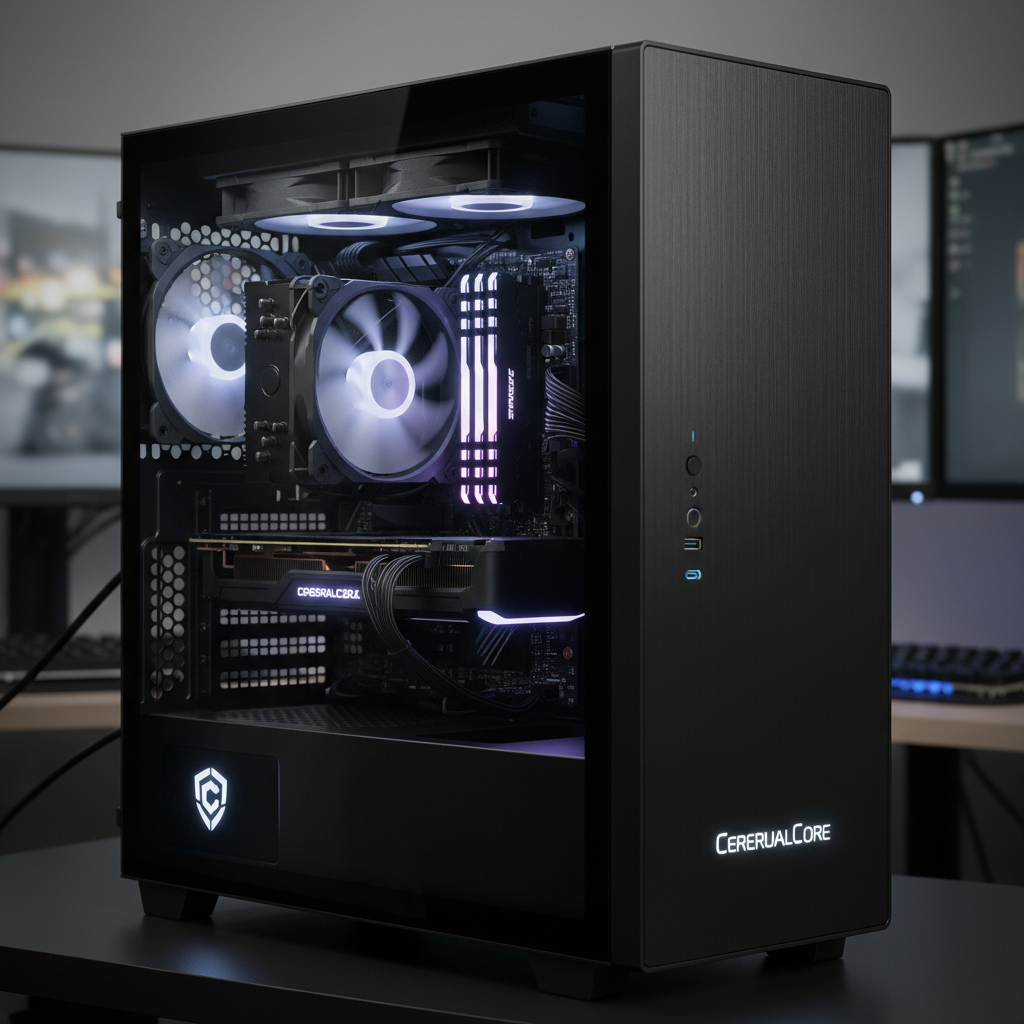 ⚠️ This picture may have spelling mistakes. Trust the words in the lesson.
Meet the Eyes: The Monitor (or Screen)!
How do you see what your computer friend is doing? It uses its 'eyes,' which we call the monitor or screen! Think of it like a magic TV. Whatever the computer's brain is thinking, it shows you right there on the screen. Do you want to watch a cartoon? The screen shows it! Do you want to draw a picture? The screen shows your drawing! It lets you see all the colors, words, and pictures your computer friend wants to share with you. It's how your computer 'looks' at you and shows you what it's up to.
Meet the Hands: The Mouse!
When you want to point at something or pick up a toy, you use your hands. Your computer friend has a special 'hand' called a mouse! It's usually a small, smooth thing you hold in your hand and slide across a table. As you move the mouse, a little arrow or pointer moves on the screen. When you want to choose something, like starting a game, you 'click' a button on the mouse, just like you might clap your hands to say 'yes'! The mouse helps you tell the computer exactly where to look and what to do on the screen.
Meet the Mouth: The Keyboard!
How do you talk to your computer friend? You use its 'mouth,' which is the keyboard! A keyboard is a big board with lots of little buttons on it. Each button has a letter, a number, or a special symbol. When you press a button, that letter or number appears on the screen. It's like writing a secret message to your computer! You can type your name, write a story, or even type answers to questions for your schoolwork. The keyboard helps you tell your computer friend words and numbers.
Meet the Ears: The Speakers!
Just like you have ears to hear music or someone talking, your computer friend has 'ears' called speakers! These are usually little boxes that sit near your screen. When your computer friend wants to make a sound – maybe music from a game, the voice of a character in a video, or even just a little 'ding!' sound – the sound comes out of the speakers. Sometimes, you might wear special 'headphones' that cover your ears, and then only you can hear the computer friend's sounds!
What Can Your Computer Friend Do?
Your computer friend is super talented! It can help you:
- Play Fun Games: Like matching games, puzzle games, or adventure games!
- Watch Videos: Your favorite cartoons, learning shows, or movies.
- Draw and Color: Create amazing pictures using digital crayons and paintbrushes.
- Learn New Things: Practice your ABCs, learn numbers, or discover new animals.
- Talk to Friends and Family: See and talk to grandparents or cousins who live far away using video calls!
How to Be a Good Computer Friend Back!
It's important to be kind and gentle with your computer friend. Here are some rules to remember:
- Be Gentle: Don't hit or push the computer parts. Treat them nicely, just like your favorite toy.
- Keep it Clean: Keep food and drinks away from the keyboard and mouse. We don't want crumbs or spills to make our friend sick!
- Ask a Grown-Up: If you don't know what to do, or if something isn't working right, always ask a grown-up for help. They are like the computer's biggest helper!
- Take Breaks: Even computer friends need rest! Remember to take breaks to play outside, read a book, or play with other toys.
Now you know a lot about your new computer friend and how to play safely and smartly together! Isn't it wonderful to have such a helpful and fun friend?
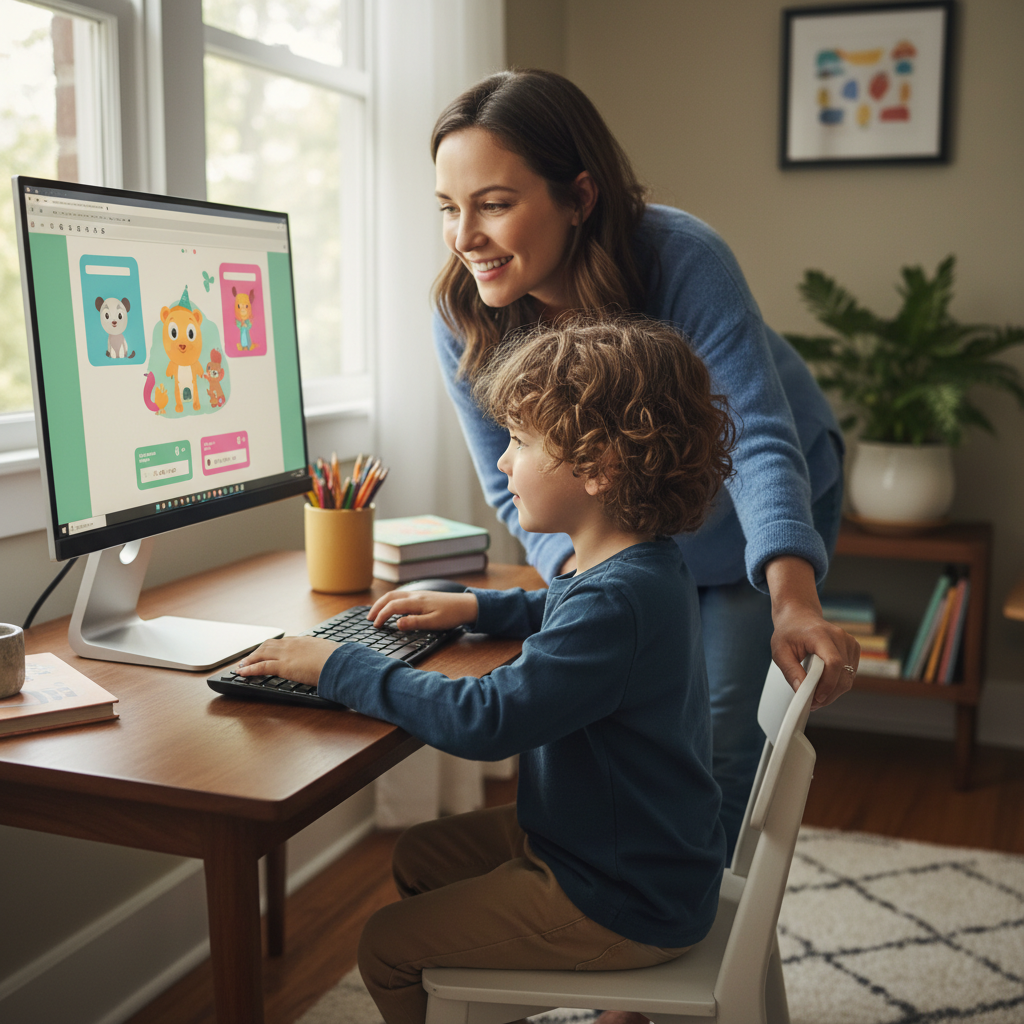 ⚠️ This picture may have spelling mistakes. Trust the words in the lesson.
Keep learning, free
Create a free Syllabax account to unlock practice questions and games for this topic.
Visual Learning Enhanced! 🚀
To help you master this topic, we use Advanced Syllabax AI to generate detailed diagrams and visual models.
Note on Visuals: The AI sometimes makes spelling errors in image labels. Please refer to the lesson text for the correct terminology.