Understanding the Internet
Watch this topic in 60 seconds
Free preview · Lesson 1
Understanding Understanding the Internet
Welcome to the Amazing World of the Internet!
Hey there, young explorers! Have you ever wondered how you can watch your favorite cartoons online, chat with a grandparent far away, or find out how many teeth a shark has, all without leaving your home? The secret is something called the Internet!
What is the Internet? Imagine a Giant Web!
Think of the Internet like a really, really, REALLY big spider web, but instead of spiders, it connects computers all over the world! Or, think of it as a huge network of roads, like highways and streets, that let cars (which are like information) travel from one city (which is like one computer) to another, no matter how far apart they are. It’s a global connection that lets us share information and talk to each other.
It's not just one place; it's everywhere and nowhere at the same time! It’s all the computers, phones, and other devices connected together, sharing things. When you hear about something being 'online,' it means it's connected to this giant web.
 ⚠️ This picture may have spelling mistakes. Trust the words in the lesson.
How Do We Connect to This Giant Web? Wires and Invisible Roads!
Just like cars need roads to travel, information on the Internet needs pathways. Sometimes, these pathways are actual wires, like the ones you might see plugged into the back of a computer or coming out of a wall. These wires are like super-fast underground tunnels or telephone lines that carry all the information (pictures, videos, words) from one place to another.
But what about your tablet or a laptop you use on the couch? They don't have wires trailing behind them, do they? That's where Wi-Fi comes in! Wi-Fi is like an invisible road in the air. It uses special radio waves, just like a radio uses to play music, to send information wirelessly. So, your tablet can connect to the Internet without being plugged in, as long as it's near a Wi-Fi signal. Think of Wi-Fi as your own personal, invisible magic bridge to the Internet!
What Can You Do on the Internet? So Much Fun!
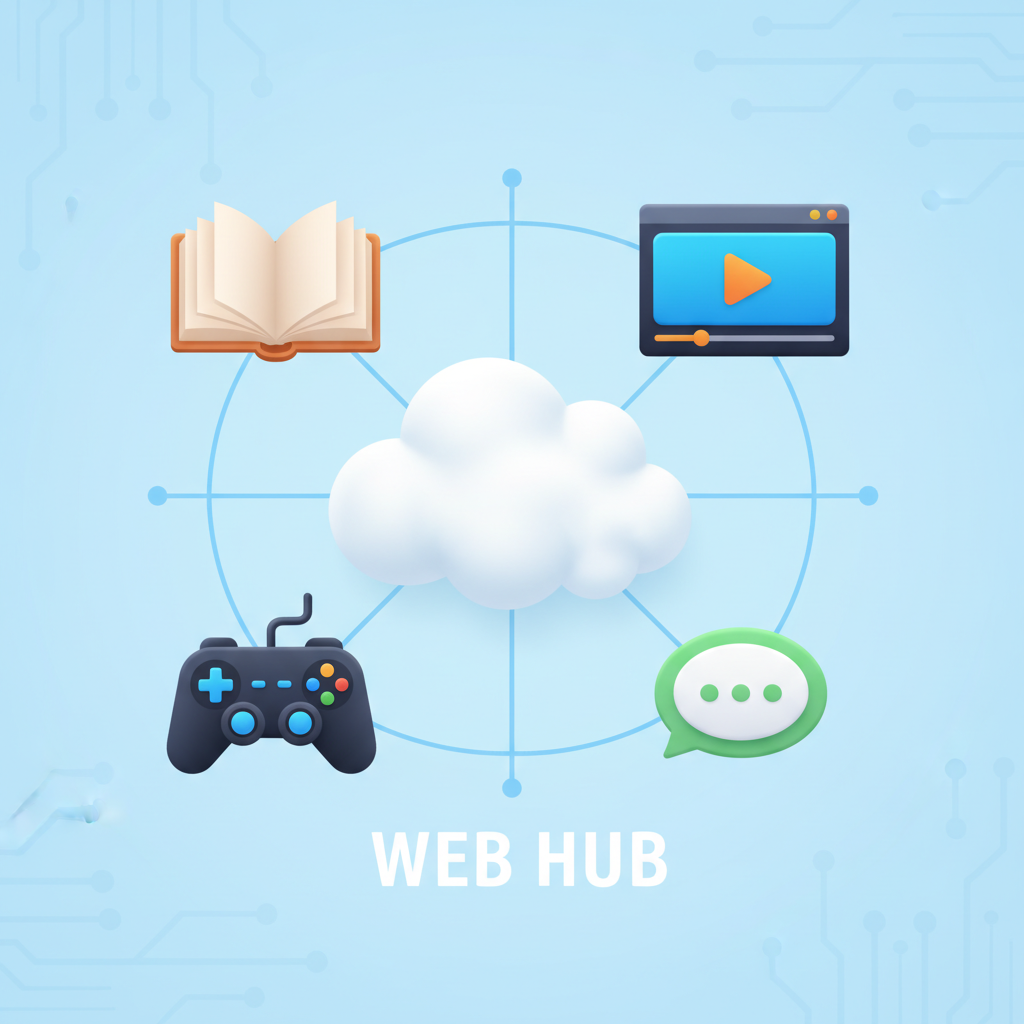
The Internet is like a giant library, a huge movie theater, and a never-ending game arcade all rolled into one! Here are just a few things you can do:
- Learn New Things: Want to know about dinosaurs, space, or how to bake a cake? You can find tons of information on websites! Think of websites as different books in the giant library, each one about a different topic.
- Watch Videos: You can watch your favorite shows, cartoons, and funny animal videos.
- Talk to People: Send messages (called emails, like sending a very fast letter!) to friends and family, even if they live far away. You can also video call them and see their faces!
- Play Games: Many fun games can be played online with friends or even people you don't know (but always with an adult's permission and supervision!).
- Listen to Music: Find almost any song you can imagine and listen to it.
Websites: Your Online Destinations
When you want to visit a specific place on the Internet, like a learning game or a cartoon channel, you go to a website. A website is like a special house or a specific store on one of those Internet roads. Each website has its own unique address, called a URL (Uniform Resource Locator), which is like the street address of that house or store. For example, 'google.com' is like saying 'go to the Google house on the Internet street.' When you type a URL into a web browser (like Chrome or Safari), it's like telling your car where to drive to get to that specific online house.
Who Makes the Internet Work?
It's not just one person! Millions of people, companies, and special computers called 'servers' work together to keep the Internet running. Servers are like huge post offices or giant libraries that store all the information and send it to you when you ask for it. When you click on a link to watch a video, a server finds that video and sends it through the Internet roads to your computer or tablet!
Staying Safe and Smart Online
Just like you need to be careful when crossing the street or talking to strangers, you need to be smart and safe when using the Internet. Always ask an adult if you're not sure about something. Don't share your private information (like your real name, address, or phone number) with people you don't know online. The Internet is a wonderful tool, but it's important to use it wisely!
Now you know the basics of this incredible invention! The Internet helps connect our world and gives us so many amazing ways to learn, play, and communicate.
Keep learning, free
Create a free Syllabax account to unlock practice questions and games for this topic.
Visual Learning Enhanced! 🚀
To help you master this topic, we use Advanced Syllabax AI to generate detailed diagrams and visual models.
Note on Visuals: The AI sometimes makes spelling errors in image labels. Please refer to the lesson text for the correct terminology.