Debugging Simple Code
Watch this topic in 60 seconds
Free preview · Lesson 1
Understanding Debugging Simple Code
Let's Be Code Detectives: Debugging Simple Code!
Hey there, young tech explorers! Have you ever tried to build something, like a LEGO castle or a super cool paper airplane, and it just didn't work the way you wanted? Maybe a piece was missing, or you put two parts together in the wrong order? Well, guess what? Computers are a lot like that! They follow instructions, and sometimes, those instructions have tiny mistakes. When we find and fix those mistakes, we call it debugging!
What is Code? (It's Like a Secret Recipe!)
Imagine you're baking your favorite cookies. You need a recipe, right? That recipe has steps: 'Mix flour and sugar,' 'Add eggs,' 'Bake for 10 minutes.' Computers also need recipes to do things, but we call these recipes 'code.' Code is a list of instructions we give to a computer, telling it exactly what to do, step-by-step.
What is a Bug? (Oh no, a Tiny Problem!)
Now, what if your cookie recipe accidentally said 'Bake for 100 minutes' instead of '10 minutes'? Your cookies would burn! That tiny mistake in the recipe is like a 'bug' in computer code. A bug is simply a mistake or an error in your code that stops it from working correctly, or makes it do something unexpected.
Think of it this way: If you told a robot to 'Pick up the blue ball' but you typed 'Pick up the bloo ball,' the robot might get confused because it doesn't understand 'bloo.' That's a bug!
What is Debugging? (You're a Super Solver!)
So, if a bug is a mistake, then debugging is the awesome job of finding that mistake and fixing it! It's like being a detective for your computer code. When something isn't working right, you put on your detective hat, look for clues, figure out what went wrong, and then make it right.
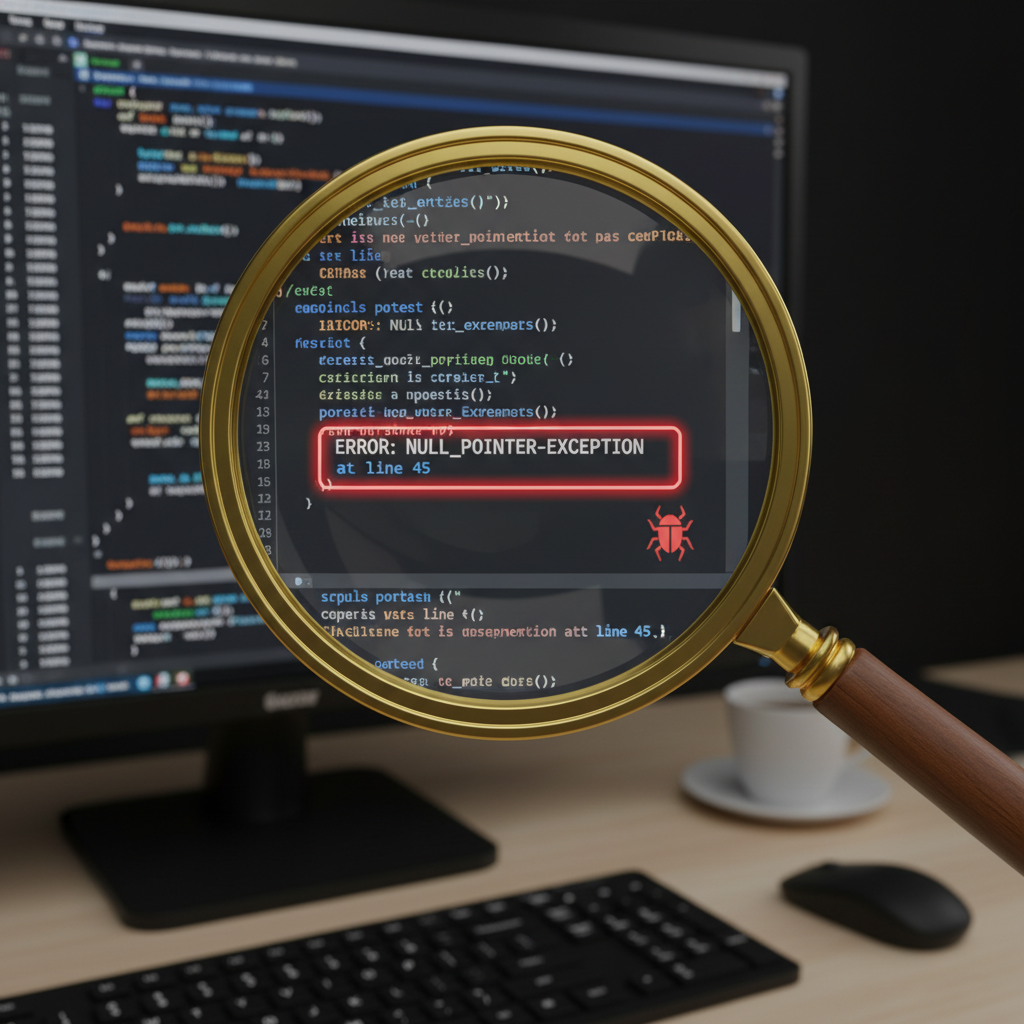 ⚠️ This picture may have spelling mistakes. Trust the words in the lesson.
Imagine your favorite toy car isn't moving. You wouldn't just throw it away, would you? You'd check the batteries, see if a wheel is loose, or if a wire is disconnected. That's debugging in action!
Why Do Bugs Happen? (We All Make Mistakes!)
Bugs are super common, even for expert coders! Here are some common ways bugs sneak into our code:
-
Typo or Spelling Mistakes:
Just like typing 'teh' instead of 'the,' a single wrong letter or symbol in code can confuse the computer. For example, if you want your computer to display 'Hello World!' but you accidentally type
print('Hello Wold!'), the computer will print 'Hello Wold!' because that's exactly what you told it to do!Analogy: Imagine writing a shopping list and accidentally putting 'bananas' as 'bannans.' Your parent might still understand, but a computer is very particular!
-
Wrong Order of Instructions:
Sometimes, the instructions themselves are correct, but they're in the wrong order. For example, if you're building a tower of blocks, you need to put the bottom block down first, then the next, and so on. If you try to put the top block first, the tower won't stand.
Analogy: Trying to put on your shoes *before* your socks. It just doesn't work right!
-
Missing Instructions:
You might forget a step entirely. If your code is supposed to make a character jump, but you forget to tell it 'jump high,' it might just wiggle its feet instead.
Analogy: Baking a cake but forgetting to add sugar. It won't taste sweet at all!
How to Be a Super Debugging Detective (Simple Steps!):
-
Read Your Code Carefully:
Start by reading your code just like you'd re-read instructions for a game. Look at every single word and symbol. Sometimes, the bug is hiding in plain sight!
Analogy: If your LEGO model isn't right, you go back to the instruction booklet and follow each picture carefully, piece by piece.
-
Look for Clues (Error Messages):
When your code has a big problem, the computer might give you an 'error message.' This is a special message that tells you *where* it got confused or *what* kind of problem it found. It's like a helpful hint from the computer!
Analogy: If your kitchen fire alarm goes off, it's telling you 'Hey, there's smoke!' An error message is similar, saying 'Hey, there's a problem here!'
-
Test Your Code Often:
Don't write a super long program all at once and then try to run it. Write a little bit, then test it. Write a little more, then test it again. This way, if a bug appears, you know it's in the small new part you just added.
Analogy: If you're building a tall block tower, you make sure each layer is steady before adding the next one.
-
Change One Thing at a Time:
When you think you've found a bug, try changing only *one* thing to fix it. If it works, great! If not, you can easily change it back and try something else. If you change five things at once, and it starts working, you won't know *which* change actually fixed the problem!
Analogy: If your bicycle isn't working, you might check the chain first. If that's okay, then you check the tires. You don't try to fix the chain, tires, and brakes all at the same time!
-
Ask for Help:
Even the best coders get stuck sometimes! If you've tried everything and you can't find the bug, it's perfectly fine to ask a friend, a teacher, or a grown-up for help. Two sets of eyes are often better than one!
Analogy: If you're stuck on a really tricky puzzle, asking a family member for a hint can make all the difference.
 ⚠️ This picture may have spelling mistakes. Trust the words in the lesson.
A Quick Debugging Challenge!
Let's say you wrote some code to tell your computer to say 'I love coding!' but it keeps saying 'I LOVE CODING!'. What might be the bug?
Your code looks like this:
SET MESSAGE TO "I LOVE CODING!"
PRINT MESSAGE
You wanted 'I love coding!' (with a small 'l'). The computer did exactly what you told it, which was to use all capital letters. The bug here is a **typo/spelling mistake** in the sense that the capitalization is wrong in your instruction. To fix it, you'd change the first line to:
SET MESSAGE TO "I love coding!"
PRINT MESSAGE
And voilà! The computer will now print exactly what you wanted. You found the bug and fixed it!
Remember, debugging is a normal and important part of coding. Every time you find and fix a bug, you're learning more and becoming an even better code detective!
Keep learning, free
Create a free Syllabax account to unlock practice questions and games for this topic.
Visual Learning Enhanced! 🚀
To help you master this topic, we use Advanced Syllabax AI to generate detailed diagrams and visual models.
Note on Visuals: The AI sometimes makes spelling errors in image labels. Please refer to the lesson text for the correct terminology.