Output Devices: Screen & Printer
Watch this topic in 60 seconds
Free preview · Lesson 1
Understanding Output Devices: Screen & Printer
Exploring Output Devices: Screens and Printers!
Hey Super Tech Explorers! Get ready for an exciting adventure into the world of computers. Today, we're going to learn about two very helpful computer friends called Output Devices. Think of computers as super-smart brains. They take information in (that's input!), they think about it, and then they need a way to show us what they've done or what they know. That's where output devices come in!
What are Output Devices?
Imagine you tell your friend a secret. Your friend hears the secret (that's input!). Then, your friend might write it down on a piece of paper or whisper it back to you. The writing or whispering is how your friend "outputs" the secret to you! In computer language, an output device is like a special messenger that takes information from the computer's brain and shows it to us in a way we can understand.
It's like when you bake cookies. You put ingredients in (input), the oven bakes them, and then the delicious cookies come *out* (output)! Output devices help us see or hear the "cookies" that the computer has made.
Meet the Screen (or Monitor)!
One of the most common output devices is the screen, also called a monitor. You're probably looking at one right now! Your computer screen, tablet screen, or phone screen are all monitors.
What does a screen do?
Think of your screen as a magical window! When you play a game, watch a cartoon, or read a story on the computer, the screen shows you all the pictures, words, and videos. It lets you see everything the computer is doing in real-time. It's like the computer is drawing a picture for you, and the screen is the paper it draws on, but the drawing can change super fast!
How does it work?
Screens are made up of millions of tiny little dots called pixels. Pixels are like tiny, tiny colored light bulbs. Each pixel can light up with different colors. When all these tiny light bulbs work together, they create the amazing pictures and words you see! It's like a giant puzzle made of colored lights that constantly changes to show you new things.
It's also like a giant scoreboard at a sports game. Each little light on the scoreboard turns on or off to show the score or a message. Pixels on your screen do the same thing, but with so many more lights, they can make very detailed pictures!
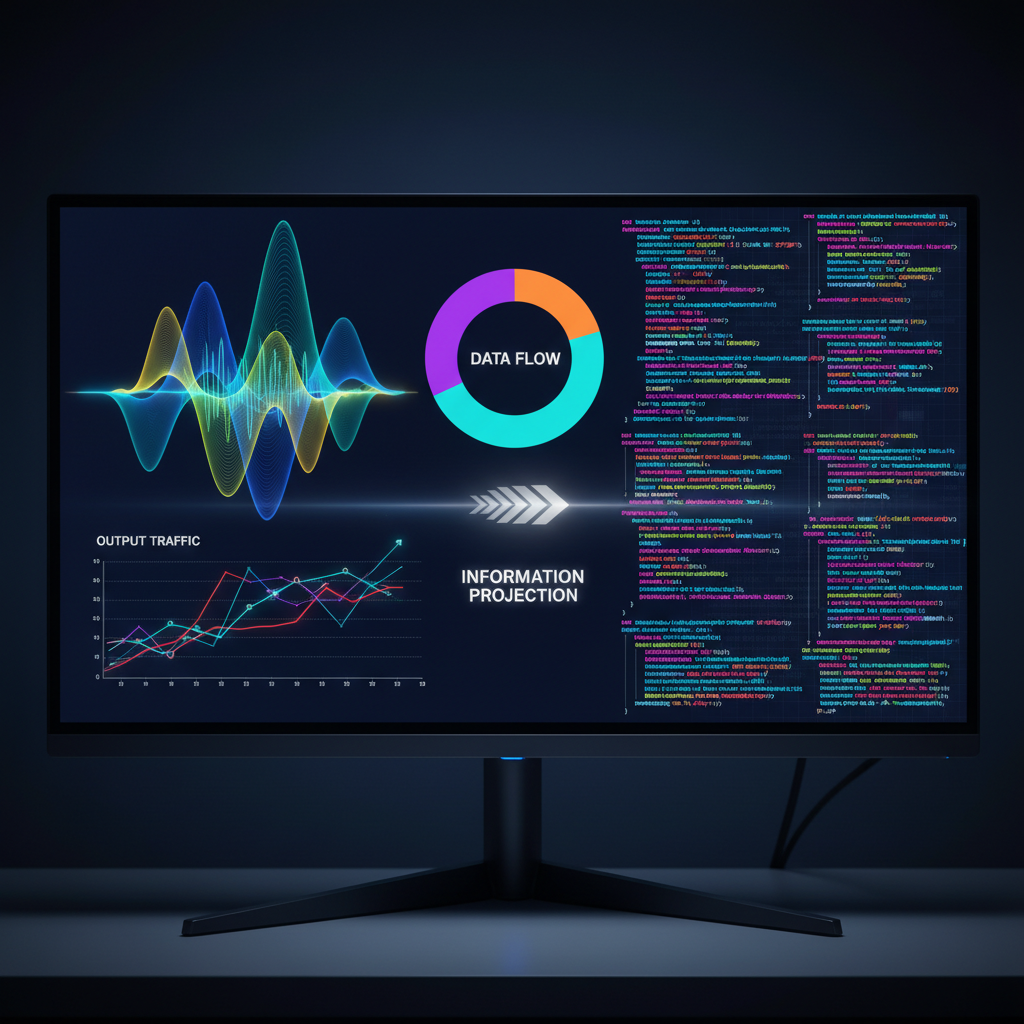
Meet the Printer!
Now, let's talk about another fantastic output device: the printer!
What does a printer do?
Imagine you draw a beautiful picture on a digital art program on your computer. You can see it on the screen. But what if you want to hold that picture in your hands? Or what if your teacher asks for a paper copy of your homework? That's when a printer comes to the rescue!
A printer is like a special drawing robot that takes information from your computer and puts it onto a piece of paper. It changes the digital pictures and words you see on your screen into physical, touchable copies.
How does it work?
Printers use special ink (like magic paint!) or powder (called toner) to make marks on paper. When you tell the computer to print something, the printer takes a blank piece of paper and carefully sprays tiny, tiny dots of ink, or uses heat to press powder onto the paper, to create the words and pictures. It's a bit like someone carefully painting a picture, dot by dot, super fast!
Think of it like a stamp. You press a stamp onto an ink pad, then press it onto paper, and it leaves an image. A printer does something similar, but it can make all sorts of different images and words very precisely!
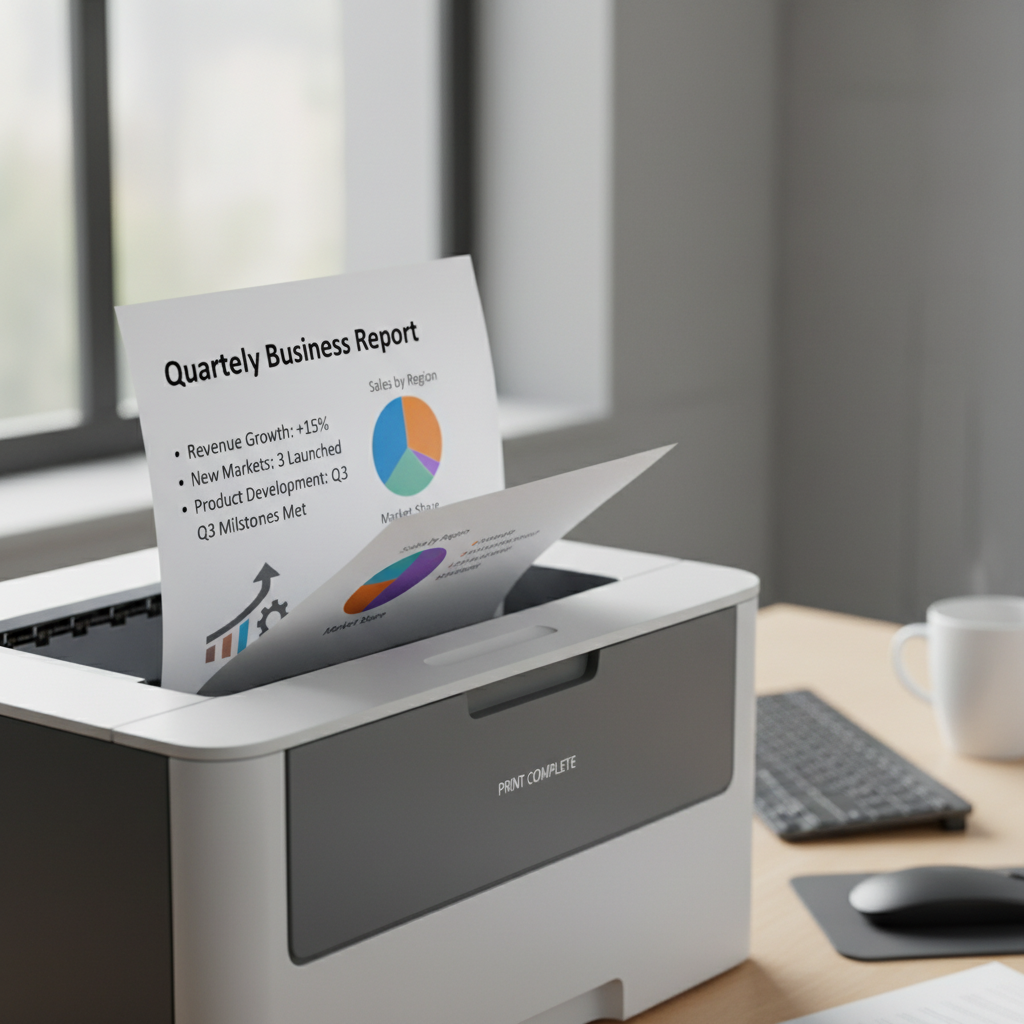 ⚠️ This picture may have spelling mistakes. Trust the words in the lesson.
Screen vs. Printer: What's the Difference?
So, we have screens and we have printers. Both are output devices, but they do slightly different jobs!
- Screens: Show you things digitally. The pictures and words are made of light. They change all the time. You can't touch the image itself, only the screen. It's temporary, meaning when you turn off the computer, the picture disappears (until you turn it back on!).
- Printers: Make a physical copy of something on paper. The pictures and words are made of ink or powder. Once it's printed, it stays that way! You can hold it, share it, and even hang it on your fridge. It's permanent.
Think of it like this:
- Looking at a picture on your screen is like looking at a drawing in a magic sketchbook that can change its pictures instantly.
- Printing that picture is like taking a photograph of the drawing and having a real paper copy you can keep forever!
When you want to see things quickly or interact with them (like playing a game), you use a screen. When you want to have a physical copy to keep or share without a computer, you use a printer.
Why are Output Devices Important?
Output devices are super important because they are how computers "talk" to us! Without them, a computer would be like a brilliant friend who knows everything but can't tell you anything. Screens let us see what the computer is thinking and doing, and printers let us take digital information into the real world. They help us learn, play, and create!
So, the next time you see a picture on a screen or hold a printed paper, remember you're seeing the amazing work of an output device!
Keep learning, free
Create a free Syllabax account to unlock practice questions and games for this topic.
Visual Learning Enhanced! 🚀
To help you master this topic, we use Advanced Syllabax AI to generate detailed diagrams and visual models.
Note on Visuals: The AI sometimes makes spelling errors in image labels. Please refer to the lesson text for the correct terminology.