Safe Searching Online
Watch this topic in 60 seconds
Free preview · Lesson 1
Understanding Safe Searching Online
Safe Searching Online: Exploring the Internet Safely!
Hello, super explorers! Get ready to learn all about how to explore the internet safely. Think of the internet like a gigantic, magical library or a super-duper big city. It's full of amazing things to discover, learn, and see! But just like in a big city, you need to know how to stay safe and find the good stuff, right?
That's what "safe searching online" is all about! It means finding information that is helpful, fun, and just right for kids your age, without accidentally bumping into anything that might be confusing, scary, or not meant for you.
What is the Internet and How Do We "Search"?
Imagine the internet as a giant web connecting billions of computers and phones all around the world. It's where websites live! A website is like a special book or a shop in our big city, full of information or things to do.
When you want to find something on the internet, you use a "search engine." A search engine is like a super-smart librarian or a helpful guide in our big city. You tell it what you're looking for, and it tries to find the best websites to show you. Google, Bing, and DuckDuckGo are examples of big search engines.
Super Tip #1: Use Kid-Friendly Search Engines!
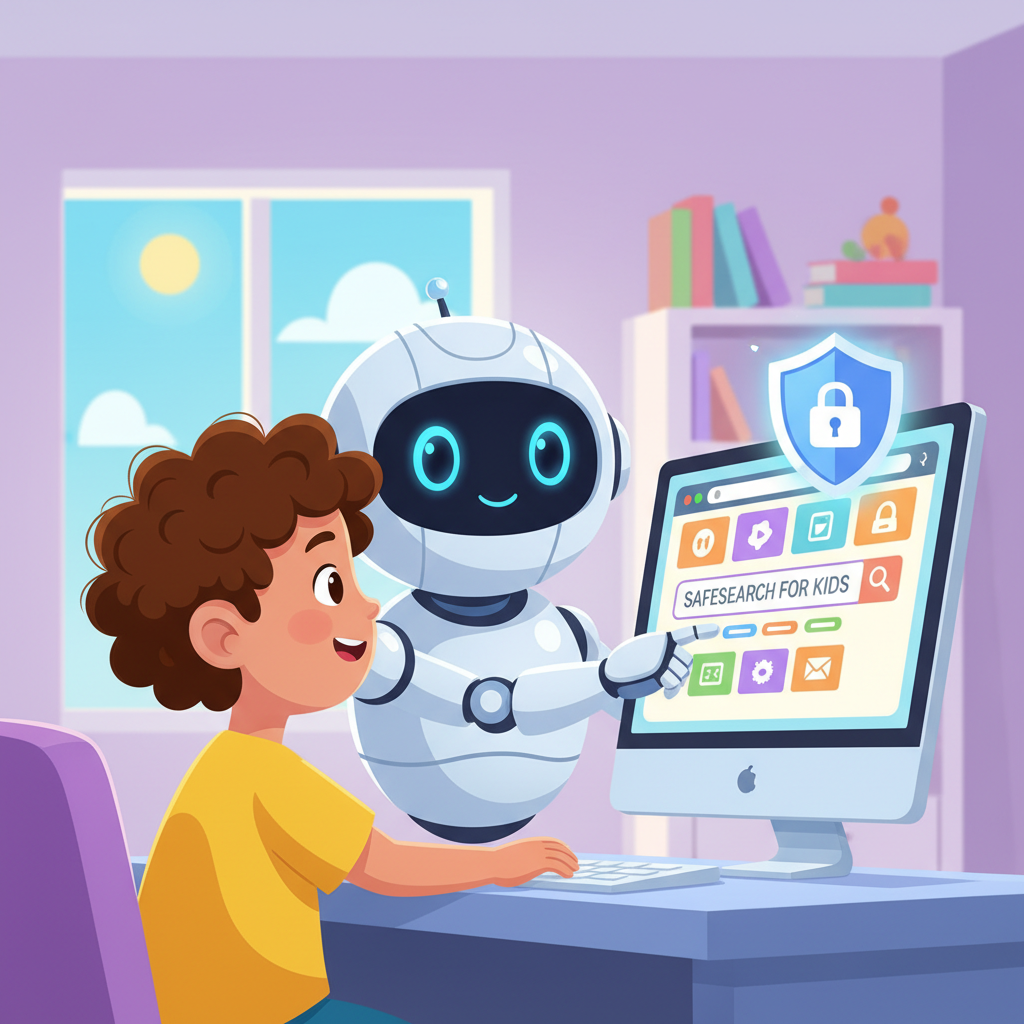
The very best way to start your safe journey online is to use a special kind of search engine designed just for kids! Think of these as a special playground or a kid-friendly museum within our big city. They are already set up to show you only stuff that's good and safe for you.
Analogy: Imagine you're at a huge candy store. A regular search engine is like walking into the entire store, where there might be some candies that aren't good for you or are too sticky! A kid-friendly search engine is like having a helpful grown-up guide you straight to the aisle with all your favorite, safe, and yummy treats, avoiding anything bad.
Examples of kid-friendly search engines include Kiddle and KidRex. When you use these, it's like having a built-in safety guard helping you out!
Super Tip #2: Be Smart with Your Search Words (Keywords)!
When you ask the search engine a question, the words you use are called "keywords." Using good, clear keywords helps the search engine find exactly what you're looking for, rather than just anything close.
Analogy: If you're at a pet store and you ask, "Show me animals," you might see a cat, a dog, a hamster, or even a snake! But if you say, "Show me a golden retriever puppy," the shop owner knows exactly what you want and will take you right to it. The more specific you are, the better!
- Instead of: "cars" (too broad, might show all kinds of cars, even racing cars not for kids).
- Try: "pictures of friendly cartoon cars for kids" (much clearer!).
- Instead of: "animals" (too broad).
- Try: "fun facts about elephants for kids" (super specific!).
Always try to add words like "for kids," "kids facts," or "easy" to your search to help find appropriate content.
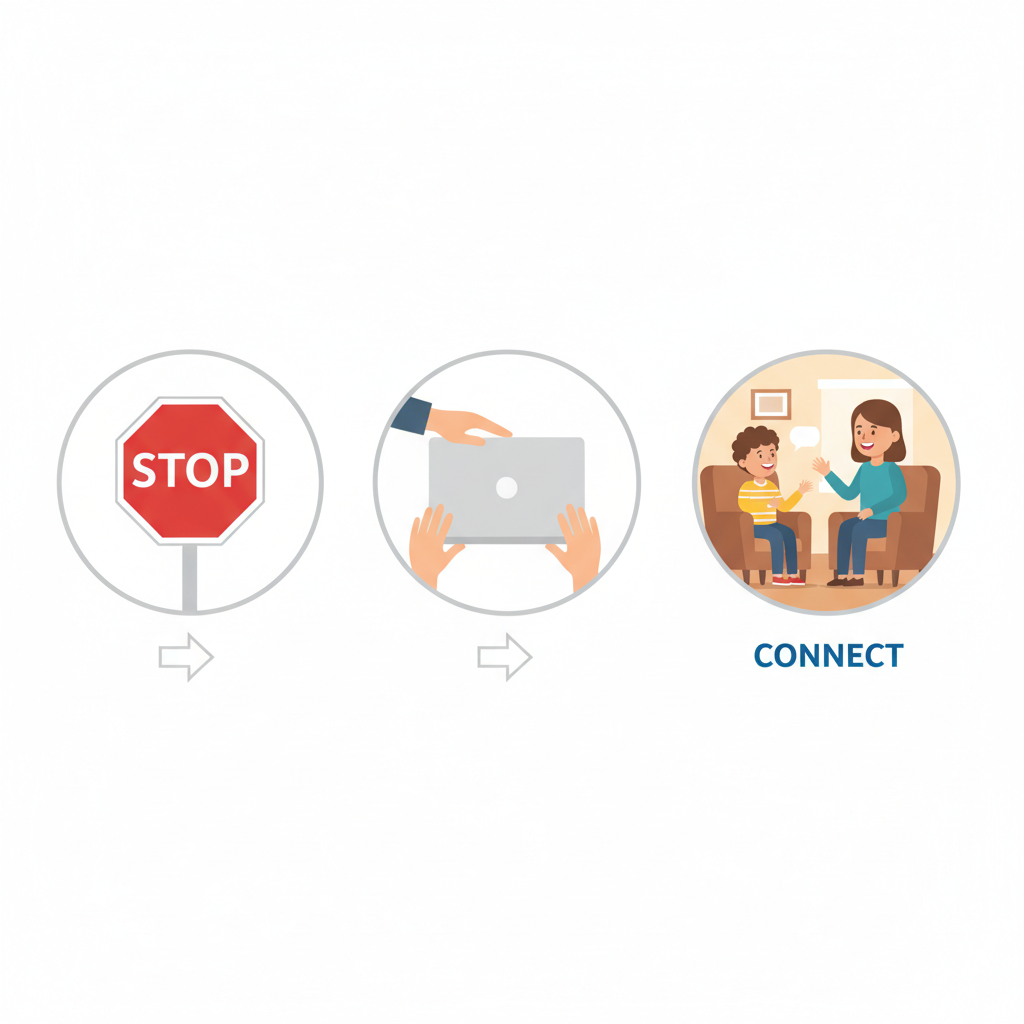
Super Tip #3: The "Stop, Close, Tell" Rule!
Even with kid-friendly search engines and smart keywords, sometimes you might accidentally see something online that makes you feel uncomfortable, confused, or scared. It's like accidentally turning onto a street in our big city that looks a bit spooky and isn't meant for you.
If this ever happens, remember the "Stop, Close, Tell" rule:
- STOP: Don't click on anything, don't type anything, and don't try to go to another part of the website. Just stop what you're doing.
- CLOSE: Close the webpage immediately. You can click the 'X' button at the top of your internet browser window.
- TELL: Tell a trusted adult right away. This could be a parent, a teacher, a grandparent, or an older sibling. Show them what happened if you can, or explain it to them. They will know what to do to keep you safe!
Analogy: Imagine you're watching your favorite TV show, and suddenly a really scary commercial comes on that wasn't meant for kids. You wouldn't keep watching it, right? You'd immediately change the channel and tell a grown-up, "That commercial was scary!" It's the same online!
Super Tip #4: Never Share Your Personal Information!
Your "personal information" is super important stuff about YOU. This includes your full name, your home address, your phone number, the name of your school, and even your age if a stranger online asks for it. It's like your secret treasure!
Analogy: You wouldn't shout your home address to every stranger you meet on the street, right? And you wouldn't give your house key to someone you don't know. It's the same online. Websites and games made for kids usually won't ask for this information, but if a stranger or a website you don't know well asks for it, NEVER share it.
Only share personal information with people you know and trust, and always with a grown-up's permission.
Always Ask for Help!
The most important rule of all is to always ask for help if you're unsure about anything online. Grown-ups are there to help you learn and keep you safe. There's no such thing as a silly question when it comes to staying safe online!
Exploring the internet is exciting, and by following these simple rules, you can make sure your online adventures are always safe, fun, and full of amazing discoveries!
Keep learning, free
Create a free Syllabax account to unlock practice questions and games for this topic.
Visual Learning Enhanced! 🚀
To help you master this topic, we use Advanced Syllabax AI to generate detailed diagrams and visual models.
Note on Visuals: The AI sometimes makes spelling errors in image labels. Please refer to the lesson text for the correct terminology.