Computers Help Us Learn
Watch this topic in 60 seconds
Free preview · Lesson 1
Understanding Computers Help Us Learn
Computers Help Us Learn!
Hello, super learners! Today, we're going to talk about a very special helper that makes learning super fun and easy: the computer! Have you ever seen a computer? It might look like a screen with a keyboard, or maybe a tablet you can touch. Think of a computer like a magical book or a super-smart friend who knows a lot and can show you amazing things!
What is a Computer?
A computer is like a helpful tool, just like a crayon helps you draw, or a book helps you read. But a computer is a super-duper tool that can do many different things! It can show you pictures, play sounds, and even let you play games. It's like having a whole library and a playground all in one box!
Imagine your brain. Your brain helps you think and learn new things, right? A computer has a "brain" too, called a processor, that helps it do all its amazing jobs. It helps us find information, create things, and yes, learn a whole lot!
How Computers Help Us Read and Write!
Do you love stories? Computers can help you read! Instead of just looking at pictures in a book, a computer can read the story out loud to you. Sometimes, the words even light up as they are read, which helps you follow along. It's like having a storyteller right there with you!
Computers also have fun games that teach you letters and sounds. You might play a game where you match letters, or build words, or even practice writing your name by tracing letters on the screen. This is much like playing with alphabet blocks, but the computer can give you instant clues and cheers!
Learning Math with Computers!
Math can be really fun with a computer! Instead of just counting on your fingers, you can play games that help you count, add, and subtract. Imagine a game where you have to count flying birds or pop balloons with the right numbers. It's like a math playground!
Computers can also show you shapes and patterns. You can drag and drop shapes to build a robot, or solve puzzles that teach you about circles, squares, and triangles. It’s like building with LEGOs, but on a screen, and the computer can teach you all about the shapes as you go.
Exploring the World with Computers!
Have you ever wanted to visit the moon or see a dinosaur? With a computer, you can! Computers can show you videos and pictures of faraway places, amazing animals, and even space! It's like having a magic window that can show you anything in the world, or even beyond!
You can listen to the sounds of different animals, watch how plants grow, or even take a virtual tour of a museum filled with treasures. It’s like going on an adventure without even leaving your chair!
Being Creative with Computers!
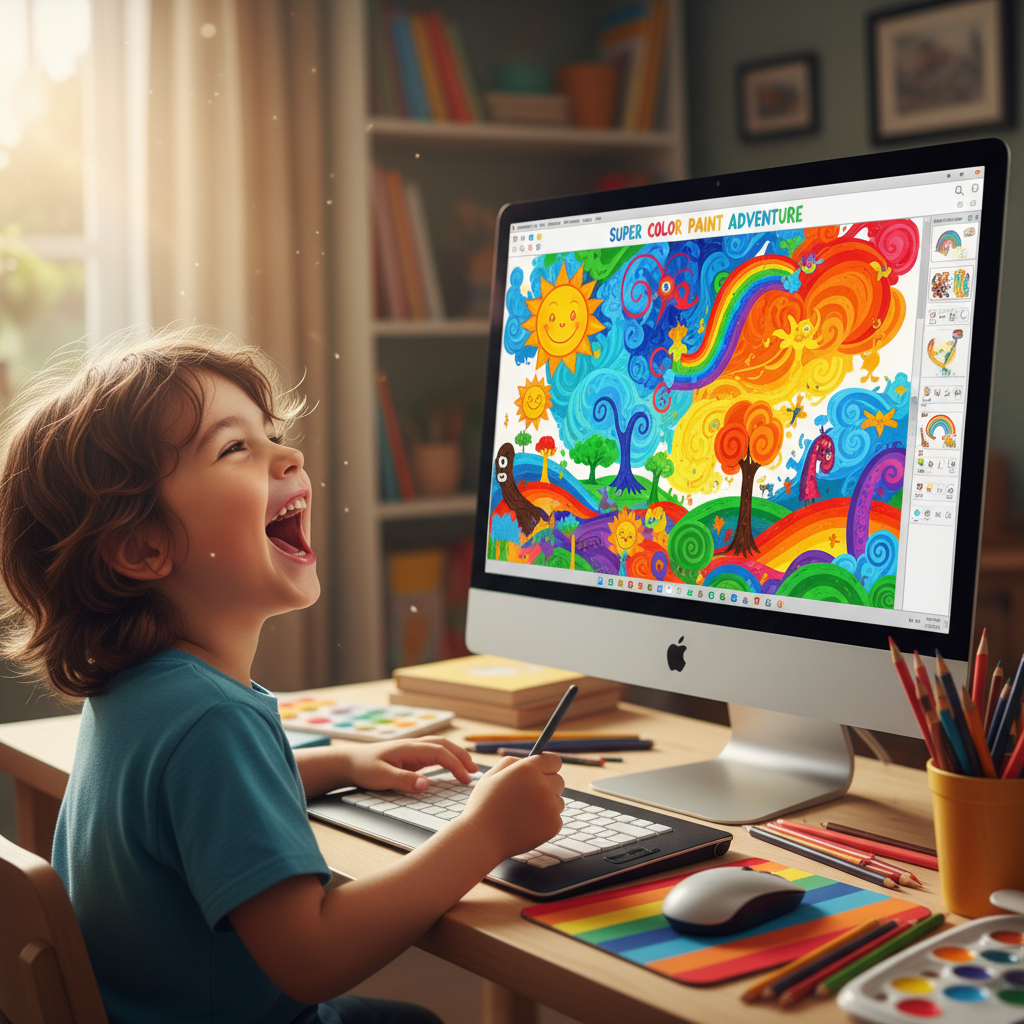
Do you love to draw or make music? Computers can help you be super creative! There are drawing programs where you can pick all sorts of colors and brushes to make amazing pictures. It's like having an endless box of crayons and paint! And if you make a mistake, you can just click "undo" – poof, it's gone!
You can also make music with computers. You can play different instruments just by clicking, or even compose your own simple songs. It’s like having a whole orchestra at your fingertips!
Using Computers Safely and Smartly
Computers are wonderful tools, but it's important to use them safely and smartly. Always ask a grown-up before you use a computer. Remember to take breaks, so your eyes and body can rest. And only visit websites that your grown-ups say are okay. Just like you wouldn't play in the street without a grown-up, you shouldn't explore the computer world alone either.
Computers: Our Learning Friends!
So, you see, computers are like super-smart, super-fun friends that help us learn many things. They help us read stories, play math games, explore the world, and even make art and music. They make learning exciting and open up a world of possibilities!
Keep exploring and learning with your computer, and remember all the amazing ways it helps your brain grow!
Keep learning, free
Create a free Syllabax account to unlock practice questions and games for this topic.
Visual Learning Enhanced! 🚀
To help you master this topic, we use Advanced Syllabax AI to generate detailed diagrams and visual models.
Note on Visuals: The AI sometimes makes spelling errors in image labels. Please refer to the lesson text for the correct terminology.