My Digital Future
Watch this topic in 60 seconds
Free preview · Lesson 1
Understanding My Digital Future
My Digital Future: A Fun Adventure!
Hello, young explorers! Are you ready to peek into the future? It’s going to be a super exciting adventure, full of amazing helpers and new ways to learn and play. We're going to talk about 'My Digital Future,' which sounds fancy, but it just means how computers, tablets, and other smart tools will be a part of our lives today and when we grow up!
What are Digital Tools? (Our Smart Helpers!)
Imagine you have a super smart friend who can help you with almost anything. That's a bit like what digital tools are! They are machines that can think and do many things for us. Let's meet some of them:
- Computers: These are like the big brains of the digital world. They can help you draw pictures, write stories, watch videos, and even play games. Think of a computer like a very, very fast helper who knows a lot of things and can do them quickly.
- Tablets and Smartphones: These are like smaller, portable smart helpers! You can carry them in your backpack or even your pocket. A tablet is like a magic notebook where you can tap with your finger to make things happen. A smartphone is like a super walkie-talkie that can also take pictures, play music, and help you find answers to questions.
- The Internet: This is the 'superhighway' that connects all these smart helpers together! Imagine a giant, invisible web that stretches all over the world, letting computers and tablets talk to each other. When you use the internet, it's like sending a message on that web to someone far away, or finding a story from a huge library that lives on the web. It helps us find information and talk to people even if they're not right next to us.
These tools use something called 'digital' information, which is like a secret code of ones and zeros that only computers understand. But don't worry, you don't need to learn the code! You just need to know how to use the tools to make them work their magic.
How We Use Digital Tools Today
You probably already use digital tools all the time! Here are some ways:
- Learning: You might use a tablet to play learning games, watch educational videos, or read e-books. It's like having a library and a school all in one place!
- Playing: Digital tools let us play fun games, build virtual worlds, and create amazing artwork with just a tap of our finger.
- Connecting: You can talk to Grandma and Grandpa who live far away using video calls. It's like they are right there in your living room!
- Creating: You can draw digital masterpieces, write your own stories, or even make your own music using digital apps. Apps are like special tools in a toolbox, each one designed to do something different and fun.
My Digital Future: What Could It Be Like?
Now for the really exciting part: thinking about what your digital future might look like when you're older! It will be even more amazing than today!
- Smart Homes: Imagine a house where the lights turn on by themselves when you walk into a room, or where a friendly robot helps tidy up your toys! Your home could learn what you like and help you be more comfortable.
- Smart Learning: In your future classroom, maybe you'll have robots that help teach lessons, or smart desks that can show you 3D models of animals or planets right on your tabletop. Learning will be even more interactive and fun!
- New Ways to Play: You might wear special goggles that let you step into a video game and play with your friends in a virtual world, as if you're really there! Or maybe you'll have smart toys that learn your name and play games with you.
- Helping People: Digital tools will help doctors make people feel better, scientists discover new things, and even help explore space! You could be part of building those amazing tools.
- Transportation: Maybe cars will drive themselves, and you'll just tell them where you want to go! Or perhaps you'll ride in super-fast trains that use digital technology to zoom across the country.
It's like living in a science fiction movie, but it will be real life!
Being a Good Digital Citizen (Playing Fair and Safe)
Just like we have rules for playing nicely on the playground or sharing toys, we also need rules for using digital tools. This is called 'being a good digital citizen.'
- Be Kind: Always use kind words when you're talking to people online, just like you would in person. Don't say anything mean or hurtful.
- Keep Secrets Safe: Never share your family's address, your full name, or where you go to school with people you don't know online. It's like having a secret clubhouse – you wouldn't tell everyone the secret knock! If something feels strange or someone asks you for information that makes you uncomfortable, tell a grown-up right away.
- Ask for Permission: Always ask a grown-up before you download a new game, visit a new website, or talk to someone new online. They can help make sure it's safe for you.
- Take Breaks: Too much screen time can make your eyes tired! Remember to take breaks, go outside, and play with your friends and toys in the 'real' world too.
Using digital tools safely is like wearing a helmet when you ride your bike – it helps keep you protected!
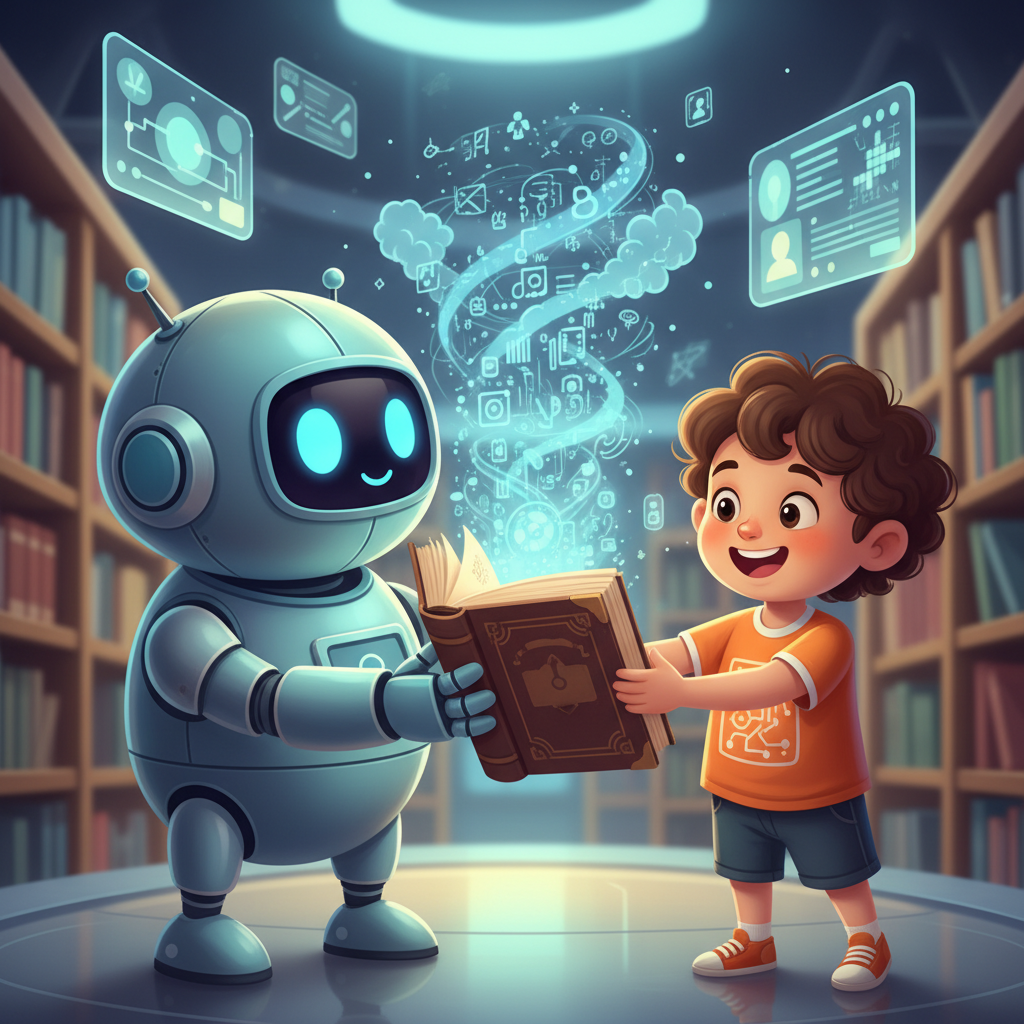
Your Amazing Digital Future
Your digital future is going to be full of wonderful inventions and new ways to learn, play, and connect. By learning about digital tools now and practicing how to use them safely and kindly, you're getting ready for an amazing journey! The world of technology is waiting for you to explore it and even create new things that no one has ever imagined!
Keep being curious, keep asking questions, and always remember to be a good digital citizen. The future is bright, and you are a big part of it!
Keep learning, free
Create a free Syllabax account to unlock practice questions and games for this topic.
Visual Learning Enhanced! 🚀
To help you master this topic, we use Advanced Syllabax AI to generate detailed diagrams and visual models.
Note on Visuals: The AI sometimes makes spelling errors in image labels. Please refer to the lesson text for the correct terminology.