Loops: Repeating Actions in Programming
Watch this topic in 60 seconds
Free preview · Lesson 1
Understanding Loops: Repeating Actions in Programming
Loops: The Power of Repeating Actions in Programming!
Hey 7th graders! Have you ever had to do the same thing over and over again? Maybe you're practicing your free throws, repeating a dance move, or even just saying 'Good morning!' every single day. Humans sometimes find repetition a bit boring, but computers? Computers absolutely LOVE repeating tasks! In the world of programming, we have a super powerful tool called a 'loop' that tells a computer to do something again and again. Let's dive in and see how loops make computers incredibly efficient and programs incredibly smart!
What's a Loop and Why Do We Need Them?
Imagine you have a robot assistant, and you want it to clap its hands five times. You *could* tell it:
        Robot, clap your hands.
        Robot, clap your hands.
        Robot, clap your hands.
        Robot, clap your hands.
        Robot, clap your hands.
That works, but what if you wanted it to clap 100 times? Or 1,000 times? You'd be typing for ages! This is where loops come to the rescue. A loop in programming is like giving your robot (or computer) a set of instructions and then telling it, "Do these instructions again and again until I tell you to stop, or until something specific happens." It's a massive shortcut that saves programmers tons of time and makes programs much easier to build and understand.
Analogy: Your Daily Routine
Think about your morning routine: wake up, brush teeth, get dressed, eat breakfast, pack your bag. You do these things *every morning*. If you were a robot, your internal program wouldn't have you list out each step for every single day of your life. Instead, it would have a "Morning Routine Loop" that simply runs once per day. It's an efficient way to manage repetitive tasks!
The Problem Loops Solve: Tedious Repetition!
Without loops, if you wanted a computer to display the message "Welcome to my program!" ten times on the screen, you'd have to write the command to print that message ten separate times. Not only is that boring and time-consuming, but it also increases the chance of making a typo. Loops allow us to write that printing command *once*, and then simply tell the computer, "Repeat this 10 times!"
Analogy: Baking Cookies
Imagine your favorite cookie recipe. It might say something like: "Scoop one spoonful of dough onto the baking sheet, flatten slightly." You don't write that instruction out for each of the 24 cookies you want to make, do you? No! You simply *repeat* those steps until all the dough is used up or you have 24 cookies on the tray. A computer program baking cookies would definitely use a loop for this!
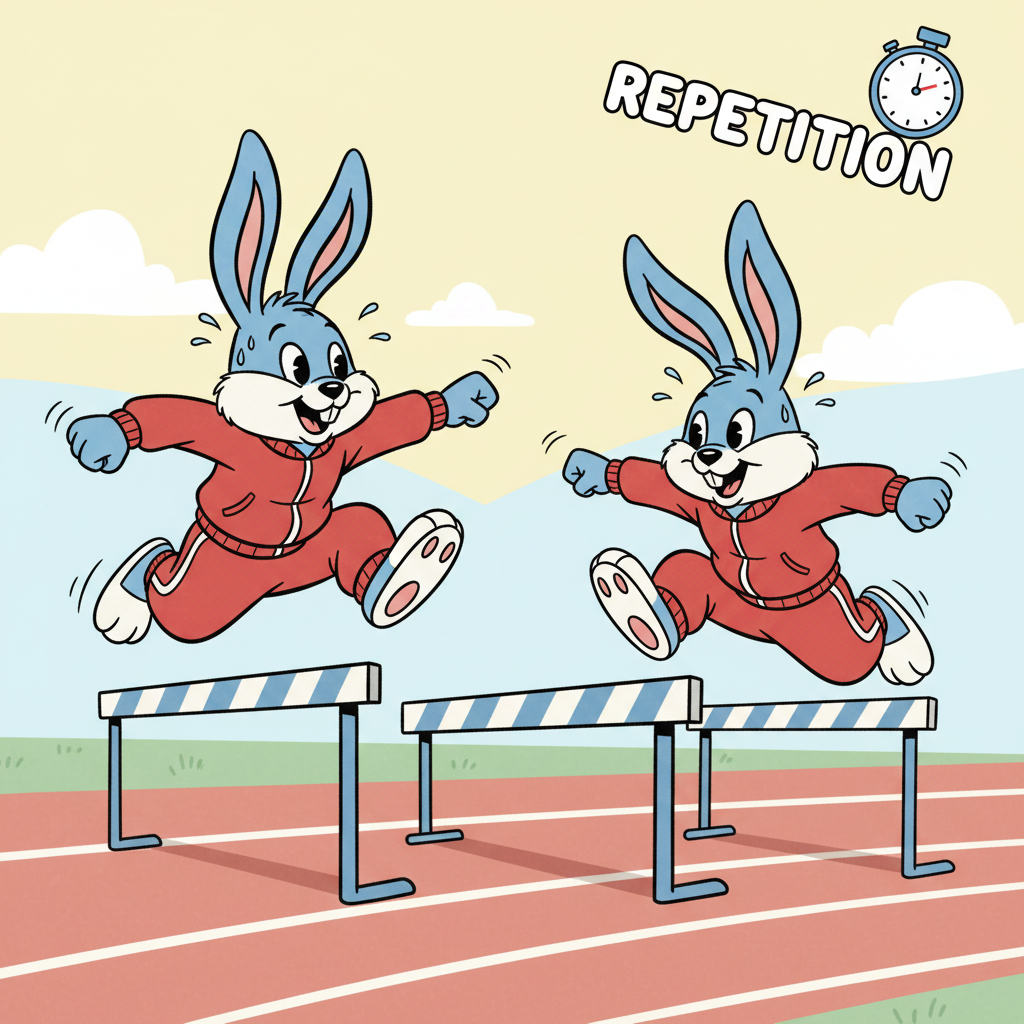
Two Main Kinds of Loops (Simplified for 7th Grade)
While there are different ways to write loops in programming languages, we can think of them in two main categories based on how they decide to stop:
1. "Do This N Times" Loops (Count-Controlled Loops)
This type of loop is for when you know *exactly* how many times you want something to repeat. You give the computer a specific number, and it counts as it goes.
- Analogy: Running Laps
If your gym teacher tells you to run 5 laps around the track, you know exactly how many times you need to repeat the action "run one lap." After the 5th lap, you stop. The number '5' is your count. - How it works: The computer keeps a "counter" (like a mental tally mark). It starts at 1, does the action, then adds 1 to the counter. It keeps going until the counter reaches the desired number.
- Pseudocode Example (a way to write code ideas without specific programming language rules):
                FOR lap_number FROM 1 TO 5:
                    Run one lap
                    Say "Almost done!"
                END FOR
In this example, the computer would run the instructions inside the loop (run one lap, say "Almost done!") exactly 5 times.
2. "Do This UNTIL Something Happens" Loops (Condition-Controlled Loops)
This type of loop is for when you *don't* know exactly how many times something needs to repeat, but you know *when* it should stop. It keeps going as long as a certain "condition" (a true/false statement) is true.
- Analogy: Playing a Video Game
You keep playing a video game *until* you lose all your lives or beat the final boss. You don't know ahead of time how many "plays" or "levels" it will take. The game continues *as long as* you still have lives or haven't reached the end. - Analogy: Stirring Soup
You stir soup *until* it's smooth and lump-free. You don't count how many stirs it takes; you just keep stirring *as long as* the soup is not smooth. Once it's smooth, you stop. - How it works: Before each repeat, the computer checks a condition (e.g., "Does the player still have lives?", "Is the soup still lumpy?"). If the condition is TRUE, it does the actions inside the loop. If the condition becomes FALSE, the loop stops.
- Pseudocode Example:
                WHILE player_has_lives_left IS TRUE:
                    Play one round of the game
                    Check if player_has_lives_left is still TRUE
                END WHILE
Or another example:WHILE soup_is_not_smooth: Stir the soup END WHILEThese loops will keep running the instructions inside them as long as their conditions remain true.
Key Terms for Loops You Should Know!
- Loop: The block of instructions that are designed to be repeated multiple times.
- Iteration: Each single time the loop runs through its instructions. If a loop runs 10 times, it has 10 iterations.
- Condition: A true/false statement that a loop checks to decide if it should continue running (especially important for "while" loops).
- Counter: A special variable (a placeholder for information) that keeps track of how many times a loop has run (especially important for "for" loops).
Why Are Loops So Important? (The Superpowers of Loops!)
Loops are not just a convenience; they are a fundamental building block of almost every program you use! Here's why they're so powerful:
- Efficiency: They allow programmers to write less code to achieve more work. Think of it as telling a story in a paragraph instead of writing a whole book just for one repeated action!
- Speed: Computers can repeat tasks incredibly fast, much faster than a human could ever type or click. Loops harness this speed for repetitive operations.
- Accuracy: With less code, there are fewer opportunities for human errors or typos, making programs more reliable.
- Flexibility: Programs can adapt to different situations. Imagine a game where enemies keep spawning until the player is defeated – a loop handles this perfectly without the programmer needing to know in advance how many enemies will appear.
Real-World Programming Examples of Loops
Loops are everywhere! You just don't always see them directly:
- Websites: When you scroll through your social media feed and see a list of 20 friends or posts, a loop is likely displaying each item one by one.
- Games: Loops are vital for animating characters (e.g., repeating walking steps), making enemies patrol a path, counting down a timer, or even checking if two game objects are touching.
- Apps: Repeating an alarm every morning, processing a list of emails in your inbox, continuously checking for new notifications, or animating a loading spinner all use loops.
- Data Processing: If a program needs to analyze thousands of pieces of data, a loop can process each piece one at a time.
Conclusion: Loops are Everywhere!
Loops are one of the most fundamental and powerful concepts in computer programming. They give computers the ability to do repetitive tasks tirelessly, efficiently, and accurately, making our digital world work smoothly. Understanding loops is a huge step in learning to think like a programmer and seeing the hidden logic behind the apps, games, and websites you use every day. Keep an eye out for repetition in your daily life – you'll start seeing potential loops everywhere!
Keep learning, free
Create a free Syllabax account to unlock practice questions and games for this topic.
Visual Learning Enhanced! 🚀
To help you master this topic, we use Advanced Syllabax AI to generate detailed diagrams and visual models.
Note on Visuals: The AI sometimes makes spelling errors in image labels. Please refer to the lesson text for the correct terminology.