Files & Folders: Organization Basics
Watch this topic in 60 seconds
Free preview · Lesson 1
Understanding Files & Folders: Organization Basics
Files & Folders: Your Digital Organization Superpowers!
Hey there, future digital master! Imagine your bedroom right now. Do you know where your favorite toy is? Can you find your homework from last week? If everything is just scattered on the floor, it would be really hard, right? Well, just like your physical belongings, the computer also has "stuff" that needs to be kept neat and tidy. That "stuff" is called files, and we keep them organized using folders!
What Are Files? (Your Digital "Stuff")
Think of files as all the individual pieces of work or entertainment on your computer. They are like your individual toys, books, or drawings. Each file is a single item that the computer knows how to open and use. Just like you have different kinds of toys – a LEGO set, a coloring book, a board game – computers have different kinds of files:
- Document Files: These are like your written homework or stories. They might have names like
my_story.docxorscience_report.pdf. - Image Files: These are your digital photos or pictures you've drawn on the computer. You might see names like
sunset.jpgormy_drawing.png. - Music Files: These are your favorite songs or sound recordings. They often end with
.mp3or.wav. - Video Files: These are like short movies or clips. Their names might end with
.mp4or.mov.
Each file has a special name, just like each of your toys has a name or description. This name helps you know what's inside without even opening it. It also usually has a little "ending" called an extension (like .docx, .jpg, .mp3). This extension tells the computer what kind of file it is and which program to use to open it. It's like knowing that a book needs to be read, while a board game needs to be played!
Analogy Time! Imagine you have a bunch of different items: a comic book, a photograph of your pet, and a homework sheet. Each of these is a distinct item, right? On a computer, these would be separate "files."
What Are Folders? (Your Digital "Containers")
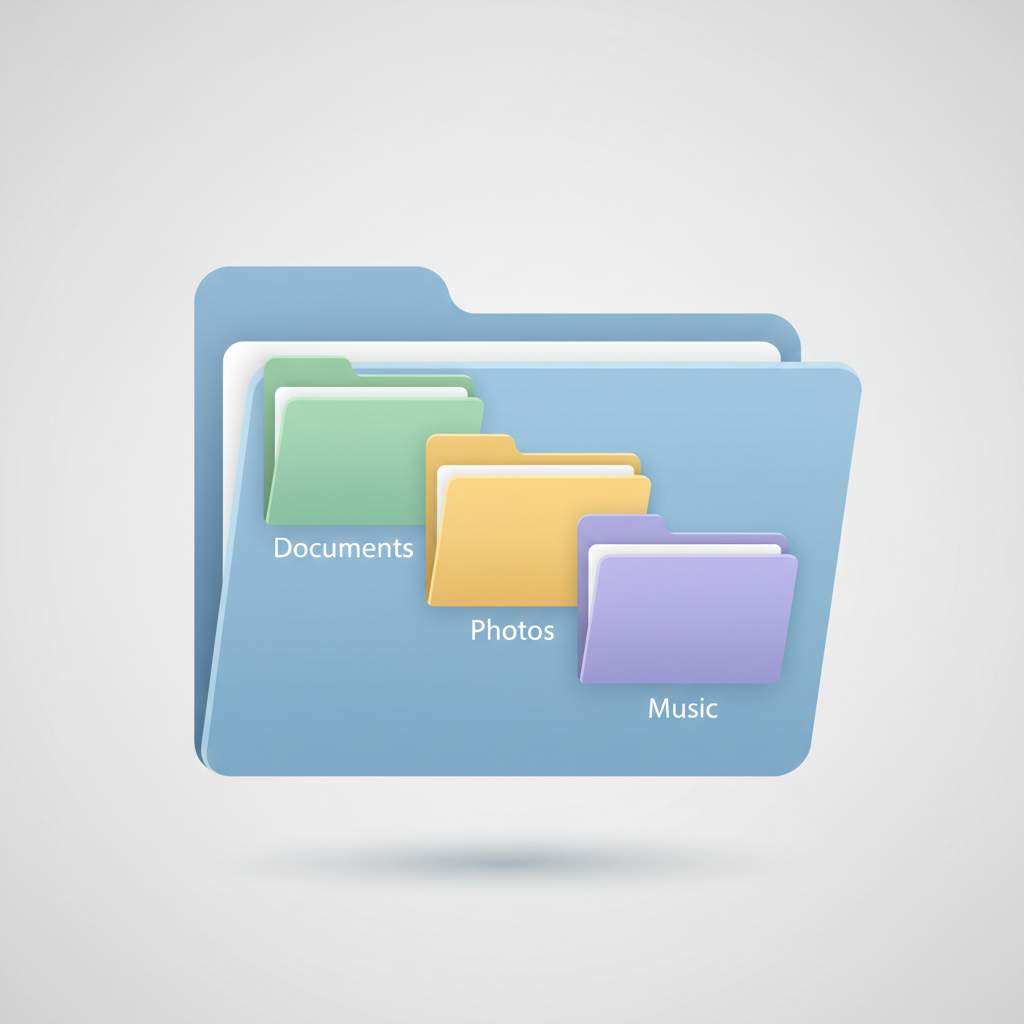
Now, if you had all your comic books, photographs, and homework sheets just lying in one giant pile, it would be a mess! This is where folders come in. A folder is like a digital container or a special box where you can put related files together. Think of it like a shoebox, a drawer in your desk, or even different compartments in your backpack.
Folders help you group similar files so they are easy to find later. If all your pictures are in one "Pictures" folder, and all your homework is in a "School Work" folder, it's much faster to find what you need than if they were all mixed up.
Analogy Time! Let's go back to your room. You have a toy box for your LEGOs, a bookshelf for your books, and a laundry hamper for your dirty clothes. These are all "folders" for different kinds of items. On your computer, you can create folders like "My Pictures," "School Projects," or "Games."

Why Is Organizing Important? (No More Digital Treasure Hunts!)
Organizing your files and folders isn't just about being neat; it's about being efficient! Here's why it's super important:
- Find Things Faster: Imagine trying to find one specific drawing from a pile of a hundred drawings! It would take forever. If you put all your drawings from school in a "Art Class" folder, it's instant!
- Keep Track of Your Work: You'll always know where your latest homework assignment or your favorite game save is.
- Make Space (Digitally): While organization doesn't physically delete files, a tidy system makes you less likely to keep duplicate files and helps you manage your storage better in your mind.
- It's a Good Habit: Learning to organize digitally is a skill you'll use your whole life, for school, hobbies, and even future jobs!
Analogy Time! Think of a library. All the books aren't just thrown on the floor! They are sorted by topic (fiction, science, history) and then by author. This system makes it easy for you to find exactly the book you're looking for. Your computer's files and folders work the same way!
How Do We Organize? (Creating and Naming)
The magic starts with creating new folders and giving them clear names. When you start a new project or create a lot of new files, it's a great time to make a new folder.
1. Create a New Folder:
- Right-click your mouse in an empty space where you want the new folder to be.
- Look for an option like "New" and then "Folder."
- Click it, and a new folder icon will appear, usually with a temporary name like "New folder."
2. Name Your Folder Clearly:
- Once the new folder appears, its name will be highlighted. This is your chance to give it a good name!
- Choose a name that clearly tells you what's inside. Instead of "Stuff," maybe "Science Fair Project" or "Summer Camp Photos."
- Press Enter to save the name.
3. Move Files into Folders:
- You can click on a file and "drag" it into a folder.
- Or, you can right-click on a file, choose "Cut" or "Copy," then open the folder, right-click inside, and choose "Paste."
Analogy Time! Creating a folder is like pulling out a brand new empty shoebox. Naming it is like writing "Winter Boots" on the side of the shoebox. Moving files is like putting your winter boots into that specific shoebox.
Subfolders: Organization Levels Deep!
Sometimes, even one folder isn't enough. For example, your "School Work" folder might get too full with all your different subjects. This is where subfolders come in! A subfolder is simply a folder inside another folder.
For example:
School Work (Main Folder)
- Math (Subfolder)
- Homework Chapter 1.docx
- Fractions Practice.pdf
- Science (Subfolder)
- Plant Growth Experiment.pptx
- Volcano Project.docx
- Art Class (Subfolder)
- My Self Portrait.jpg
- Clay Project Plan.pdf
This way, you can easily find your Math homework without having to look through your Science or Art files. It's like having a big dresser, and inside one of the drawers (your main folder), you have smaller dividers or boxes (your subfolders) for socks, shirts, and pants.
Good Habits for Digital Organization:
- Be Specific with Names: Instead of
Picture1.jpg, tryBeach_Trip_July_2023.jpg. Instead ofHomework, tryMath_Ch5_Practice_2024.docx. - Don't Create Too Many Folders: Sometimes fewer, well-named folders are better than dozens of empty or nearly empty ones.
- Regular Cleanup: Once a month, take a few minutes to look through your "Downloads" folder or your desktop and move files to where they belong. Delete files you don't need anymore!
- Think Before You Save: Before you save a new file, ask yourself: "Where would I look for this again?" Then save it there!
Mastering files and folders is like getting your digital superpower! It will make using computers, tablets, and even phones much easier and more enjoyable. So, go forth and organize!
Keep learning, free
Create a free Syllabax account to unlock practice questions and games for this topic.
Visual Learning Enhanced! 🚀
To help you master this topic, we use Advanced Syllabax AI to generate detailed diagrams and visual models.
Note on Visuals: The AI sometimes makes spelling errors in image labels. Please refer to the lesson text for the correct terminology.