Using a Webcam
Watch this topic in 60 seconds
Free preview · Lesson 1
Understanding Using a Webcam
Hello, Future Tech Stars! Let's Explore Your Computer's Special Eye!
Have you ever wondered how your computer can see you? Or how you can talk to Grandma and Grandpa on a screen and see their smiles even when they're far away? The secret is a cool gadget called a webcam!
Think of your computer or tablet like a friendly robot. This robot has many tools, and one of its most amazing tools is its eye! That's right, a webcam is just like an eye for your computer.
What is a Webcam, Really?
A webcam is a tiny camera that's connected to your computer. It's like your own eyes, but instead of helping you see the world, it helps your computer see the world (or at least, see you!).
Analogy Alert! 🚨
Imagine your computer is a superhero. Just like Superman has his amazing heat vision, your computer has its webcam vision! It can "look" at you and send that picture to other computers.
When you use a webcam, it takes pictures of what's in front of it, just like when you use a regular camera to take a photo of your pet. But the webcam can also take many pictures really, really fast, one after another, to make a video! It's like making a super-speedy flipbook of you!
Where Can You Find Your Webcam?
Webcams can be found in a couple of places:
-
Built-in Webcams (Like a Nose on a Face!)
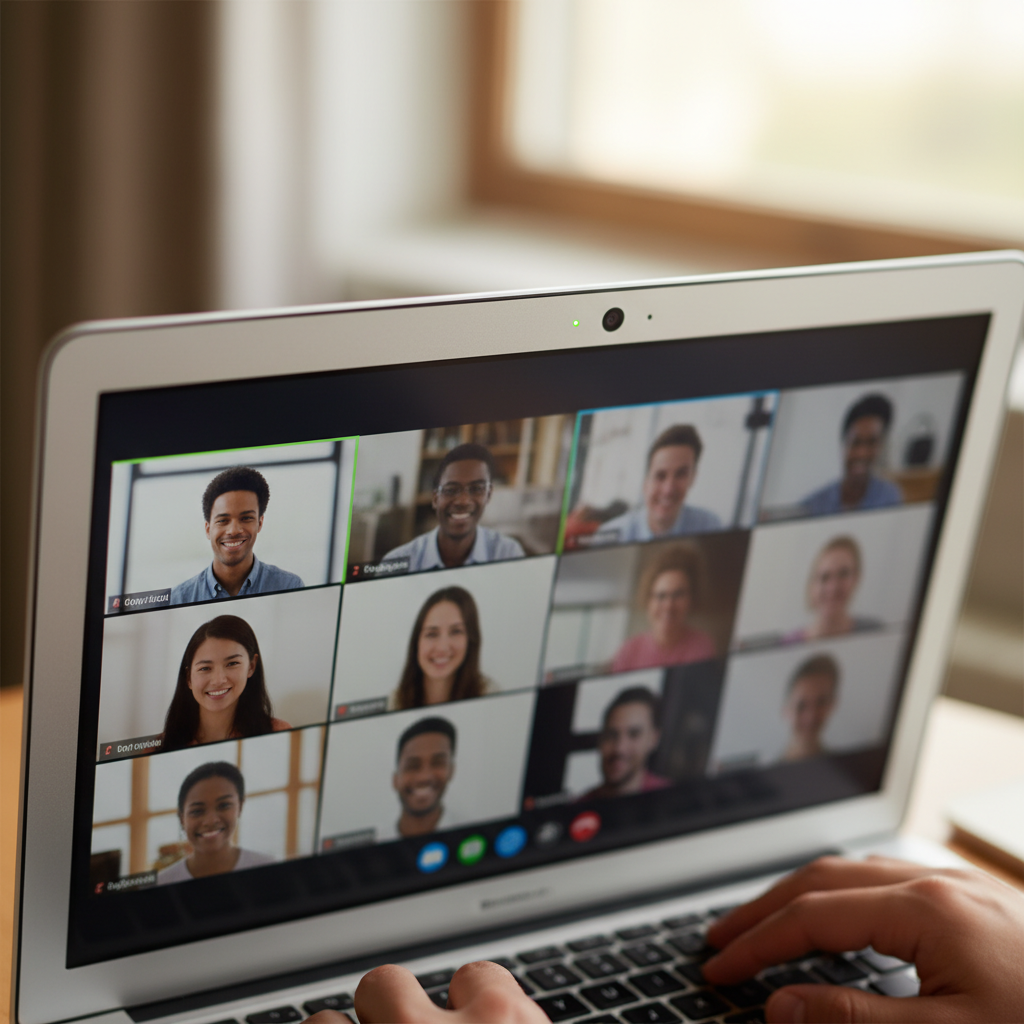
Many computers, especially laptops (the ones you can close like a book), have a webcam already inside them! It's usually a tiny little hole or lens at the very top of the screen, right in the middle. It's built right in, just like your nose is built into your face!
 ⚠️ This picture may have spelling mistakes. Trust the words in the lesson.
Think of your laptop as having a little "eye" peeking over the top of its screen. It's always there, ready to see you!
-
External Webcams (Like a Hat You Put On!)
Some computers, like the big desktop computers you might see in a classroom, don't have a webcam built-in. But don't worry! You can plug in an external webcam. This is a small device, sometimes shaped like a little robot eye or a small ball, that you can clip onto the top of your computer screen or stand next to it.
An external webcam is like putting a special hat with an eye on top of your computer. You can put it on when you need it and take it off when you don't!
What Amazing Things Can Your Webcam Do?
Your webcam is super useful! Here are two main things it helps you do:
-
Video Calls (Seeing Faraway Friends!)
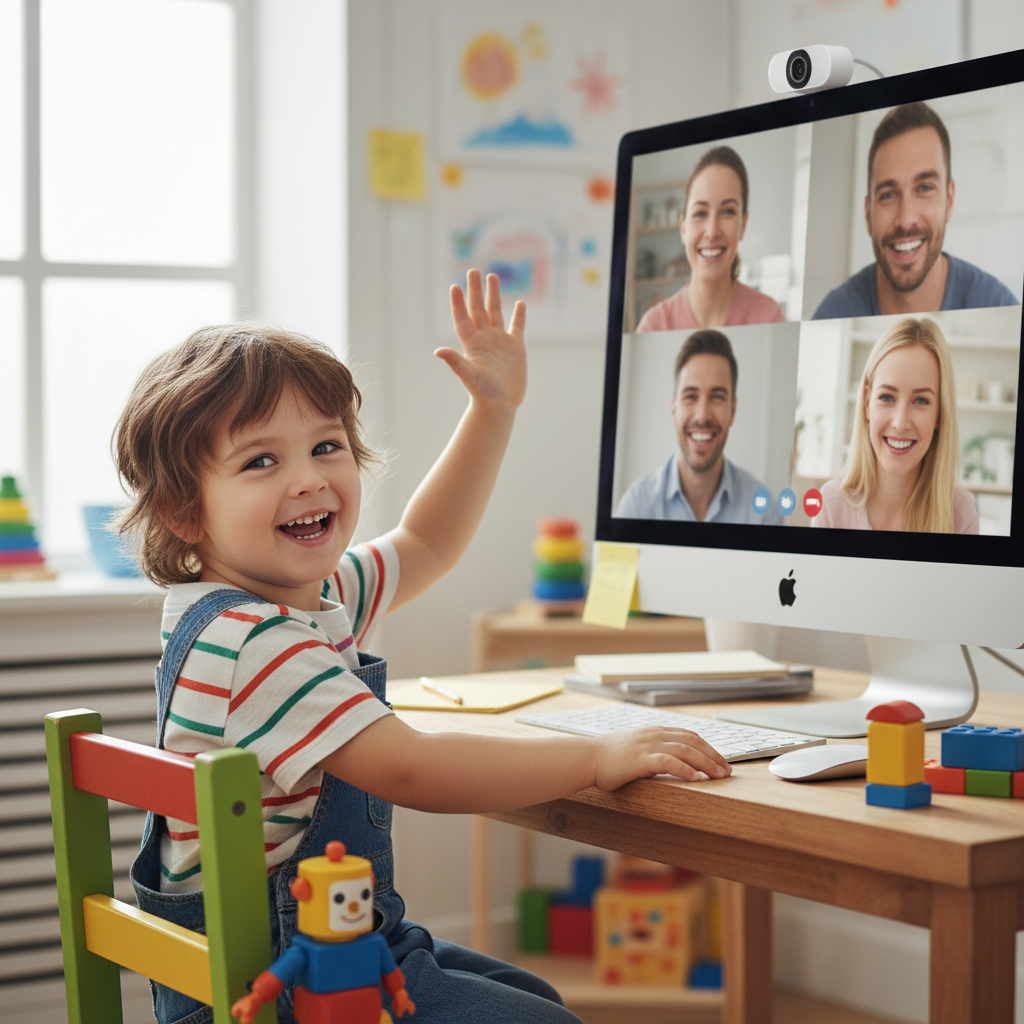
This is probably the most popular thing! A webcam lets you have a "video call" with people who are far away. Instead of just talking on the phone and hearing their voice, you can actually see their face! It's like magic!
Imagine a magic window! When you make a video call, your webcam opens a magic window between your house and your friend's house, or Grandma's house, so you can see each other and talk at the same time!
You can use special programs like Zoom or Google Meet (with a grown-up's help!) to have these video calls for school, family chats, or even just to say hello to a friend.
-
Taking Pictures and Videos of Yourself!
Your webcam can also be used like a fun little selfie camera! You can open a camera app on your computer and take funny pictures or make short videos of yourself. It's a great way to make memories or practice your acting skills!
Your webcam is like a tiny, super-fast artist that can draw your picture or make a mini-movie of you in an instant!
How Do You Use a Webcam? (It's Easier Than You Think!)
Using a webcam is usually very simple! You don't often have to "turn it on" like a light switch. Here's how it generally works:
-
Open a Special Program: First, you need to open a program that uses the webcam. This could be a video call app, a camera app, or even some online learning games.
-
The Webcam Wakes Up: Once you open the program, the webcam usually wakes up and turns on by itself! Sometimes you'll see a little light next to the webcam turn on, which tells you it's working. It's like when you open a book, the story just begins!
-
See Yourself!: You'll then see yourself on the computer screen! This is what your webcam "sees."
-
When You're Done: When you close the program that was using the webcam, it usually turns off automatically. The little light will go out, telling you it's taking a rest.
 ⚠️ This picture may have spelling mistakes. Trust the words in the lesson.
Being a Webcam Star: Tips for Looking Your Best!
Just like you get ready for school or a party, there are a few things you can do to look your best when using a webcam:
1. Find Good Light!
Imagine trying to see in a dark room – it's hard, right? Your webcam is the same! It needs light to see you clearly. Try to sit facing a window or a lamp. The light should be in front of you, not behind you. If the light is behind you, you might look like a mysterious shadow person!
Good light is like sunshine for your webcam's eye! It helps it see all your wonderful colors and smiles.
2. Choose a Clear Background!
What's behind you in the picture? Is it a messy pile of toys, or a nice clean wall? Try to sit in front of a neat and tidy background. This helps people focus on YOU, not on everything else in your room.
Your background is like the stage for your performance. You want a tidy stage so everyone can see the star – which is you!
3. Look at the Camera!
When you're talking to someone in person, you look at their eyes, right? On a video call, the webcam lens is like the other person's eye. Try to look directly at the little camera lens (the tiny hole at the top of your screen) when you're talking. This makes it feel like you're looking right at the person on the other side!
Looking at the camera is like making eye contact with your friend. It helps them feel like you're really talking to them!
4. Be Ready and Smile!
Before you start a video call, take a moment to sit up straight, tidy your hair, and put on your best smile! Being ready shows you're excited to connect.
Let's Recap!
Webcams are amazing tools that help our computers see and connect with the world. They let us talk to friends and family, and even take fun pictures of ourselves. With a little light and a tidy spot, you'll be a webcam superstar in no time!
Keep learning, free
Create a free Syllabax account to unlock practice questions and games for this topic.
Visual Learning Enhanced! 🚀
To help you master this topic, we use Advanced Syllabax AI to generate detailed diagrams and visual models.
Note on Visuals: The AI sometimes makes spelling errors in image labels. Please refer to the lesson text for the correct terminology.