Strong Passwords Explained
Watch this topic in 60 seconds
Free preview · Lesson 1
Understanding Strong Passwords Explained
Your Secret Shield: Understanding Strong Passwords!
Imagine you have a super secret diary, a special toy box, or even a treasure chest filled with your favorite candy! How do you keep all those special things safe from sneaky pirates or curious siblings? You put a lock on them, right? And to open that lock, you need a secret key!
What is a Password?
On the internet, your 'secret diary' could be your favorite game account, your school learning portal, or even your email where you send messages to friends and family. To open these digital doors and keep your online stuff safe, you use something called a password. Think of your password as a secret key or a magic word that only you know to unlock your online treasures!
Why are Strong Passwords Important?
Just like a weak lock on your toy box might be easy for someone to pick, a weak password is easy for 'online tricksters' (sometimes called hackers) to guess. If they guess your password, they can get into your accounts. This means they could:
- Read your private messages.
- Play your games and change your scores.
- Buy things without your permission.
- Pretend to be you and send silly messages to your friends.
That's why having a strong password is super important! It's like having the strongest, coolest lock on your treasure chest – it keeps your stuff safe and sound from anyone who shouldn't be poking around.
What Makes a Password STRONG?
Let's learn the secret recipe for a super strong password. It's like making a special potion with lots of different, powerful ingredients!
1. Length is Power! (The Longer, The Better)
Imagine a secret code you have to say to get into a hidden treehouse. If the code is just "hi," it's easy to guess! But if the code is "The fluffy purple cat jumps over the moon twice," it's much harder, right?
Passwords are the same way. The more letters, numbers, and symbols you use, the longer and stronger your password becomes. Aim for at least 12 characters – that's like making your secret code a whole sentence instead of just a single word!
2. Mix It Up! (Like a Rainbow of Characters)
A strong password isn't made of just one type of ingredient. It uses a mix, like a delicious fruit salad with apples, bananas, grapes, AND strawberries!
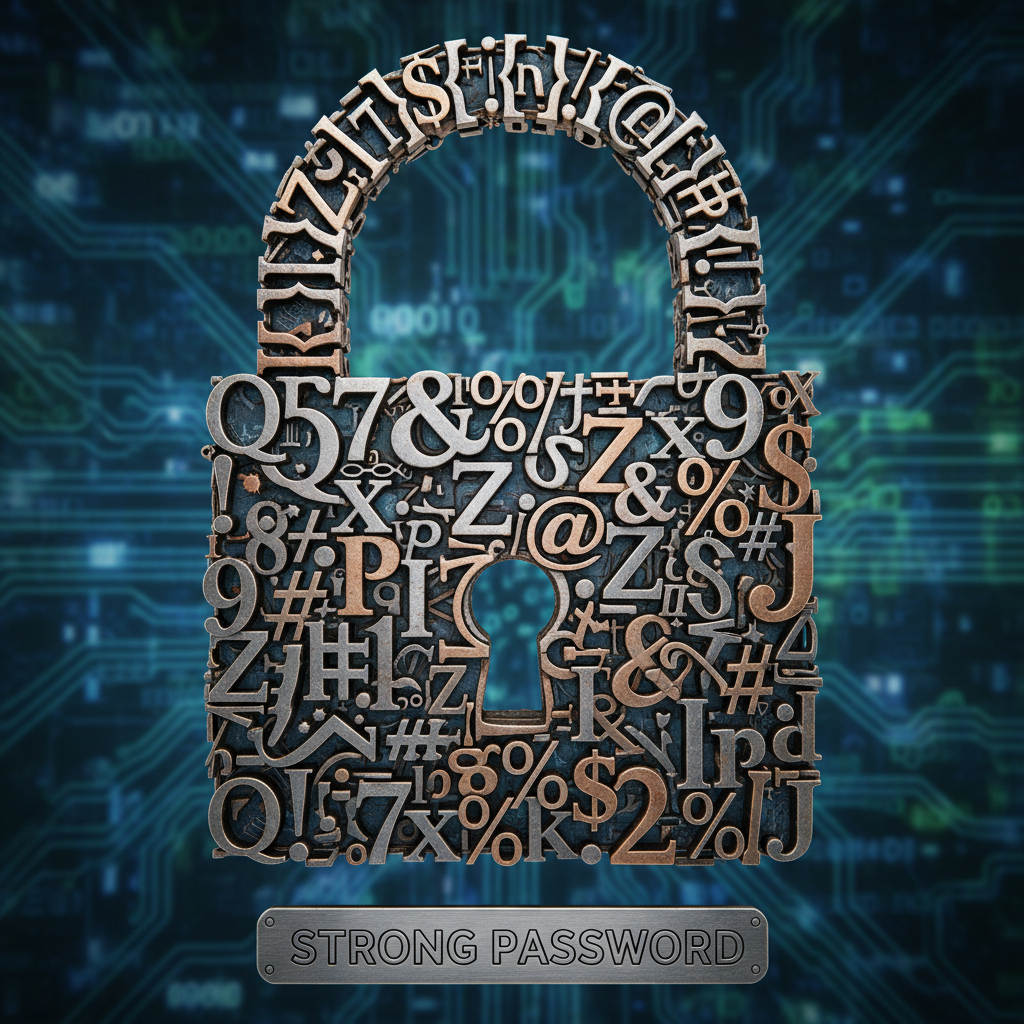
- BIG Letters (Uppercase): Use capital letters, like A, B, C.
- small letters (Lowercase): Use small letters, like a, b, c.
- Numbers: Add some digits, like 1, 2, 3.
- Symbols: Throw in some special characters, like !, @, #, $, %.
Mixing all these different kinds of characters makes your password a super-duper tough puzzle for anyone trying to guess it. It's like having a lock that needs a special key with a bumpy top, a pointy bottom, and a swirly middle!
3. Be Unique! (One Key Per Lock)
Do you use the same key for your front door, your bike lock, and your secret diary? Probably not! Each lock has its own special key. In the same way, you should use a different password for every single website or app you use.
If you use the same password everywhere and one website's lock breaks, then all your other locks could be in danger too! Being unique keeps all your online treasures safe, even if one door accidentally gets a little wobbly.
4. Don't Be Obvious! (No Easy Guesses)
When you're picking a secret word for your fort, you wouldn't use your own name, would you? That would be too easy to guess! Strong passwords avoid things that people could easily figure out, like:
- Your name or your pet's name.
- Your birthday or address.
- Simple number sequences like "123456."
- Common words like "password" or "qwerty."
Think of things that are silly, random, or meaningful only to you – but not something someone could find out by looking at your social media or asking your mom!
How to Create a Super Strong Password You Can Remember (Passphrases!)
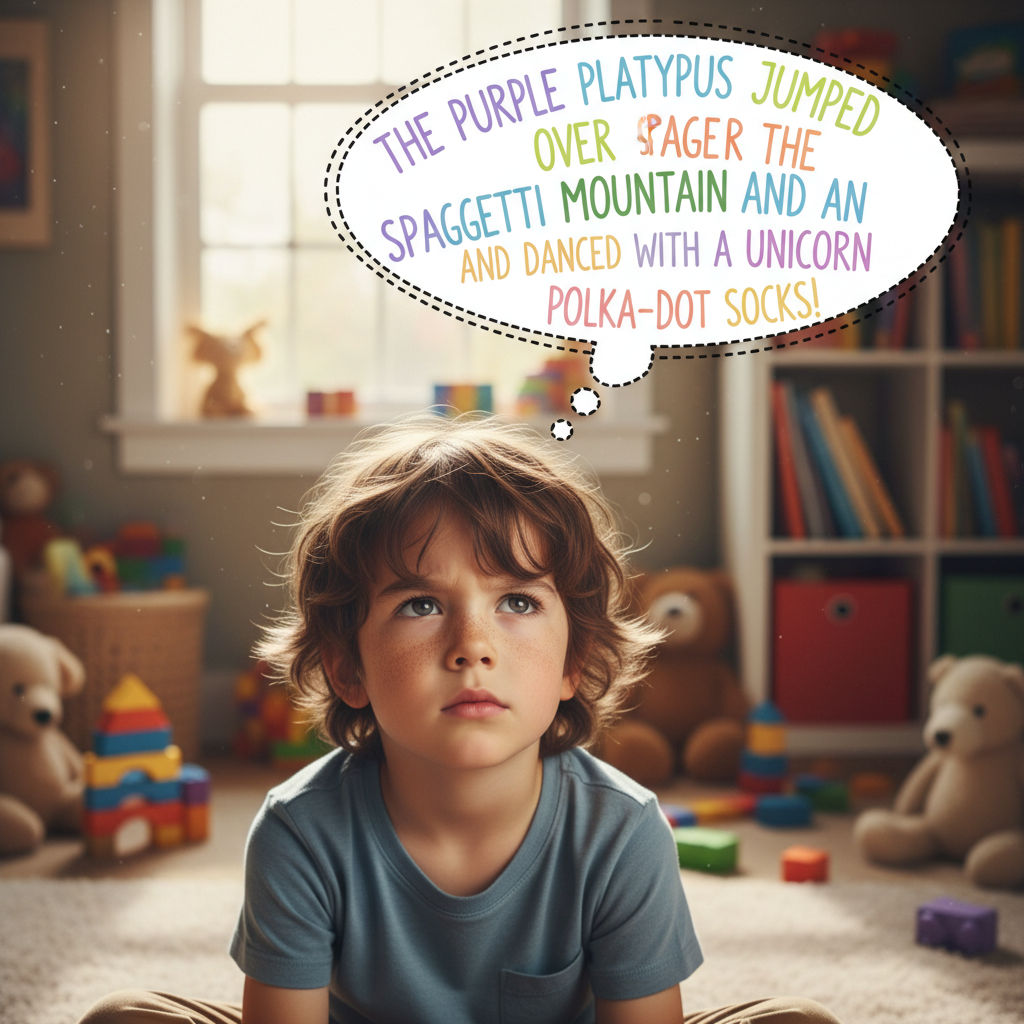
"But how can I remember a long, mixed-up password?" you might ask. Here's a trick: use a passphrase!
A passphrase is a sentence that's easy for you to remember, but hard for others to guess. Then you can make it even stronger by changing some letters to numbers and symbols.
Here's an example:
Imagine your favorite silly sentence is: "My fluffy blue cat loves to chase red butterflies!"
You can turn that into a super strong password like this: MyfBlC@v$2chRdB!
- 'M' and 'B' from 'Blue' are capital.
- 'f' from 'fluffy', 'C' from 'cat'.
- '@' replaces 'a' in 'cat' (or just use it as a symbol).
- 'v' from 'loves'.
- '$' replaces 's' in 'chase'.
- '2' replaces 'to'.
- 'R' from 'Red'.
- 'B' from 'butterflies'.
- '!' at the end for an extra symbol.
See? It's long, has big letters, small letters, numbers, and symbols, and it's based on something you can remember!
 ⚠️ This picture may have spelling mistakes. Trust the words in the lesson.
Remembering Your Passwords Safely
It's okay to write down your super strong passwords, but only in a very safe, secret place at home where only a trusted grown-up (like your parent or guardian) can find it if needed. Never write them down on sticky notes next to your computer or tell them to anyone online, even your friends!
Some grown-ups use special tools called 'password managers' which are like secret digital vaults that store all your passwords for you, but that's something you can learn about more when you're older.
You Are a Password Superhero!
Now you know the secrets to creating and keeping strong passwords! By following these tips, you're becoming a password superhero, protecting your online adventures and keeping your digital treasures safe from harm. Keep practicing, and always remember to think smart when it comes to your online security!
Keep learning, free
Create a free Syllabax account to unlock practice questions and games for this topic.
Visual Learning Enhanced! 🚀
To help you master this topic, we use Advanced Syllabax AI to generate detailed diagrams and visual models.
Note on Visuals: The AI sometimes makes spelling errors in image labels. Please refer to the lesson text for the correct terminology.