Personal Information Safety
Watch this topic in 60 seconds
Free preview · Lesson 1
Understanding Personal Information Safety
Keeping Your Personal Information Safe: Be a Super Safety Sleuth!
Hey Safety Sleuths! Have you ever had a secret hideout or a special toy that only YOU knew about? You probably wanted to keep it safe and private, right? Well, your "personal information" is a lot like that – it's super special and belongs only to you! And just like you protect your favorite toy, it's super important to protect your personal information.
What is "Personal Information"? It's YOUR Special Details!
Think of your personal information as all the clues that point to YOU and only YOU. It's like your unique identity card that tells the world who you are. Here are some examples:
- Your Full Name: Both your first name and your last name. (Like "Leo Smith" instead of just "Leo").
- Your Address: Where you live! Your street name, house number, and city. This is like the exact location of your secret hideout.
- Your Phone Number: The numbers people dial to call you or your family.
- Your Email Address: The special address you use to send and receive messages online. (Like "leosmith@email.com").
- Your Birthday: The day you celebrate getting a year older!
- Your School Name: The name of the school you go to.
- Passwords: These are like secret codes or special knocks you use to get into your online games, apps, or websites. They are super-duper secrets!
- Pictures and Videos of You: Any photos or videos that show your face or things about you.
All these details are like the pieces of a puzzle that make up YOU! And just like you wouldn't give your house key to just anyone, you shouldn't share these details without thinking.
Why Is Keeping It Safe So Important?
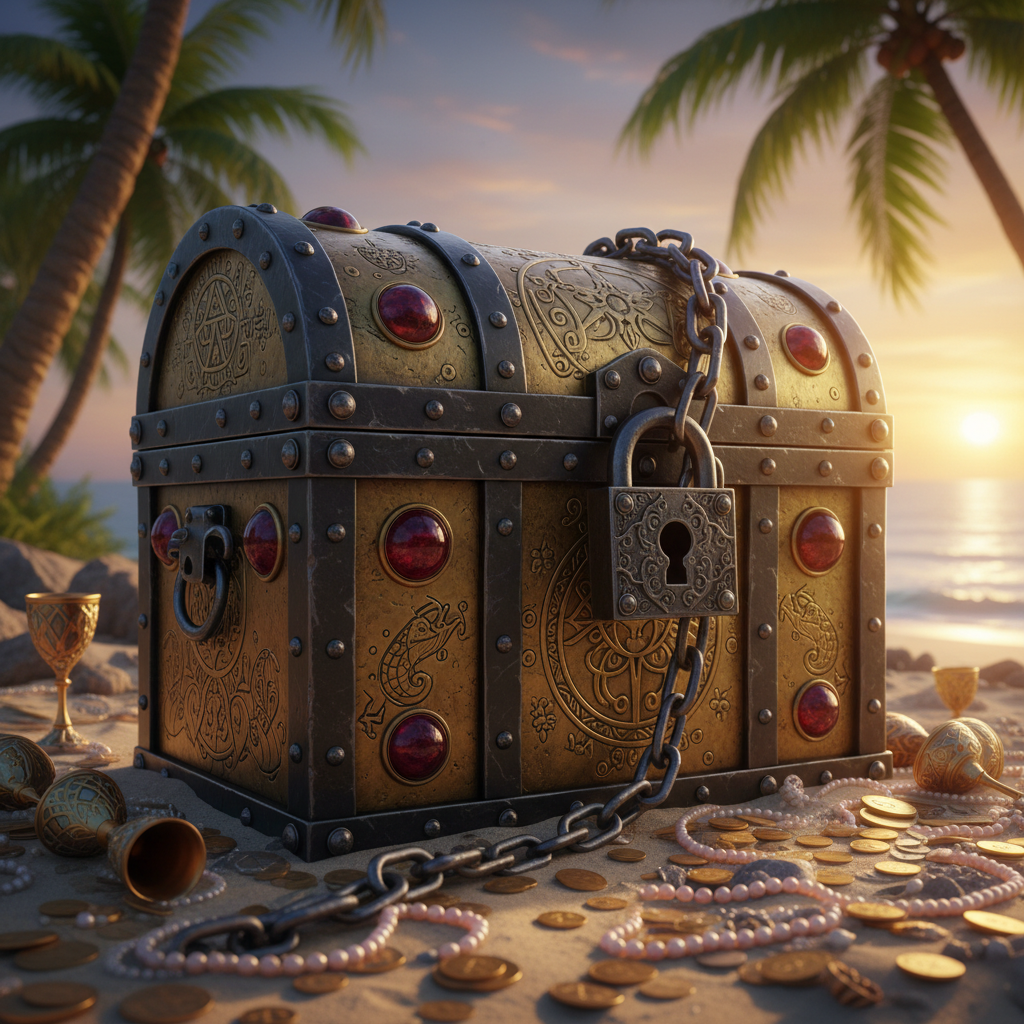
Imagine you have a super cool treasure chest full of your favorite things. You wouldn't leave it wide open in the middle of a busy park, would you? No! You'd put a strong lock on it. Your personal information is like that treasure. If you don't keep it safe, some people might try to use it for bad things. These people are like sneaky pirates who want to take your treasure!
What could happen? Someone might:
- Pretend to be you online.
- Try to find out where you live.
- Send you messages that aren't nice or true.
- Try to get into your online games or accounts.
Protecting your personal information is like putting a super-strong lock on your treasure chest to keep those sneaky pirates away!
 ⚠️ This picture may have spelling mistakes. Trust the words in the lesson.
Super Safety Rules: How to Be a Pro at Protecting Your Info!
Being a Safety Sleuth means you know the rules! Here are the most important ones:
Rule #1: Always Ask a Trusted Adult First!
This is the GOLDEN RULE! Before you share ANY personal information – whether it's online in a game or app, or even if someone asks you directly – ALWAYS ask a parent, guardian, or trusted teacher. They are like your personal safety managers, and they can help you decide if it's safe to share. If you're not sure, the answer is always NO until you ask them!
Rule #2: Strangers are Strangers, Online and Offline!
A stranger is someone you don't know. Just like you wouldn't tell a stranger on the street your home address, you shouldn't tell strangers online your personal details. Some people online might pretend to be your age or someone you know, but they might not be! Be super careful. If someone online you don't know asks for your name, school, or where you live, STOP! This is a big red flag. Don't share it!
Rule #3: Your Password is a Secret Superpower!
Your passwords are like secret knocks or magic spells that only YOU should know to open your online accounts. Don't use easy passwords like your birthday or "12345." Make them strong by mixing big letters, small letters, numbers, and even symbols! And NEVER, EVER share your passwords with anyone, except maybe your trusted adult if they need to help you. Sharing your password is like giving away the key to your secret hideout!
Rule #4: Think Before You Click or Share a Picture!
The internet is like a giant billboard that everyone can see! Once you put a picture, video, or comment online, it's very hard to take it back. So, before you post that funny photo or share what you're doing, ask yourself: "Would my trusted adult be okay with this? Could a stranger learn something about me from this?" If the answer is "no" or "maybe," then don't do it!
Rule #5: Don't Open Strange Links or Emails!
Sometimes, sneaky pirates try to trick you with tricky links or emails. They might look like they're from your friend or a game you play, but they could be traps! These are like mystery boxes that might have bad surprises inside. If an email or a link looks suspicious, or it's from someone you don't know, DON'T click on it! Tell your trusted adult right away.
Rule #6: Be Smart in Online Games and Apps!
Online games and apps are super fun, but remember they are also places where strangers can be. Don't tell other players your real name, where you live, or what school you go to. Use a gaming nickname. If someone asks you personal questions or makes you feel uncomfortable, stop playing, block them, and tell your trusted adult right away! Playing online is like being in a big park – have fun, but always be aware of who's around and stick to safe areas.
What If Something Feels Wrong? Tell a Trusted Adult!
Your feelings are like a super alarm system! If something online or offline makes you feel uncomfortable, scared, or confused – like someone asking for too much information, or something just doesn't feel right – tell a trusted adult immediately. They are there to help you and keep you safe. Telling them is the bravest and smartest thing you can do!
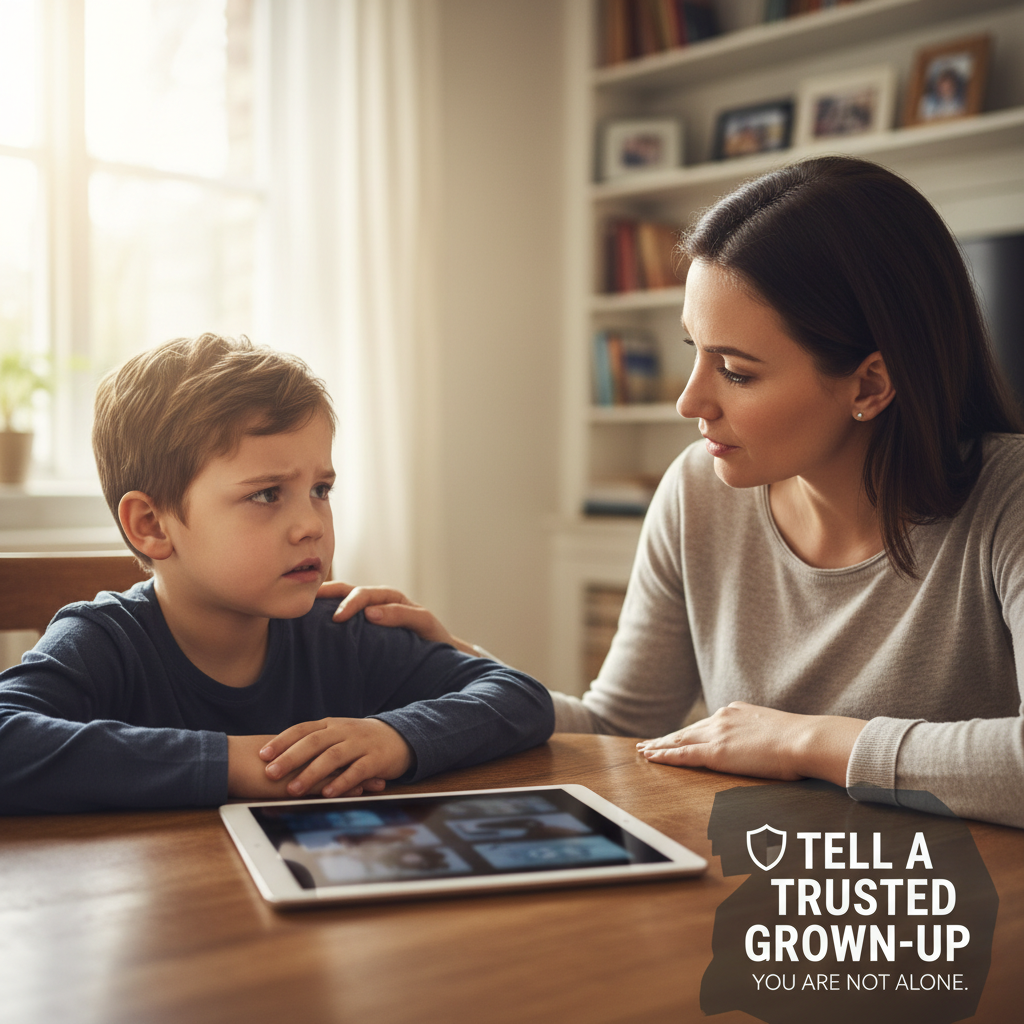
Remember, being a Safety Sleuth means being smart, being aware, and always knowing when to ask for help. Your personal information is precious, so let's keep it safe!
Keep learning, free
Create a free Syllabax account to unlock practice questions and games for this topic.
Visual Learning Enhanced! 🚀
To help you master this topic, we use Advanced Syllabax AI to generate detailed diagrams and visual models.
Note on Visuals: The AI sometimes makes spelling errors in image labels. Please refer to the lesson text for the correct terminology.