What Computers Can Do
Watch this topic in 60 seconds
Free preview · Lesson 1
Understanding What Computers Can Do
Welcome to the Amazing World of Computers!
Hello, young explorers! Have you ever seen a magic box that can show you cartoons, play your favorite songs, or even help you draw amazing pictures? That's a computer! It's an incredible helper that can do so many cool things for us.
What is a Computer? (Like a Super Helper!)
Imagine you have a very smart friend who can do lots of cool things for you, like remembering things, solving puzzles, and showing you fun pictures. A computer is kind of like that friend, but it's a special machine! It doesn't have feelings or eat snacks, but it can follow instructions incredibly fast and help us with many tasks, both big and small.
Think of it as a tool, like a paintbrush helps you paint, or a bike helps you ride. A computer is a tool that helps us work, play, and learn!
How Do Computers Work? (The Magic Steps!)
Computers might seem magical, but they actually follow simple steps to do everything. Let's learn about their four main steps:
Step 1: Input (Giving the Computer Information)
First, computers need to know what you want them to do. This is called 'input'. It's like when you tell your friend, "Let's play a game!" or "Can you draw a cat?" You are giving your friend information.
- When you press keys on a keyboard, that's input! Like typing your name or a number.
- When you move and click a mouse, that's input! Like pointing to a picture or choosing a game.
- When you talk into a microphone, that's input! Like telling the computer to play your favorite song.
- When a camera on a computer sees you, that's input! Like taking a picture of your happy face or seeing your family far away.
Analogy: Think of your mouth when you talk, or your ears when you listen. Your mouth gives input (words) and your ears take in input (sounds) from the world around you!
Step 2: Processing (The Computer Thinks!)
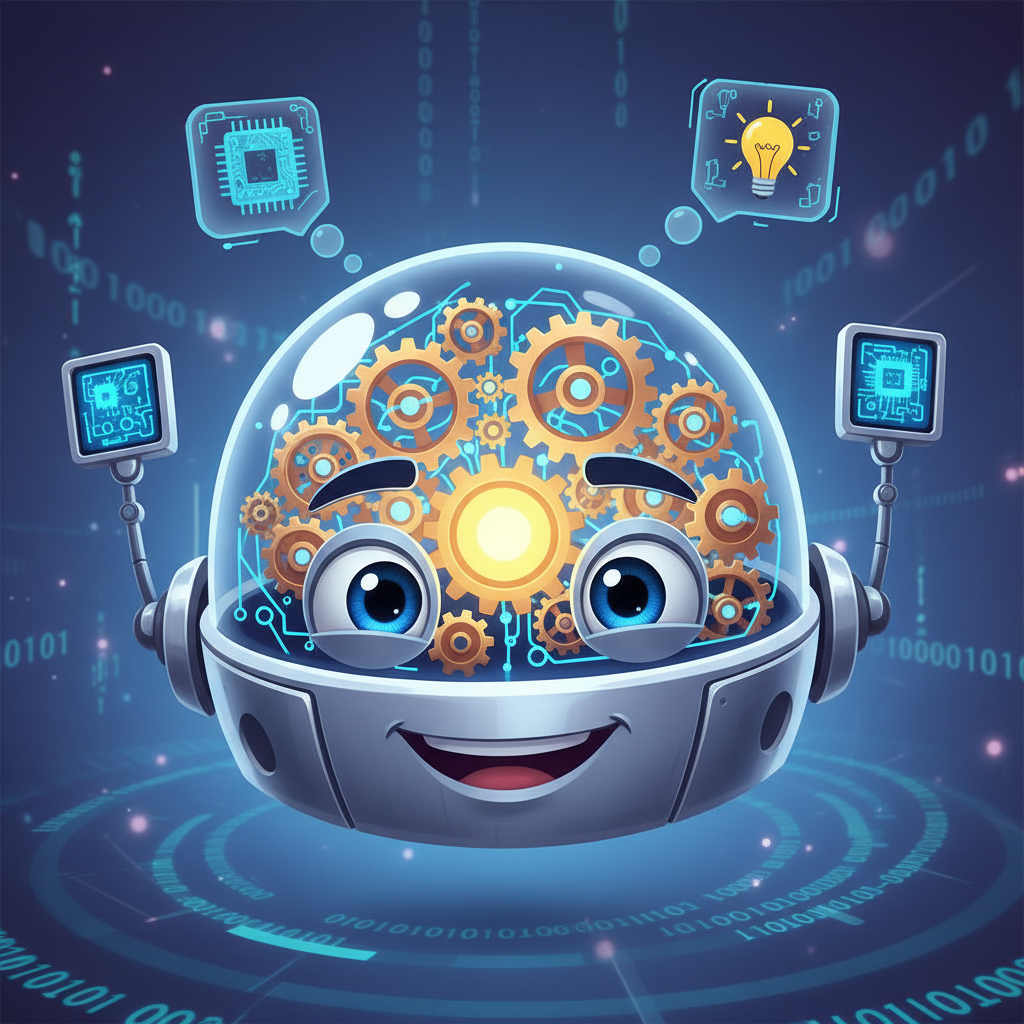
After the computer gets your input, it 'thinks' about it. This is called 'processing'. It's like your friend trying to understand your instructions and figuring out how to do what you asked. This happens super, super fast inside the computer, like a tiny brain working really hard!
Analogy: If you ask your friend, "What is two plus two?" your friend thinks about the numbers to find the answer. That 'thinking' part is like processing for a computer.
Step 3: Output (The Computer Shows You!)
Once the computer has finished thinking (processing), it shows you the answer or does what you asked. This is called 'output'. It's how the computer communicates back to you!
- The screen (like a TV) shows you a cartoon, a picture you drew, or your homework. That's output!
- The speakers play your favorite music or the sound from a game. That's output!
- A printer prints your drawing or story on paper. That's output!
Analogy: After your friend figures out what two plus two is, they tell you "Four!" That's output! Or if they drew you a cat, showing you the drawing is output.
Step 4: Storage (The Computer Remembers!)
Sometimes, computers need to remember things for later, so they don't forget. This is called 'storage'. It's like your friend writing down a secret in a special notebook so they can read it again tomorrow.
Computers have special parts inside them that can save your games, your drawings, your favorite songs, your videos, and even your homework. So, when you turn the computer off and on again, everything you saved is still there!
Analogy: Think of a bookshelf where you keep all your favorite books. Or a toy box where you keep all your toys. A computer has a 'digital bookshelf' or 'toy box' for its information!
What Amazing Things Can Computers Do For Us?
Now that you know how computers work, let's explore all the super cool things they can help us do!
-
Play Games and Have Fun! From jumping over obstacles to solving puzzles, computers can show us amazing games with colorful characters and exciting adventures.
Analogy: Just like a board game gives you fun, a computer game gives you digital fun!
-
Watch Videos and Movies! You can watch your favorite cartoons, learn about cool animals in a documentary, or see funny short clips on a computer screen.
Analogy: Like watching a show on TV, but you get to choose exactly what you want to watch!
-
Listen to Music! Want to dance? Computers can play all your favorite songs and help you discover new ones. You can even make your own playlists!
Analogy: Like a magical radio that knows all your favorite tunes!
-
Draw and Be Creative! You can use a computer to draw pictures, paint masterpieces with digital colors, or even design cool buildings or clothes without getting messy at all!
Analogy: Like having an endless box of crayons and a magic sketchbook that never runs out of paper.
-
Write Stories and Letters! If you want to write a story about a brave knight, a talking animal, or a letter to your grandma, a computer can help you type it neatly and easily change words if you make a mistake.
Analogy: Like having a super-fast pencil that can erase perfectly!
-
Learn New Things! Computers can show you fun lessons, tell you about dinosaurs, teach you how to count, or help you learn about different countries around the world. There's a whole world of knowledge!
Analogy: Like having a giant, talking encyclopedia that shows you pictures and videos.
-
Talk to Faraway Friends and Family! You can see and talk to your cousins who live far away, or your grandparents across the country, using a computer with a camera and microphone! It's like they're in the room with you.
Analogy: Like a magical window that lets you see and hear people who are miles and miles away.
-
Help with Homework! Need to add big numbers? A computer calculator can help! Want to find out about space, animals, or history? A computer can show you websites and videos with all the answers!
Analogy: Like having a very smart tutor who knows almost everything!
Remember: Computers Need You!
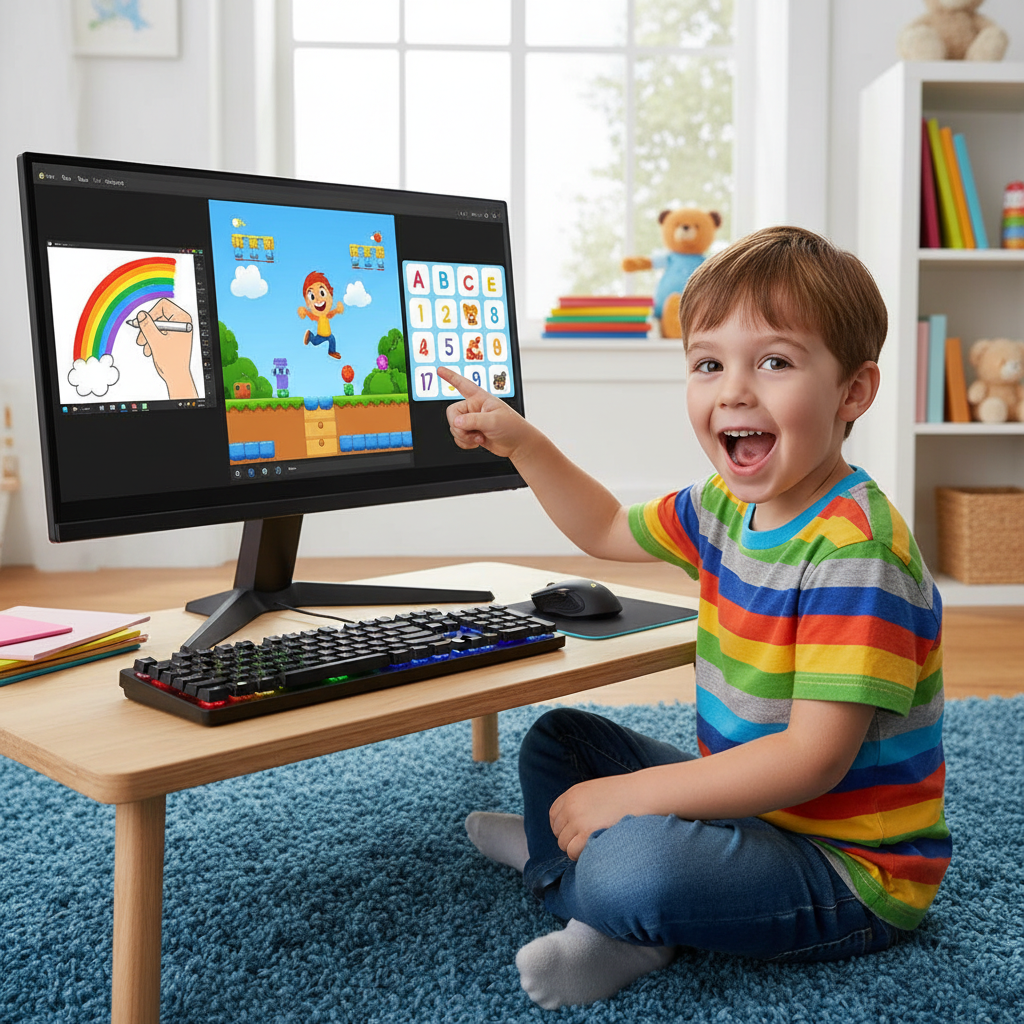
Even though computers are super smart and can do amazing things, they can't do anything by themselves. They need YOU to tell them what to do! You are the boss, the guide, the brilliant mind that gives them instructions.
So, next time you see a computer, remember all the incredible things it can do with your help! They are truly our super helpers and make our lives easier, more fun, and help us learn so many new things.
Keep exploring and learning about these wonderful machines!
Keep learning, free
Create a free Syllabax account to unlock practice questions and games for this topic.
Visual Learning Enhanced! 🚀
To help you master this topic, we use Advanced Syllabax AI to generate detailed diagrams and visual models.
Note on Visuals: The AI sometimes makes spelling errors in image labels. Please refer to the lesson text for the correct terminology.