Introduction to Email Concept
Watch this topic in 60 seconds
Free preview · Lesson 1
Understanding Introduction to Email Concept
Introduction to Email: Sending Messages in a Flash!
Hello, young digital explorers! Today, we're going to learn about something super cool called Email. Have you ever sent a letter to a friend or a grandparent? Email is a lot like sending a letter, but instead of paper, stamps, and a mailbox, it uses computers and the internet to send your messages almost instantly! Imagine writing a letter and having it delivered across the world in just a few seconds – that's what email can do!
What is Email?
Think of email as a super-speedy digital message. The word "email" is short for "electronic mail." Just like you write a letter on paper and put it in an envelope, with email, you type your message on a computer, tablet, or phone, and then send it through the internet. It's like magic, but it's actually technology!
Analogy Time: Imagine you have a special secret box that can send tiny notes to your friends across the playground. You write your note, put it in the box, and *poof*! It instantly appears in their box. Email is similar, but instead of a playground, it's the whole world, and instead of a secret box, it's your computer or phone!
How Does Email Work?
Sending an email might seem complicated, but it's built on a few simple ideas:
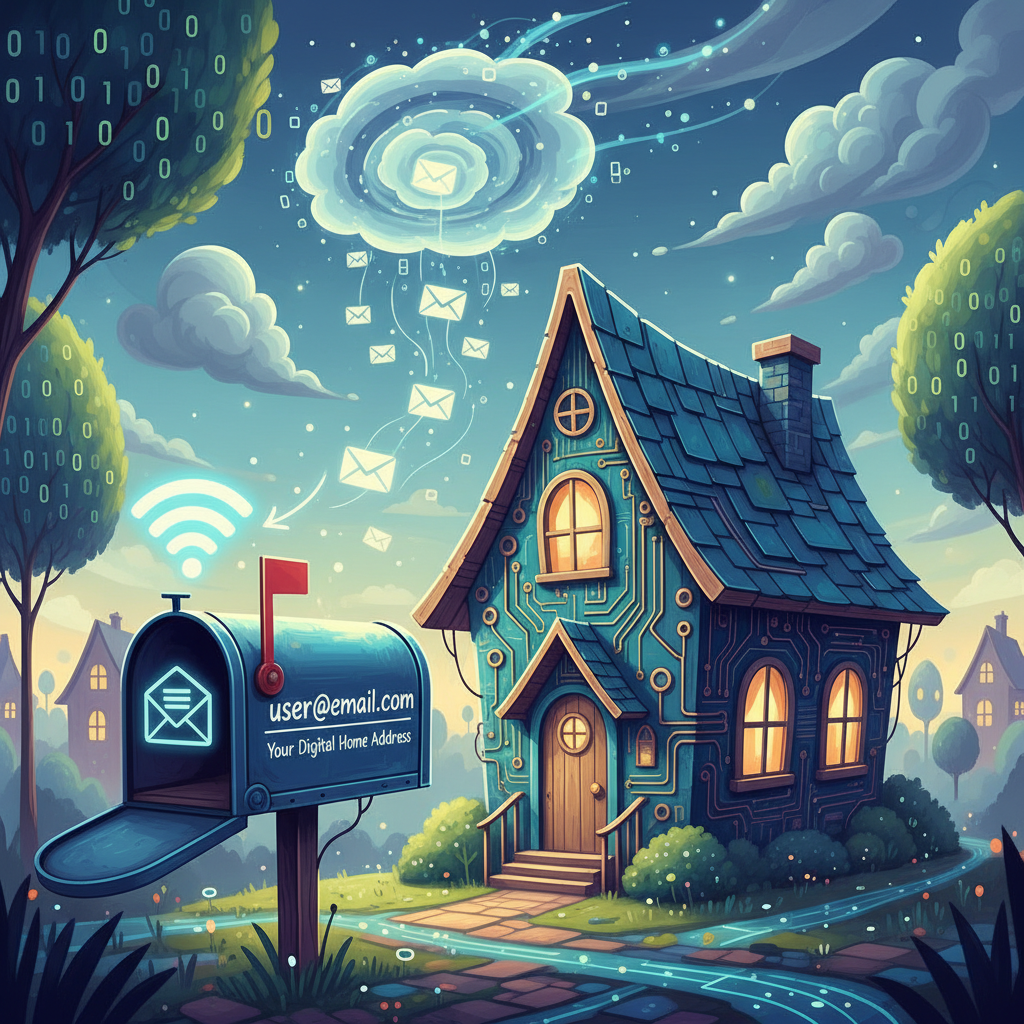
- You Need an Email Address: Just like your house has a street address so mail can find you, you need an email address to send and receive emails. An email address looks a bit like a secret code, for example:
yourname@example.com. It always has the "@" symbol in the middle. The part before the "@" is usually your unique name or a nickname, and the part after the "@" tells the internet which "email post office" or "mail service" you use (like Gmail, Outlook, Yahoo, etc.). - The Internet is the Road: Once you write your email and click "send," your message travels through the internet. The internet is like a vast network of roads and highways connecting all the computers in the world.
- Email Servers are Like Post Offices: Your email doesn't just zoom straight to your friend's computer. First, it goes to a special computer called an "email server." Think of email servers as super-smart digital post offices. When you send an email, your post office (your email server) sends it to your friend's post office (their email server). Their post office then holds the message until your friend logs in to check their mail.
What Do You Need to Send/Receive Email?
To use email, you typically need three main things:
- An Email Address: We just talked about this! You usually get one for free from an email provider like Gmail or Outlook, with help from an adult.
- An Internet Connection: Your computer, tablet, or phone needs to be connected to the internet. This is like needing roads for a letter to travel on.
- An Email Program or Website: This is where you actually write, send, and read your emails. It could be an "app" on a tablet or phone, or a "website" you visit on a computer. This is like your personal desk where you open and write your letters.
The Parts of an Email
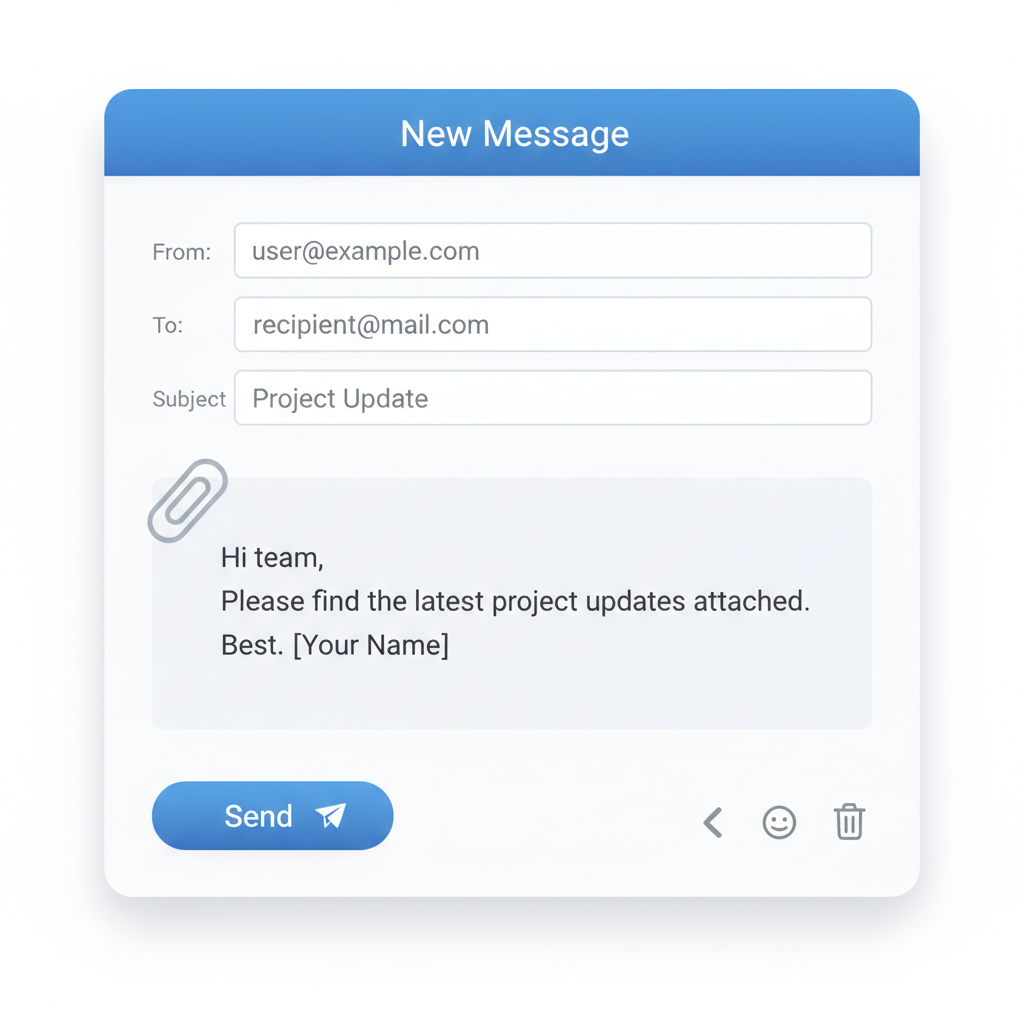
When you look at an email, you'll see a few important sections, just like a letter has a sender, recipient, and message body:
- From: This tells you who sent the email. It's usually their email address. (Like the return address on an envelope).
- To: This is where you type the email address of the person you want to send the message to. You can send it to one person or many people! (Like the recipient's address on an envelope).
- Subject: This is a short phrase that tells the person receiving the email what your message is about. It's really helpful because people can quickly see if an email is important or interesting before they even open it! (Think of it like the title of a book or a newspaper headline – it tells you what's inside). For example, "My trip to the zoo!" or "Homework question."
- Body: This is the main part of your email where you write your message. You can type words, just like writing in a notebook. You can also change the font, make words bold, or even add colorful text!
- Attachment (Optional): Sometimes, you might want to send more than just words. You can "attach" files like photos, drawings, or documents to your email. It's like putting a picture or a drawing inside a letter you send.
What Can You Use Email For?
Email is used for many, many things! Here are a few examples:
- Talking to Friends and Family: You can send messages to relatives who live far away, or to friends to plan playdates.
- Communicating with Teachers: Sometimes, teachers use email to send important updates or answer questions. (Always ask an adult to help you with this!)
- Sending Invitations: You can send digital invitations for birthday parties or other events.
- Sharing Pictures and Stories: If you draw a fantastic picture or write an amazing story, you can email it to family members.
- Getting News and Information: Many websites send newsletters or updates via email if you sign up for them (again, always with a parent's permission).
Being a Responsible Email User (With an Adult's Help!)
Email is a powerful tool, and it's important to use it wisely and safely:
- Always Ask an Adult: Before you sign up for an email address or send important emails, always talk to a parent or trusted adult.
- Never Share Passwords: Your email password is like the key to your secret message box. Never tell anyone your password, except a parent or guardian.
- Think Before You Click: Sometimes, people send emails that look like they're from someone you know, but they're not! These can sometimes try to trick you. If an email looks strange or asks for personal information, always show it to an adult before clicking any links or replying.
- Be Kind: Just like in real life, always be polite and kind in your emails. Remember, there's a real person reading your message on the other side!
So there you have it! Email is a fast, fun, and really useful way to send messages all around the world. With an adult's help, you can start exploring this amazing digital tool!
Keep learning, free
Create a free Syllabax account to unlock practice questions and games for this topic.
Visual Learning Enhanced! 🚀
To help you master this topic, we use Advanced Syllabax AI to generate detailed diagrams and visual models.
Note on Visuals: The AI sometimes makes spelling errors in image labels. Please refer to the lesson text for the correct terminology.