Output Devices: Speakers & Projectors
Watch this topic in 60 seconds
Free preview · Lesson 1
Understanding Output Devices: Speakers & Projectors
Output Devices: Speakers & Projectors – Bringing Digital to Life!
Hello, future tech wizards! Have you ever wondered how the awesome music you listen to or the cool videos you watch actually get out of your computer and into your ears and eyes? It’s all thanks to special tools called output devices. Think of a computer as a brilliant chef in a kitchen. It prepares amazing digital meals (information), but it needs helpers to serve those meals to *us* so we can enjoy them. Output devices are those waiters and waitresses, translating the computer's digital language into something we can see, hear, or even feel!
Today, we're going to focus on two very common and super useful output devices: Speakers and Projectors. They both take information from your computer and present it in a way that humans can easily understand and appreciate.
Part 1: Speakers – Your Computer's Voice
What Do Speakers Do?
Imagine your computer wants to tell you something with sound. Maybe it's a song, a voice recording, or even just a little 'ding!' when you get a new message. Your computer can't just shout; it needs a speaker! Speakers are output devices that convert electrical signals from your computer into sound waves that you can hear. They are your computer's voice box.
How Do Speakers Work (Simply)?
It sounds a bit like magic, but it’s actually really clever physics! Think about a guitar string. When you pluck it, it vibrates, right? And those vibrations create sound waves that travel through the air to your ears. Speakers work in a very similar way.
- Step 1: The Digital Recipe. Your computer sends an electrical signal, which is like a digital recipe for a sound, to the speaker.
- Step 2: The Vibration. Inside the speaker, there's a special part, often shaped like a cone, called a diaphragm. This diaphragm is connected to a coil that becomes a temporary magnet when the electrical signal hits it. This magnet interacts with a permanent magnet, causing the diaphragm to move rapidly back and forth, or vibrate.
- Step 3: Sound Waves! These vibrations push and pull the air around them, creating those invisible sound waves that travel to your ears. The faster the vibrations, the higher the pitch (like a squeaky mouse); the slower, the lower the pitch (like a booming drum). The bigger the movement, the louder the sound!
Analogy Alert! Think of a speaker like a drummer. Your computer is the conductor, telling the drummer (speaker) when and how hard to hit the drum (diaphragm). The drum then makes vibrations that travel through the air, creating the sound you hear.
Types of Speakers:
- Internal Speakers: Many laptops, phones, and tablets have tiny speakers built right inside them. They're convenient but often not super powerful.
- External Speakers: These are separate boxes you plug into your computer. They can be small desktop speakers, large stereo speakers, or even powerful sound systems for parties. They usually offer much better sound quality and volume.
- Headphones/Earbuds: These are mini-speakers designed to be worn on or in your ears, so only you can hear the sound directly. They're great for privacy or for really focusing on your audio.
No matter the type, speakers are essential for enjoying music, watching videos with sound, playing games, or hearing notifications from your computer.
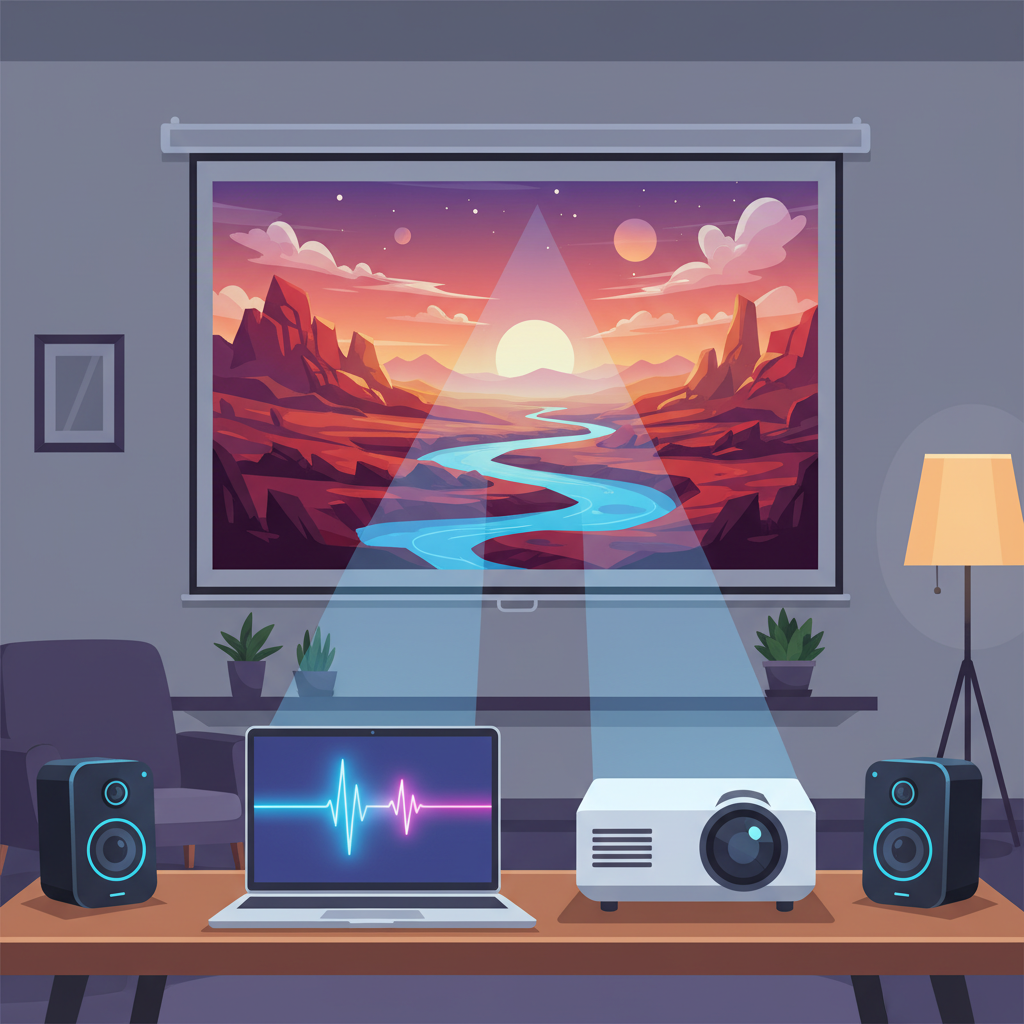 ⚠️ This picture may have spelling mistakes. Trust the words in the lesson.
Part 2: Projectors – Your Computer's Giant Screen
What Do Projectors Do?
Sometimes, looking at a small screen isn't enough. Maybe you want to watch a movie with friends on a really big screen, or show a presentation to an entire class. That's where a projector comes in! Projectors are output devices that take images or videos from your computer and beam them onto a large surface, like a wall or a special screen. They are your computer's way of creating a giant picture for everyone to see.
How Do Projectors Work (Simply)?
Think of a projector like a super-smart flashlight that can display complicated pictures instead of just a circle of light. It takes the image from your computer, makes it really bright, and then uses special lenses to throw that image far and wide.
- Step 1: The Digital Picture. Your computer sends an electrical signal representing an image or video to the projector.
- Step 2: The Bright Light & Tiny Screen. Inside the projector, there's an extremely powerful light bulb. This light shines through a tiny, transparent chip (like a super small, high-definition screen) that actually creates the image based on the computer's signal. Imagine drawing a picture on a tiny transparent slide.
- Step 3: Magnify and Project! This tiny, bright image then passes through a series of special lenses. These lenses work like a magnifying glass, taking that small, bright picture and making it much, much bigger, focusing it clearly onto the wall or screen.
Analogy Alert! Imagine you're holding a powerful flashlight and you've drawn a small picture on a clear piece of plastic. If you hold the plastic in front of the flashlight, the picture will be projected onto a wall! A projector is like that, but much more advanced, using a tiny digital screen instead of plastic and powerful lenses to make the image huge and clear.
Key Features of Projectors:
- Brightness (Lumens): This tells you how bright the projector's light source is. A higher number of lumens means a brighter picture, which is important for well-lit rooms.
- Resolution: Just like TVs and monitors, projectors have a resolution (e.g., 1080p). This describes how many tiny dots (pixels) make up the picture. Higher resolution means a sharper, more detailed image.
- Throw Distance: This is how far the projector needs to be from the screen to create a certain size image. Some projectors can make a big picture from a short distance (short-throw), others need more space.
Projectors are commonly used in classrooms, boardrooms, home theaters, and for outdoor movie nights. They transform a small digital display into a shared visual experience.
Connecting Speakers and Projectors to Your Computer
Most speakers and projectors connect to your computer using cables (like HDMI, USB, or audio jacks) or wirelessly (using technologies like Bluetooth or Wi-Fi). The computer sends the digital information, and the output device does its job of converting it into sound or light for you to experience!
Why Are These Output Devices Important?
Without speakers, your computer would be silent. Without projectors, you couldn't easily share a giant screen with many people. They are the essential bridges that allow us to interact with and share the incredible digital world our computers create. They make learning more engaging, entertainment more immersive, and communication more effective.
So, the next time you hear your favorite song or see a presentation on a big screen, remember the amazing technology of speakers and projectors working hard as your computer's voice and giant eyes!
Keep learning, free
Create a free Syllabax account to unlock practice questions and games for this topic.
Visual Learning Enhanced! 🚀
To help you master this topic, we use Advanced Syllabax AI to generate detailed diagrams and visual models.
Note on Visuals: The AI sometimes makes spelling errors in image labels. Please refer to the lesson text for the correct terminology.