Learning Journey
Watch this topic in 60 seconds
Free preview · Lesson 1
Understanding Calculating Total Data
Calculating Total Data: Adding Up Our Digital Treasures!
Calculating Total Data: Adding Up Our Digital Treasures!
Hello, young digital explorers! Today, we're going on an exciting adventure to learn about 'data' and how to find its 'total' amount. Don't worry, it's a lot like counting your favorite toys or figuring out how many cookies are in a jar!
What is Data? Your Digital Information!
Imagine all the things you see and do on a computer, tablet, or phone. Every single picture, every video, every song, every game, and even the words you read on a website – those are all examples of data. Data is just information that computers store and use.
- Pictures: When you take a photo with a camera, that's data!
- Videos: Watching your favorite cartoon? That's video data!
- Songs: Listening to music? That's audio data!
- Games: Playing a fun game? All the graphics and sounds are data!
- Stories & Documents: Reading a book or writing a letter on the computer? Those words are text data!
Think of data like different kinds of LEGO bricks. Each brick is a piece of information, and when you put them together, you build something bigger!
What Does "Total" Mean? All Together Now!
When we talk about the "total" of something, we mean ALL of it, put together. If you have 3 red apples and 2 green apples, the total number of apples is 3 + 2 = 5 apples. Easy, right?
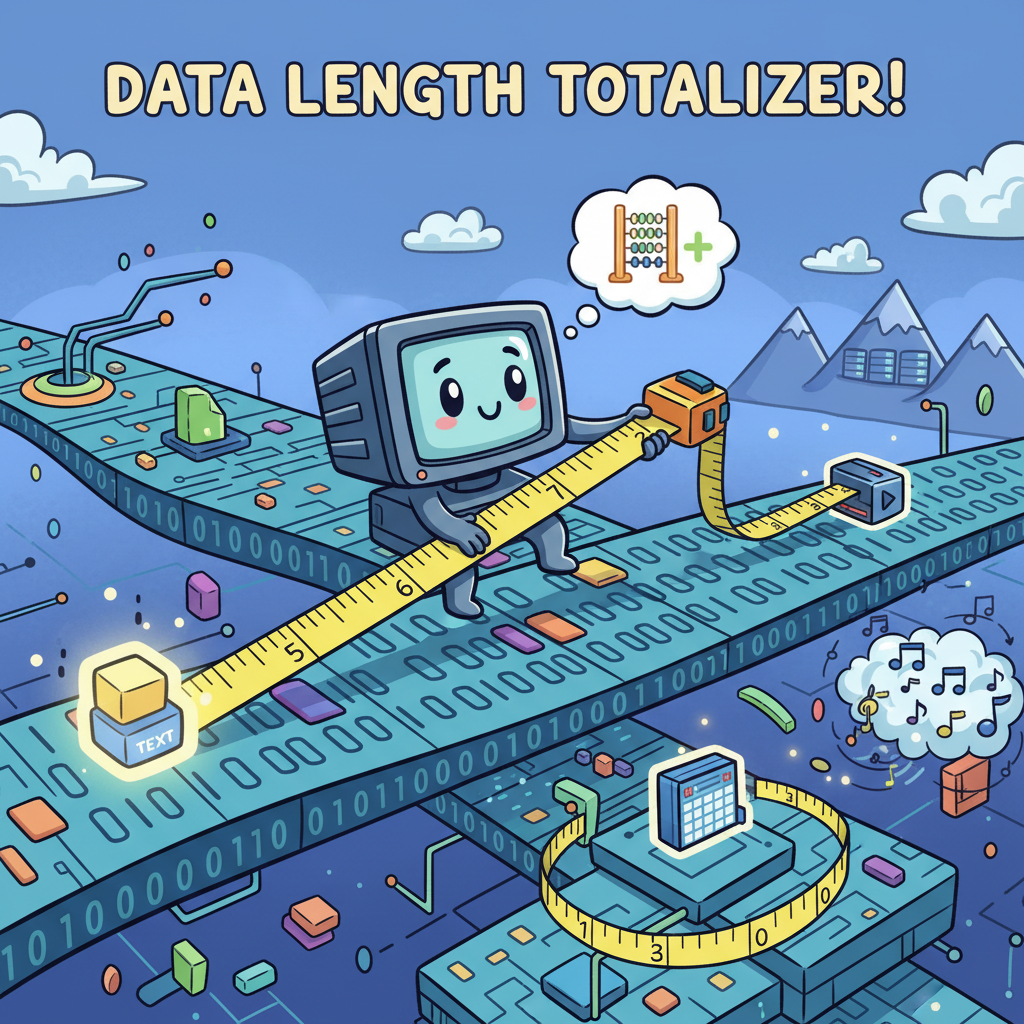
In the same way, when we talk about "total data," we mean all the digital information added up. We want to find out how much space all those pictures, songs, and games take up when you put them all together!
Why Do We Calculate Total Data?
Why is it important to know the total amount of data? Well, think about your toy box. You can only fit so many toys inside before it gets full, right? Computers, phones, and tablets are just like your toy box. They have a certain amount of space to store data.
If you keep adding more and more data (like new pictures or games) without checking the total, your device might become full! When a device is full, it can't store new things, and sometimes it can even slow down. So, calculating total data helps us understand how much space we are using and how much we have left.
How Do We Measure Data? Bytes, Kilobytes, and Megabytes!
Just like we measure the length of a pencil in inches or centimeters, or the weight of an apple in grams or ounces, we also have special ways to measure data. These are called units of data. For our adventure today, we'll focus on three important ones:
- Byte (B): This is a very tiny unit, like a single crumb of a cookie. It's usually the smallest piece of data we talk about.
- Kilobyte (KB): A Kilobyte is like a small bag of cookies. It's much bigger than a single Byte (about 1,000 Bytes!). A very small text document might be a few KBs.
- Megabyte (MB): A Megabyte is like a whole box of cookies! It's much bigger than a Kilobyte (about 1,000 Kilobytes!). Most pictures, songs, and short videos are measured in Megabytes.
The bigger the number of Bytes, KBs, or MBs, the more space the data takes up!
Analogy: The Cookie Jar
Imagine your favorite cookie jar. Each cookie in the jar is a 'Byte' of delicious data. A small bag of cookies is like a 'Kilobyte', and a giant box of cookies is a 'Megabyte'. If you have a few small bags and a big box, and you want to know how many cookies you have total, what do you do? You add them all up!
How to Calculate Total Data: It's Just Adding!
The best part is, calculating total data is super easy! It's just like regular addition. You simply add the sizes of all your data files together. Remember to make sure they are in the same unit (like all MBs or all KBs) before you add them, just like you wouldn't add apples and oranges directly!
Example 1: Adding Photos
Let's say you took two amazing photos with your tablet:
- Photo 1 is 5 MB (Megabytes) big.
- Photo 2 is 3 MB (Megabytes) big.
To find the total data for both photos, we just add their sizes:
5 MB + 3 MB = 8 MB
So, your two photos take up a total of 8 MB of space on your tablet!
Example 2: A Song and a Story
Now, let's try adding different types of data:
- You download a fun new song that is 4 MB.
- You also save a short story document that is 1 MB.
How much total data do the song and the story take up?
4 MB + 1 MB = 5 MB
That's right! A total of 5 MB.
Analogy: The School Backpack
Think about your school backpack. You put different items inside: a big textbook, a small notebook, a pencil case, and your lunchbox. Each item takes up a certain amount of space. If you want to know if everything will fit, you have to imagine adding up the space each item needs. Your backpack has a total amount of space it can hold, just like your computer has a total amount of data it can store!
 Why is This Important? Keeping Your Devices Happy!
Understanding total data helps you be a smart computer user. When you know how much space your files take up, you can decide which ones to keep, which to move to a different place, or which ones you might not need anymore. This helps keep your devices running smoothly and makes sure you always have space for new digital adventures!
Let's Review!
- Data is all the digital information like pictures, videos, and words.
- Total data means adding up the sizes of all your data files.
- We use addition to find the total data.
- Data is measured in units like Bytes (B), Kilobytes (KB), and Megabytes (MB).
- Knowing total data helps manage the space on your digital devices!
Great job, data explorers! You've taken the first step to understanding how our digital world works!
Keep learning, free
Create a free Syllabax account to unlock practice questions and games for this topic.
Visual Learning Enhanced! 🚀
To help you master this topic, we use Advanced Syllabax AI to generate detailed diagrams and visual models.
Note on Visuals: The AI sometimes makes spelling errors in image labels. Please refer to the lesson text for the correct terminology.