Fun Computer Activities
Watch this topic in 60 seconds
Free preview · Lesson 1
Understanding Fun Computer Activities
Welcome to the Wonderful World of Fun Computer Activities!
Hello, young learners! Get ready for an exciting adventure into the world of computers. Have you ever wondered what a computer is? Think of a computer like a super-smart helper or a magic box that can do lots of amazing things! It’s like having a best friend that can help you draw, play games, and learn new things, all on one screen.
What is a Computer, Really?
Imagine your brain. It helps you think, remember things, and solve puzzles, right? A computer has a 'brain' too, but it’s a tiny electronic one called a CPU (say: Cee-Pee-You). This brain helps the computer do all its tasks super fast!
Meet Your Computer Friends: The Parts!
Before we jump into the fun, let's meet the main parts of our computer friend. Knowing these will help you have even more fun!
-
The Screen (or Monitor): Your Window to Fun!
This is like your TV or a magic window that shows you all the pictures, games, and words. Whatever the computer is 'thinking' or 'doing' pops up right here for you to see! It's how the computer talks to you with pictures and colors. -
The Keyboard: Your Magic Message Maker!
Look at all those buttons with letters and numbers! This is called a keyboard. It's like a special typewriter. When you press a button, that letter or number shows up on your screen. You can use it to type your name, write stories, or even send secret codes (with a grown-up's help, of course!). -
The Mouse: Your Tiny Pointer Pal!
This small device, called a mouse, is super important. It’s like a little car steering wheel for your computer. When you move the mouse on your desk, a tiny arrow or hand (called a 'cursor') moves on your screen. You use it to point at things, click on buttons, and choose what you want to do. It helps you control where you go in your computer adventure!
Let's Have FUN! Amazing Computer Activities for You
Now that you know the basics, let's explore some incredibly fun things you can do with a computer. Remember, always ask a grown-up before starting any computer activity!
1. Draw and Paint Like a Digital Artist!
Have you ever wanted to draw a rainbow that never fades or paint a giant robot without making a mess? With a computer, you can! Many computers have special programs (like 'Paint') where you can use a mouse to draw, color, and create amazing pictures. It's like having an endless coloring book and every crayon color in the world! You can pick different brush sizes, erase mistakes easily, and even fill entire areas with just one click. Imagine drawing your favorite animal or creating a fantasy world, all on your screen!
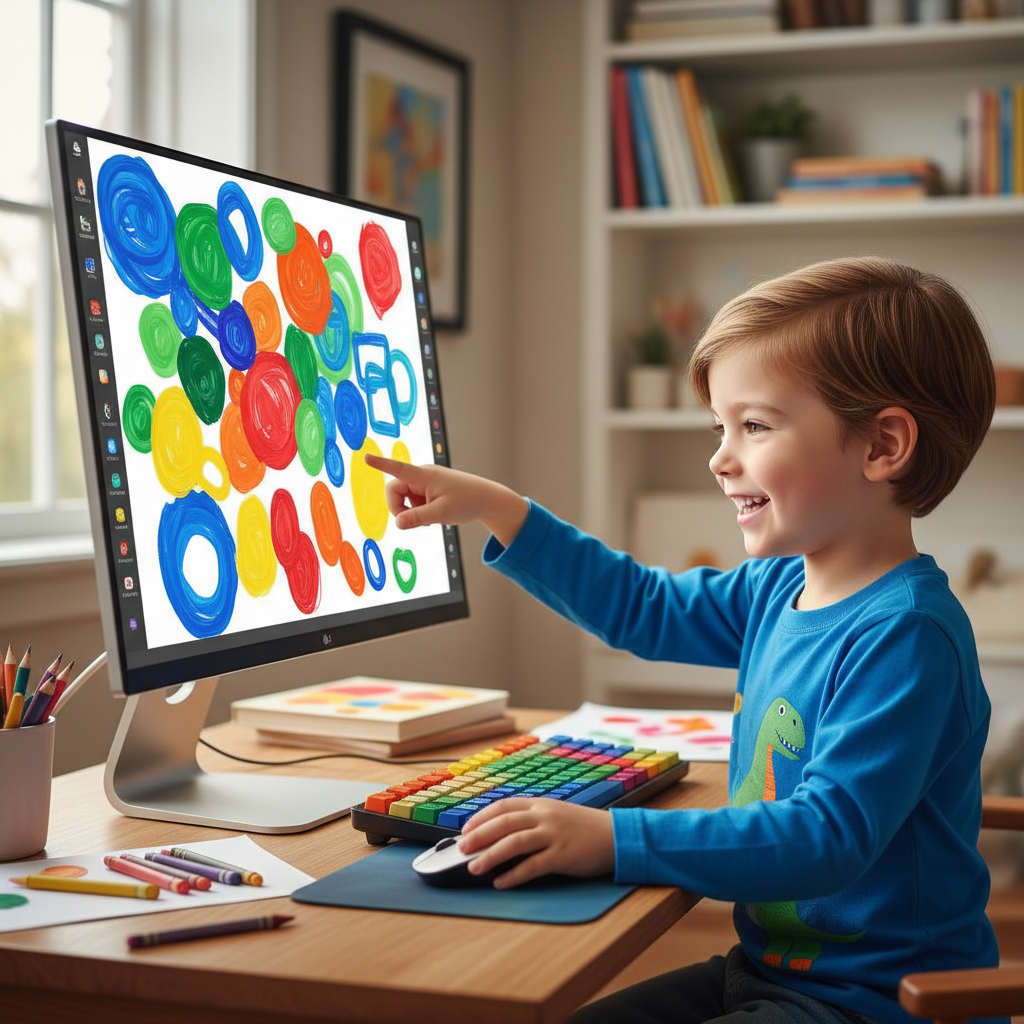
2. Play Super Smart Games!
Computers have tons of games that are not just fun but also help you learn! These are called educational games. You can play games that teach you your ABCs, help you count numbers, recognize shapes, or even learn about different animals and places around the world. It's like playtime that makes your brain stronger and smarter! You can solve puzzles, match pairs, or go on adventures while learning new things without even realizing it.
3. Listen to Enchanting Stories and Books!
Do you love story time? Computers can be like a magical library! You can find interactive storybooks that read themselves to you, with colorful pictures and fun sounds. Some stories even let you click on characters or objects to make them move or speak. It's like having your favorite storybook come alive right in front of you. You can listen to tales of brave knights, talking animals, or explore faraway lands, all from the comfort of your chair.
4. Make Your Own Music!
Have you ever dreamt of being a rockstar or a famous musician? Some computer programs let you create your very own music! You can pick different instruments, choose different sounds, and arrange them to make your own song. It’s like having a whole band or orchestra inside your computer, waiting for you to be the conductor. You can experiment with different beats and melodies, creating tunes that are uniquely yours!
5. Explore and Discover (with a Grown-Up)!
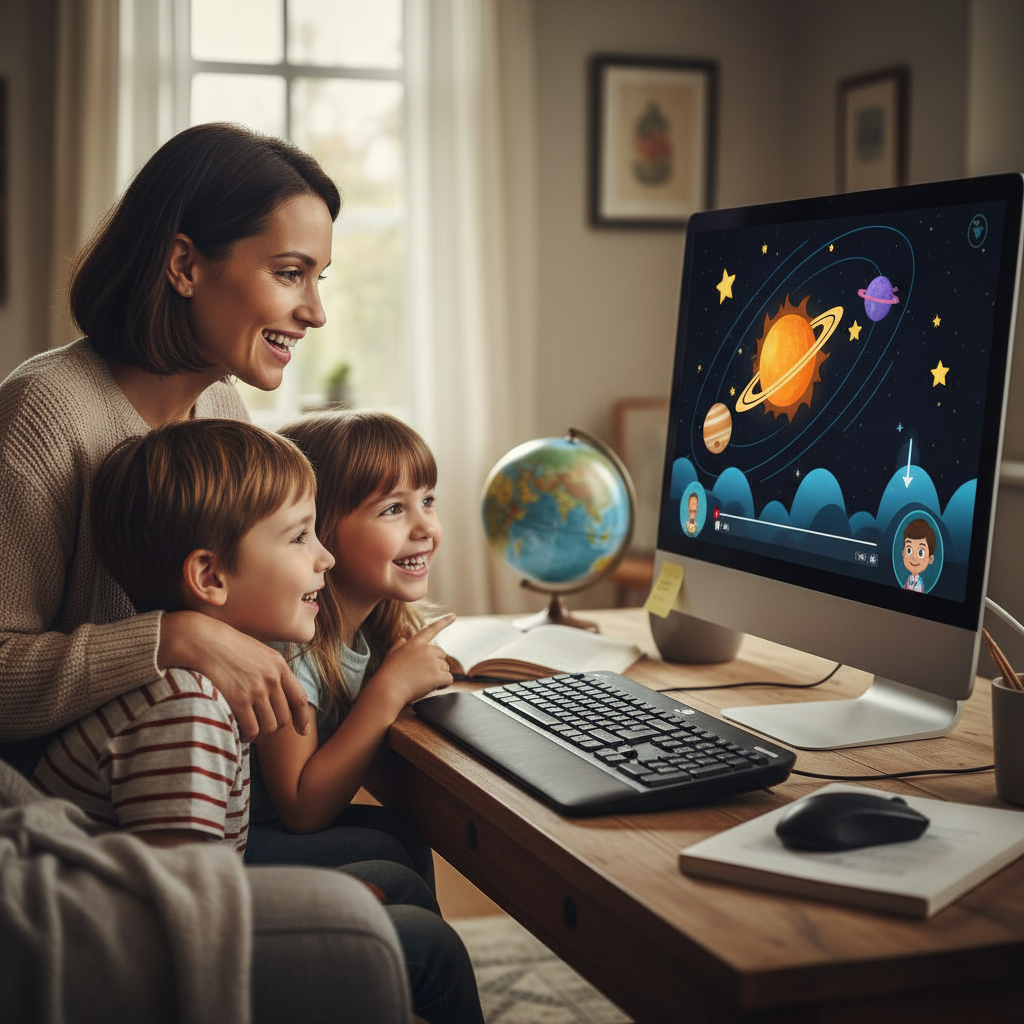
With a grown-up's help, you can use the computer to explore so many things! You can look at pictures of real animals in their habitats, watch short, fun videos about how things work, or even take a virtual tour of a famous museum. It’s like having a magical doorway to learn about anything you can imagine! Always remember to ask your grown-up before exploring the internet, as some places are not safe for young children.
 ⚠️ This picture may have spelling mistakes. Trust the words in the lesson.
Important Computer Rules: Be a Computer Helper!
Computers are amazing, but they need us to take good care of them and use them wisely. Here are some simple rules:
- Always Ask a Grown-Up: Before you use the computer, always ask a parent, guardian, or teacher for permission. They can help you find fun and safe things to do.
- Be Gentle: Computers are delicate. Don't hit the keyboard or push the mouse too hard. Treat your computer friend gently, just like you would treat your favorite toy.
- Keep Drinks Away: Water and juice are yummy, but they are very bad for computers! Keep all liquids far away from the computer to prevent accidents.
- Take Breaks: Even though computers are super fun, it's important to take breaks. Stand up, stretch, and give your eyes a rest. Then you can come back refreshed for more computer fun!
Your Computer Adventure Awaits!
Computers are powerful tools that can open up a world of fun, creativity, and learning. From drawing masterpieces to playing brainy games and discovering new stories, there's always something exciting to do. Remember to use your computer responsibly and always with a grown-up's permission. Enjoy your amazing computer adventures!
Keep learning, free
Create a free Syllabax account to unlock practice questions and games for this topic.
Visual Learning Enhanced! 🚀
To help you master this topic, we use Advanced Syllabax AI to generate detailed diagrams and visual models.
Note on Visuals: The AI sometimes makes spelling errors in image labels. Please refer to the lesson text for the correct terminology.