Parts of a Computer: Keyboard
Watch this topic in 60 seconds
Free preview · Lesson 1
Understanding Parts of a Computer: Keyboard
Let's Meet the Keyboard! Your Computer's Typewriter!
Hello, young explorers! Today, we're going on an exciting adventure to discover one of the most important parts of a computer. Imagine you want to tell your computer a story, or maybe even your name. How do you do it? You use something called a Keyboard!
What is a Keyboard?
Think of a computer keyboard like a special magical typewriter, or a big set of buttons for telling your computer what you want it to do. It's how you talk to the computer! Just like you use your mouth to talk to your friends, or a pencil to write in your notebook, you use the keyboard to write words and numbers on the computer screen.
Look at a keyboard. What do you see? Lots and lots of little buttons, right? We call these buttons keys. Each key has a special job.
Analogy Time!
- Imagine the keyboard is like a piano. Instead of playing music notes, each key types a letter, a number, or does something special!
- Or, think of it like a remote control for a toy car. You press different buttons to make the car go forward, backward, or turn. The keyboard lets you tell the computer what to do!
What Kinds of Keys Are There?
A keyboard has many different types of keys, but we'll learn about the most important ones for now. They're super helpful!
1. Letter Keys (A, B, C...)
These are like your alphabet blocks! You'll see all the letters from A to Z on these keys. When you press a letter key, that letter appears on the computer screen. This is how you type your name, write a story, or send a message! Just like you put alphabet stickers together to make words, you press letter keys to type words on the computer.
Can you find the letter 'A' on your keyboard? How about 'Z'? Try finding the letters in your name!
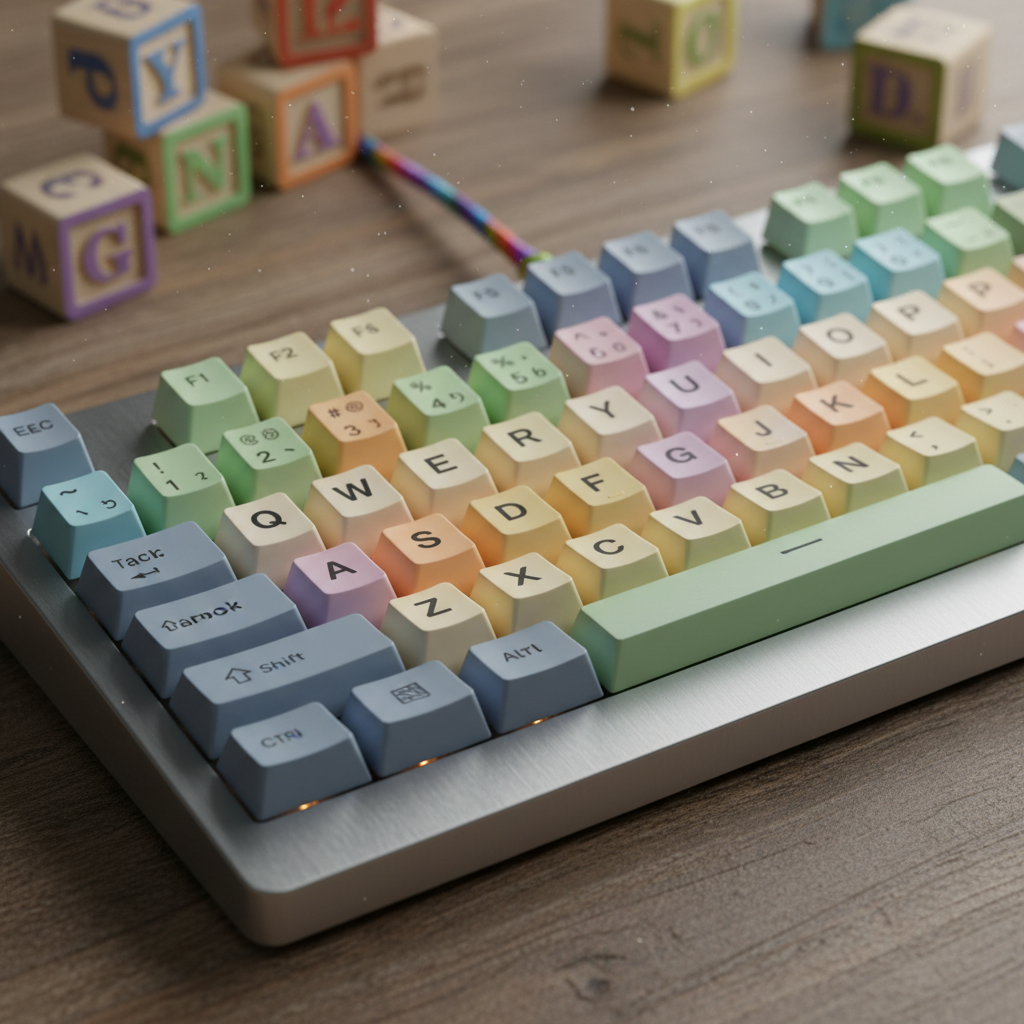 ⚠️ This picture may have spelling mistakes. Trust the words in the lesson.
2. Number Keys (1, 2, 3...)
Just like you have numbers on a ruler or a clock, the keyboard has number keys! You'll find numbers from 0 to 9. These keys are perfect for typing your age, counting how many cookies you have, or writing down a phone number. They usually live at the top of the keyboard, above the letter keys.
Imagine these are like the number buttons on a calculator. You press them to show numbers on the screen!
3. The Space Bar (The Loooong Key!)
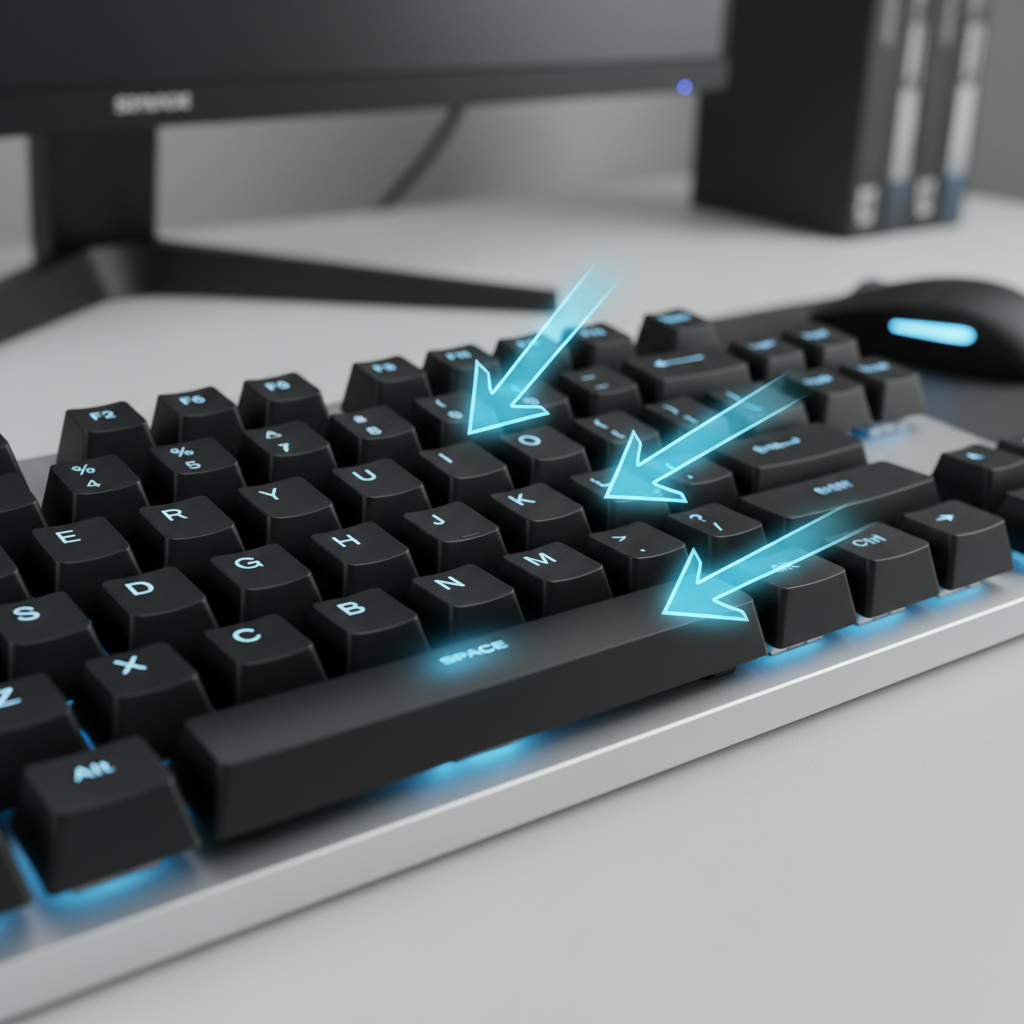
Look for the longest key on the whole keyboard. It's usually at the very bottom, right in the middle. This is called the Space Bar!
What does it do? When you write words in a notebook, you leave a little space between each word so they don't all get squished together, right? The Space Bar does the same thing on the computer! It puts a space between words, so your sentences are easy to read. It's like taking a little hop to the next word.
Try it! Type your first name, then press the Space Bar, then type your last name. See that nice space in between?
4. The Enter Key (Go!)
The Enter key is like a special 'Go' button or a 'New Line' button. When you're typing a story and you finish one paragraph and want to start a new one, you press Enter. It tells the computer, "Okay, I'm done with this line, let's go down to the next one!" Sometimes, it also means "Yes" or "OK" to the computer when you're asking it to do something.
Think of it like pushing the 'next page' button in a digital book, or telling the computer, "Let's start fresh on a new line!"
5. The Backspace Key (Oops! Erase!)
Uh oh! Did you make a mistake while typing? Don't worry, everyone does! The Backspace Key is your best friend for fixing mistakes. It's like a magic eraser for words and numbers on your computer screen. When you press it, the letters or numbers disappear, one by one, going backward.
It's like when you use an eraser on your pencil mistakes, but on the computer!
6. The Shift Key (Big Letters!)
Have you ever seen a capital letter, like 'A' instead of 'a'? The Shift Key helps you make big letters! You hold down the Shift key with one finger, and then press a letter key with another finger. Voila! A capital letter appears.
It also helps you type special symbols like '!' or '@' or '#'. Think of it like a special superpower button that makes your letters bigger or helps you find hidden symbols!
Why Do We Need a Keyboard?
We need the keyboard for so many fun and important things!
- To type our names and stories.
- To write messages to friends or teachers.
- To type in numbers for games or calculations.
- To tell the computer what game to open or what picture to show.
It's your special tool to communicate and create with your computer!
Taking Care of Your Keyboard
Just like you take care of your toys and books, it's important to take care of your keyboard. Always press the keys gently, don't push them too hard. Try to keep food and drinks away from it, because crumbs or spills can make the keys sticky or stop them from working. A happy keyboard means you can keep typing and playing!
Practice Time!
The best way to learn about the keyboard is to try it! If you have a computer nearby, ask a grown-up if you can gently press some keys. Try typing your name, or the numbers 1, 2, 3. See what happens when you press the Space Bar, Enter, and Backspace keys. It's a fun way to learn!
Remember, the keyboard is your computer's friendly helper, waiting for you to tell it what to do!
Keep learning, free
Create a free Syllabax account to unlock practice questions and games for this topic.
Visual Learning Enhanced! 🚀
To help you master this topic, we use Advanced Syllabax AI to generate detailed diagrams and visual models.
Note on Visuals: The AI sometimes makes spelling errors in image labels. Please refer to the lesson text for the correct terminology.