Entering Data in Cells
Watch this topic in 60 seconds
Free preview · Lesson 1
Understanding Entering Data in Cells
Hello, Young Data Explorers!
Have you ever played a game where you keep score, or helped make a list of groceries? When we put information into a computer program, especially in places that look like tables, we are "entering data into cells!" It's a super important skill for organizing information.
What is a Cell?
Imagine a big checkerboard or a grid. Each small square on that board is like a cell. In computer programs like spreadsheets (which are like super-smart notebooks for numbers and words), a cell is a specific box where you can put one piece of information.
- Each cell has its own special "address" so the computer knows exactly where it is. Think of it like your house number on a street!
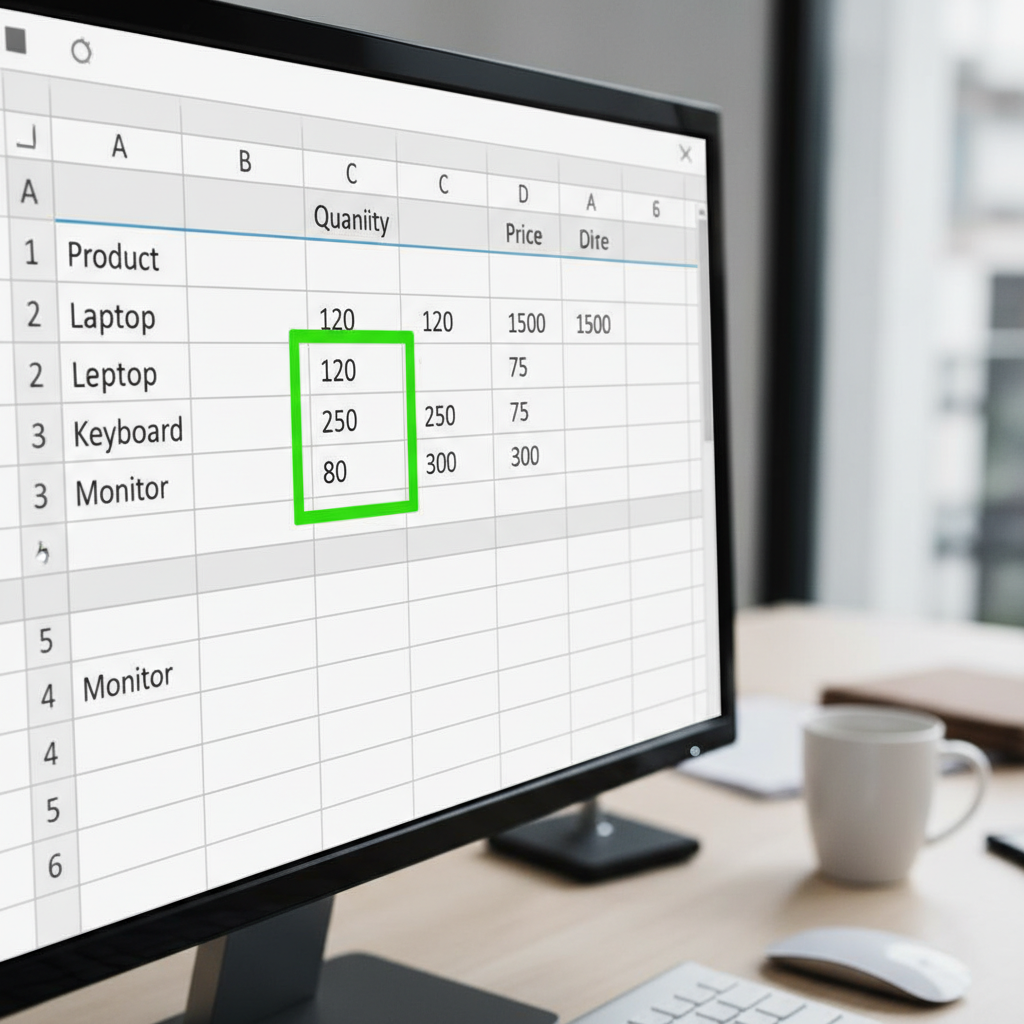 ⚠️ This picture may have spelling mistakes. Trust the words in the lesson.What is Data?
Data is just a fancy word for information! It can be:
- Words: Like your name, a pet's name, or a list of your favorite foods.
- Numbers: Like your age, a score in a game, or the price of a toy.
- Dates: Like your birthday.
- Times: Like when school starts.
So, when we say "entering data," we mean putting these words, numbers, or other facts into those little cell boxes.
How Do We Enter Data in Cells?
It's simpler than you might think! Here's how you do it:
- Click on a Cell: First, you use your mouse to click on the cell where you want to put your information. When you click it, that cell usually gets a border around it, showing it's the active cell (the cell you are currently working in).
- Start Typing: Once a cell is active, you just start typing on your keyboard! Type the word, number, or date you want to put into that cell.
- Press Enter: After you finish typing, press the Enter key on your keyboard. This tells the computer that you are done entering data into that cell, and it usually moves you to the next cell below. Sometimes, you might press the Tab key to move to the next cell to the right.
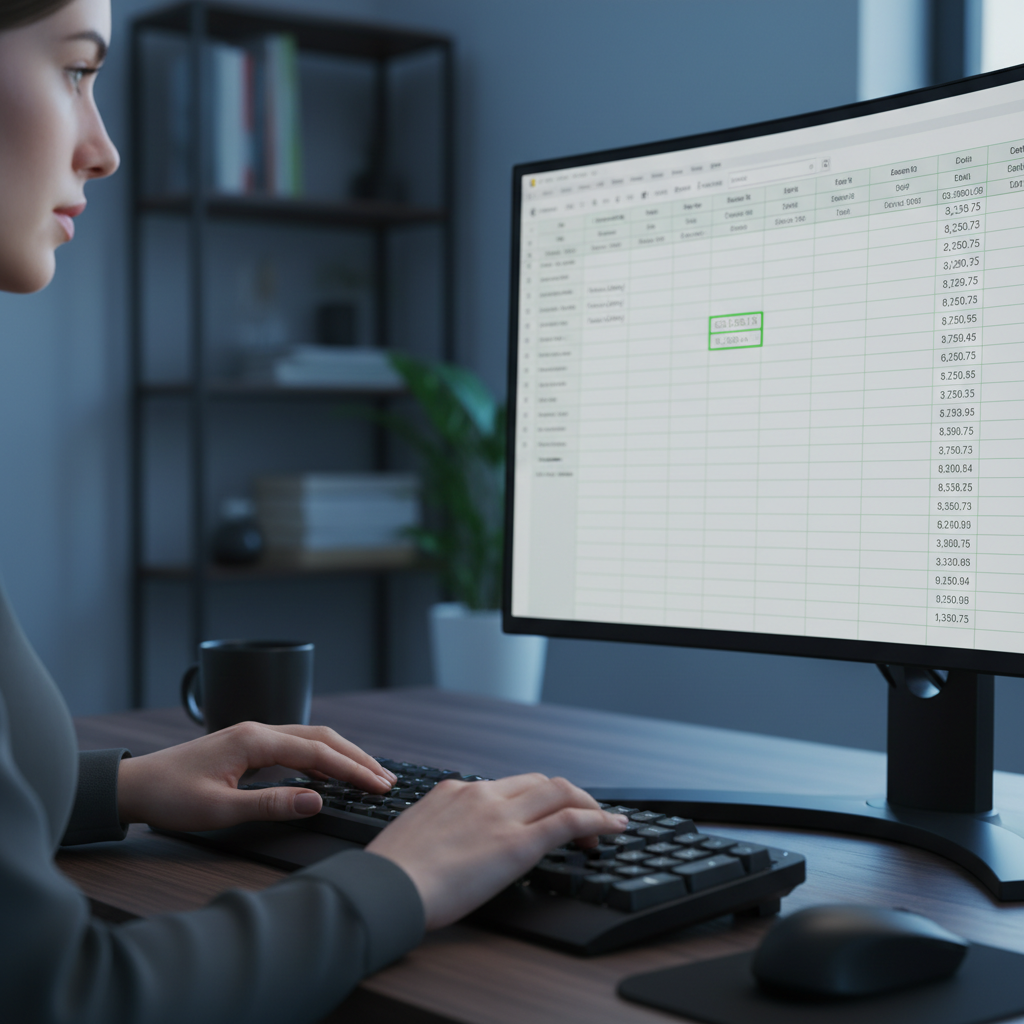 That's it! You've just entered data into a cell. This basic skill is the foundation for using many powerful computer programs, like ones that help teachers keep track of grades, or help businesses manage their products.
Keep practicing, and you'll become a data entry superstar!
Keep learning, free
Create a free Syllabax account to unlock practice questions and games for this topic.
Visual Learning Enhanced! 🚀
To help you master this topic, we use Advanced Syllabax AI to generate detailed diagrams and visual models.
Note on Visuals: The AI sometimes makes spelling errors in image labels. Please refer to the lesson text for the correct terminology.