Finding Fun & Safe Websites
Watch this topic in 60 seconds
Free preview · Lesson 1
Understanding Finding Fun & Safe Websites
Finding Fun & Safe Websites!
Hello, super explorers! Today, we're going on an adventure to learn all about finding fun places on the internet called "websites." Think of the internet like a giant, super-duper big library or a massive playground! And websites are like the different books, games, or fun zones inside that library or playground.
What is a Website?
Imagine you want to read a story, play a game, or watch a silly video. You might go to a specific page or a special room. On the internet, these special pages or rooms are called websites. A website can be a place where you learn about animals, play puzzles, or even see drawings from other kids! It's like a digital space full of interesting things.
Just like your favorite toy store has many toys, the internet has many websites. Some websites are made by people who want to teach you things, like how to draw a cat. Others are made by people who want you to play fun games, like matching colorful shapes. And some are made by your school to help you learn letters and numbers! Websites are super useful and can be a lot of fun.
Why Do We Need to Find "Safe" Websites?
Now, this is a very important part of our adventure! Imagine you're at a big playground. Most parts of the playground are super safe, right? You can slide, swing, and climb without worrying. But sometimes, there might be a broken swing or a puddle you shouldn't jump in. The internet is a bit like that giant playground.
Most websites are made to be fun and helpful, just for kids like you! But just like in a big city, there are some places that aren't meant for kids, or might not be safe. A "safe" website is like a safe playground – it's a place where you can explore and play without anything bad happening. It keeps your secrets safe and only shows you things that are good for your eyes and brain.
Rule #1: Always Ask a Grown-Up First!
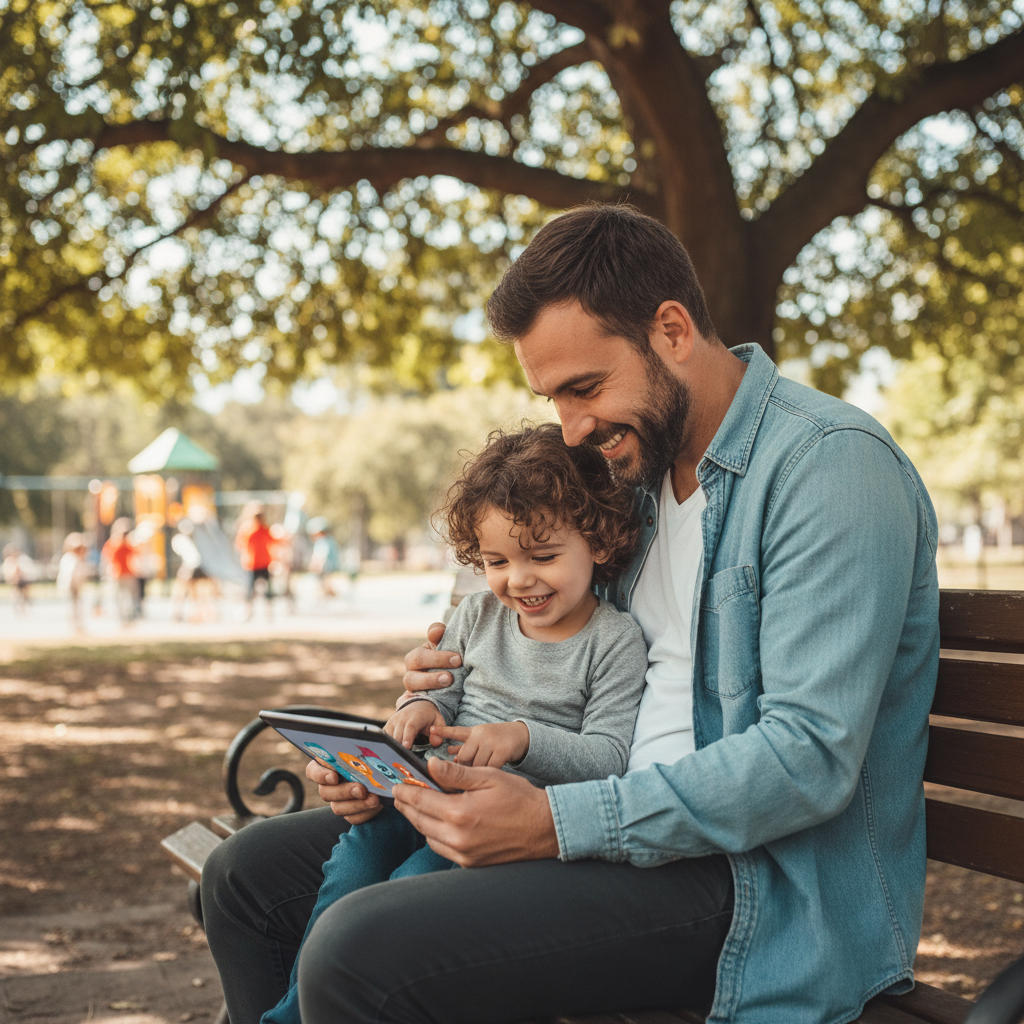
This is the BIGGEST and most important rule, like wearing your seatbelt in the car! Before you click on any website, or if you're not sure about a website, always, always, ALWAYS ask a grown-up. This could be your mom, dad, grandma, grandpa, or your teacher. They are like your internet superheroes! They know which websites are good and which ones might not be. Asking them is like asking a lifeguard if it's safe to swim in the deep end of the pool. They can guide you to the safest and most fun spots!
 ⚠️ This picture may have spelling mistakes. Trust the words in the lesson.
Clues to Find a Safe Website
Even with your grown-up's help, it's good for you to know some clues that tell us a website is safe. Think of these as secret detective tools!
Clue #1: Look for the Little Lock!
When you look at the very top of your computer screen, where the website address is, sometimes you'll see a tiny picture of a lock. It looks like a little padlock, like the one you might put on your diary or a treasure chest. This little lock is a super good sign! It means the website is trying to keep your information safe, like a secret handshake that says, "Hey, we're a safe place!" If you see the lock, it's often a good sign, but still, ask your grown-up!
Clue #2: Look for "https://"
Right next to that little lock, or sometimes just by itself, you'll see some letters like "https://". This might look like a funny secret code, but it's really important! The "s" in "https" stands for "secure." It's like a special safe road for information to travel on the internet. If a website starts with "https://", it means it's using a safe way to talk to your computer. Websites that just start with "http://" (without the "s") are not as secure, so it's always better to see that "s" for safety!
Clue #3: Familiar Names & Places
Just like you know your friend's house is a safe place to play, you'll learn to recognize safe websites! Many schools, libraries, and trusted children's brands have their own websites. For example, if you see a website from your favorite TV show channel or a well-known learning company, it's often a safe bet. But even with familiar names, it's still best to check with a grown-up first, because sometimes tricky people make fake websites that look like real ones!
Clue #4: No Yucky Pop-Ups!
Have you ever been looking at something online, and suddenly a new window or a big picture pops up, covering what you were looking at? These are called "pop-ups." Sometimes they are just annoying, like a fly buzzing around your head, but sometimes they can be from unsafe websites trying to trick you. Safe websites for kids usually don't have lots of surprise pop-ups asking you to click on things or give information. If you see lots of pop-ups, tell your grown-up right away!
Clue #5: Not Asking for Your Secret Stuff!
Think about your secret treasure chest. You wouldn't tell just anyone where it is, right? Your name, your address, your phone number, or your grown-up's credit card number are like your secret treasures. Safe websites for kids will NOT ask you for this information. If a website asks for your name, where you live, or your grown-up's money without your grown-up being right there and saying it's okay, that's a big red flag! Close the website and tell your grown-up immediately.
What If a Website Doesn't Feel Safe?
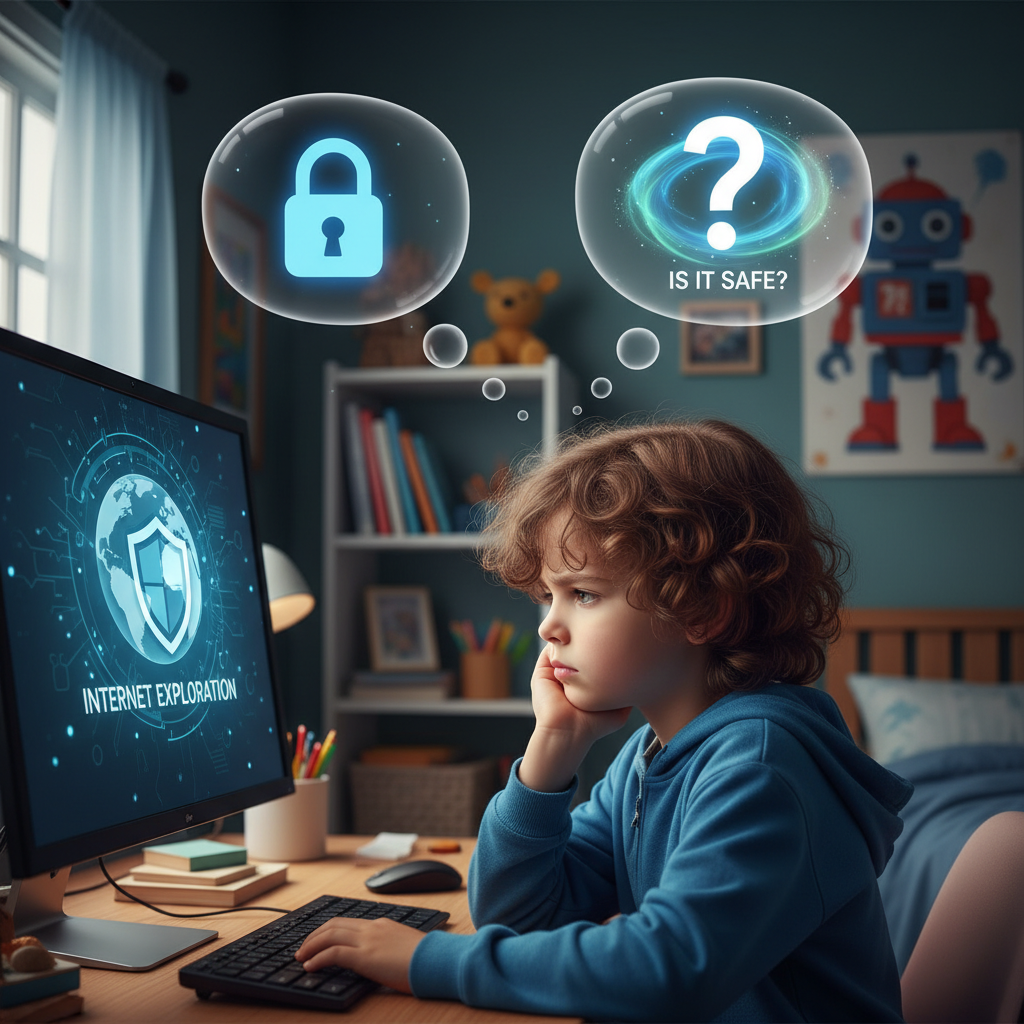
Sometimes, your tummy might get a funny feeling, or things on a website just don't look right. Maybe there are strange pictures, or it's asking for too much information, or there are too many pop-ups. If a website ever makes you feel uncomfortable, sad, or scared, you should do two things:
- Close the website immediately! You don't have to stay there.
- Tell a grown-up right away! Show them what you saw or tell them what happened. They can help make sure you stay safe.
Let's Review Our Safety Superpowers!
Finding fun websites is great, but finding safe websites is even better! Remember these superpowers:
- Superpower 1: Always Ask a Grown-Up! They are your best helpers.
- Superpower 2: Look for the Lock & "https://"! These are signs of a safe road.
- Superpower 3: Stick to Familiar, Trusted Places! Like your friend's house.
- Superpower 4: Watch Out for Tricky Pop-Ups! Shoo away those annoying flies.
- Superpower 5: Keep Your Secrets Safe! Don't share your private information.
With these superpowers, you'll be a super internet explorer, finding all the fun and safe places online!
Keep learning, free
Create a free Syllabax account to unlock practice questions and games for this topic.
Visual Learning Enhanced! 🚀
To help you master this topic, we use Advanced Syllabax AI to generate detailed diagrams and visual models.
Note on Visuals: The AI sometimes makes spelling errors in image labels. Please refer to the lesson text for the correct terminology.