Parts of a Computer: Mouse
Watch this topic in 60 seconds
Free preview · Lesson 1
Understanding Parts of a Computer: Mouse
Hello, Little Explorers! Let's Meet the Computer Mouse!
Welcome, young computer adventurers! Today, we're going to meet one of the friendliest helpers your computer has: the mouse! It's not a real furry mouse that likes cheese, but a special computer tool that helps you tell the computer what to do. Think of it as a little helper friend for your hand!
What is a Computer Mouse?
Imagine your computer screen is a giant drawing board, and you want to point to something special or draw a picture. How do you do it? You use the computer mouse! The mouse is a small device that fits right under your hand. When you move the mouse on your desk, a little arrow or hand (we call this the 'pointer' or 'cursor') moves on your computer screen. It's like magic! Your mouse helps your finger point inside the computer.
Let's think of it like this: If your computer screen is a big window to another world, the mouse is like your magic wand that lets you reach in and touch things! It's how you tell the computer, "Hey, look here!" or "I want to click on this!"
What Does the Mouse Do?
The mouse has two super important jobs:
-
Moving the Pointer:
As we talked about, the mouse helps you move that little arrow or hand around on your screen. It's like driving a tiny car on your desk, and the car's movements make the arrow move on the screen. If you want to pick a game or draw a line, you first move the pointer to where you want it to go.
-
Clicking (and Clicking!):
Once your pointer is where you want it, you can click! Clicking is like pressing a button on a toy. When you click a button on the mouse, it tells the computer, "Do something here!" Most of the time, we use the button on the left side of the mouse. We call this a 'left-click'. It's like giving the computer a little tap to say, "Go!"
You might also hear about 'double-clicking', which means clicking the left button two times very quickly, like a fast drum beat! This usually opens things, like starting a game or opening a picture.
 ⚠️ This picture may have spelling mistakes. Trust the words in the lesson.
Parts of the Mouse
Even though it's small, your mouse has a few important parts:
-
The Body:
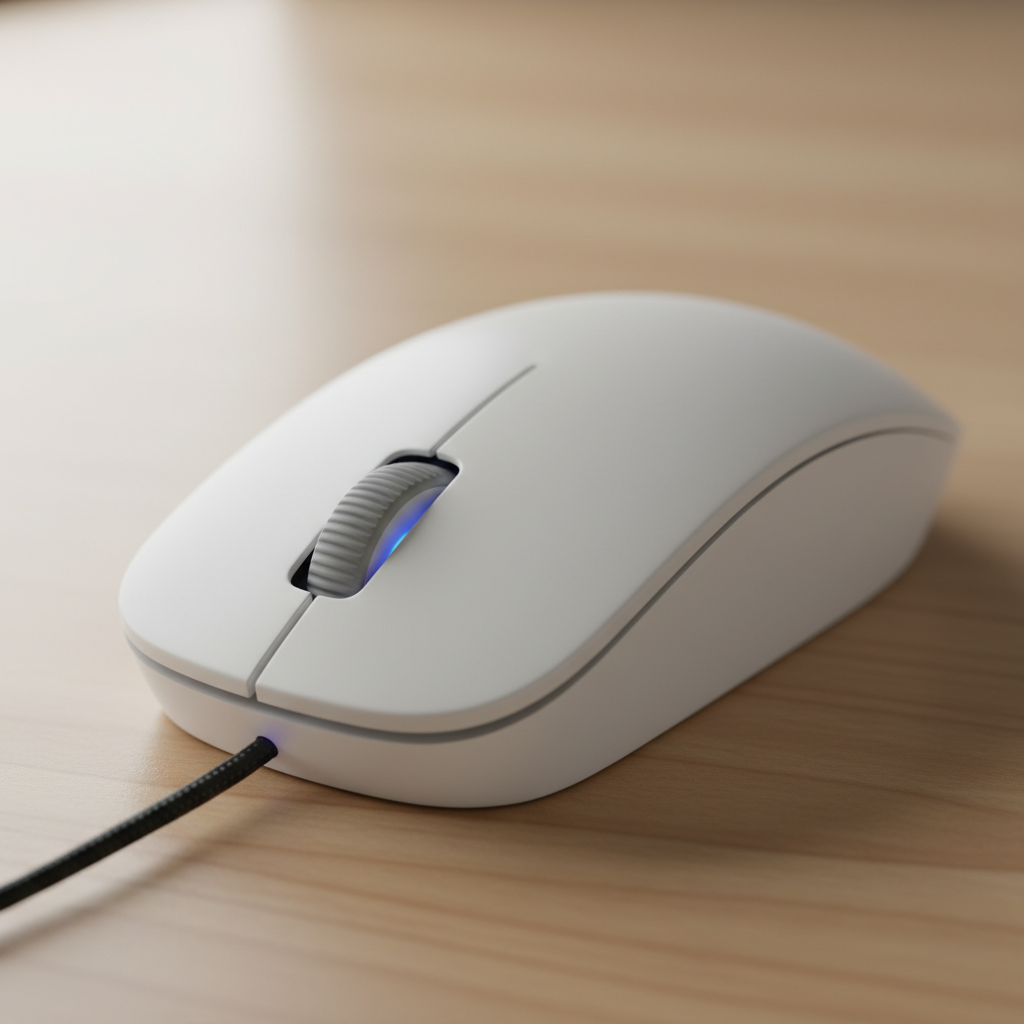
This is the main part that fits in your hand, like a smooth, round rock. It's usually made of plastic and feels comfy to hold.
-
The Buttons:
Most mice have at least two buttons on top. The one on the left is the 'left-click' button (the one you'll use most often!). The one on the right is the 'right-click' button, which can do other special things, like show you a menu of options. It's like having two different buttons on a game controller, each doing something unique!
-
The Scroll Wheel:
Many mice also have a little wheel in the middle, between the two buttons. This is called the 'scroll wheel'. It's like the wheel on a toy car! When you roll this wheel with your finger, it helps you move up and down on a web page or a long document without clicking many times. It's super handy for reading long stories or looking at many pictures!
-
The Cord (or No Cord!):
Some mice have a long tail, a 'cord', that connects them to the computer. These are called 'wired mice'. Other mice don't have a cord and talk to the computer using invisible signals, like a walkie-talkie! These are called 'wireless mice'. Both work the same way, just one has a tail and one doesn't!
How Do I Hold a Mouse?
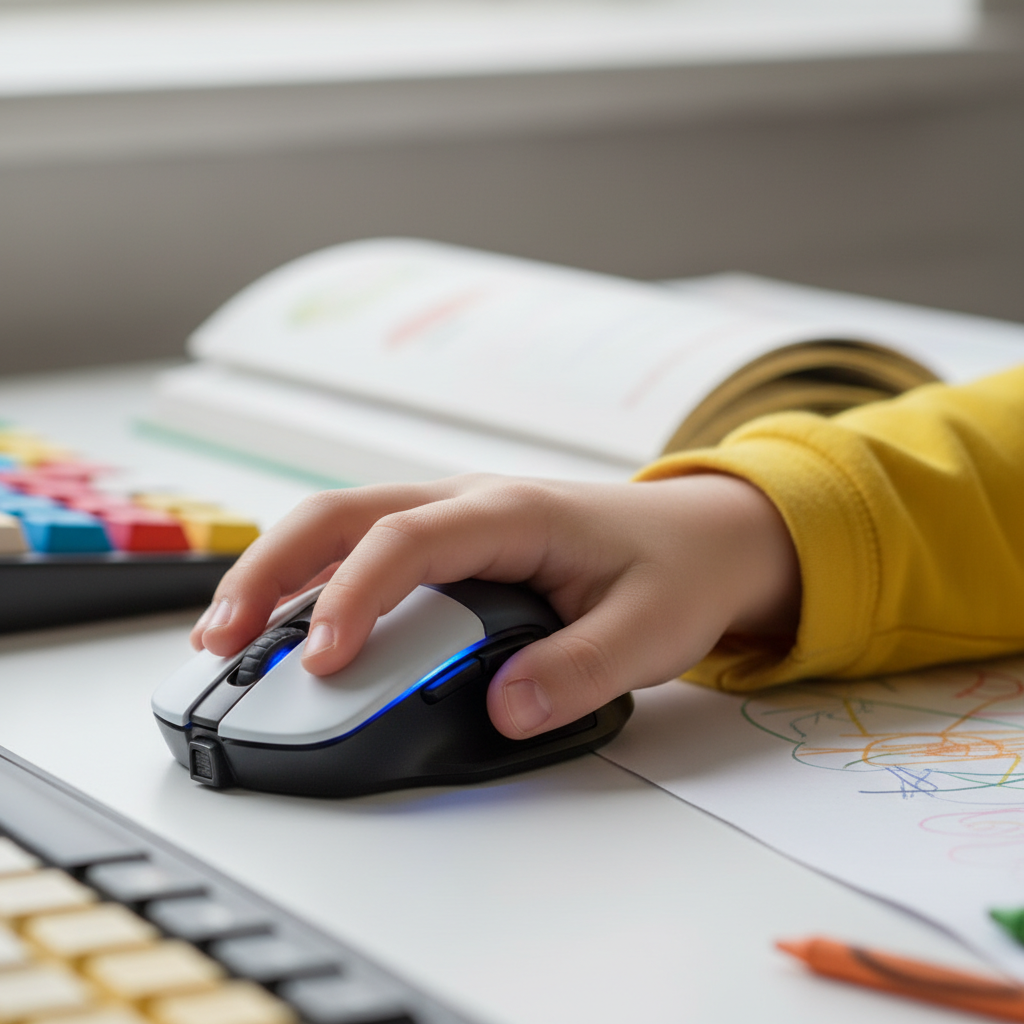
Holding a mouse is easy peasy! You rest your hand gently on top of the mouse, with your pointer finger (the first finger) resting on the left button. Your middle finger can rest on the right button, and your thumb and other fingers hug the sides of the mouse to help you move it around. Imagine you're giving the mouse a gentle hug so it can move smoothly on the desk.
Always make sure you have enough space on your desk to move the mouse around. If your desk is too full of toys or books, it's like trying to drive a car on a very tiny road – it's hard to move!
Why is the Mouse Important?
The mouse is a very important tool because it helps us tell the computer what we want to do. Without it, it would be much harder to draw, play games, or pick buttons on the screen. It's like having a special remote control for your computer screen!
So, next time you sit in front of a computer, remember your friendly little mouse. It's ready to help you explore and have fun!
Keep learning, free
Create a free Syllabax account to unlock practice questions and games for this topic.
Visual Learning Enhanced! 🚀
To help you master this topic, we use Advanced Syllabax AI to generate detailed diagrams and visual models.
Note on Visuals: The AI sometimes makes spelling errors in image labels. Please refer to the lesson text for the correct terminology.