Learning Journey
Watch this topic in 60 seconds
Free preview · Lesson 1
Understanding Simple Animations with Code
Learning About Simple Animations with Code!
Hello, young learners! Get ready to explore a super fun and magical world: the world of animation! Have you ever watched a cartoon and wondered how the characters seem to move, jump, and dance on the screen? Or maybe you've played a video game where cars zoom around or characters explore exciting places? Well, all that movement is called animation, and today we're going to learn how we can make simple animations using something called 'code'!
What is Animation? (It's Like a Flipbook!)
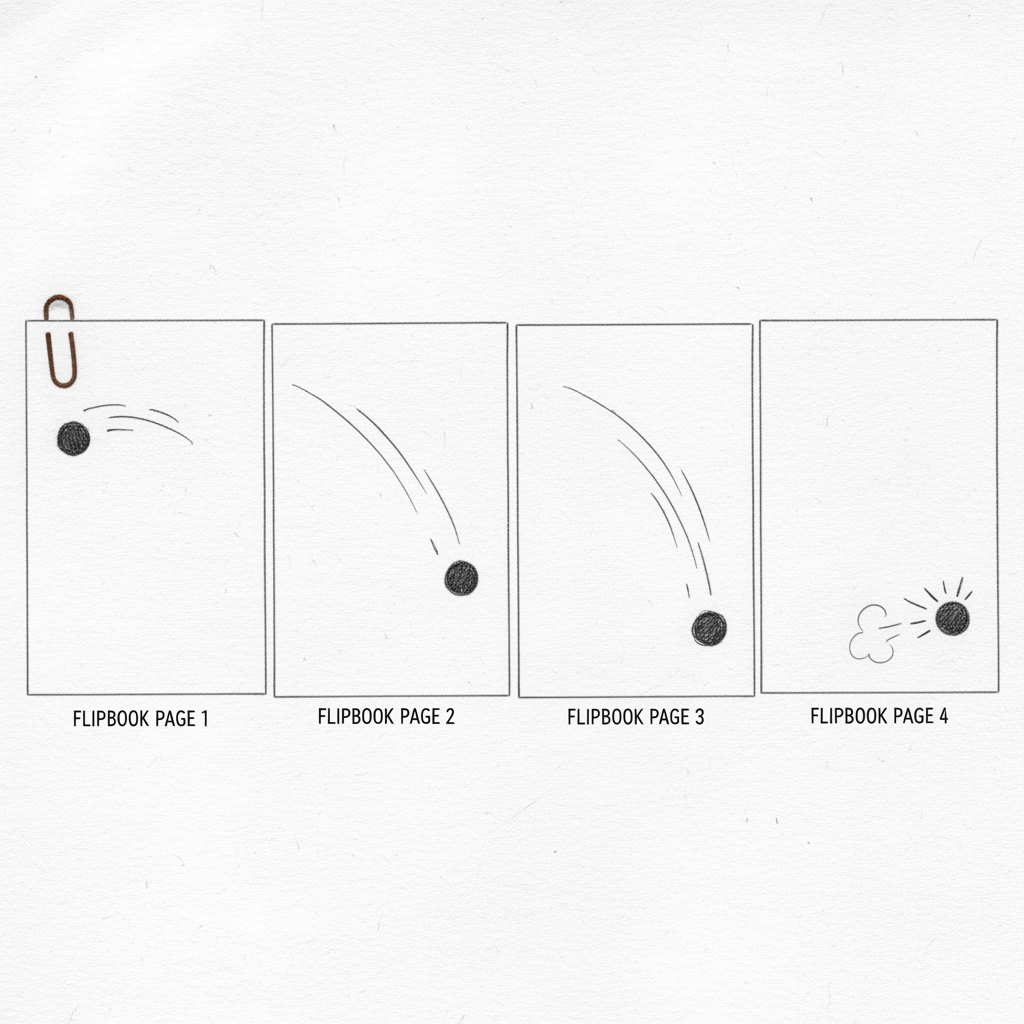
Imagine you have a drawing of a little stick figure. Now, draw it again on another piece of paper, but this time, move its arm up just a tiny bit. Draw it again on a third paper, moving the arm a little higher. If you do this many, many times, and then quickly flip through all the pages, what happens? The stick figure's arm looks like it's moving! It's like magic, right?
That's exactly how animation works! It's when you show many different pictures, one right after another, very, very fast. Each picture is just a little bit different from the one before it. Our eyes see these quick changes and trick our brain into thinking that the picture itself is moving. Think of your favorite cartoon movie – it's actually thousands and thousands of tiny drawings or images shown one after the other, so fast that it looks like a continuous moving story!
What is 'Code' and How Does it Help?
Now, how do we make computers do this amazing flipbook trick? That's where 'code' comes in! Think of code as a special set of instructions or a recipe that you give to a computer. Just like you might tell a friend, 'First, take a step forward, then wave your hand, then turn around,' code tells a computer exactly what to do, step by step.
When we want to animate something with code, we give the computer instructions like:
- 'Draw a red ball here.'
- 'Now, move the red ball a tiny bit to the right.'
- 'Now, move it a tiny bit more to the right.'
- 'And now, change its color to blue!'
The computer is super-fast! It follows these instructions very quickly, hundreds or even thousands of times in just one second. Each time it redraws the ball in a new spot or with a new color, it's like drawing a new page in our flipbook. Because it happens so fast, we see the ball moving and changing colors smoothly!
Making Things Move: Position Changes
One of the simplest ways to animate something is to change its position. Position just means 'where it is' on the screen. Imagine your toy car on the floor. If you push it a little bit, its position changes. If you push it again, it moves to a new position. We can tell the computer to do the same thing!
For example, if we want a star to twinkle, we can tell the computer:
- Show a small star.
- Then, show a slightly bigger star in the exact same spot.
- Then, show the small star again.
If we do this over and over, very fast, it looks like the star is twinkling! We are just changing its size (its 'position' in terms of how big it looks) over time.
Changing How Things Look: Color and Size Changes
Besides moving things around, we can also animate by changing how things look. This means changing their color or their size. Think about a traffic light: it changes from red to yellow to green. That's a kind of animation!
With code, we can tell a shape:
- 'Start as a small green circle.'
- 'Then, grow a little bit bigger.'
- 'Now, grow even bigger and turn yellow!'
- 'Finally, shrink back down and turn red!'
If we repeat these instructions quickly, the circle will look like it's pulsing and changing colors right before your eyes! It's like having a magic crayon that can draw and change colors by itself, super fast.
Putting It All Together: Simple Animation Loop
So, to make a simple animation with code, we usually follow these steps:
- Draw something: Like a circle, a square, or a simple character.
- Tell it to change: Give it an instruction to move a little, change its color a little, or get a little bigger/smaller.
- Do it again and again: Tell the computer to repeat these steps very, very quickly in a 'loop'. A loop is like saying 'do this instruction 100 times!'
Imagine you're drawing a picture, but instead of using your hand, you're telling a robot exactly what to draw and how to change it, hundreds of times every second. That robot is the computer, and your instructions are the code!
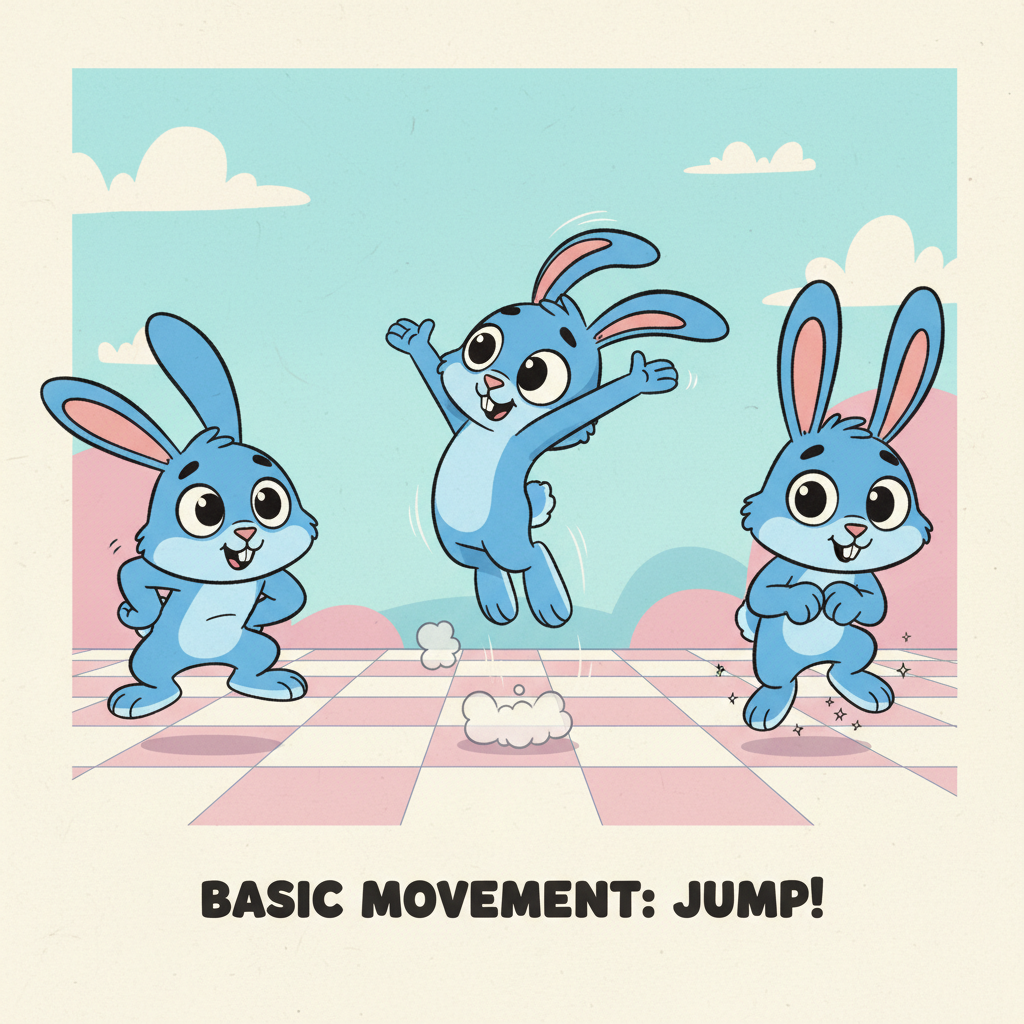
Animation with code is used everywhere! From the apps on your tablet, to educational videos, to cool effects on websites, it's how we bring still images to life. It's a foundational skill for game designers, cartoon makers, and even scientists who want to show how things move in the world. By understanding these simple ideas, you're taking your first step into a very exciting world of creating digital art that moves!
Remember, code is just a way to tell the computer what to do, and animation is just a very fast flipbook! You've got this!
Keep learning, free
Create a free Syllabax account to unlock practice questions and games for this topic.
Visual Learning Enhanced! 🚀
To help you master this topic, we use Advanced Syllabax AI to generate detailed diagrams and visual models.
Note on Visuals: The AI sometimes makes spelling errors in image labels. Please refer to the lesson text for the correct terminology.