Learning Journey
Watch this topic in 60 seconds
Free preview · Lesson 1
Understanding The Internet: How it Works
The Internet: How It Works - A Foundational Guide for 9th Graders
Have you ever wondered what happens when you type a website address into your browser, send a text message, or stream a video? It feels like magic, but behind the scenes, there's a fascinating, intricate system working tirelessly: The Internet. In this guide, we're going to pull back the curtain and explore how this global network actually functions, using simple terms and lots of helpful analogies.
What is the Internet? A Global Superhighway!
Imagine the entire world connected by an enormous, invisible superhighway system. This isn't just one road, but millions upon millions of roads, lanes, and intersections all linked together. This is a great way to think about the Internet: it's a global network of interconnected computer networks. It allows billions of devices worldwide to share information and communicate with each other.
From your smartphone and computer to smart TVs and even some refrigerators, every device that connects to the Internet is like a car on this superhighway. These 'cars' need a way to get on the road, travel to their destination, and communicate with other cars or 'buildings' along the way.
Getting Online: Your Connection to the Superhighway
1. Your Devices & How They Connect
Your laptop, tablet, or phone are your 'cars'. To get on the Internet superhighway, they need an on-ramp. These on-ramps come in a few forms:
- Wi-Fi: This is like an invisible ramp, using radio waves to connect your device wirelessly to a local network, which then connects to the Internet. Think of it as a special invisible lane that connects your car to the main road without needing a physical connection.
- Ethernet: This involves a physical cable connecting your device directly to a router. It’s like a very sturdy, dedicated on-ramp that gives your car a direct, fast path to the main highway.
- Cellular Data (e.g., 4G, 5G): For your phone, this is another type of wireless connection that uses cell towers. This is like having tiny, local ramps wherever you go, connecting your phone directly to the superhighway via cellular networks.
2. Internet Service Providers (ISPs)
Who built and maintains these ramps and highway sections? That's the job of an Internet Service Provider (ISP). Companies like AT&T, Verizon, Comcast, or local providers are your ISPs. They are the companies that provide you with access to the Internet. Think of them as the organizations that own and manage sections of the superhighway, building the roads, managing traffic, and collecting a 'toll' (your monthly bill) for you to use their access points.
How Information Travels: Data, Packets, and Addresses
When you send a message or request a webpage, you're sending information, which we call data. This data can be text, images, videos, or anything digital. But how does this data travel from your device to its destination across the vast Internet?
1. Breaking Down Data into Packets
Imagine you want to send a very long letter or a big book to a friend. Instead of sending the whole book at once, which might be slow or get lost, you break it down into many smaller pages or even individual sentences. You put each sentence into a small, numbered envelope, add your friend's address, and your return address. These small envelopes are like data packets.
When your device sends information, it doesn't send it as one giant chunk. Instead, it breaks the data into these smaller, manageable pieces called packets. Each packet contains a small part of the original data, along with information about its origin (your device), its destination (the website or server you're connecting to), and its sequence number (so the pieces can be reassembled in the correct order).
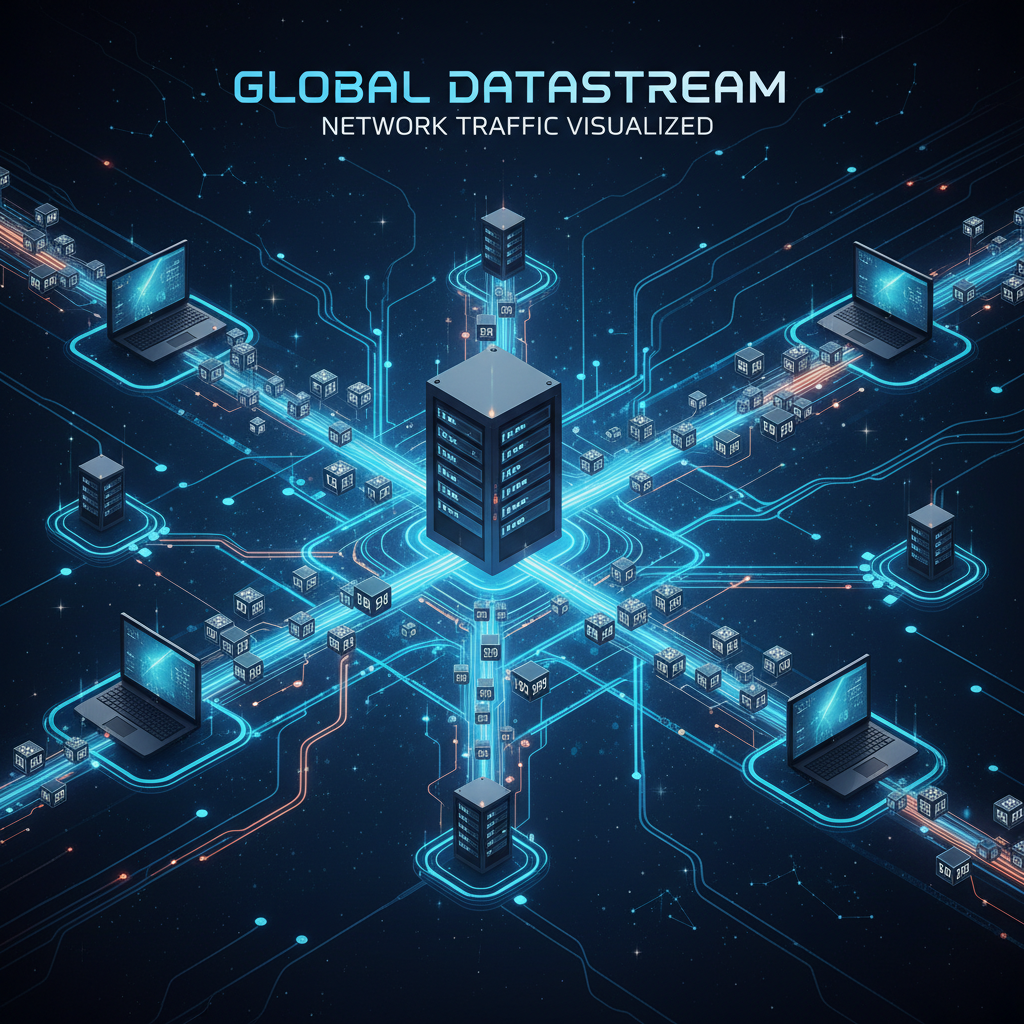
2. IP Addresses: The House Numbers of the Internet
Just like every house has a unique street address, every device connected to the Internet has a unique numerical label called an IP Address (Internet Protocol Address). An IP address looks something like 192.168.1.1 or a longer version like 2001:0db8:85a3:0000:0000:8a2e:0370:7334. When your packets are sent, they have the destination's IP address on them, telling them exactly where to go.
3. Routers: The Traffic Cops and Post Offices
Now that we have our small envelopes (packets) with addresses (IP addresses), how do they get to their destination efficiently? That's where routers come in. Routers are special devices that direct the flow of data packets between computer networks. Think of them as the traffic cops or post offices of the Internet.
When a packet leaves your device, it first goes to your local router (the box your ISP gave you). This router then looks at the destination IP address on the packet and decides the best path for that packet to travel across the Internet superhighway, sending it to the next router, and then the next, until it reaches its final destination. Routers are constantly working to find the most efficient route, even if it means different packets from the same original message take slightly different paths.
Servers and Clients: The Request and Response System
1. Clients: You, Asking for Information
Your device (your phone, computer) is often referred to as a client. When you open a web browser and type in a website address, you are acting as a client, requesting information from somewhere else on the Internet.
2. Servers: Storing and Serving Information
Where is that information stored? On servers. Servers are powerful computers designed to store websites, emails, videos, and all sorts of other data. When you visit a website, you are essentially asking a server to 'serve up' the webpage content to your client device. Think of a server as a giant library, a warehouse, or a store that holds all the books, goods, or information you might want. When your client (you) requests something, the server quickly retrieves it and sends it back to you in packets.
3. DNS: The Internet's Phone Book
You remember the website Google by typing "google.com", not by remembering its IP address like "142.250.186.206". This is thanks to the Domain Name System (DNS). DNS is like the Internet's phone book. When you type "google.com", your device doesn't know the IP address right away. It asks a DNS server, "What's the IP address for google.com?" The DNS server looks it up in its vast directory and replies with the correct IP address. Only then can your device send packets to Google's servers.
The Rules of the Road: Protocols
For all these devices and systems to communicate effectively, they need a common set of rules. These rules are called protocols. Think of them as the traffic laws and etiquette of the Internet superhighway.
- TCP/IP (Transmission Control Protocol/Internet Protocol): These are the fundamental rules that govern how data is broken into packets, addressed, sent, and reassembled. IP handles the addressing and routing (like putting the address on the envelope and sending it), while TCP ensures all packets arrive, are in the correct order, and that any missing packets are re-sent (like confirming all pages of your 'book' arrived and are in order).
- HTTP/HTTPS (Hypertext Transfer Protocol/Secure Hypertext Transfer Protocol): These protocols are specifically for requesting and delivering web pages. When you see "http://" or "https://" in a web address, you're using these rules. HTTPS is the secure version, encrypting your data for privacy, like sending your valuable mail in a locked, tamper-proof box.
- FTP (File Transfer Protocol): Used for sending large files between computers.
- SMTP (Simple Mail Transfer Protocol): Used for sending emails.
The Cloud: Storing Information Off-Site
You've probably heard of "the cloud." When you store photos on Google Photos or use a service like Netflix, your data is in "the cloud." This isn't a literal cloud in the sky! It simply means your data is stored on a vast network of servers, often owned and maintained by a third-party company (like Google or Amazon), rather than directly on your own device. It's like instead of keeping all your books in your house, you keep them in a giant, highly organized public library or a huge, secure storage facility that you can access from anywhere with an Internet connection.
Conclusion: The Symphony of Connectivity
The Internet is an incredible feat of engineering, a constant symphony of devices, cables, radio waves, and code working together. From your simple tap on a screen to a complex video conference across continents, it all relies on data being broken into packets, routed by intelligent devices using unique addresses, and governed by universally agreed-upon rules. It's a complex system, but understanding these core concepts gives you a powerful insight into the digital world around you!
Keep learning, free
Create a free Syllabax account to unlock practice questions and games for this topic.
Visual Learning Enhanced! 🚀
To help you master this topic, we use Advanced Syllabax AI to generate detailed diagrams and visual models.
Note on Visuals: The AI sometimes makes spelling errors in image labels. Please refer to the lesson text for the correct terminology.