Being a Good Digital Citizen
Watch this topic in 60 seconds
Free preview · Lesson 1
Understanding Being a Good Digital Citizen
Being a Good Digital Citizen: Rules for Our Digital Neighborhood!
Hello, young explorers! Have you ever played games on a tablet, watched videos on a computer, or talked to family far away using a screen? All these wonderful things happen in a special place we call the "digital world." It's like a giant, super cool playground or a big, bustling town, but instead of swings and streets, it's made of screens and internet connections!
Just like we have rules for playing nicely at school or being good neighbors in our real homes, we also need rules for being good in the digital world. When you follow these rules, you become a "Good Digital Citizen"! Think of yourself as a superhero who keeps the digital world safe and fun for everyone.
Rule #1: Be Kind Online! (The Golden Rule)
This is probably the most important rule! Imagine you're playing with your friends in the park. Would you yell mean things at them or push them? Of course not! You'd use nice words and share your toys.
The same goes for the digital world! When you type messages, leave comments, or talk to people through a screen, always use kind words. If you see a video or a picture, think about if your comment would make someone smile or feel sad. A good digital citizen always tries to make others feel happy and safe.
Analogy: Being kind online is like sharing your favorite cookie with a friend. It makes everyone feel good and happy!
Rule #2: Keep Your Secret Superpowers Safe! (Personal Information)
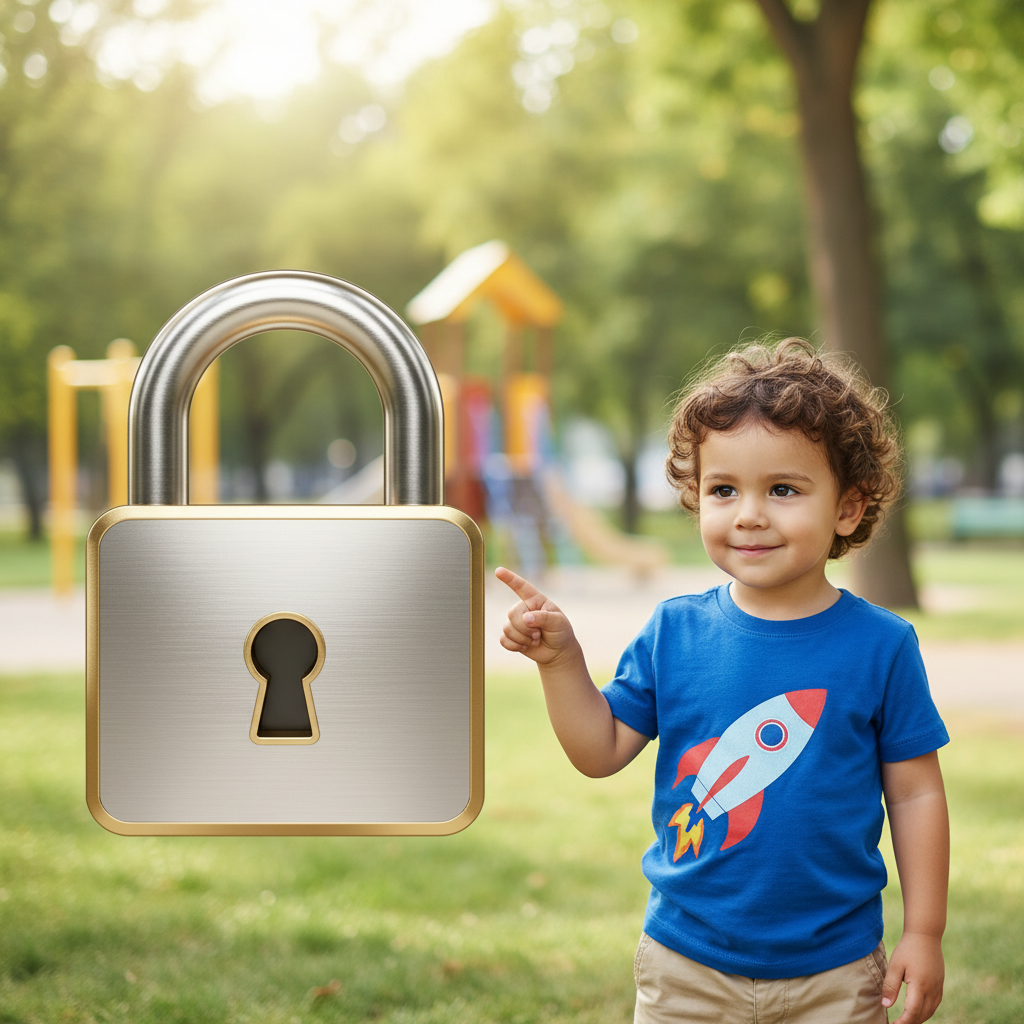
You have special information that only your family and trusted adults should know. This is called "personal information." It's like your secret superhero identity! What kind of information is super-secret?
- Your full name (not just your nickname)
- Where you live (your home address)
- Your phone number
- The name of your school
- Pictures of you or your family that you don't want strangers to see
Why is this important? Just like you wouldn't tell a stranger on the street your secret hideout location, you shouldn't share your personal information with people you don't know in the digital world. Strangers online are like strangers in real life – you don't know if they are truly kind or if they might try to trick you.
What to do: If someone online asks for your personal information, or asks to meet you, tell a grown-up right away! Your parents, guardians, or teachers are your trusted superheroes who will help keep your secret identity safe.
Analogy: Your personal information is like your special secret treasure map. You only show it to the people you trust the most, like your family!
Rule #3: Ask Before You Borrow! (Permissions)
Imagine you see a really cool toy your friend has. Would you just grab it and start playing without asking? No! That wouldn't be very polite. You'd ask, "Can I play with your toy?"
The digital world works the same way. Before you download a new game, buy something in an app, or use someone else's picture or video, it's super important to ask a grown-up for permission first. They can help you understand if it's safe, appropriate, or if it costs money.
Sometimes, games or websites might ask for permission to do things, like use your camera or know your location. Always ask a grown-up before saying "yes" to these requests!
Analogy: Asking for permission online is like asking if you can have a snack from the cookie jar. You always ask a grown-up first to make sure it's okay!
Rule #4: Balance Your Screen Time! (Offline Fun is Important Too)
 ⚠️ This picture may have spelling mistakes. Trust the words in the lesson.
The digital world is amazing and fun, but just like eating too much candy isn't good for you, spending too much time on screens isn't always the best either. Your brain and body need other kinds of fun!
A good digital citizen knows when to turn off the screen and go explore the real world. What else can you do?
- Play outside in the park or backyard!
- Read a book or draw a picture.
- Play with your toys or build something cool.
- Talk and play games with your family and friends in person.
- Help with chores around the house.
It's important to have a balance. Think of it like a seesaw: you want to have fun online, but also have plenty of fun doing other things that help you learn, grow, and stay healthy.
Analogy: Balancing screen time is like having a healthy meal. You need different kinds of foods (activities) to grow strong and healthy, not just one favorite thing all the time!
Rule #5: Speak Up! (Tell a Trusted Adult)
What if you see something online that makes you feel scared, sad, or confused? Or what if someone says something mean to you?
A good digital citizen knows it's okay to feel these things, and it's SUPER important to tell a trusted adult right away. Don't keep it a secret! Your parents, grandparents, teachers, or any other grown-up you trust are there to help you.
They can help you understand what happened, make it stop, and keep you safe. Remember, telling a grown-up is a sign of bravery, not weakness!
Analogy: Telling a trusted adult about something yucky online is like telling your lifeguard if you're having trouble swimming. They are there to help you and keep you safe!
Conclusion: You Are a Digital Superhero!
Being a good digital citizen means being kind, safe, respectful, and responsible in the digital world. It means making smart choices and knowing when to ask for help. By following these rules, you're helping to make the internet a wonderful and safe place for everyone, just like a true superhero! Keep practicing these rules every time you go online, and you'll be an amazing digital citizen!
Keep learning, free
Create a free Syllabax account to unlock practice questions and games for this topic.
Visual Learning Enhanced! 🚀
To help you master this topic, we use Advanced Syllabax AI to generate detailed diagrams and visual models.
Note on Visuals: The AI sometimes makes spelling errors in image labels. Please refer to the lesson text for the correct terminology.