Loops & Repetition in Coding
Watch this topic in 60 seconds
Free preview · Lesson 1
Understanding Loops & Repetition in Coding
Coding Adventures: Loops & Repetition for Young Explorers (Grade 5)
Welcome, young coders, to an exciting adventure into the world of computer programming! Today, we're going to uncover one of coding's most powerful secrets: Loops and Repetition. Have you ever had to do the same thing over and over again? Like brushing your teeth every morning, or singing the chorus of your favorite song multiple times? Computers are amazing at doing things many, many times, and that's exactly what loops help them do!
What is Repetition? Think Like a Robot!
Imagine you have a robot friend, and you want it to clap its hands. If you want it to clap once, you tell it: "Clap." Easy! But what if you want it to clap ten times? Would you say "Clap, clap, clap, clap, clap, clap, clap, clap, clap, clap"? That would get tiring quickly, right? And what if you wanted it to clap a hundred times? Or a thousand?
This is where repetition comes in! Repetition just means doing something again and again. In coding, we don't want to type the same instruction many times. That's a lot of work, and it's easy to make mistakes. Instead, we use a special tool called a Loop.
Introducing Loops: Your Coding Shortcut!
A loop in coding is like giving your computer a special instruction that says, "Hey, do this action multiple times!" It's a fantastic shortcut that saves a lot of time and makes your code much neater and easier to understand. Think of a loop like a magic spell that makes your computer repeat tasks without you having to tell it each time.
Analogy Time! The Jumping Jack Challenge
Imagine your gym teacher tells you, "Do 10 jumping jacks!" You don't need the teacher to say "Jump, jump, jump..." ten separate times. You know to repeat the 'jumping jack' action until you've done it 10 times. That's exactly how a loop works! You tell the computer what to do, and how many times or until when to do it.
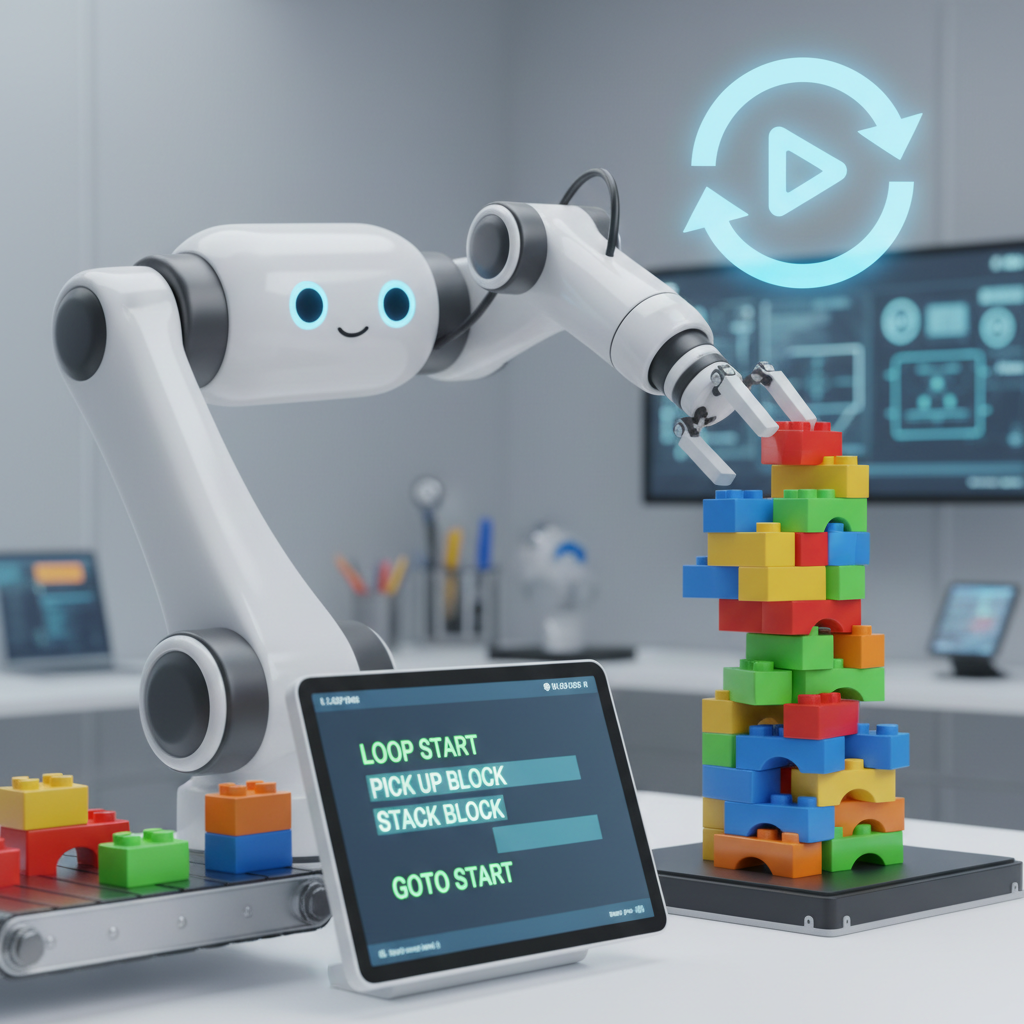 ⚠️ This picture may have spelling mistakes. Trust the words in the lesson.
Why Are Loops So Super Useful?
Loops are super useful for many reasons:
- Less Typing (Efficiency): Instead of writing the same line of code 100 times, you write it once inside a loop, and tell the loop to repeat it 100 times. Phew!
- Fewer Mistakes: When you type less, you make fewer errors. A loop ensures the same instruction is repeated perfectly every time.
- Making Cool Things: Loops help you draw complex patterns, create animations in games (like a character walking), count things, and so much more!
Two Main Kinds of Loops (Simplified for 5th Grade!)
While there are different types of loops, we'll talk about two easy ways to think about them:
1. The "Repeat This Many Times" Loop (Like a 'For' Loop)
This loop is perfect when you know exactly how many times you want something to happen. It's like your teacher saying, "Clap 5 times!" You know the exact number.
- Example: In a game, you might tell a character to take 3 steps forward.
- Code Idea:
REPEAT 3 TIMES: Move forward 1 step.
Imagine you're drawing a square. A square has 4 sides. You could say:
    Draw a line
    Turn right
    Draw a line
    Turn right
    Draw a line
    Turn right
    Draw a line
    Turn right
Or, with a loop, you could say:
    REPEAT 4 TIMES:
        Draw a line
        Turn right
See how much shorter and clearer that is? You told the computer to do the 'draw a line' and 'turn right' steps exactly 4 times.
2. The "Keep Going Until Something Happens" Loop (Like a 'While' Loop)
This loop is a bit different. You don't know exactly how many times it will repeat. Instead, it keeps going as long as a certain condition is true, or until something specific happens. It's like your mom saying, "Stir the sugar into your drink until it's all dissolved." You don't know if it will take 5 stirs or 20 stirs, just that you keep going until the sugar is gone.
- Example: In a game, a character might keep walking until they hit a wall.
- Code Idea:
WHILE (NOT at a wall): Move forward 1 step.
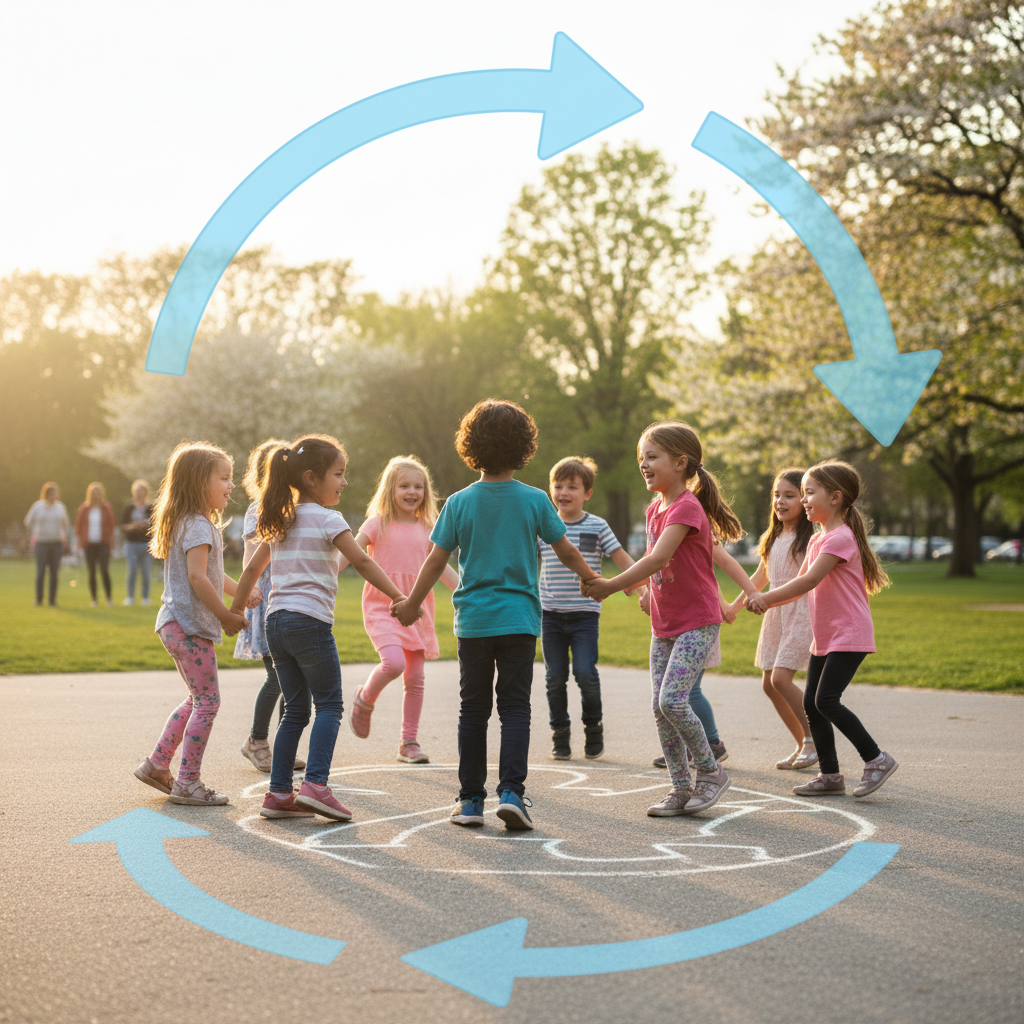
Another analogy: Imagine you're playing 'Hide and Seek'. The 'seeker' counts to 10. They keep counting until they reach 10. That's a 'keep going until' loop in action!
Putting Loops to Work: Real-World Coding Fun!
Think about games you play. When a character walks across the screen, it's often a loop making them take many small steps. When you see a clock counting seconds, it's a loop updating the time. When you draw a complex pattern with many repeated shapes, loops are making it easy!
Loops are fundamental to almost every computer program, from the simplest apps to the most complex games and websites. They are your best friend for making computers do repetitive jobs quickly and without mistakes.
Time to Experiment!
Many block-based coding environments (like Scratch or Code.org) have easy-to-use 'repeat' blocks that are perfect for experimenting with loops. Try making a sprite move in a square, or make it say 'Hello!' ten times. You'll quickly see how powerful and fun loops can be!
So, the next time you see something repeating in a game or on a computer, you'll know that a clever coder probably used a loop to make it happen!
Keep learning, free
Create a free Syllabax account to unlock practice questions and games for this topic.
Visual Learning Enhanced! 🚀
To help you master this topic, we use Advanced Syllabax AI to generate detailed diagrams and visual models.
Note on Visuals: The AI sometimes makes spelling errors in image labels. Please refer to the lesson text for the correct terminology.