Why Passwords are Important
Watch this topic in 60 seconds
Free preview · Lesson 1
Understanding Why Passwords are Important
Why Passwords Are Important: Your Secret Superpower!
Hey there, young digital explorers! Have you ever heard the word "password"? It sounds like a secret code, right? Well, that's exactly what it is! A password is like a special key that helps keep your online stuff safe and just for you. Let's find out why these secret keys are super important!
What is a Password, Anyway?
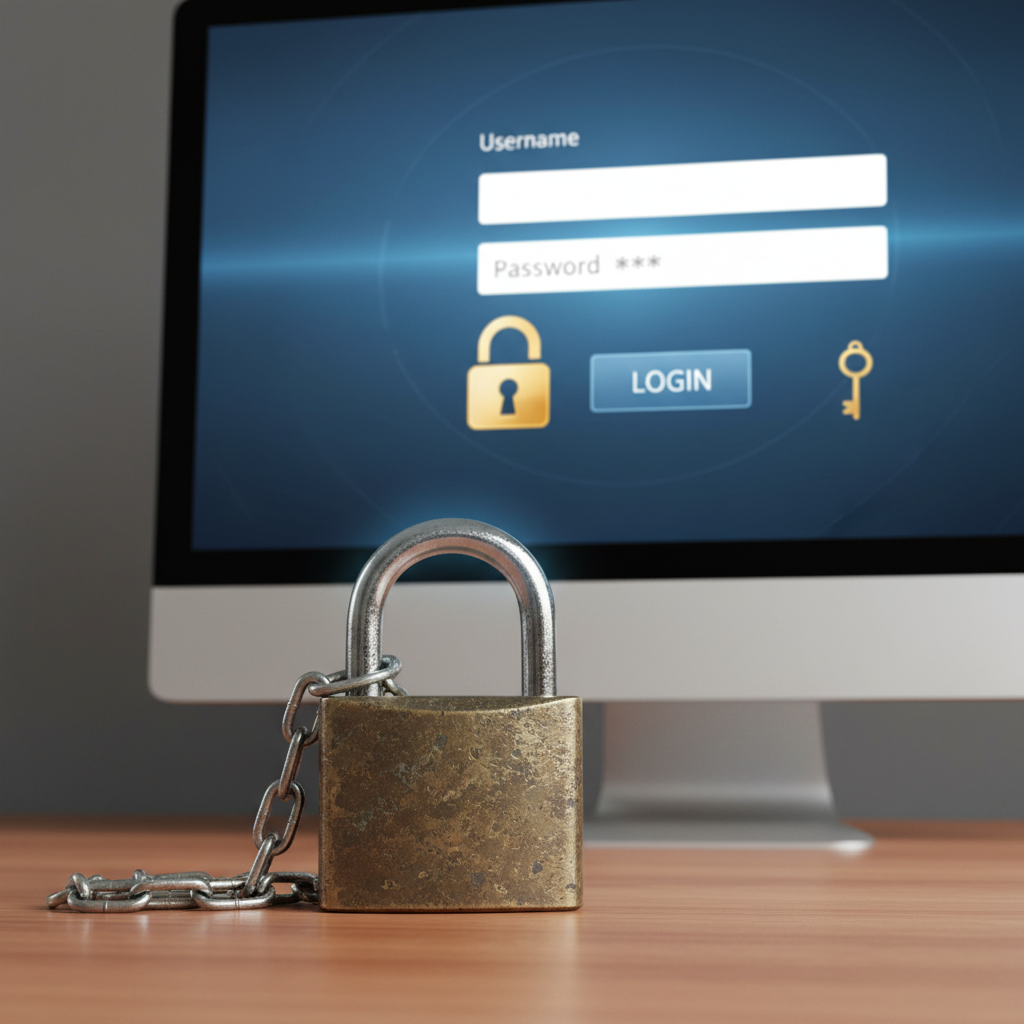
Imagine your house. You have a front door, and that door has a lock. To open the lock and get inside your house, you need a special key, right? Only people with that key can get into your house. A password is just like that key, but for your digital world!
When you play games on a tablet, or watch videos on a computer, or even use a learning app, sometimes you need a password to get in. This password is a secret word or a mix of letters and numbers that only you know. It's your special ticket to get into your online fun!
Analogy Time: Passwords Are Like Keys!
Think about your favorite toy box. You might have a lock on it to keep your special toys safe, and you're the only one with the key. If someone else had the key, they could open your toy box and play with your toys without asking, or even move them around! That's not fair, is it?
In the same way, your online games, your drawings, and your messages with friends are like your digital toys. Your password is the key to your digital toy box. It makes sure that only YOU can open it and play with your things. Nobody else can go in and mess with your high scores or look at your secret drawings!
Passwords Are Also Like Secret Handshakes!
Have you ever had a secret club with your friends? Maybe you have a special word or a secret handshake that only members of your club know. If someone wants to join your club, they have to know the secret handshake or word, right? If they don't know it, they can't get in!
Your password works like that too! It's a secret handshake you give to the computer or app to say, "It's me! I'm allowed to be here!" If someone tries to pretend to be you and doesn't know the secret password, the computer says, "Nope! You can't come in!"
What Do Passwords Protect?
Lots of things! Passwords keep safe all your:
- Game Progress: Imagine someone playing on your game account and deleting all your saved levels! Your password keeps your game progress safe.
- Online Drawings and Creations: If you draw pictures or build things in a creative app, your password makes sure they stay just how you left them.
- Messages with Friends: If you use an app to talk to family or friends, your password keeps those conversations private, just for you and the people you're talking to.
- Personal Information: Sometimes, apps might know your name, age, or even your favorite color. Your password helps keep this information private so only you and trusted grown-ups can see it.
Making Super Strong Passwords: Building a Mighty Wall!
Just like some keys are harder to copy than others, some passwords are much harder for other people to guess. These are called "strong" passwords. A strong password is like building a super mighty wall around your digital treasures!
What makes a password strong?
- Longer is Stronger: Imagine trying to remember a very long, mixed-up sentence versus a short, simple word. The longer and more mixed-up your password is, the harder it is for someone to guess. It's like having a super long, twisty maze to get through instead of just a straight path!
- Mix it Up! Don't just use your name or your birthday. Those are too easy to guess! A strong password uses a mix of different things, like:
- Uppercase Letters: BIG LETTERS (like A, B, C)
- Lowercase Letters: little letters (like a, b, c)
- Numbers: (like 1, 2, 3)
- Maybe even special symbols (with a grown-up's help!): (like !, @, #)
Think of it like making a secret smoothie! You don't just put bananas in it. You add strawberries, oranges, and maybe some yogurt to make it super yummy and unique! A password with a mix of letters and numbers is unique and hard to guess.
So, instead of a password like "dog", a strong password might be "DoggyFun123!". See how it uses big letters, small letters, and numbers? That's much tougher for someone to guess!
The Golden Rules of Passwords: Keep Them Secret! Keep Them Safe!
You have a super-secret password, and it's super strong! Now, what do you do with it? Here are the golden rules:
- Don't Share Your Password: Just like you wouldn't give your house key to a stranger, you should never share your password with anyone, even your best friend. Your password is just for you and your trusted grown-ups (like your parents or teacher) who help you with your computer or tablet.
- Don't Write It Down Where Others Can See It: It's okay to write down your password if it helps you remember, but make sure it's in a super secret place that only you and your trusted grown-ups know about. Don't stick it on the computer screen or under the keyboard!
- Ask a Grown-Up for Help: If you ever forget your password, or if you think someone might know your password who shouldn't, always tell a grown-up right away! They can help you change it or get it back. It's like telling your parents if you lose your house key – they'll help you find it or get a new one!
What Happens if Someone Gets Your Password?
If someone gets your password, it's like they have a key to your digital toy box. They could:
- Pretend to be you: They could send messages pretending to be you, which might confuse your friends or family.
- Change your game scores: They could delete your game progress or change your high scores.
- Look at your private things: They might see your drawings or private messages that are meant only for you.
That's why keeping your password a secret is so, so important! It helps keep your online world happy and safe.
Conclusion: Passwords Are Your Digital Guardians!
So, remember, passwords are like your secret keys, your special handshakes, and your mighty walls all rolled into one! They are super important for keeping your online games, drawings, messages, and all your digital stuff safe and just for you. Always choose strong passwords, keep them secret, and ask a grown-up if you ever need help. You are now a password protector!
Keep learning, free
Create a free Syllabax account to unlock practice questions and games for this topic.
Visual Learning Enhanced! 🚀
To help you master this topic, we use Advanced Syllabax AI to generate detailed diagrams and visual models.
Note on Visuals: The AI sometimes makes spelling errors in image labels. Please refer to the lesson text for the correct terminology.