Main Parts of a Computer
Watch this topic in 60 seconds
Free preview · Lesson 1
Understanding Main Parts of a Computer
Welcome to the World of Computers!
Hello, young explorers! Today, we're going on an exciting adventure to learn about computers. Have you ever seen a computer? Maybe at home, at school, or at the library? Computers are amazing machines that help us do so many things, like watch videos, play games, draw pictures, and even learn new things!
Imagine your favorite toy. Does it have different parts? Like a toy car has wheels, a steering wheel, and doors? Just like toys, and even our own bodies, computers also have different parts. Each part has a very special job, and they all work together to make the computer run smoothly, just like how your arms, legs, and brain all work together to help you play!
Meet the Main Parts of a Computer!
Let's meet the most important friends that make up a computer. Think of a computer like a superhero team; each member has unique powers!
1. The Monitor: The Computer's TV Screen!
First up is the Monitor. What does it look like? It looks a lot like a TV screen! Just like you watch your favorite cartoons or movies on a TV, the computer's monitor shows you everything the computer is doing. It shows you the pictures, the words, the games, and the videos.
- Analogy: Think of the monitor as a window to the computer's world. Or, it's like a magical drawing board where the computer shows you its ideas! If the computer is talking to you, it's showing you what it wants to say on the monitor.
- What it does: It's an output device, which means it shows you information out from the computer.
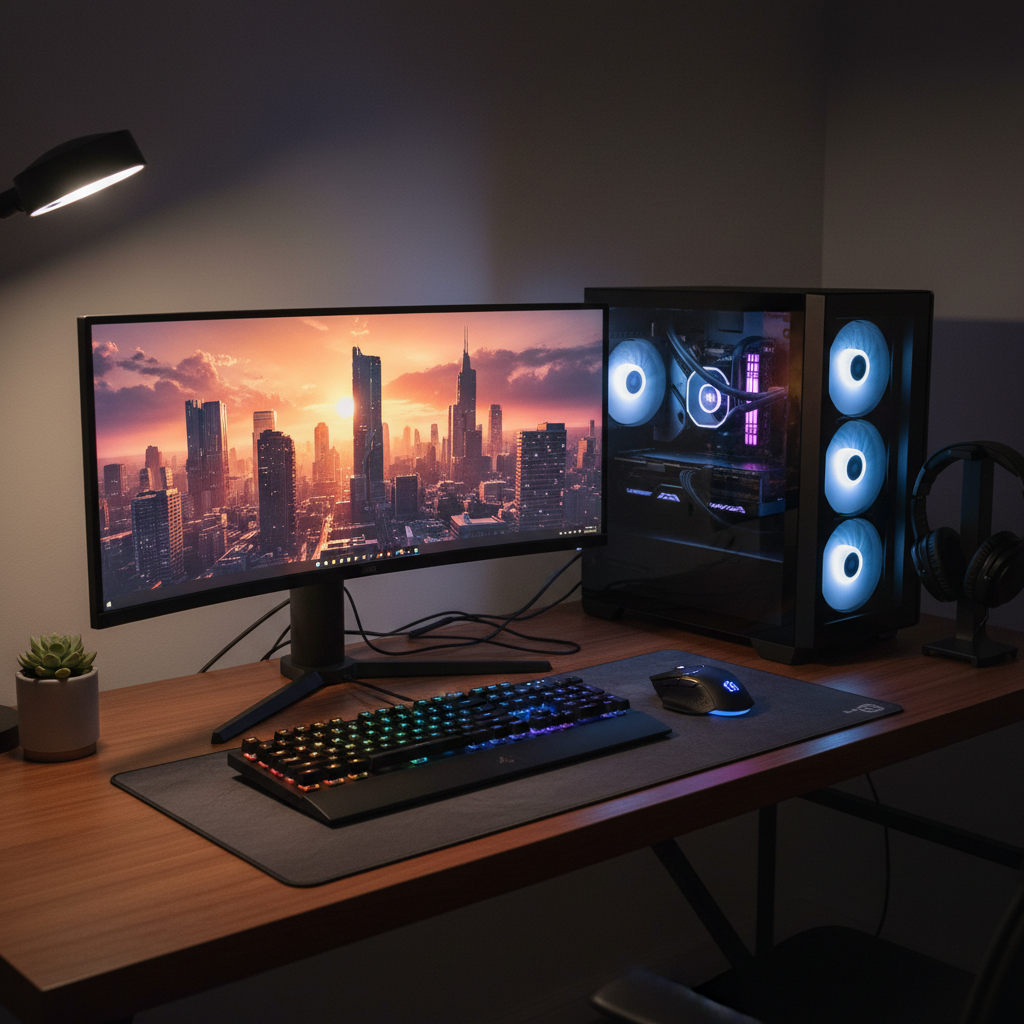
2. The Keyboard: The Magic Typewriter!
Next, we have the Keyboard. Look at it closely. What do you see? Lots and lots of buttons, called keys! These keys have letters, numbers, and symbols on them. When you want to tell the computer something, like type your name or write a story, you use the keyboard.
- Analogy: The keyboard is like a giant set of secret buttons that let you talk to the computer. Or, think of it as a magic pencil that writes words and numbers on the screen when you press its buttons. Each press sends a message to the computer!
- What it does: It's an input device, which means it helps you put information into the computer.
3. The Mouse: The Pointing Pal!
Then there's the little friend called the Mouse. It's usually small and fits in your hand. It often has two buttons and a little wheel. When you move the mouse on your desk, you'll see a tiny arrow or pointer move on the monitor screen. This pointer helps you choose things, click on buttons, and draw pictures.
- Analogy: The mouse is like your finger pointing at things on the screen, but it's a magic finger! Or, imagine it's a tiny remote control for your computer, letting you click on different channels or games.
- What it does: It's another input device, helping you put information and commands into the computer by pointing and clicking.
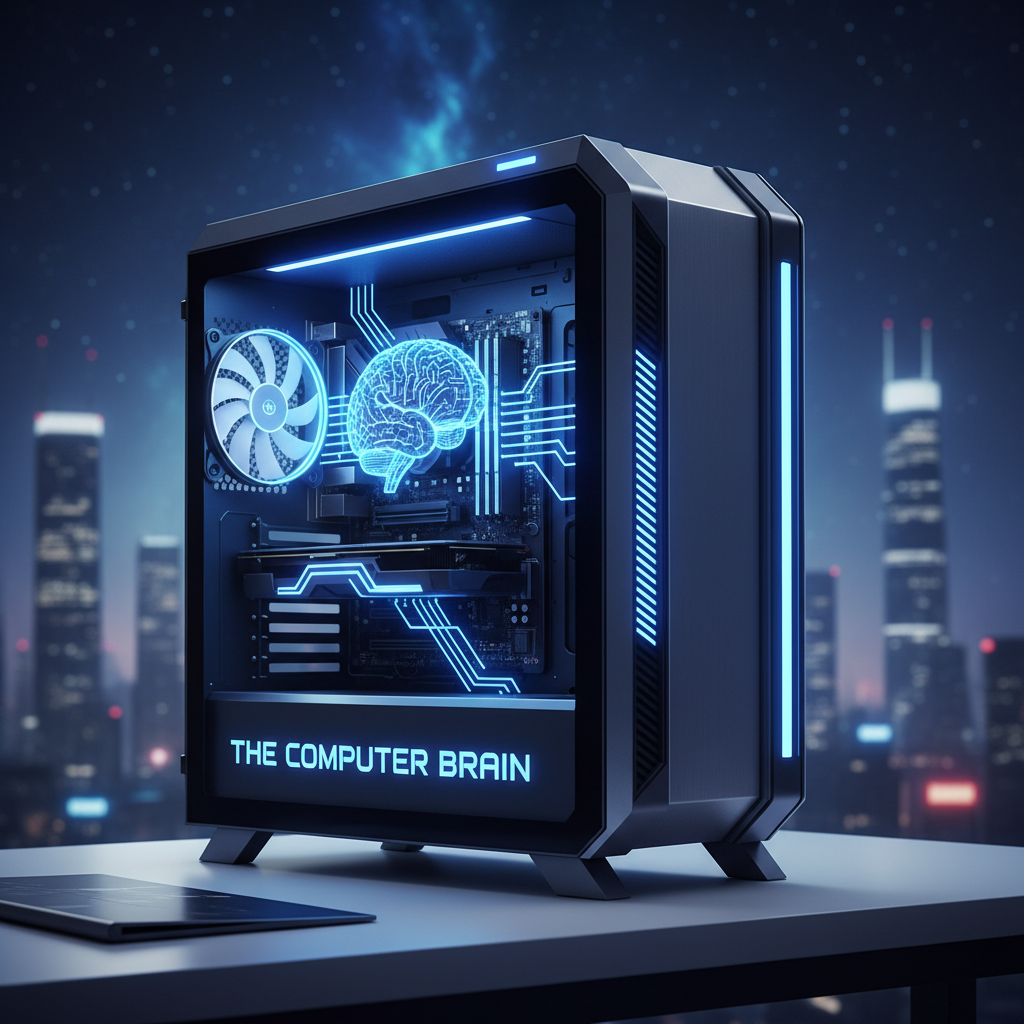
4. The Computer Case (or Tower): The Computer's Brain Box!
Now, this part is super important! Sometimes it's a big box that stands upright next to your monitor, and sometimes it's flatter and under the monitor. This is the Computer Case, often called the Tower. What's inside this case? This is where all the super-smart thinking parts of the computer live! The most important part inside is called the CPU, which is like the computer's brain!
- Analogy: Think of the computer case as the computer's head, and inside is its super-fast brain (the CPU). Or, imagine it's the kitchen of a restaurant: all the cooking and planning (thinking) happens inside, even if you mostly see the food (what the monitor shows you) coming out!
- What it does: This is where the computer does all its thinking, calculating, and remembering. It processes all the instructions you give it with the keyboard and mouse and sends information to the monitor.
How Do They All Work Together?
Imagine you want to draw a picture of a cat on the computer. Here's how our computer friends help you:
- You use the Mouse to click on the drawing program.
- The Computer Case (with its brain inside!) understands your click and opens the program.
- The Monitor then shows you the blank drawing page.
- You use the Mouse again to pick a color and the drawing tool.
- You move the Mouse to draw the cat's head, body, and tail.
- If you want to write the cat's name, you use the Keyboard to type the letters.
- All this time, the Computer Case is doing all the thinking and making sure everything you do shows up correctly on the Monitor.
See? All the parts work together like a fantastic team to make the computer helpful and fun!
Fun Fact!
Sometimes, computers also have speakers so they can play music or sounds, and printers so they can print your drawings or stories on paper! These are also special parts that connect to the main computer.
You've done a great job learning about the main parts of a computer today! Remember, each part has a special job, and together they help us explore, create, and learn in the wonderful world of technology!
Keep learning, free
Create a free Syllabax account to unlock practice questions and games for this topic.
Visual Learning Enhanced! 🚀
To help you master this topic, we use Advanced Syllabax AI to generate detailed diagrams and visual models.
Note on Visuals: The AI sometimes makes spelling errors in image labels. Please refer to the lesson text for the correct terminology.