Introduction to Email (Concept)
Watch this topic in 60 seconds
Free preview · Lesson 1
Understanding Introduction to Email (Concept)
Welcome to the World of Email!
Hello, young explorers! Have you ever wanted to send a message to someone far away, super fast? Maybe to a grandparent in another city, or a friend who moved? Well, today we're going to learn about something amazing called Email! Think of email like a magical, super-speedy postal service, but instead of paper and stamps, it uses computers and the internet!
What is Email? Your Digital Mailbox!
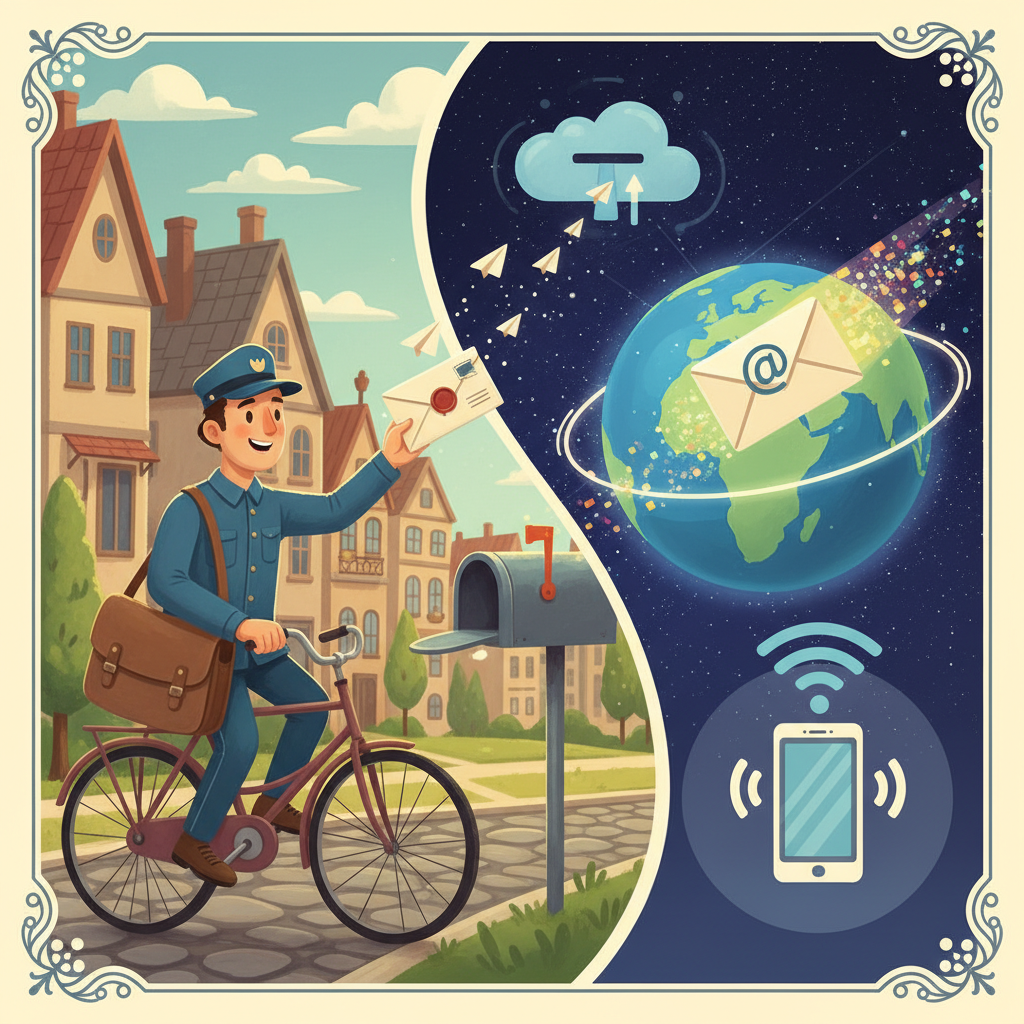
Imagine you want to send a birthday card to your cousin. You write the card, put it in an envelope, put a stamp on it, and drop it in a mailbox. A mail carrier picks it up and takes it to your cousin's house. This takes a few days, right?
Email is like sending a letter, but it's all digital! Instead of paper, you type your message on a computer or tablet. Instead of a mail carrier, your message travels through invisible pathways on the internet, and it arrives in just a few seconds! It's like sending a super-fast message across the world with just a few clicks!
Your Special Email Address: Like Your Digital Home!
Just like your house has a unique address (like 123 Sunshine Street), you need a special address to send and receive emails. This is called an Email Address. Everyone who uses email has one, and no two are exactly alike!
An email address usually looks something like this: sunnykid@emailfun.com
sunnykid: This is your username. It's like your first name or a special nickname. It identifies YOU!@(pronounced "at"): This is a special symbol that connects your username to the rest of the address. Think of it as saying "at this place" or "belonging to".emailfun.com: This is called the domain name. It's like the name of the big post office or company that handles your emails. Many different companies offer email services, like Gmail, Outlook, or Yahoo Mail.
So, sunnykid@emailfun.com means "Sunny Kid at the Email Fun company's mail service." Pretty neat, huh?
Your Inbox and Outbox: Where Messages Live!
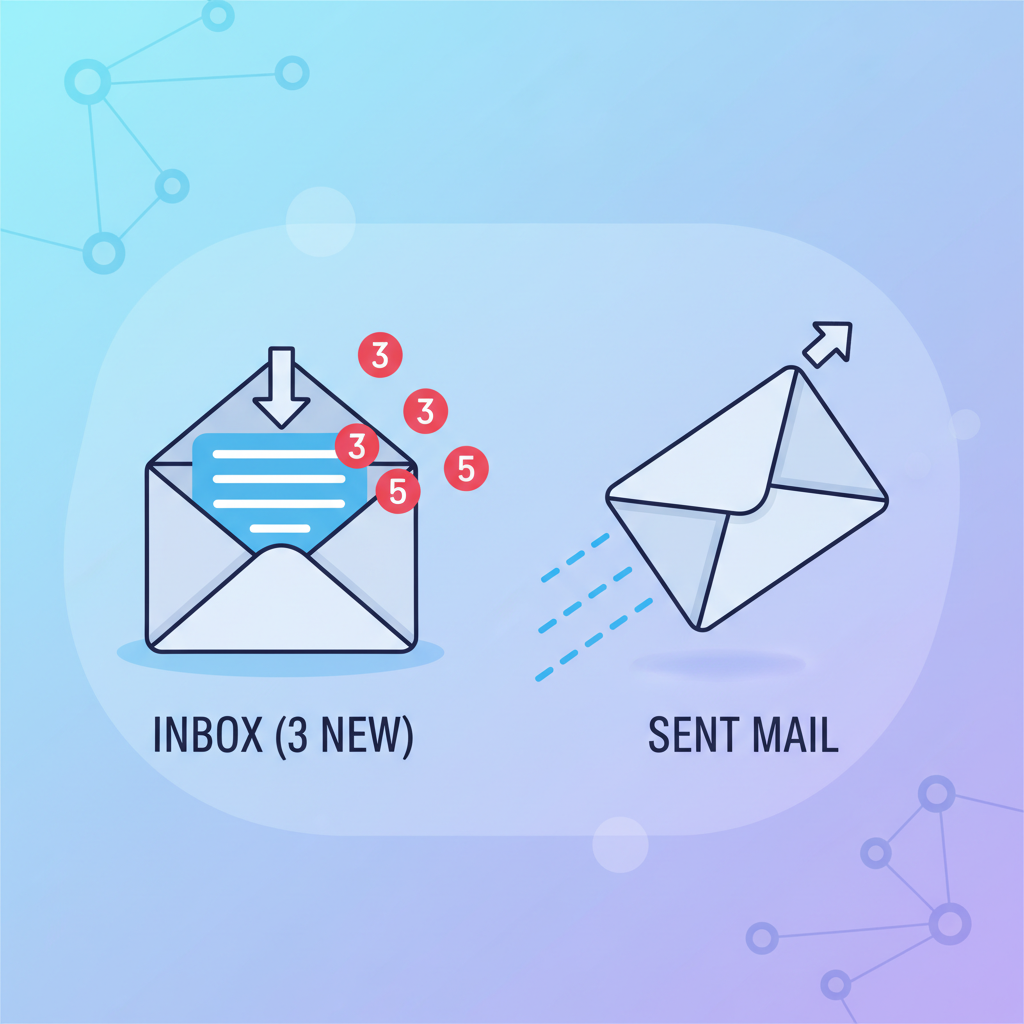
When you get a physical letter, where does it go? Into your mailbox, right? In the world of email, you have a special place called an Inbox. This is where all the emails that people send TO you arrive. It's like your digital mailbox!
And what about the letters you send? In the physical world, you might keep a copy of an important letter. In email, when you send a message, it usually goes into a place called the Sent Box or Sent Mail. This is where copies of all the emails you have sent are stored. It's like your personal record book!
Sending and Receiving: How Email Travels
When you want to send an email, you open your email program (sometimes called an email app or website). You type your message, put the email address of the person you want to send it to in the "To" box, and then click "Send."
Poof! Your message travels super fast through the internet, almost like a secret invisible highway, and lands in your friend's Inbox within seconds or minutes. It's much faster than even the fastest car or airplane delivering a letter!
When someone sends you an email, it just appears in your Inbox. You can open it, read it, and then even reply to it!
What Can You Send in an Email? More Than Just Words!
Email is super versatile! You can send:
- Text messages: Just like typing a story or a note.
- Pictures: You can attach photos of your new pet or your drawing to your email. It's like putting a picture inside an envelope!
- Links: You can share links to fun websites or videos you found.
- Files: Sometimes, grown-ups send important documents or reports. For kids, it might be a drawing you made on the computer!
Being Safe with Email: Important Tips!
Just like you wouldn't open a door to a stranger or take candy from someone you don't know, it's important to be safe with email:
- Always ask a grown-up before opening emails from people you don't know.
- Never share your email password with anyone except your parents or trusted guardian.
- Don't click on links in emails from strangers.
Email is a wonderful tool for communication, but always remember to use it wisely and safely!
Wrap Up: Email is Your Digital Messenger!
So, email is a fantastic way to send messages, pictures, and more to people all over the world, very quickly. It uses special addresses, digital mailboxes called Inboxes, and travels through the internet's invisible pathways. It's like having a personal messenger that works at lightning speed!
Keep learning, free
Create a free Syllabax account to unlock practice questions and games for this topic.
Visual Learning Enhanced! 🚀
To help you master this topic, we use Advanced Syllabax AI to generate detailed diagrams and visual models.
Note on Visuals: The AI sometimes makes spelling errors in image labels. Please refer to the lesson text for the correct terminology.