Portable Storage: USB Drives & Cloud
Watch this topic in 60 seconds
Free preview · Lesson 1
Understanding Portable Storage: USB Drives & Cloud
Portable Storage: USB Drives & The Cloud
Hey there, digital explorers! Have you ever drawn an amazing picture on your computer, written a fantastic story, or taken a cool photo, and wished you could easily carry it with you or share it with a friend? Well, good news! Just like you can pack a snack for school or put your favorite toys in a bag to take to a friend's house, computers have special ways to pack up and carry your digital stuff. These are called portable storage, and today we're going to learn about two of the most popular kinds: USB Drives and Cloud Storage!
What is Portable Storage?
Think of portable storage like a special container for your digital files. Just like a lunchbox holds your food, or a backpack holds your books, portable storage holds your photos, videos, documents, and games. The 'portable' part means you can easily move it around, take it with you, or send your files to someone else without needing to carry your whole computer!
Part 1: The Mighty USB Drive (Thumb Drive, Flash Drive)
What is a USB Drive?
Imagine a tiny, sleek stick, often no bigger than your thumb, that you can plug into your computer. That's a USB drive! People also call them 'thumb drives' or 'flash drives' because they're small and use 'flash memory' to store data, which is a super fast way to save and retrieve information.
Analogy: Your Digital Lunchbox. Think of a USB drive as your personal digital lunchbox. You can put your favorite digital 'sandwiches' (like your photos) and 'snacks' (like your homework document) inside it. When you want to eat (or access) them somewhere else, you just take your lunchbox with you, plug it into another computer, and presto! Your files are ready.
How Does It Work?
It's super simple! You just plug it into a special slot on your computer called a USB port (it usually looks like a small rectangle). Your computer will then 'see' the drive, and you can drag and drop files onto it, just like putting items into a folder. When you're done, you safely 'eject' it (like safely closing your lunchbox) and unplug it. No internet needed!
Why Use a USB Drive? (Pros)
- Easy to Carry: They're tiny! You can put one in your pocket, on a keychain, or in your pencil case.
- No Internet Needed: Once your files are on it, you don't need Wi-Fi or an internet connection to access them on another computer. This is great for places without internet.
- Quick File Transfer: It's usually very fast to move files from your computer to a USB drive and vice-versa.
- Simple to Use: Just plug it in and go!
Things to Watch Out For (Cons)
- Easy to Lose: Because they're so small, they can get lost easily. Imagine losing your lunchbox with all your favorite snacks inside!
- Can Break: If you step on it or get it wet, it might stop working, and you could lose your files.
- Limited Space: USB drives come in different sizes, but eventually, they can fill up, just like a lunchbox can only hold so much food.
- Virus Risk: If you plug a USB drive into a computer with a virus, the virus could jump onto your drive and then spread to other computers you plug it into.
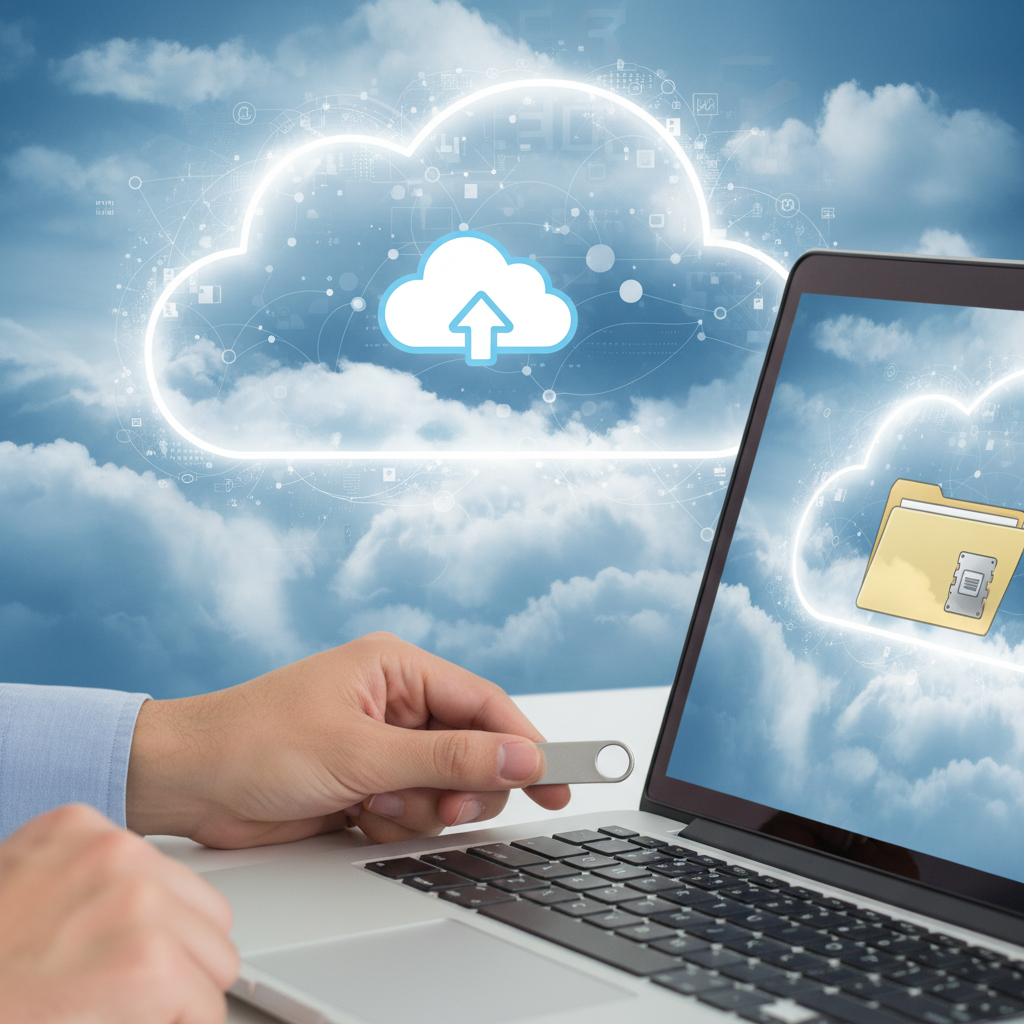
Part 2: The Magical Cloud (Cloud Storage)
What is Cloud Storage?
Now, let's talk about something a bit more mysterious but super powerful: the Cloud! When we talk about 'the cloud' in technology, we're not talking about the fluffy white things in the sky. Instead, it's a giant network of powerful computers (called servers) located all over the world. These computers store your files for you, and you can access them using the internet.
Analogy: Your Digital Bank Vault in the Sky. Imagine a super-secure, invisible bank vault high up in the sky. Instead of putting money in it, you put your digital files – photos, videos, homework – in this vault. As long as you have the special key (your username and password) and can get to an internet connection, you can open your vault and get your files from ANY computer, tablet, or phone, anywhere in the world! You don't need to carry anything physical.
How Does It Work?
Instead of plugging something into your computer, you upload your files to a service like Google Drive, Dropbox, iCloud, or OneDrive. These services store your files on their huge servers. When you want to get your files back, you simply go to their website or use their app, log in, and download them. All you need is an internet connection!
Why Use Cloud Storage? (Pros)
- Access Anywhere: Your biggest advantage! You can get your files from any device with an internet connection – at school, at home, at a friend's house, or even on vacation!
- Great for Sharing: Want to share a photo album with grandma or a project with a classmate? You can easily send them a link, and they can view or even edit the files (if you allow it).
- Safety Net (Backup): If your computer breaks or gets lost, your files in the cloud are safe. It's like having a copy of your important papers in a separate, secure location.
- Less Physical Loss: You can't physically lose the 'cloud' like you can a USB drive.
Things to Watch Out For (Cons)
- Needs Internet: The biggest drawback! If you don't have Wi-Fi or an internet connection, you can't access your cloud files.
- Privacy Concerns: Your files are stored on someone else's computers. While these services are usually very secure, it's good to be aware that you're trusting another company with your data. Always use strong passwords!
- Cost: Many cloud services offer some free storage, but if you need a lot of space, you might have to pay a monthly fee.
- Reliance on Service: If the cloud service has technical problems or goes out of business, you might not be able to access your files temporarily or even permanently.
USB Drive vs. Cloud Storage: Which One to Choose?
Both USB drives and cloud storage are fantastic tools, but they're best for different situations:
- Choose a USB Drive when:
- You need to move a few files quickly between computers that are close by.
- You're in a place with no internet access.
- You don't want your files to be online at all.
- Choose Cloud Storage when:
- You want to access your files from anywhere, on any device.
- You need to easily share files with friends, family, or classmates.
- You want a backup of your important files in case your computer breaks.
- You have a strong, reliable internet connection.
Often, people use both! A USB drive for quick, offline transfers and the cloud for backup and universal access. Now you're equipped to decide which digital 'container' is best for your digital treasures!
Keep learning, free
Create a free Syllabax account to unlock practice questions and games for this topic.
Visual Learning Enhanced! 🚀
To help you master this topic, we use Advanced Syllabax AI to generate detailed diagrams and visual models.
Note on Visuals: The AI sometimes makes spelling errors in image labels. Please refer to the lesson text for the correct terminology.