What is Software? Apps & Programs
Watch this topic in 60 seconds
Free preview · Lesson 1
Understanding What is Software? Apps & Programs
What is Software? Apps & Programs for Young Learners!
Hello, young tech explorers! Have you ever wondered how your favorite games run on a tablet, or how you can draw pictures on a computer, or even how you talk to your grandparents on a video call? The secret is something called software!
Imagine a Chef and a Recipe!
Let's start with a fun idea. Imagine your mom or dad is a super chef! To bake a delicious cake, they need a recipe, right? A recipe tells them exactly what to do: first, mix the flour, then add the sugar, then crack the eggs, and so on. Without the recipe, it would be hard to know what to do!
Well, a computer, tablet, or smartphone is a bit like that chef. But instead of baking cakes, they do all sorts of amazing tasks. And instead of a recipe, they need software!
Software: The Invisible Instructions
Software is like the invisible instructions, or rules, that tell a computer what to do. It's not something you can touch, like the screen or the keyboard. You can only see what it does on the screen!
Think of it this way: your computer (which is called hardware, because you can touch it!) is like a super-smart robot. But this robot needs instructions for everything it does. Software gives the robot those instructions. It tells the computer: "Draw this picture!" or "Play this music!" or "Let the child play this game!".
Let's use another analogy: Have you ever built with LEGOs? The LEGO bricks are the hardware – you can touch them, stack them, move them. But the instructions booklet that shows you how to build a spaceship or a castle? That's like the software! It tells you how to use the bricks to create something amazing.
Apps and Programs: Two Names for the Same Thing!
You might hear grown-ups talk about 'apps' or 'programs'. Guess what? They usually mean the same thing!
- An App is just a short, catchy word for 'Application'. You mostly hear 'app' when talking about phones and tablets.
- A Program is another word for software. You might hear 'program' more often when talking about computers.
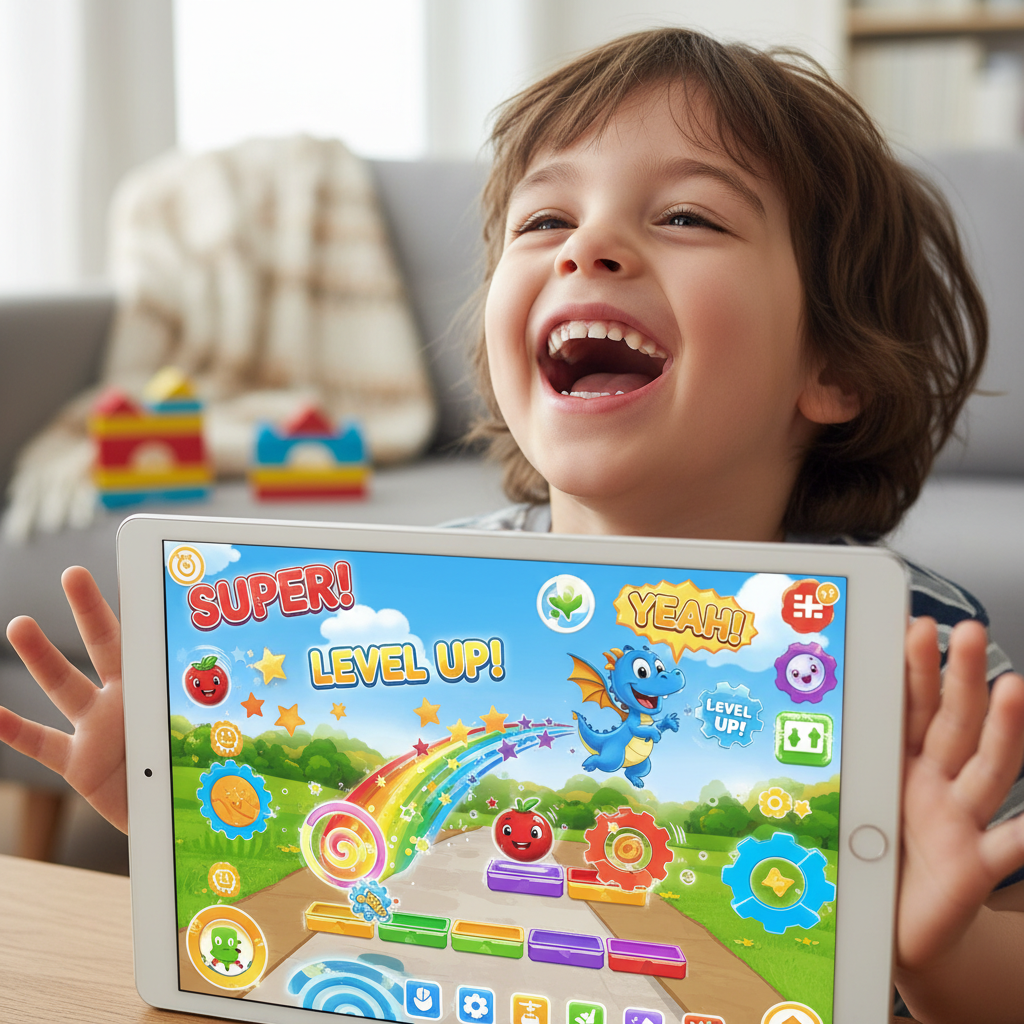
So, when you open a game on your tablet, you're opening an 'app'. When your parents use a word-processor to type a letter on the computer, they are using a 'program'. Both are types of software!
Hardware vs. Software: What's the Difference?
This is a super important idea!
- Hardware: These are the physical parts of a computer system that you can touch and see. Think about your computer's screen, keyboard, mouse, or even your phone itself. They are the 'body' of the computer.
- Software: These are the invisible instructions that tell the hardware what to do. It's the 'brain's thoughts' or the 'rules' that make the hardware work and do useful things. You can't touch software, but you can interact with it on the screen.
Imagine your body. Your arms, legs, eyes, and ears are like the hardware – you can touch them. But your thoughts, your ideas, and the instructions your brain sends to your muscles (like "lift your arm" or "kick the ball") are like the software! Without the thoughts, your body wouldn't know what to do.
What Can Software Do? Lots of Things!
Software makes your devices so useful and fun! Here are just a few examples of what software (apps and programs) helps you do:
- Play Games: From racing cars to building worlds, games are all software!
- Draw and Paint: Use digital brushes and colors to create amazing art.
- Watch Videos: See your favorite cartoons or educational shows.
- Listen to Music: Play your favorite songs.
- Learn: Interactive learning apps help you with reading, math, and more.
- Talk to Family: Make video calls to people far away.
- Browse the Internet: Visit websites to find information or play simple games.
Every time you click on an icon on your phone or computer to start something new, you are opening a piece of software! It's the software that makes your computer, tablet, or phone clever enough to do all these different tasks.
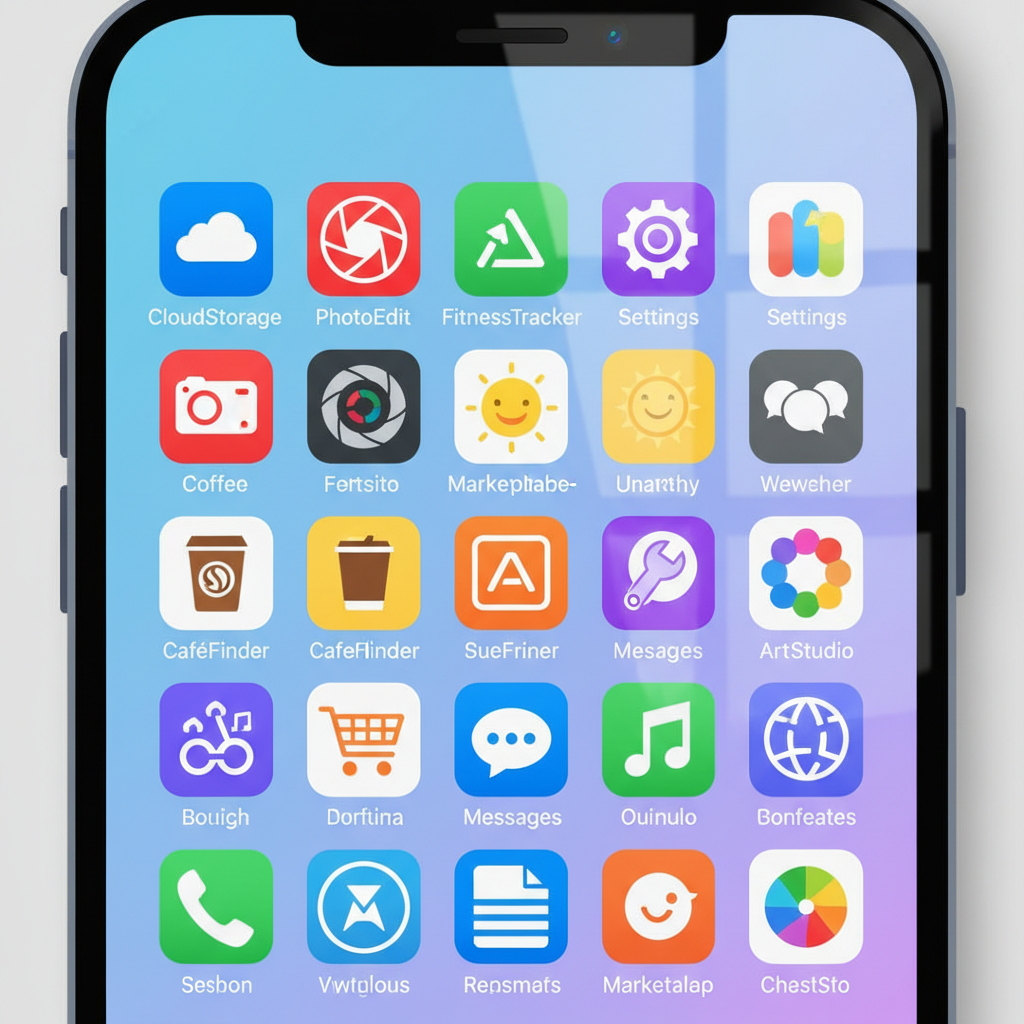 ⚠️ This picture may have spelling mistakes. Trust the words in the lesson.
In Simple Terms:
Software is the magic inside our devices that makes them come alive and do wonderful things for us. It's the instructions, the rules, the recipes that tell the hardware what to do. Without software, our computers, phones, and tablets would just be silent, unmoving boxes!
So next time you play a game or draw a picture on a screen, remember: you're using software! It's pretty amazing, isn't it?
Keep learning, free
Create a free Syllabax account to unlock practice questions and games for this topic.
Visual Learning Enhanced! 🚀
To help you master this topic, we use Advanced Syllabax AI to generate detailed diagrams and visual models.
Note on Visuals: The AI sometimes makes spelling errors in image labels. Please refer to the lesson text for the correct terminology.