Online Safety: Protecting Personal Info
Watch this topic in 60 seconds
Free preview · Lesson 1
Understanding Online Safety: Protecting Personal Info
Online Safety: Protecting Your Personal Information
Hey there, digital explorer! The internet is an amazing place, full of fun games, interesting facts, and ways to connect with friends. It's like a giant, super cool playground, but just like any playground, it has rules to keep you safe. Today, we're going to talk about one of the most important rules: protecting your personal information online. Think of your personal information like your secret superhero identity – it's something special and private that you don't share with just anyone!
What is 'Personal Information' Anyway?
Imagine your house. It has a special address so mail knows where to go, a phone number so your family can be called, and inside, there are photos of you and your family. These details are like the unique 'keys' to your life. Personal information online is very similar. It's any detail that can help someone figure out who you are, where you live, or how to contact you or your family.
Some common examples of personal information include:
- Your full name (first AND last name)
- Your home address (street name, city, state)
- Your phone number
- Your email address
- The name of your school or specific sports team
- Pictures or videos of you that show where you live or go to school
- Your birthdate
Think of it like this: If you wouldn't shout it out to a stranger on the street, you probably shouldn't share it with a stranger online. Your personal information is like your own special treasure map, and you wouldn't want just anyone to have it, right?
Why is it Super Important to Protect Your Personal Information?
Protecting your personal information is like putting a strong lock on your front door. You do it to keep yourself and your family safe. If someone gets your personal information, they might be able to:
- Pretend to be you (this is called identity theft, and it's a big problem!)
- Contact you when you don't want them to
- Find out where you live or go to school, which can be dangerous
- Send you unwanted messages or links
Just like you wouldn't give a stranger the keys to your house, you shouldn't give strangers online your personal information. It's all about keeping your online playground a safe and happy place for you!
Your Online Safety Superpowers: What You Can Do!
1. The 'Ask a Trusted Adult' Rule!
This is your number one superpower! Before you share ANYTHING online – even something that seems harmless – always, always ask a parent, guardian, or another trusted adult first. They are like your online safety coaches, and they can help you decide if something is safe to share. If you're ever unsure about a website, a message, or a game, show it to them!
2. Think Before You Click or Share!
Before you click a link, download a file, or type out any personal details, PAUSE and THINK. Imagine you're at a crosswalk. You don't just run across without looking, do you? You stop, look left, then right, then left again. Do the same online! Ask yourself: Do I really need to share this? Who will see this? Is it safe?
3. Create Super Strong Passwords!
Your password is like the secret code to your online fortresses (like your email or game accounts). A strong password is like a super-duper strong lock. It should be long (at least 8-12 characters), use a mix of uppercase letters (A, B, C), lowercase letters (a, b, c), numbers (1, 2, 3), and special characters (!, @, #, $). Don't use your name, birthday, or simple words like 'password123'. And never, ever share your password with anyone, except your trusted adult if they need to help you. It's like a secret handshake only you and your most trusted adults know!
4. Be Careful with Strangers Online!
Just like in real life, not everyone online is who they say they are. Someone might pretend to be a kid your age, but they could be much older. Never give your personal information to someone you don't know in real life, even if they seem friendly. If someone you don't know starts asking you questions about your personal life, school, or where you live, tell a trusted adult immediately. Don't be afraid to just stop talking to them.
5. Location, Location, No!
Many apps and devices can tell people exactly where you are. This is called 'location sharing.' It's like having a giant arrow pointing to your house for everyone to see. It's usually best to turn off location sharing for most apps, especially social media or gaming apps. Always ask a trusted adult before turning on any location features.
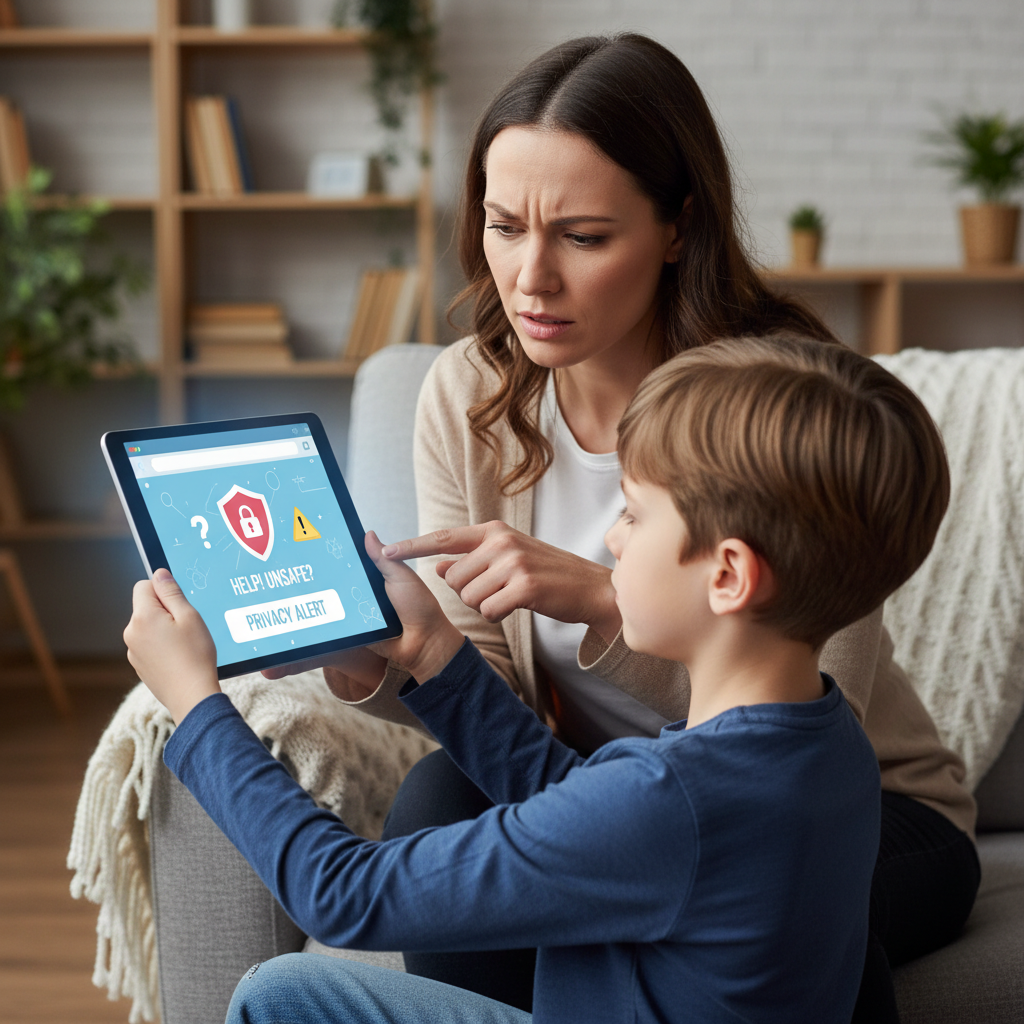
6. Privacy Settings are Your Friends!
Many websites and apps have 'privacy settings.' These are like curtains on your window. You can choose who gets to see your information and what you share. Your trusted adult can help you set these up so that only people you know and trust can see your online posts and pictures. Always keep your 'curtains' closed to strangers!
Remember These Golden Rules:
- Your personal information is precious – treat it like a secret treasure!
- Always talk to a trusted adult before sharing anything online.
- Think carefully before you click or share.
- Use strong, secret passwords.
- Never share personal details with online strangers.
By following these simple rules, you can enjoy all the amazing things the internet has to offer while staying super safe! You've got this, digital safety superhero!
Keep learning, free
Create a free Syllabax account to unlock practice questions and games for this topic.
Visual Learning Enhanced! 🚀
To help you master this topic, we use Advanced Syllabax AI to generate detailed diagrams and visual models.
Note on Visuals: The AI sometimes makes spelling errors in image labels. Please refer to the lesson text for the correct terminology.