Giving Computers Instructions
Watch this topic in 60 seconds
Free preview · Lesson 1
Understanding Giving Computers Instructions
Giving Computers Instructions: Be the Boss!
Hello, young adventurers! Today, we're going to learn about something super important that helps computers do all the amazing things they do. Think about all the games you play, the videos you watch, or even the things your parents do on their phones and computers. None of that would be possible without something called instructions!
What Are Instructions?
Imagine you want to bake a batch of delicious cookies. What do you need? A recipe, right? A recipe is a set of instructions that tells you exactly what to do, step by step: first, mix the butter and sugar, then add the eggs, then the flour, and so on. If you miss a step, or do them in the wrong order, your cookies might not turn out so yummy!
Computers are a lot like that. They can't just know how to do things all by themselves. They need clear, step-by-step instructions from us, just like a recipe tells you how to bake. These instructions tell the computer exactly what to do, how to do it, and when to do it.
Analogy: Giving Your Pet Commands
Think about teaching a pet a trick. If you want your dog to 'sit', you don't just think 'sit' in your head. You have to say the word 'sit' and maybe show them what you want them to do. You give them a clear instruction. If you say 'sit' and then 'stay', your dog will do two different things in that order. Computers are similar, but they need even more specific instructions because they don't have brains like animals or people.
Why Do Computers Need Instructions?
Computers are incredibly fast and can do amazing things, but they are not smart on their own. They don't have feelings or ideas. They are just machines. Without instructions, a computer is like a fancy toy that's not turned on. It just sits there. It only comes to life and does useful (or fun!) things when we tell it what to do.
Analogy: A Robot Toy
Have you ever played with a remote-control car or a robot toy? It doesn't move by itself, does it? You have to press buttons on the remote control. Each button is like an instruction: 'go forward,' 'turn left,' 'stop.' The toy only does what you tell it to do, exactly when you tell it to do it. Computers are like super-duper complicated robot toys that can follow millions of instructions really fast!
How Do We Give Computers Instructions?
We don't talk to computers using our regular speaking voices (most of the time!). Instead, we use a special language called code. Writing code is like writing a secret message that only computers can understand. These messages are called programs. A program is just a whole list of instructions, one after another, that tell the computer what to do.
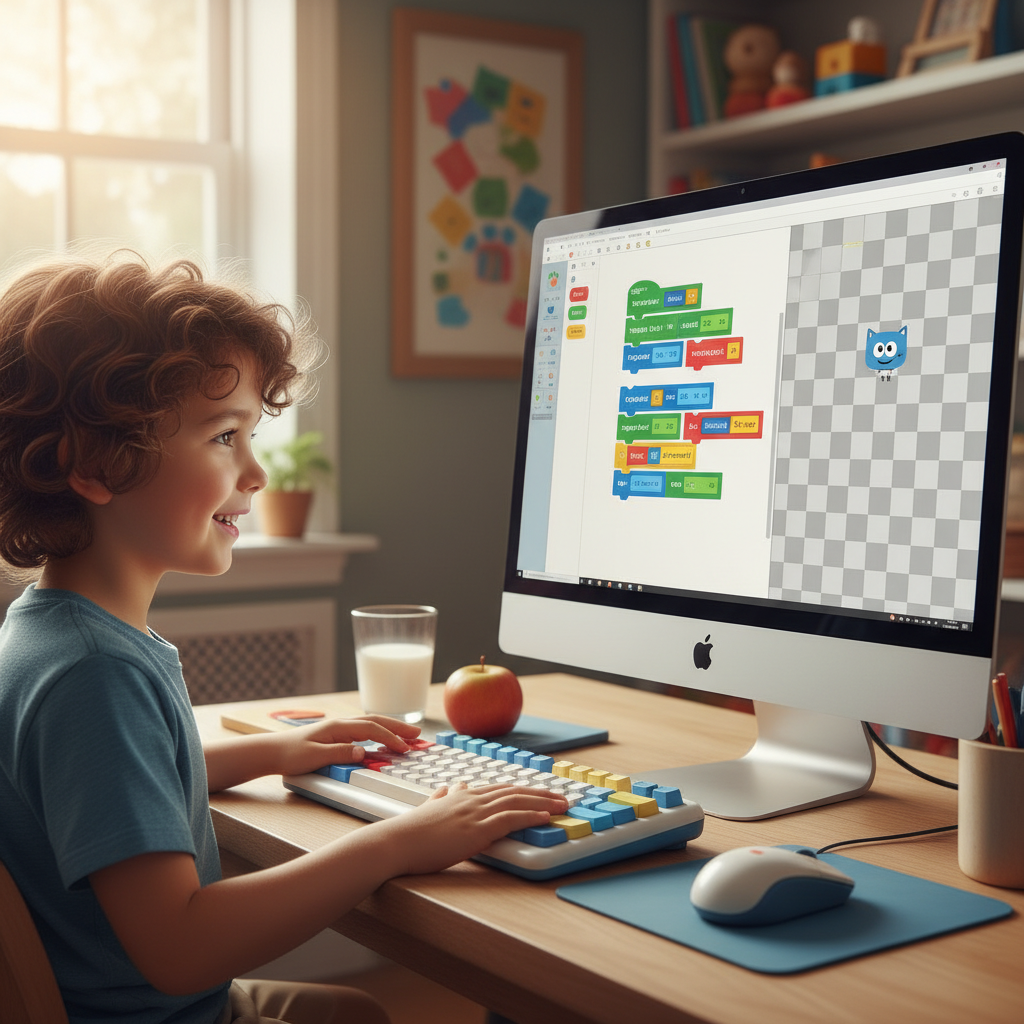
Analogy: Building with LEGOs
Think about building something wonderful with LEGOs. Each LEGO brick is like a single instruction. You have to choose the right bricks and snap them together in the correct order to make what you planned. If you put the wheels on top of the car instead of underneath, it won't roll! Writing code is like building with special digital LEGOs, where each 'brick' is an instruction, and the order matters a lot.
What Kinds of Instructions Do Computers Follow?
Computers follow all sorts of instructions, from very simple to super complex. Here are some examples of simple instructions they might get:
- "Display this picture on the screen." (Like showing a photo.)
- "Play this sound." (Like when you click a button in a game.)
- "Move this character forward 10 steps." (Like in a video game.)
- "Change the color of this shape to blue." (Like in a drawing program.)
- "Remember this number." (Like when you save your score in a game.)
Each instruction is very specific. Computers don't guess! They do exactly what they are told.
The Importance of Order
Just like our cookie recipe, the order of instructions is incredibly important for computers. If you tell a computer to 'jump' before you tell it to 'get ready to jump,' it might get confused or do something unexpected. Imagine trying to put on your shoes before your socks – it just doesn't work right!
Analogy: A Treasure Map
Think of a treasure map. It gives you instructions like: "Walk 10 steps north," then "Turn left at the big tree," then "Dig here." If you turn left before walking 10 steps, you'll end up in the wrong place and never find the treasure! Computers need their instructions in the correct sequence to find their 'treasure' – which is completing the task you gave them.
What Happens if Instructions are Wrong?
If you give a computer wrong or unclear instructions, it won't be able to do what you want. It might:
- Do nothing at all.
- Do something you didn't expect.
- Show an error message (like a little warning sign!).
It's like trying to tell a friend how to get to your house, but you give them bad directions. They might get lost! Computers need perfect directions every time.
You are the Programmer!
So, every time you use a computer, remember that someone, a clever person called a programmer, wrote all those instructions, or code, to make it work. And now you know a little bit about how they do it! You are learning to be a programmer when you learn how to give computers instructions.
Keep learning, free
Create a free Syllabax account to unlock practice questions and games for this topic.
Visual Learning Enhanced! 🚀
To help you master this topic, we use Advanced Syllabax AI to generate detailed diagrams and visual models.
Note on Visuals: The AI sometimes makes spelling errors in image labels. Please refer to the lesson text for the correct terminology.