Typing Skills: Home Row
Watch this topic in 60 seconds
Free preview · Lesson 1
Understanding Typing Skills: Home Row
Typing Skills: Your Home Row Adventure!
Hello, future typing champions! Have you ever seen someone type super fast without even looking at their fingers? It looks like magic, right? Well, it's not magic, it's a skill called "touch typing," and today we're starting our amazing journey to become touch typing wizards!
What is Typing and Why is it Important?
Imagine you're trying to write a story or send a message to a friend. You could use a pencil and paper, but sometimes, using a computer keyboard is much faster and easier to share your words with the world! Typing is how we "write" on computers, tablets, and even some phones.
Learning to type well is like learning to ride a bike without training wheels. At first, it might feel a little wobbly, and you might want to look down at your feet (or in this case, your fingers). But once you learn to balance and keep your eyes forward, you can go much faster and farther! Good typing skills will help you with school projects, writing stories, and communicating online when you're older. It's a superpower for your fingers!
Meet Your Keyboard: Your New Best Friend!
Look at your computer keyboard. It has so many keys! Letters, numbers, symbols, and special keys too. Don't worry, we're going to start with the most important keys for typing words – the letter keys. Think of your keyboard as a big playground, and we're going to find the "home base" where your fingers should always start.
The Home Row: Your Fingers' Cozy Bed!
Every superhero needs a headquarters, and every typing finger needs a home! On your keyboard, there's a special row of keys called the Home Row. This is where your fingers rest and where they always come back to after pressing other keys. It's like your own cozy bed where you start and end your day. Your fingers will feel safe and know exactly where they are if they always return home.
The Home Row keys are: A, S, D, F on the left side, and J, K, L, ; (semicolon) on the right side. Can you find them?
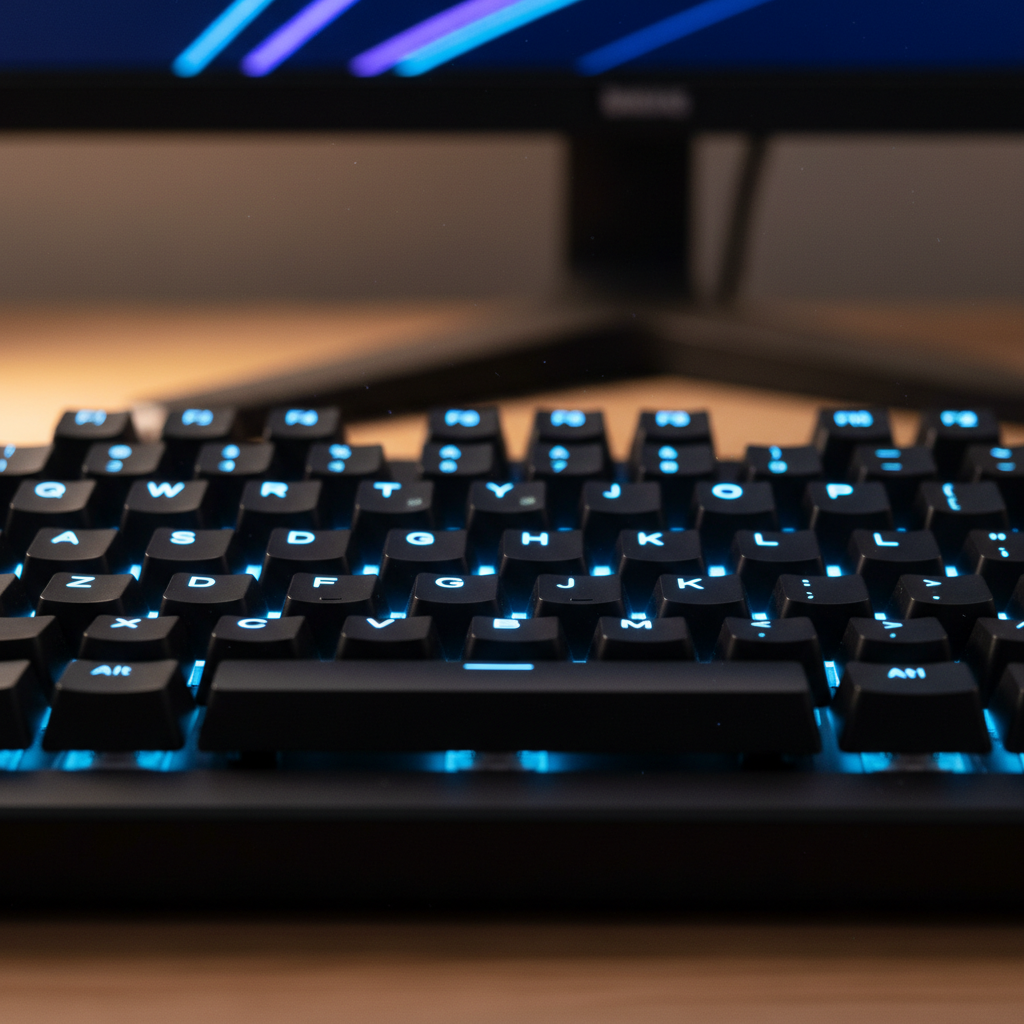 ⚠️ This picture may have spelling mistakes. Trust the words in the lesson.
The Secret Bumps: Your Finger Guides!
Now, here's a cool secret! Feel the F key with your left index finger, and the J key with your right index finger. Do you feel a tiny little bump or ridge on each of them? These are not mistakes! These bumps are super important. They are like tiny signposts that tell your index fingers, "You are home!" Without even looking, your fingers can find their way back to the home row just by feeling for these bumps. Isn't that clever?
Placing Your Fingers on the Home Row: Like a Team!
Alright, let's get those fingers in position! It's like lining up for a game – everyone has their spot.
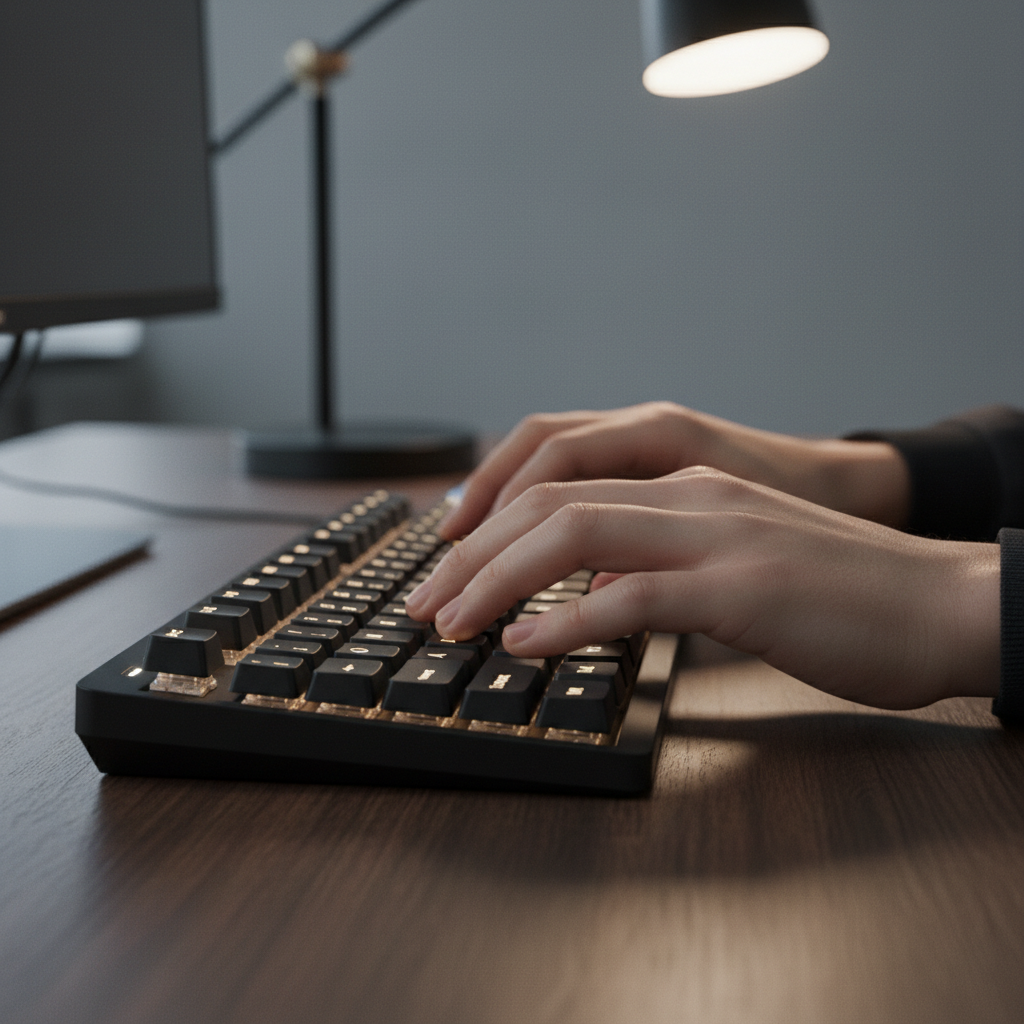
- Left Hand: ASDF
- Your pinky finger goes on the A key.
- Your ring finger goes on the S key.
- Your middle finger goes on the D key.
- Your index (pointer) finger goes on the F key. (Remember the bump!)
- Right Hand: JKL;
- Your index (pointer) finger goes on the J key. (Remember the bump!)
- Your middle finger goes on the K key.
- Your ring finger goes on the L key.
- Your pinky finger goes on the ; (semicolon) key.
What about your thumbs? Your thumbs are like the goalies for the spacebar! Both thumbs should hover gently over the Spacebar, ready to press it whenever you need to make a space between words.
Your Typing Posture: Sit Tall, Type Strong!
Before you even start typing, how you sit is super important! Think of yourself like a magnificent tree – tall and strong. Here’s how to sit for successful typing:
- Sit Up Straight: Keep your back straight, but relaxed. Don't slouch like a sad noodle!
- Feet Flat: Keep both your feet flat on the floor. This helps keep you balanced.
- Wrists Straight: Your wrists should be flat and straight, not bent up or down. Imagine a ruler laying across your wrist – it should be flat. Don't rest your wrists on the keyboard or table while typing; they should float slightly above.
- Elbows Relaxed: Your elbows should be comfortable at your sides.
- Screen at Eye Level: Look straight at the computer screen, not down at your hands! This is the most challenging part, but it's key to becoming a fast typist.
Why Not Look at Your Hands?
This is probably the hardest rule, but it's also the most important! Imagine you're riding your bike, but you keep looking down at your feet instead of the road. You'd probably crash, right? Or at least go very slowly!
Typing is similar. Your fingers need to learn where the keys are by "muscle memory" – that means your muscles remember the movements without your brain having to think about it too much, just like riding a bike or tying your shoelaces. If you keep looking down, your brain never gets a chance to build that memory. So, keep your eyes on the screen, even if it feels strange at first! Trust your fingers to find their way home using those little bumps and the "home base" feeling.
Practice Makes Perfect (and Fast)!
Starting to type is like learning to play a musical instrument. You start slowly, practicing one note or chord at a time. The more you practice, the better and faster you become.
- Start Slow: Don't try to type fast right away. Focus on hitting the correct keys with the correct fingers and then returning to the home row. Accuracy first, speed later!
- Return Home: After you press a key, always bring that finger back to its home row spot. This helps you stay "anchored" and know where you are.
- Say It Out Loud (Optional): Sometimes, saying the letter as you press it can help your brain connect the sound to the finger movement.
- Make it a Game: Find fun typing games online that focus on the home row. Learning should be fun!
You've taken the first big step on your typing adventure! Remember the home row is your starting point, your fingers have special spots, and those bumps on F and J are your secret guides. Keep practicing, and soon you'll be typing like a pro!
Keep learning, free
Create a free Syllabax account to unlock practice questions and games for this topic.
Visual Learning Enhanced! 🚀
To help you master this topic, we use Advanced Syllabax AI to generate detailed diagrams and visual models.
Note on Visuals: The AI sometimes makes spelling errors in image labels. Please refer to the lesson text for the correct terminology.