Digital Storytelling Basics
Watch this topic in 60 seconds
Free preview · Lesson 1
Understanding Digital Storytelling Basics
Welcome to Digital Storytelling Basics!
Hey there, young storytellers! Have you ever drawn a picture and then told a story about it? Or perhaps you've acted out a story with your toys? Well, get ready for something super exciting: Digital Storytelling! It's like telling your awesome stories, but with a little help from computers, tablets, and other cool screens.
What's a Story, Anyway?
Before we dive into the 'digital' part, let's remember what a story is. A story is like a special adventure you share with others. It usually has a beginning, a middle, and an end. Think of it like building with LEGOs: you start with an idea (the beginning), you add lots of different bricks and pieces (the middle), and then you have a finished creation (the end)! Every story has:
- Characters: These are the people, animals, or even magical creatures in your story. They are like the actors in a play!
- Setting: This is where and when your story happens. Is it in a bustling city, a quiet forest, or on a faraway planet? It's like the stage for your actors.
- Plot: This is what happens in the story – the events, the adventures, the problems, and how they get solved. It's the journey your characters take!
What Does 'Digital' Mean?
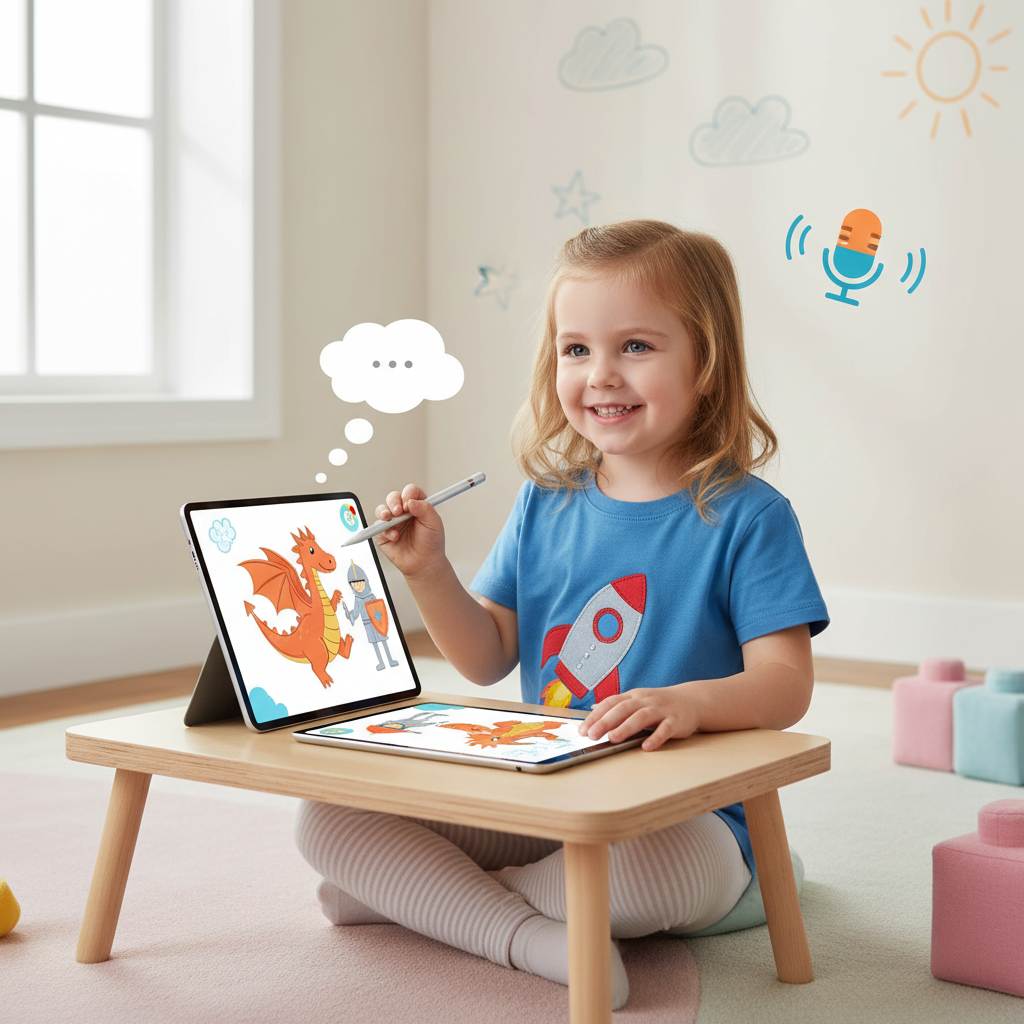
The word 'digital' simply means using computers, tablets, phones, or other electronic devices. When something is 'digital,' it's something you can see on a screen, hear through speakers, or create using software. Imagine your tablet or computer as a magical toolbox filled with amazing creative tools! Instead of just drawing with crayons on paper, you can draw with a digital pen on a screen. Instead of just telling your story with your voice, you can record it and add music!
Putting it Together: Digital Storytelling!
So, Digital Storytelling is when you use all those cool digital tools to tell your story. It's like taking your LEGO story, but instead of just building it with plastic bricks, you're building it with pictures, sounds, and words on a screen. You can combine your voice, drawings, photos, and even music to make your story come alive!
Think of it like making a mini-movie or a super cool interactive book where YOU are the author, the director, and even the artist!
The Secret Ingredients of a Digital Story
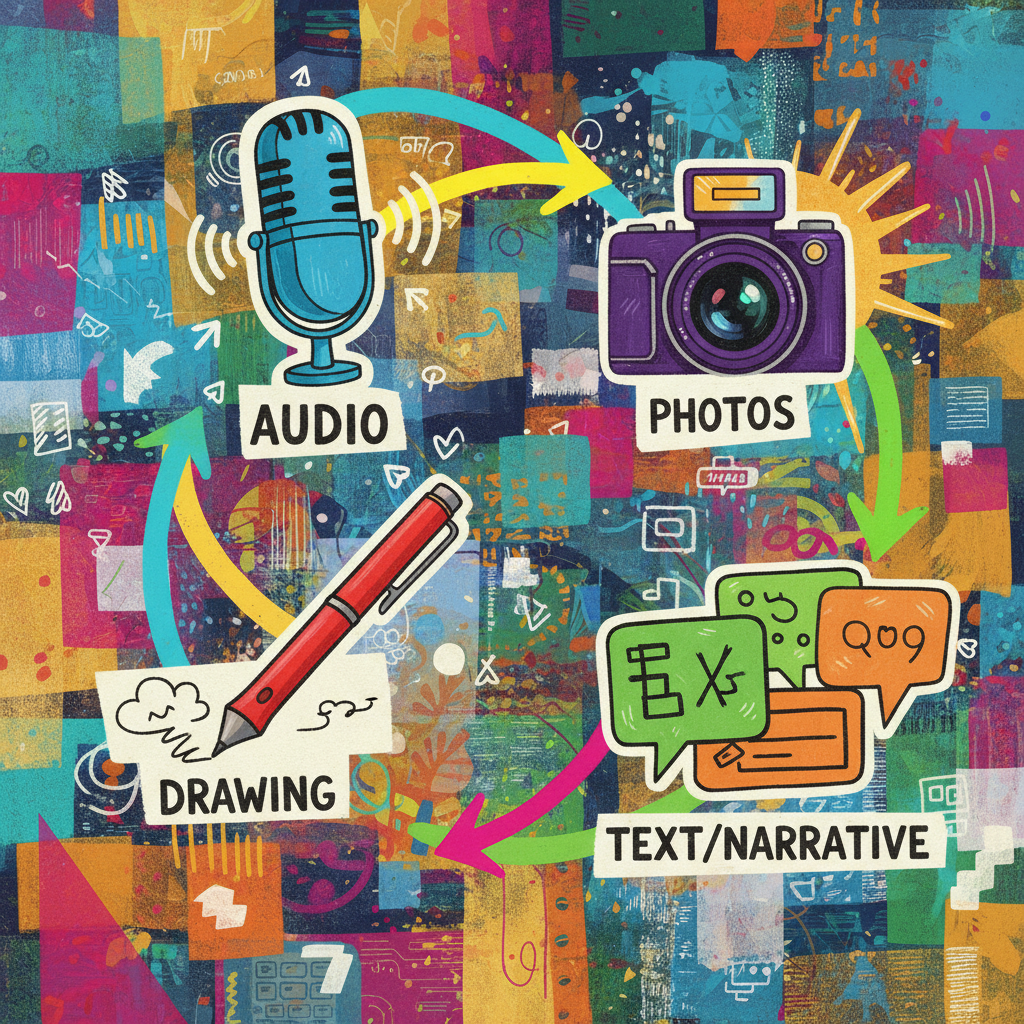
Just like baking a delicious cake needs specific ingredients, a great digital story needs its own special parts. Let's look at them:
1. Your Words (Text/Narration)
This is what you want to say! It can be written text that people read, or it can be your own voice telling the story. Imagine this as the script for your play, or the words in your favorite picture book. You can type out what your characters say, or you can record yourself reading the story aloud.
2. Pictures and Drawings (Visuals)
These are all the things people will SEE in your story. This can be drawings you make yourself on a computer, photos you've taken, or even pictures you find (with an adult's help and permission, of course!). These are like the illustrations in a book or the scenes in a movie. They help show what's happening and what things look like. If your character is a sparkly unicorn, the pictures help everyone imagine that unicorn!
3. Sounds and Music (Audio)
These are all the things people will HEAR in your story. You can add music to set the mood – happy music for a joyful scene, or mysterious music for an adventure. You can also add sound effects, like a dog barking, a bird chirping, or a car zooming by. And don't forget your own voice if you're narrating! Sounds make your story feel more real and exciting, just like the background music in your favorite cartoon.
4. The Order (Sequence/Flow)
This is how all the parts of your story fit together, one after another. Just like a book has pages that you turn in order, a digital story has slides or scenes that follow each other. You decide which picture comes first, then which words, then which sound, and so on. Putting things in the right order makes your story easy to follow and understand.
How to Make Your Own Digital Story (Simple Steps!)
It sounds like a lot, but it's really fun and easy to start! Here are some simple steps:
Step 1: Get Your Big Idea!
What story do you want to tell? Is it about a talking squirrel, a trip to the moon, or a day at the park? Think about your characters, where they are, and what exciting thing happens. This is like planting a seed for your story tree!
Step 2: Gather Your Ingredients!
Once you have your idea, start thinking about what you'll need. Will you draw pictures for each part of your story? Will you write down what you want to say? Maybe you'll ask an adult to help you record some cool sounds or find some music.
Step 3: Put it All Together!
There are many simple apps and programs that let you combine pictures, words, and sounds. Ask an adult for help finding one that's easy for you to use. You'll put your pictures in order, add your words, and then sprinkle in some sounds or music. It's like building your LEGO creation piece by piece!
Step 4: Share Your Masterpiece!
The best part! Once your digital story is done, share it with your family, friends, or classmates. They'll love seeing what you created!
Let's Do a Quick Example!
Imagine you want to tell a digital story about a very adventurous cat named Mittens.
- Your Words: You might type, "Mittens the cat loved exploring. One day, she saw a big, red ball in the garden." Or you could record yourself saying it!
- Pictures: You would draw a picture of Mittens, then a picture of a garden with a red ball.
- Sounds: Maybe you'd add a soft 'meow' sound for Mittens, or some gentle bird chirps for the garden.
- Order: First, the picture of Mittens, then the words about her, then the picture of the garden, then the words about the ball.
See? You're already a digital storyteller! It's a wonderful way to use your imagination and share your amazing stories with the world.
Keep Exploring!
Digital storytelling is a super creative way to tell stories using pictures, sounds, and your own voice on a screen. It's fun, it's exciting, and it lets you bring your wildest ideas to life. So grab your tablet or sit at your computer, and start imagining the amazing digital stories you'll create!
Keep learning, free
Create a free Syllabax account to unlock practice questions and games for this topic.
Visual Learning Enhanced! 🚀
To help you master this topic, we use Advanced Syllabax AI to generate detailed diagrams and visual models.
Note on Visuals: The AI sometimes makes spelling errors in image labels. Please refer to the lesson text for the correct terminology.