Sharing Digital Creations
Watch this topic in 60 seconds
Free preview · Lesson 1
Understanding Sharing Digital Creations
Sharing Digital Creations: Showing Off What You Made!
Hello, young digital explorers! Today, we're going to learn all about 'Sharing Digital Creations.' It sounds like a big fancy phrase, but it's really just about showing what you've made using a computer, tablet, or phone to other people!
What Are Digital Creations?
Think about drawing a picture with crayons or building a tower with LEGOs. Those are things you create in the real world, right? Well, 'digital creations' are like that, but you make them inside a computer! You use apps or programs to draw, write stories, make music, or even create short videos.
- Digital Art: Like drawing a picture, but on a tablet screen with your finger or a special pen.
- Digital Stories: Typing up an adventure story or creating a comic book on a computer.
- Digital Music: Using an app to put sounds together and make a cool song.
- Digital Videos: Taking little video clips and putting them together to tell a story.
Imagine your computer or tablet is a magical box where you can build anything you can imagine!
What Does 'Sharing' Mean?
When you draw a beautiful picture, what's one of the first things you want to do? Show it to your mom, dad, teacher, or a friend, right? That's sharing! It means letting other people see or experience something you've made.
Sharing your digital creations is just like that. Instead of holding up your paper drawing, you might show it on your tablet screen, or send it to someone through a special computer message.
Analogy Time! Sharing a Real-World Creation
Imagine you just built the most amazing sandcastle at the beach. You wouldn't just keep it a secret, would you? No! You'd call your friends over, point to it, and say, "Look what I made!" Sharing digital creations is exactly the same feeling – you want to show off your hard work and creativity!

Why Do We Share Our Digital Creations?
There are lots of fun reasons to share:
- To Show Off: You worked hard, and you're proud! Sharing lets others see how clever you are.
- To Get Ideas: Your friends might see your digital drawing and say, "Wow, that's cool! What if you added a flying car?" Their ideas can help you make it even better.
- To Make Others Happy: Maybe you wrote a funny story. Sharing it can make your friends laugh!
- To Learn Together: Sometimes, you make a digital project with a friend. Sharing means you can both see the finished work.
How Do We Share Digital Creations? (The Simple Ways!)
Sharing digital stuff is super easy! Here are some common ways:
- Show on Your Screen: This is the easiest way! If you made a drawing on a tablet, you can just show the tablet to your friend. It's like holding up a paper picture.
- Send it to a Friend: Sometimes, an adult can help you send your digital creation to a friend or family member. It's like putting your drawing in an envelope and mailing it, but much faster! It goes from one computer to another, like magic.
- Put it on a Special Website (with an adult's help): Some websites are like big digital galleries where people can share their art or stories. If you want to put your creation there, always ask an adult first to make sure it's a safe place!
Analogy Time! Digital Sharing is Like a Digital Mailbox
Imagine you have a special digital mailbox. When you want to share your digital drawing, you put it in your mailbox, and with a click, it flies through the internet wires (really fast!) and lands in your friend's digital mailbox for them to open and see. Super cool!
Important Things to Remember When Sharing!
Sharing is fun, but we also need to be smart and safe. Think of these rules:
- Be Kind: Only share things that are nice and friendly. Don't share anything that would make someone feel sad or upset. Just like you wouldn't say mean things in person, don't share mean things online.
- Ask for Permission: If you want to share something that someone ELSE made (like a picture your friend drew digitally), always ask them first! It's polite and shows respect.
- Keep Personal Information Private: Never share your full name, your home address, your phone number, or where you go to school online. This information is like a secret key to your house, and you should only share it with people you know and trust in the real world.
- Think Before You Share: Once you share something digitally, it can be hard to take it back. It's like throwing a paper airplane – once it flies away, it's out there! So, always think: "Is this kind? Is this safe? Am I proud of this?" before you share.
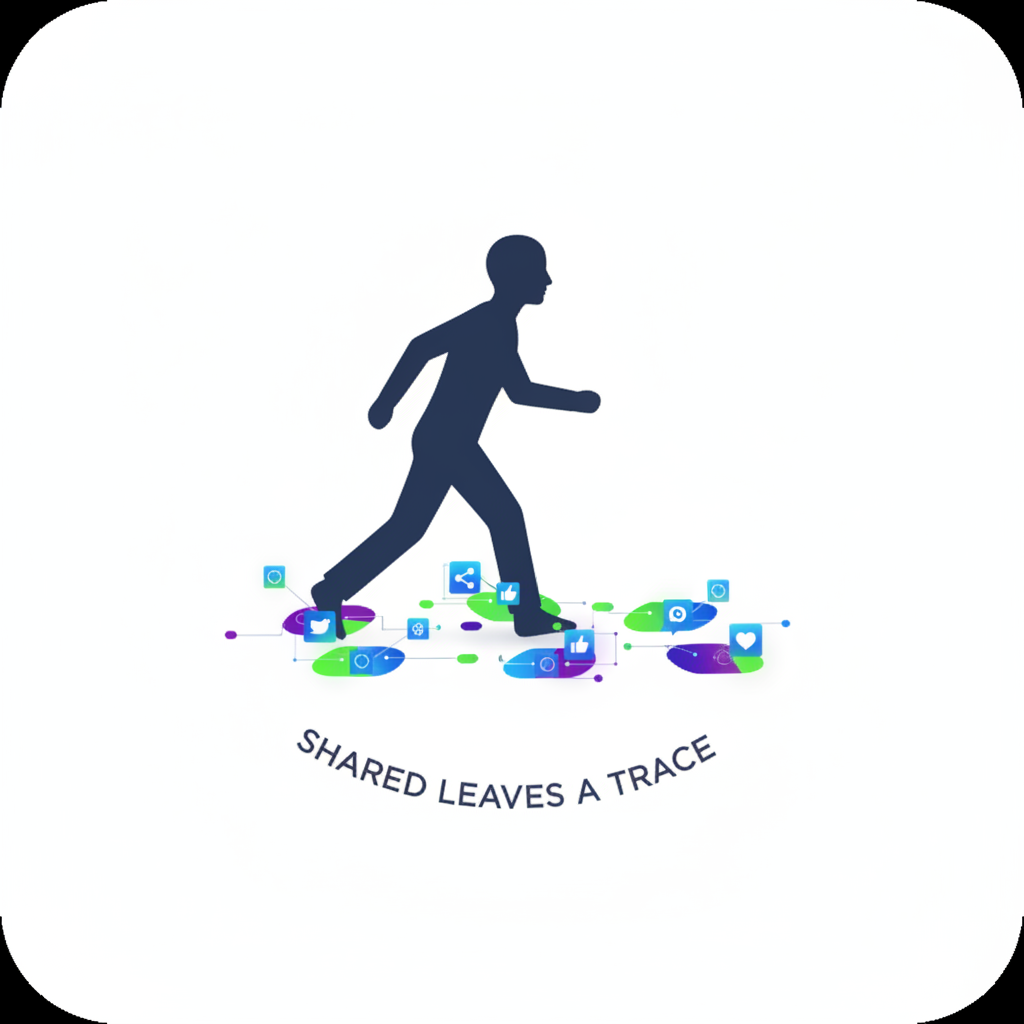 ⚠️ This picture may have spelling mistakes. Trust the words in the lesson.
Analogy Time! Digital Footprints
Every time you share something online, it's like leaving a little footprint in the sand. Those footprints can stay there for a long time. So, make sure your footprints are good ones – kind, creative, and safe!
Let's Review!
Sharing digital creations is a wonderful way to show your creativity, connect with friends, and learn new things. Just remember to be kind, ask for permission, and keep your private information safe. Happy creating and sharing!
Keep learning, free
Create a free Syllabax account to unlock practice questions and games for this topic.
Visual Learning Enhanced! 🚀
To help you master this topic, we use Advanced Syllabax AI to generate detailed diagrams and visual models.
Note on Visuals: The AI sometimes makes spelling errors in image labels. Please refer to the lesson text for the correct terminology.