Parts of a Computer
Watch this topic in 60 seconds
Free preview · Lesson 1
Understanding Parts of a Computer
Exploring the Wonderful World of Computer Parts!
Hello, super learners! Have you ever wondered how computers work? They are amazing machines that help us learn, play games, draw pictures, and even talk to friends and family far away! But just like your body has different parts that do different jobs (like your eyes for seeing and your ears for hearing), a computer also has many important parts that work together to make magic happen.
Imagine a computer is like a helpful robot friend. This robot has different 'body parts' that each have a special job. Let's meet these amazing parts!
1. The Monitor: Your Computer's TV Screen!
Look at the big screen that sits in front of you. That's the monitor! It's like a TV for your computer. When you draw a picture, type a story, or watch a video, the monitor is where you see all of it. It shows you everything the computer is doing.
- Analogy: Think of it like the windshield of a car – it lets you see where you're going! Or like your television at home, showing you your favorite cartoons.
2. The Keyboard: Your Computer's Magic Typewriter!
Next, look at the flat board with all the buttons, or 'keys', on it. This is the keyboard. Each key has a letter, a number, or a special symbol. When you want to tell the computer something, like typing your name or a word, you press these keys. It's how you 'talk' to the computer with words.
- Analogy: A keyboard is like a giant piano, but instead of making music, you make words and numbers appear on the screen! Or like a set of alphabet blocks you use to spell out words.
3. The Mouse: Your Computer's Pointing Finger!
Do you see the small device that fits in your hand, usually next to the keyboard? That's the mouse! It has buttons you can click. When you move the mouse on your desk, a little arrow (we call it a 'cursor') moves on the monitor screen. You use the mouse to point at things and click them, like opening a game or choosing a picture.
- Analogy: The mouse is like your own pointing finger, helping you pick things on the screen without actually touching it. Or like a remote control for your TV, letting you choose what to watch!
4. The System Unit (or 'Tower'): The Computer's Brain Box!
This is a very important part, often a big box that sits upright or flat on your desk. Sometimes people call it the 'tower'. Inside this box is where the computer's 'brain' lives! This brain is called the CPU (Central Processing Unit), and it's super smart. It does all the thinking, calculating, and remembering for the computer. Without the system unit, the other parts wouldn't know what to do!
- Analogy: The system unit is like your own brain – it does all the thinking and tells your body what to do. Or imagine it's the engine of a car; without the engine, the car can't go anywhere!
 ⚠️ This picture may have spelling mistakes. Trust the words in the lesson.
5. Speakers: Your Computer's Voice Box!
Have you ever heard music or sounds coming from your computer? Those sounds come from the speakers! They are usually two small boxes or built into the monitor. Speakers let the computer 'talk' to us with sounds, like music, game sounds, or the voice of a video.
- Analogy: Speakers are like a radio or a megaphone, making sounds louder so everyone can hear them!
6. The Printer: Your Computer's Drawing Machine!
Sometimes, you might want to have a picture or a story from the computer on real paper. That's where the printer comes in! It takes what you see on the monitor and puts it onto paper. It can print in black and white or in full color!
- Analogy: A printer is like a magic stamp or a special drawing machine that can make copies of what's on your screen onto paper.
How Computer Parts Work Together: Input and Output!
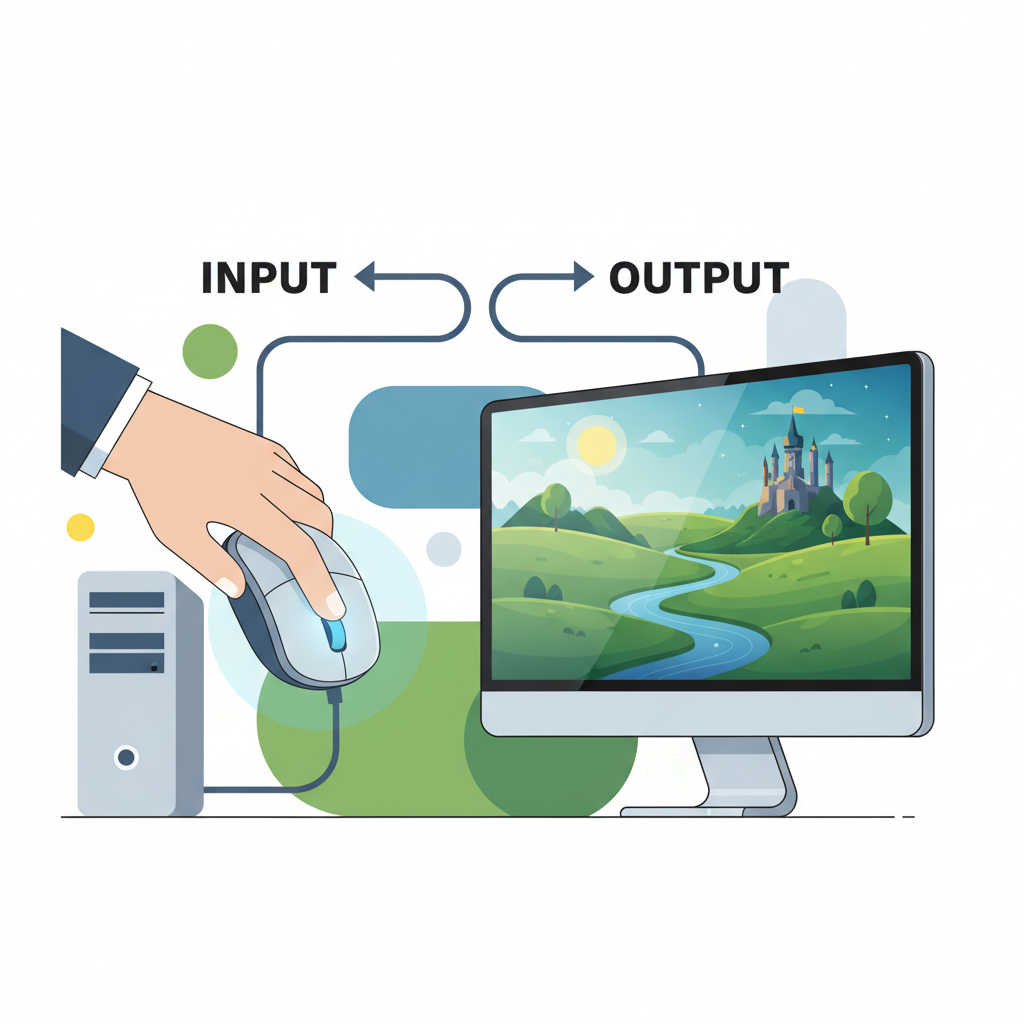
All these parts work together like a team. We can put them into two groups: Input and Output.
Input Devices: Telling the Computer What to Do
Input devices are like your hands and mouth – they are how you tell the computer things. They take information from you and send it to the computer's brain (the CPU).
- The keyboard is an input device because you use it to type words into the computer.
- The mouse is an input device because you use it to click and tell the computer what to do.
- Analogy: Think of it like talking to a friend. When you tell your friend something, you are 'inputting' information into their brain!
Output Devices: The Computer Telling YOU Things
Output devices are like your ears and eyes – they are how the computer tells you things back. They take information from the computer's brain and show it to you or let you hear it.
- The monitor is an output device because it shows you pictures and words.
- The speakers are an output device because they let you hear sounds.
- The printer is an output device because it prints things out for you to see on paper.
- Analogy: This is like your friend talking back to you. When your friend tells you something, they are 'outputting' information for you to hear and understand!
Amazing Teamwork!
So, you see, each part of the computer has a special job, and they all work together to help you do incredible things. The monitor shows you, the keyboard lets you type, the mouse helps you click, and the system unit does all the thinking! Speakers make sounds, and the printer puts things on paper. It's like a super team, helping you explore and create!
Keep exploring and learning about these wonderful machines!
Keep learning, free
Create a free Syllabax account to unlock practice questions and games for this topic.
Visual Learning Enhanced! 🚀
To help you master this topic, we use Advanced Syllabax AI to generate detailed diagrams and visual models.
Note on Visuals: The AI sometimes makes spelling errors in image labels. Please refer to the lesson text for the correct terminology.