Typing Letters: A, S, D, F
Watch this topic in 60 seconds
Free preview · Lesson 1
Understanding Typing Letters: A, S, D, F
Typing Letters: A, S, D, F – Your Typing Adventure Begins!
Hello, young typists! Are you ready to go on an exciting adventure? Today, we're going to learn how to use a super cool tool called a keyboard to write words and tell stories! It's like learning to ride a bicycle for your fingers – it takes a little practice, but soon you'll be zooming along!
Meet Your Keyboard: A Magic Writing Machine!
Look at your keyboard. It's like a giant magic writing machine with lots and lots of little buttons, called 'keys.' Each key has a letter, a number, or a symbol on it. When you press a key, that letter pops up on your computer screen. Isn't that amazing? It's how we talk to the computer!
Your Fingers: The Super Typists!
You have ten amazing fingers, and today we're going to teach four of them how to be super typists! We'll start with your left hand, which has a very important job. Think of your fingers like a team of superheroes, each with their own special job!
The 'Home Row': Your Fingers' Cozy Home Base!
Before we start typing, let's find the 'Home Row.' Imagine your keyboard is a long street, and the Home Row is like the special street where your fingers live and always come back to rest. It's the middle row of letters, and it's where your fingers start their journey and return after each letter. For your left hand, these special home keys are A, S, D, and F.
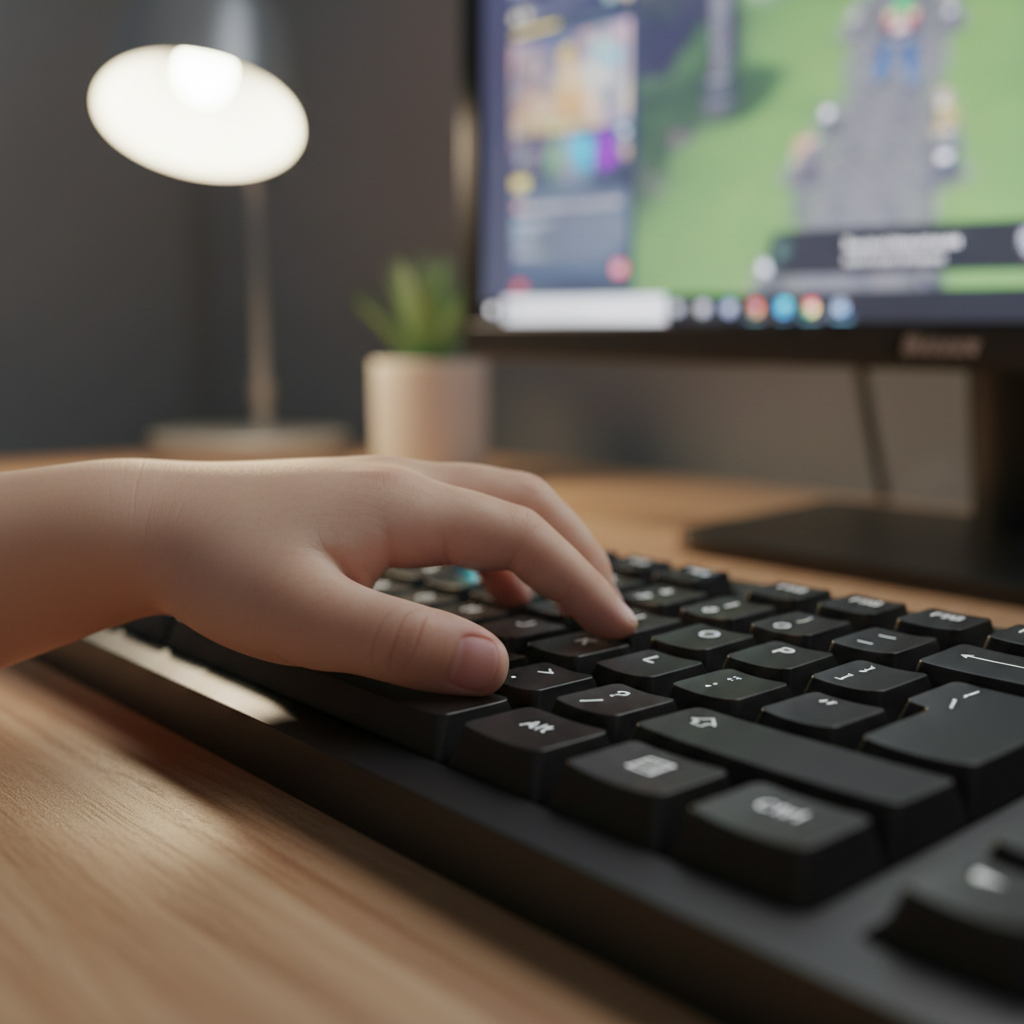 ⚠️ This picture may have spelling mistakes. Trust the words in the lesson.
Let's Get Your Left Hand Ready:
- Pinky Finger (the smallest one): This little hero goes on the A key. It's like 'A' is its special cozy bed!
- Ring Finger (next to the pinky): This finger rests on the S key. 'S' is its comfy chair.
- Middle Finger (the tallest one): This strong finger sits on the D key. 'D' is its favorite play spot.
- Index Finger (the pointer finger): This smart finger goes on the F key. 'F' is its starting line for a race!
So, remember: A S D F for your left pinky, ring, middle, and index fingers!
The Little Bump on 'F': Your Secret Map!
Did you know there's a tiny, special bump on the F key? Try feeling for it with your left index finger! It's like a secret little signpost or a tiny speed bump. This bump helps your index finger find its way back to the 'F' key without even looking! There's also one on the 'J' key for your right index finger, but we'll learn about that another day.
Good Posture: Sit Up Tall Like a Strong Tree!
When you type, it's super important to sit up straight and tall, like a strong, growing tree! Make sure your back is straight, your feet are flat on the floor, and your elbows are relaxed by your sides. Don't slouch like a wilted flower! Good posture helps you type better and keeps your body from getting tired.
Practice Time: Slow and Steady Wins the Race!
Now that your fingers are in their home row positions, let's try pressing the keys! Remember to only use the correct finger for each key. Press the 'A' with your pinky, 'S' with your ring finger, 'D' with your middle finger, and 'F' with your index finger. Then, make sure your fingers come right back to their home keys every time.
Start very, very slowly. It's like learning to walk before you can run! Don't worry if it feels a little strange at first. The more you practice, the stronger and smarter your super typist fingers will become. Soon, you'll be typing words without even thinking about it!
Keep your eyes on the screen, not on your fingers. The little bump on 'F' will help your fingers find their way back home without looking. You are doing a fantastic job!
Review and Celebrate!
Today, you've learned the very first steps to becoming a typing master! You found the home row for your left hand (A, S, D, F), learned which finger goes on each key, discovered the special bump on 'F', and understood why good posture is so important. Give yourself a big cheer – you're well on your way to typing amazing things!
Keep learning, free
Create a free Syllabax account to unlock practice questions and games for this topic.
Visual Learning Enhanced! 🚀
To help you master this topic, we use Advanced Syllabax AI to generate detailed diagrams and visual models.
Note on Visuals: The AI sometimes makes spelling errors in image labels. Please refer to the lesson text for the correct terminology.