Online Manners: Netiquette
Watch this topic in 60 seconds
Free preview · Lesson 1
Understanding Online Manners: Netiquette
Online Manners: Netiquette for 3rd Graders
Welcome, super-sleuths of the digital world! Today, we're going on an adventure to learn about being a good digital citizen. Just like we have rules for being polite and respectful in our classroom, at home, and on the playground, we also have special rules for the internet! These rules are called Netiquette. Think of it as "internet etiquette" or "online manners."
What is Netiquette?
Imagine you're playing a game with friends. You wouldn't push them, right? You wouldn't yell at them if they made a mistake. You'd wait your turn and be kind. Netiquette is the same idea, but for when you're using computers, tablets, or phones to communicate with others.
The internet is like a giant playground where people from all over the world can meet and talk. Netiquette helps make sure everyone feels safe, happy, and respected in this digital space.
Why is Netiquette Important?
Just like using good manners helps you make friends in real life, using good netiquette helps you have positive experiences online. It helps you:
- Build friendships: Being kind and respectful makes people want to interact with you.
- Stay safe: Understanding netiquette helps you know what is and isn't okay to share or do online.
- Learn better: When everyone is polite, it's easier to focus on learning and exploring new things.
- Avoid misunderstandings: Sometimes, people can't hear your tone of voice online, so being extra clear and kind is important.
Key Rules of Netiquette
1. Be Kind and Respectful (Like a Polite Detective!)
When you're typing messages, remember there's a real person on the other side reading them. Imagine you're talking to them face-to-face. Would you say something mean or hurtful? Probably not!
Analogy: Think of your words online like seeds. If you plant nice, kind seeds (words), you'll grow beautiful friendships. If you plant mean seeds, you'll grow arguments and sadness.
- Think before you type: Ask yourself, "Would I say this out loud to someone?"
- Use polite words: "Please," "Thank you," and "Excuse me" are just as important online as they are offline.
- Avoid hurtful language: Don't use curse words or insult others.
- Disagree politely: If you don't agree with someone, say so respectfully. For example, instead of "You're wrong!", try "I see your point, but I think differently because..."
2. Protect Your Personal Information (Your Digital Shield!)
Your personal information is like your secret treasure. It includes things like your full name, your address, your phone number, your school name, and passwords. You wouldn't tell a stranger on the street where you live, so you shouldn't share this information online with people you don't know very well or trust.
Analogy: Your personal information is like the keys to your house. You only give them to people you trust completely. On the internet, only share these keys with trusted adults, like your parents or guardians.
- Never share: Your address, phone number, passwords, or the names of your school or friends without asking a trusted adult first.
- Be careful with photos: Ask your parents before you post pictures of yourself online.
- If someone asks for personal info: Tell a trusted adult immediately.
3. Use Appropriate Language and Tone (Clear as a Bell!)
When we talk face-to-face, we can use our voices to show if we're happy, sad, or joking. Online, we don't have that. So, we need to be extra careful with our words.
Analogy: Imagine you're sending a message in a bottle. You want to make sure the message inside is clear and easy to understand, not all scribbled and confusing. Online, ALL CAPS is like shouting, which can feel aggressive. Using emojis can help show emotion, but use them carefully!

- Avoid ALL CAPS: Typing in all capital letters can be seen as shouting and can be hard to read.
- Use emojis wisely: A smiley face :) can show you're being friendly, but don't overdo it.
- Be clear: Spell words correctly and use punctuation to make your sentences easy to understand.
- Proofread: Read your message before you send it to make sure it says what you mean.
4. Respect Others' Privacy (Your Friend's Secret Diary!)
Just like you wouldn't read your friend's diary without permission, you shouldn't share other people's private information or photos online without their permission. If someone shares something with you privately, it should stay private.
Analogy: Imagine you and your friend have a secret handshake. That handshake is just for the two of you. Similarly, some things people share online are just between them and the person they shared it with. Don't share their secrets or pictures without asking.
- Don't share: Photos, videos, or private messages of others without their consent.
- Don't forward: Messages that were meant only for you unless you have permission.
- Be a good listener: If a friend tells you something private online, keep it to yourself.
5. Be Careful What You Click and Share (The Digital Forest Path!)
The internet is full of amazing things, but sometimes there are hidden dangers, like clicking on links that lead to bad places or downloading things that can harm your computer. It's also important to think before you share things like rumors or unconfirmed news.
Analogy: Imagine you're walking in a forest. You know not to wander off the path or eat strange berries. Online, you need to be just as careful. Don't click on pop-up ads you don't recognize, and don't download files from unknown sources. Also, don't spread rumors like wild fire – make sure what you share is true and kind.
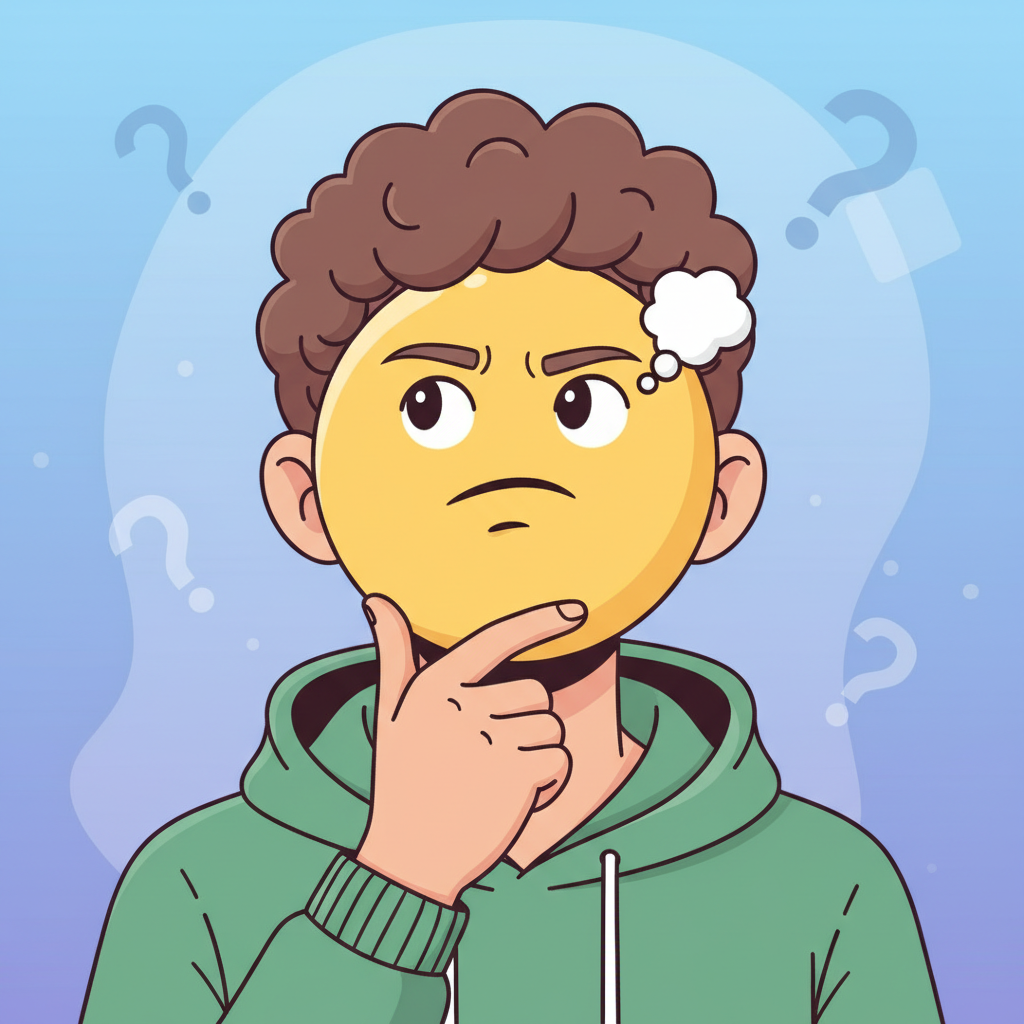
- Ask before clicking: If you see a strange pop-up or link, ask a trusted adult before clicking it.
- Don't download unknown files: These can contain viruses.
- Think before you share: Is it true? Is it kind? Is it necessary?
- Report strange or upsetting things: If you see something that makes you feel uncomfortable, tell a trusted adult right away.
Summary: Your Netiquette Checklist
Being a good digital citizen is fun and important! Just remember these simple rules:
- Be kind and respectful: Treat others online how you want to be treated.
- Protect your secrets: Keep your personal information safe.
- Communicate clearly: Use words that are easy to understand and not hurtful.
- Respect privacy: Don't share others' information without permission.
- Be cautious: Think before you click, download, or share.
By following these netiquette rules, you can help make the internet a wonderful and safe place for everyone!
Keep learning, free
Create a free Syllabax account to unlock practice questions and games for this topic.
Visual Learning Enhanced! 🚀
To help you master this topic, we use Advanced Syllabax AI to generate detailed diagrams and visual models.
Note on Visuals: The AI sometimes makes spelling errors in image labels. Please refer to the lesson text for the correct terminology.