Online Safety and Ethics
Watch this topic in 60 seconds
Free preview · Lesson 1
Understanding Online Safety and Ethics
Navigating the Digital World: A Guide to Online Safety and Ethics (Grade 10)
Welcome, 10th graders! In today's world, the internet is like a massive, bustling city that's always open. You use it for school, to connect with friends, for entertainment, and to learn new things. Just like in a real city, knowing how to stay safe and behave responsibly online is super important. This guide will help you understand the foundational rules of this digital city.
1. The Internet: A City Full of Opportunities and Risks
Imagine the internet as an enormous, vibrant city. It has millions of streets (websites), shops (online stores), schools (e-learning platforms), and parks (social media). You can meet people, learn, shop, and have fun. But just like any city, it also has areas that aren't safe, and people who might not have your best interests at heart. Online safety is like knowing the rules of the road and the best paths to take, while online ethics is about being a good, respectful citizen in this digital metropolis.
2. Online Safety: Protecting Yourself in the Digital City
Your first priority online is always to protect yourself. This means keeping your personal information private, creating strong defenses, and recognizing potential dangers.
2.1 Your Personal Information: Your Digital ID Card
Your personal information includes things like your full name, address, phone number, email, date of birth, school name, and even photos that show where you live or go to school. This information is valuable, and you need to protect it.
What to Keep Private:
- Full Name & Address: Never share your exact home address or full name with strangers online.
- Phone Number & Email: Be cautious about who you give these to. They can be used to contact you directly.
- School Name & Schedule: Sharing too much can make it easy for strangers to figure out where you are at certain times.
- Passwords: These are the keys to your digital life – never share them.
- Photos & Videos: Be mindful of what is in the background of your pictures. Do they show your house number? Your school uniform? These details can reveal more than you intend.
2.2 Strong Passwords and Two-Factor Authentication: Your Digital Locks
Passwords are your first line of defense against people trying to access your accounts. A weak password is like leaving your front door unlocked – anyone can walk right in.
- Make them Complex: Use a mix of uppercase and lowercase letters, numbers, and symbols. Aim for at least 12-15 characters.
- Make them Unique: Don't use the same password for multiple accounts. If one account is hacked, all your other accounts could be compromised.
- Don't Share Them: Never share your passwords with friends, family, or anyone else. Even your best friend might accidentally expose it.
- Use a Password Manager: These are secure tools that remember and generate strong passwords for you, so you only have to remember one master password.
Two-Factor Authentication (2FA): The Extra Security Guard
2FA adds an extra layer of security. Even if someone figures out your password, they still need a second piece of information (usually a code sent to your phone or email) to get in. It's like having a security guard at your door who asks for a secret handshake even after you've used your key.
2.3 Phishing and Scams: Don't Fall for Digital Tricks
Phishing is when someone tries to trick you into giving them your personal information (like passwords or credit card numbers) by pretending to be a trustworthy entity, like your bank, school, or a popular online service. Scams are broader attempts to trick you out of money or information.
How to Spot Phishing and Scams:
- Suspicious Sender: Check the sender's email address – is it slightly off? (e.g., 'amaz0n.com' instead of 'amazon.com').
- Urgency or Threats: Messages that demand immediate action, threaten to close your account, or promise something too good to be true.
- Poor Grammar/Spelling: Professional organizations rarely send out messages with obvious errors.
- Links: Hover over links (don't click!) to see where they actually lead. If it looks different from the expected website, don't click.
- Asking for Personal Info: Legitimate companies rarely ask for passwords or full credit card numbers via email.
2.4 Cyberbullying: Speaking Up and Standing Strong
Cyberbullying is bullying that takes place over digital devices like cell phones, computers, and tablets. It can happen through texts, social media, forums, or online games. It includes sending, posting, or sharing negative, harmful, false, or mean content about someone else.
What to Do About Cyberbullying:
- Don't Engage: Do not respond to or forward cyberbullying messages.
- Block: Block the person who is cyberbullying you.
- Save the Evidence: Take screenshots of the messages, posts, or comments.
- Tell a Trusted Adult: Talk to a parent, guardian, teacher, or school counselor. They can help you report it and figure out the next steps.
- Report: Report the bullying to the website or app where it occurred.
3. Online Ethics: Being a Responsible Digital Citizen
Beyond protecting yourself, it's equally important to think about how your actions affect others and the digital world around you. This is where online ethics comes in – being respectful, honest, and thoughtful.
3.1 Respect and Kindness: The Golden Rule of the Internet
Treat others online as you would want to be treated in person. It sounds simple, but it's often forgotten when we're behind a screen. Remember that there's a real person with feelings on the other side of every comment, post, or message.
- Think Before You Post: Once something is online, it's very hard to take back.
- Be Empathetic: Try to understand how your words might make someone else feel.
- Avoid Trolling: Don't intentionally provoke arguments or upset people online.
- Respect Differences: People have different opinions, backgrounds, and beliefs. You don't have to agree, but you should still be respectful.
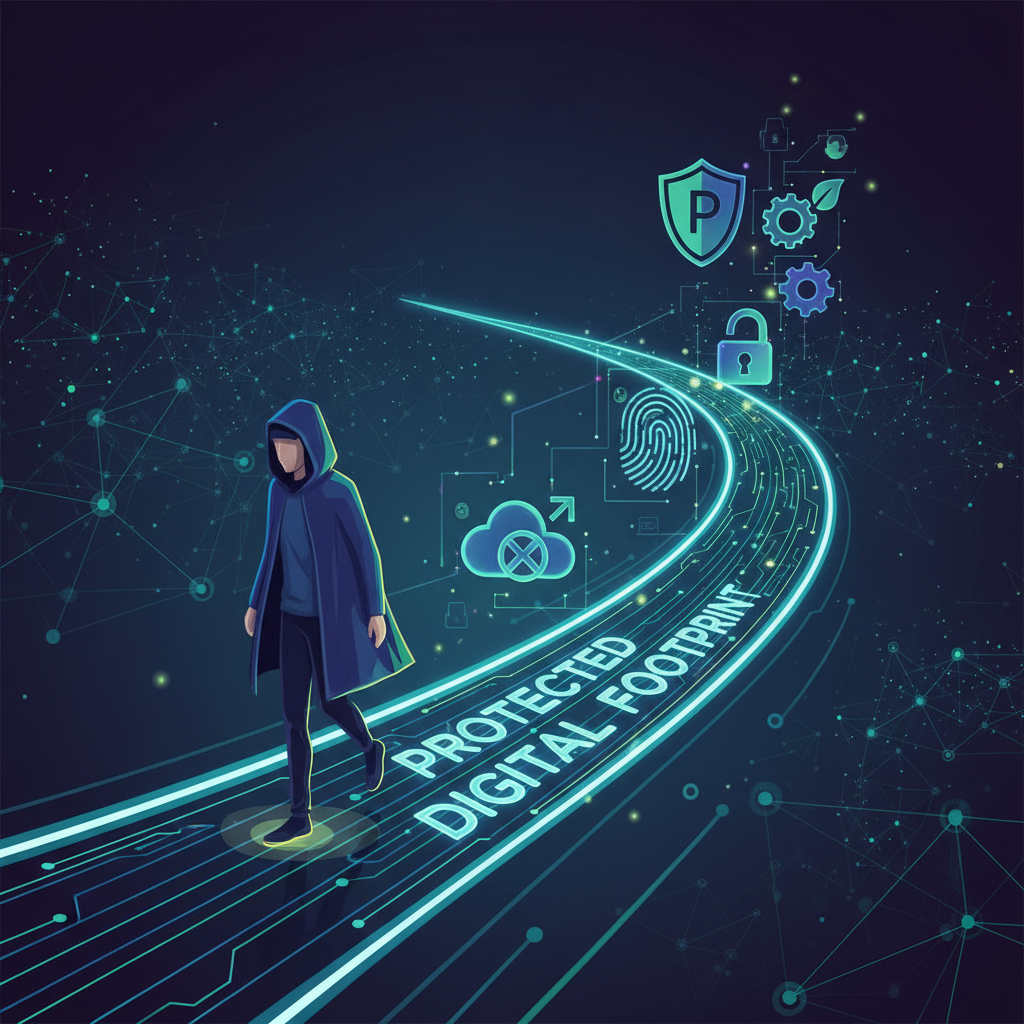
3.2 Your Digital Footprint: Your Permanent Online Trail
Everything you do online – every post, photo, comment, like, share, and even website you visit – leaves a 'digital footprint.' This footprint is like a permanent trail of breadcrumbs you leave behind, and it can be seen by others, sometimes for years to come.
Managing Your Digital Footprint:
- Privacy Settings: Regularly review and adjust your privacy settings on social media and other platforms to control who sees your content.
- Think Long-Term: Before posting, ask yourself: "Would I be okay with a future college admissions officer or employer seeing this?"
- Google Yourself: Occasionally search your own name online to see what information about you is publicly available.
- Be Mindful of Others: Think about how sharing content involving friends might impact their digital footprint.
3.3 Copyright and Plagiarism: Respecting Intellectual Property
Copyright protects original works of authorship, like books, music, movies, photos, and even website content. Plagiarism is taking someone else's work or ideas and passing them off as your own without giving credit.
- Always Cite Sources: When using information, images, or ideas from others in your schoolwork or online posts, always give credit to the original creator.
- Understand Fair Use: There are some exceptions for using copyrighted material for educational purposes, but it's best to understand the rules. When in doubt, ask for permission or use royalty-free resources.
- Don't Steal Content: Never copy and paste large sections of text, images, or videos from others without proper attribution or permission.
3.4 Critical Thinking and Media Literacy: Being a Smart Online Detective
The internet is full of information, but not all of it is accurate or true. Media literacy means being able to access, analyze, evaluate, create, and act using all forms of communication. Critical thinking is using your brain to question, investigate, and assess information.
How to Be a Smart Online Detective:
- Check the Source: Who created this content? Are they an expert? Is it a reputable organization?
- Look Beyond the Headline: Often, headlines are designed to grab attention and might not tell the full story. Read the entire article.
- Cross-Reference: Check if other reliable sources are reporting the same information.
- Consider Bias: Does the source have a particular viewpoint or agenda?
- Fact-Check: Use reputable fact-checking websites (e.g., Snopes, FactCheck.org) to verify information.
Conclusion: Be a Digital Superhero!
The internet is an incredible tool, and with great power comes great responsibility. By understanding online safety and practicing good digital ethics, you're not just protecting yourself – you're helping to make the entire digital city a better, safer, and more respectful place for everyone. Be smart, be safe, and be kind online!
Keep learning, free
Create a free Syllabax account to unlock practice questions and games for this topic.
Visual Learning Enhanced! 🚀
To help you master this topic, we use Advanced Syllabax AI to generate detailed diagrams and visual models.
Note on Visuals: The AI sometimes makes spelling errors in image labels. Please refer to the lesson text for the correct terminology.