Multi-concept puzzles combining DI + logic - Higher grid-based puzzles (HOTS)
Watch this topic in 60 seconds
Free preview · Lesson 1
Multi-concept puzzles combining DI + logic - Higher grid-based puzzles (HOTS) (Foundational)
Multi-Concept Puzzles Combining DI + Logic - Higher Grid-Based Puzzles (HOTS) (Foundational)
Introduction to Grid-Based Logic Puzzles
Grid-based logic puzzles challenge you to deduce relationships between different categories based on a series of clues. These puzzles require you to combine deductive reasoning with information presented in a table or grid. The 'DI' (Data Interpretation) aspect involves understanding and interpreting the data provided, while the 'Logic' aspect involves using that data to eliminate possibilities and arrive at the correct solution.
Understanding the Components
A typical grid-based logic puzzle will include:
- The Grid: A table with rows and columns representing the different categories and options within those categories.
- The Clues: A set of statements that provide information about the relationships between the categories.
Basic Rules of Deduction
To solve these puzzles, you will use basic deduction rules. Here are a few examples:
- Direct Statements: Clues that directly state a relationship (e.g., "John owns the red car.").
- Negative Statements: Clues that state what is not related (e.g., "Mary does not like cats.").
- Implied Relationships: Clues that indirectly suggest a relationship (e.g., "The person who likes dogs lives next to the person who owns a blue house.").
Solving a Simple Grid-Based Puzzle: Step-by-Step
Let's walk through a simplified example to illustrate the basic principles:
Puzzle: There are three friends: Alice, Bob, and Carol. Each has a different favorite color: red, blue, or green. Use the following clues to determine each person's favorite color:
- Alice does not like red.
- Bob's favorite color is not green.
- Carol likes blue.
Step 1: Create the Grid
Create a grid with the names of the friends as rows and the colors as columns.
| Red | Blue | Green | |
|---|---|---|---|
| Alice | |||
| Bob | |||
| Carol |
Step 2: Fill in Direct Information
From clue 3, we know Carol likes blue. Place a checkmark in the corresponding cell. Since each person has a different favorite color, we can place an 'X' in the 'Blue' column for Alice and Bob.
| Red | Blue | Green | |
|---|---|---|---|
| Alice | X | ||
| Bob | X | ||
| Carol | ✓ |
Step 3: Fill in Negative Information
From clue 1, Alice does not like red. Place an 'X' in the corresponding cell. From clue 2, Bob's favorite color is not green. Place an 'X' in the corresponding cell.
| Red | Blue | Green | |
|---|---|---|---|
| Alice | X | X | |
| Bob | X | X | |
| Carol | ✓ |
Step 4: Deduce Remaining Information
Now, we can deduce the remaining information. For Alice, the only remaining option is green, so place a checkmark in the corresponding cell. Consequently, place an 'X' in the 'Green' row for Bob and Carol. Then, for Bob the only remaining option is red.
| Red | Blue | Green | |
|---|---|---|---|
| Alice | X | X | ✓ |
| Bob | ✓ | X | X |
| Carol | X | ✓ | X |
Step 5: State the Solution
Therefore:
- Alice likes Green.
- Bob likes Red.
- Carol likes Blue.
HOTS (Higher Order Thinking Skills) Considerations
HOTS grid puzzles introduce more categories and complex clues. These puzzles require you to:
- Interpret multiple layers of information.
- Apply deductive reasoning across various categories.
- Manage a larger grid with more data points.
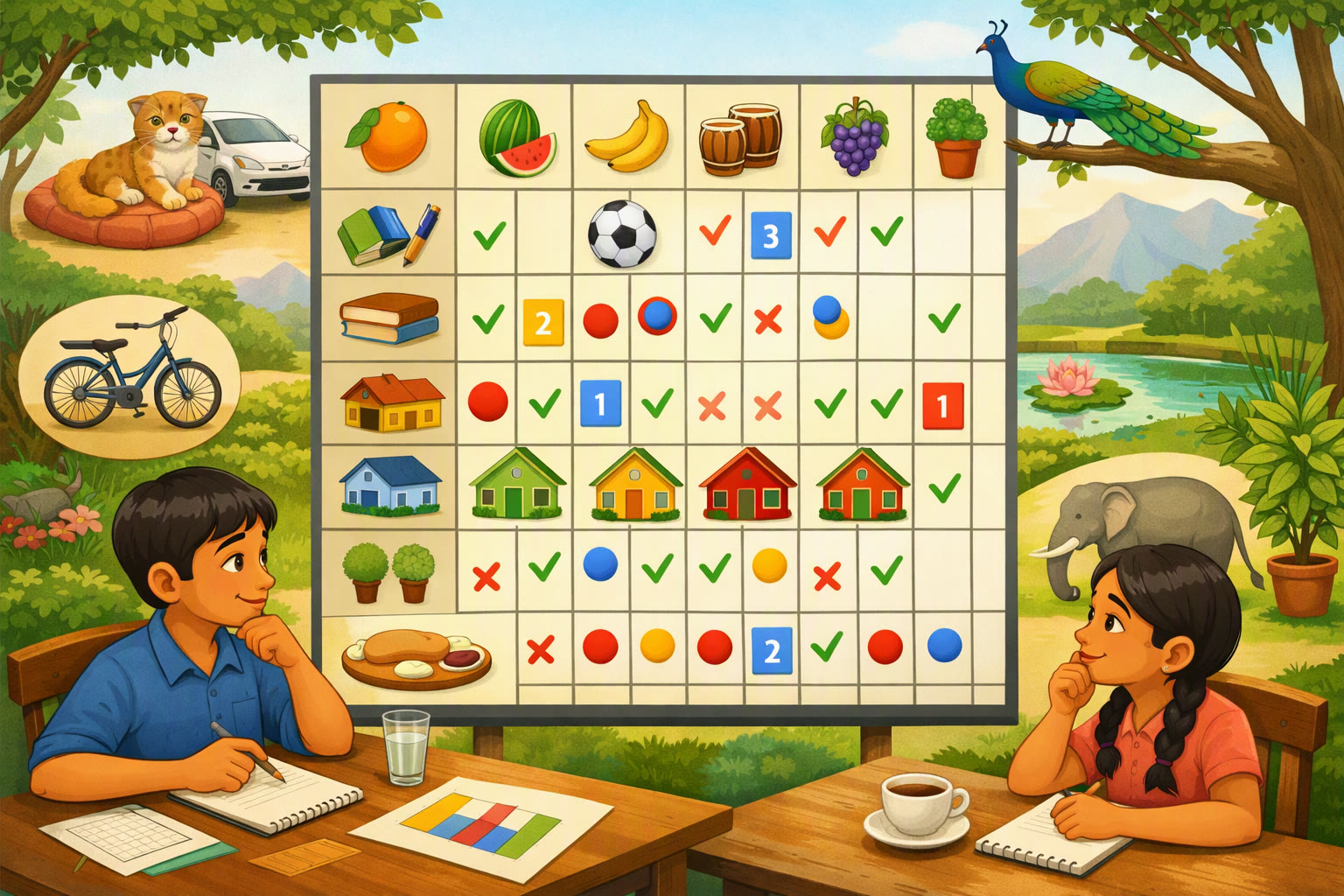
Tips for Solving Grid-Based Logic Puzzles
- Read all clues carefully and understand what each clue implies.
- Mark the grid clearly with checkmarks for confirmed relationships and 'X' for eliminated possibilities.
- Look for clues that provide direct information first, then use those clues to make further deductions.
- Revisit clues often as you fill in more information in the grid.
- Don't make assumptions; only rely on the information provided in the clues.
Keep learning, free
Create a free Syllabax account to unlock practice questions and games for this topic.
Visual Learning Enhanced! 🚀
To help you master this topic, we use Advanced Syllabax AI to generate detailed diagrams and visual models.
Note on Visuals: The AI sometimes makes spelling errors in image labels. Please refer to the lesson text for the correct terminology.