Computer Hardware Basics
Watch this topic in 60 seconds
Free preview · Lesson 1
Understanding Computer Hardware Basics
Welcome to the World of Computer Hardware Basics!
Hey there, young explorers! Have you ever wondered what makes a computer work? It's like a magical box that helps us learn, play games, watch videos, and even talk to friends far away! But what’s inside that magic box? Today, we're going to peek inside and learn about all the important pieces that make a computer tick. These pieces are called **Computer Hardware**.
What is Hardware? Think of a Robot!
Imagine your favorite toy robot. You can touch its head, its arms, its legs, and its wheels, right? All those parts you can see and touch are its "hardware." It's the same for a computer! **Hardware is simply all the physical parts of a computer that you can touch and see.** If you can hold it in your hand (or imagine holding a giant version of it!), it's probably hardware.
Think of your own body! Your brain, your heart, your bones, your skin – these are all your body's hardware. Without them, you couldn't do anything! Computers are similar. They need all their hardware parts to work together.
The Brain of the Computer: The CPU!
Every computer needs a brain to think and make decisions. This super-smart brain is called the **CPU**, which stands for **Central Processing Unit**. It's a tiny chip, but it's the busiest part of the computer! Whenever you click something, type a letter, or start a game, the CPU is the one doing all the hard work to make it happen.
Analogy: Imagine the CPU is like the **chef in a busy restaurant kitchen**. When you order a pizza, the chef (CPU) gets the order and figures out exactly how to make it, grabbing ingredients and cooking everything perfectly. Without the chef, no food gets made!
Computer's Memory: RAM and Storage
Just like you have a memory to remember things, computers also have different kinds of memory:
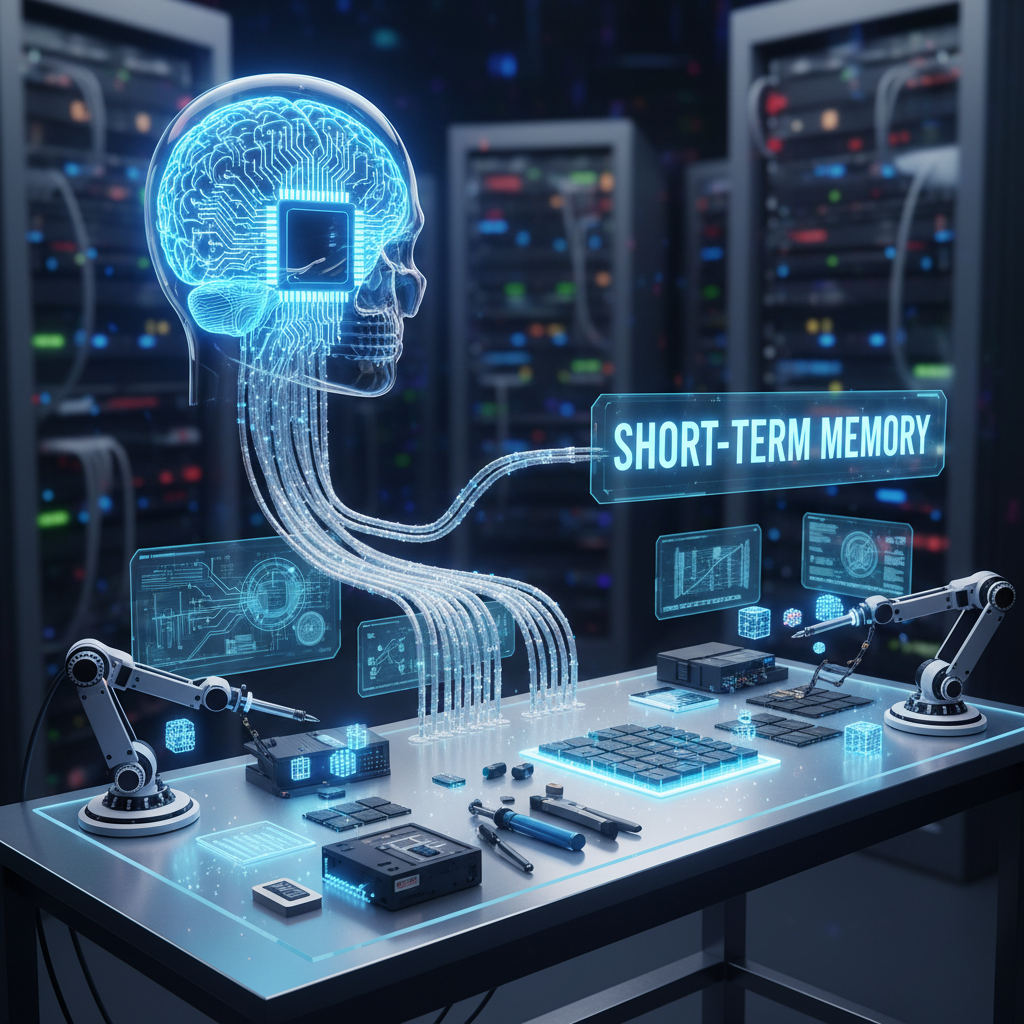
1. RAM: The "Desk Memory" (Short-Term)
When you're doing your homework, you usually put the books, pencils, and paper you're using right on your desk, right? That's because it's easy to grab them quickly. The computer has something similar called **RAM** (which stands for **Random Access Memory**).
RAM is like your messy desk where you keep everything you're currently working on. It's super fast! When you open a game or a program, the computer puts it into RAM so it can access it really, really quickly. But here's the catch: once you turn off the computer, everything on that "desk" (RAM) disappears! It's temporary, like a sticky note that falls off when you close the book.
2. Storage: The "Library Memory" (Long-Term)
Where do you keep your favorite books, toys, or drawings so you don't lose them? Maybe in a bookshelf, a toy box, or a special drawer. This is like the computer's long-term memory, often called a **Hard Drive** or **SSD** (Solid State Drive).
Storage is like a giant library or a digital filing cabinet. It's where your computer saves *everything* permanently: all your games, photos, videos, school projects, and even the computer's own important programs. Even if you turn off the computer, these files stay safe and sound in storage, waiting for you to open them again!
Analogy: RAM is like your desk while you're working on a puzzle. Storage is like the box you keep the puzzle in when you're done, ready for next time.
The Main Connector: The Motherboard
How do all these different parts (CPU, RAM, storage) talk to each other? They all connect to a very important piece of hardware called the **Motherboard**. Think of it as the main street or the nervous system of the computer.
The Motherboard is a big circuit board that acts like the central hub or a super-highway system inside the computer. All the other parts plug into it, allowing them to send information back and forth. Without the motherboard, the parts wouldn't know how to communicate!
Analogy: Imagine the Motherboard is like the **main hallway in your school**. All the classrooms (CPU, RAM, storage) open up into it, and students (information) travel through the hallway to get from one classroom to another.
Talking to the Computer: Input and Output Devices
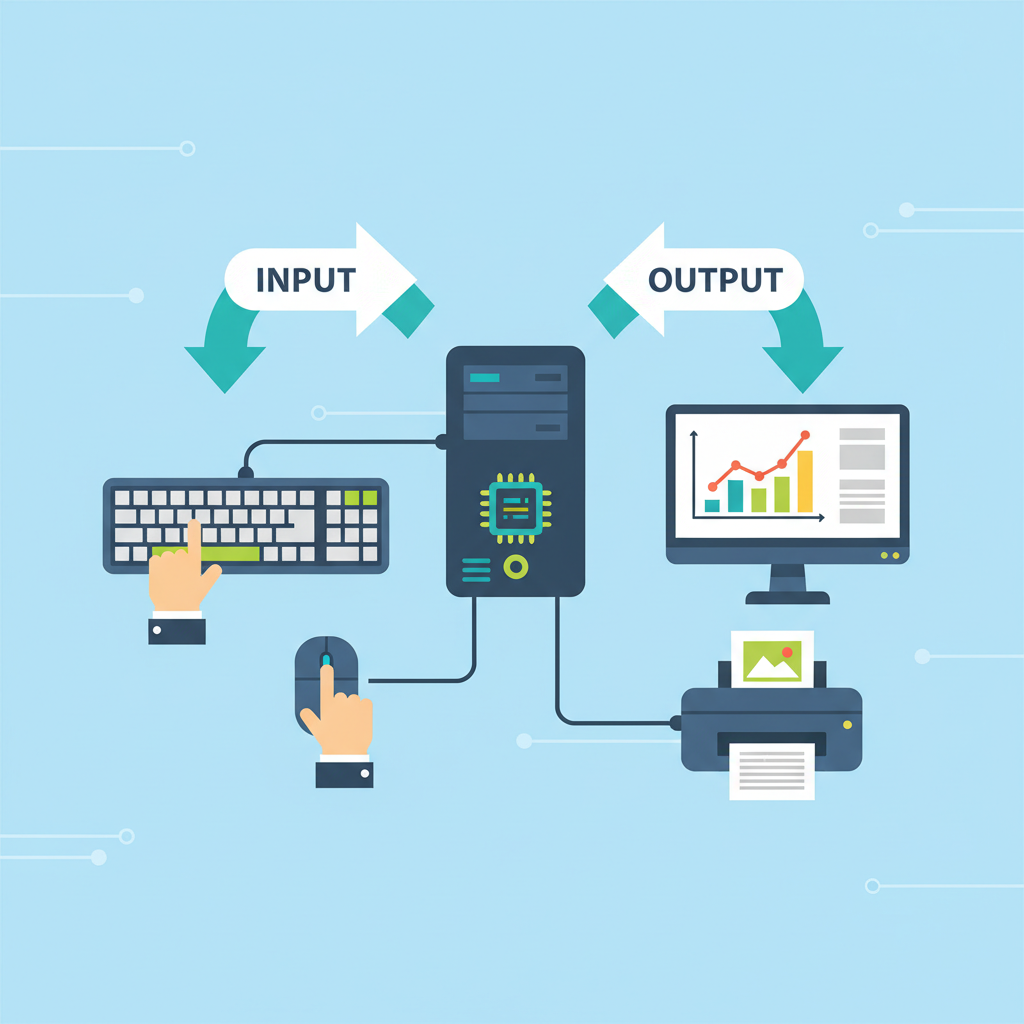
Computers need to know what you want them to do, and they need a way to show you what they're doing. That's where **Input Devices** and **Output Devices** come in!
Input Devices: How You Talk to the Computer
**Input devices are like your senses!** They are how you "input" or give information to the computer. They let you tell the computer what to do.
- Keyboard: This is like your magical typewriter! When you press keys, you're typing letters, numbers, and symbols into the computer. You use it to write stories, type messages, or enter commands.
- Mouse: This little friend helps you point and click on things on the screen. It's like your finger, but for the computer screen! You use it to select items, draw pictures, or move characters in games.
- Microphone: If you want to talk to your computer or record your voice, you use a microphone. It takes your voice (sound) and turns it into something the computer understands.
- Webcam: A small camera that lets the computer "see." You use it for video calls with friends and family, or to record yourself.
Output Devices: How the Computer Talks to You
**Output devices are how the computer "outputs" or shows information back to you.** They let the computer show you what it has done or what it's thinking.
- Monitor (Screen): This is like a TV for your computer! It shows you all the pictures, words, and videos the computer is working on. It's how you see what you're doing.
- Speakers: These make sounds! If you're listening to music, watching a video, or playing a game with sound effects, the sound comes out of the speakers.
- Printer: Do you ever need a paper copy of your drawing or a story you wrote? A printer takes what's on your screen and puts it onto a piece of paper!
The Power Source: Power Supply
Last but not least, all these amazing parts need electricity to work! That's where the **Power Supply** comes in. It's like the heart of the computer, providing all the necessary power to keep everything running smoothly.
Analogy: Think of the Power Supply like a **power plant for a small city**. It makes sure electricity gets to all the homes, schools, and businesses so everything can work.
Putting it All Together
So, a computer isn't just one big magic box. It's made of many different hardware parts, each with a special job. The CPU thinks, RAM helps with quick tasks, storage remembers everything, the motherboard connects it all, input devices listen to you, output devices talk back, and the power supply keeps it alive! They all work together like a super team to make your computer a wonderful tool.
Isn't that amazing? Now you know the basic secrets of what's inside a computer!
Keep learning, free
Create a free Syllabax account to unlock practice questions and games for this topic.
Visual Learning Enhanced! 🚀
To help you master this topic, we use Advanced Syllabax AI to generate detailed diagrams and visual models.
Note on Visuals: The AI sometimes makes spelling errors in image labels. Please refer to the lesson text for the correct terminology.