Creating Digital Music
Watch this topic in 60 seconds
Free preview · Lesson 1
Understanding Creating Digital Music
Let's Make Music with Computers! (Digital Music Fun!)
Hey there, young music makers! Have you ever heard a song on a radio, a tablet, or even a video game? Most of that music today is called digital music. Don't let the big word 'digital' scare you! It just means music made and stored using computers. It's like drawing a picture with a computer program instead of crayons!
Imagine your favorite song. Maybe it has a bouncy drum beat, a happy piano tune, and someone singing. All these sounds can be made right inside a computer, just like you can build amazing things with LEGO bricks!
What is Digital Music? Think of a Magical Sound Box!
When you play a real guitar or blow into a flute, you make sounds by making air or strings vibrate. With digital music, computers help us make and arrange these sounds without needing to play a real instrument every time. It's like having a giant box of magical sound toys inside your computer!
Analogy Time! Think of a chef making a delicious meal. They don't grow all the vegetables or raise all the chickens in their kitchen. They get ingredients from the store. In digital music, your computer is like the chef, and it 'gets' sounds from its own special 'sound store' or even records them from the real world!
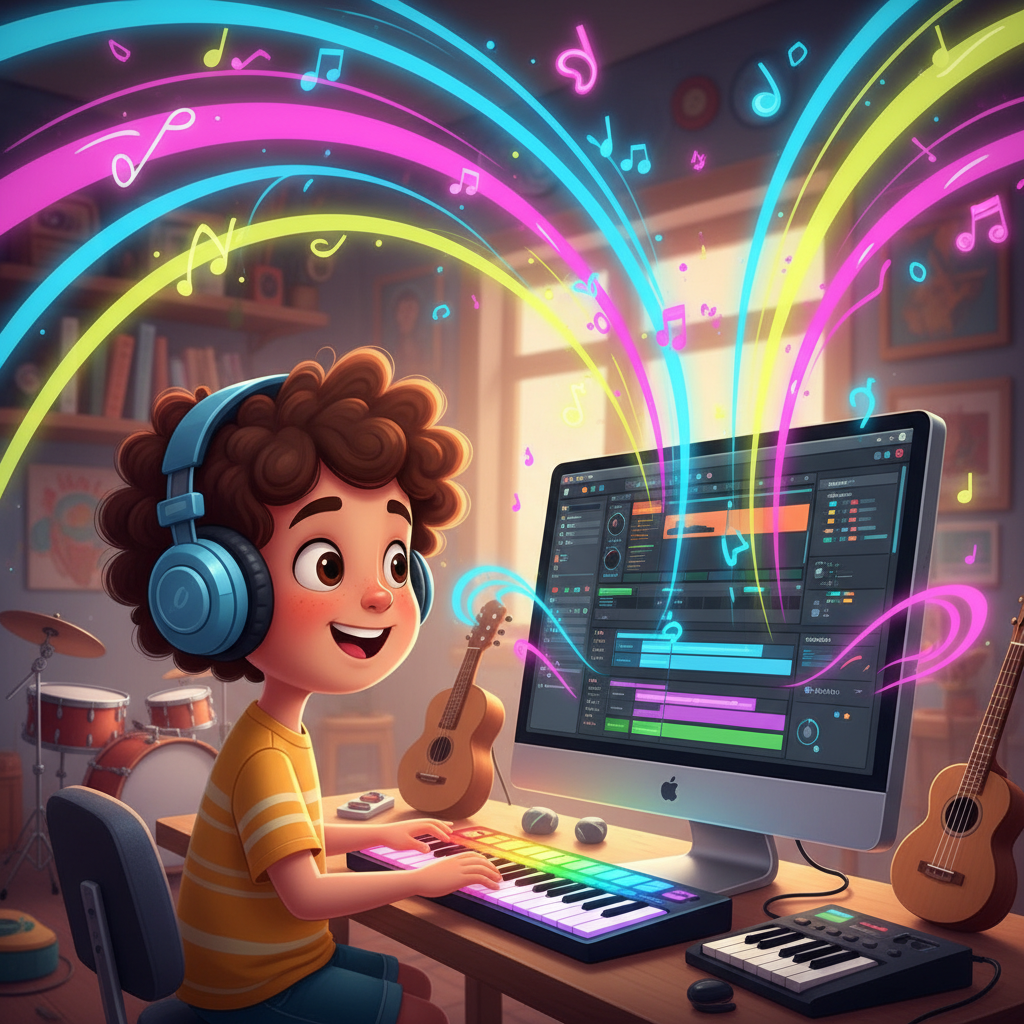
Your Music-Making Tools: Computer & Software
To make digital music, you don't need a whole band! You mostly need:
- A Computer or Tablet: This is your main workbench, like a giant drawing pad for sounds.
- Speakers or Headphones: So you can hear what you're creating!
- Music Software (or 'Apps'): These are like special art programs, but for sounds. They let you pick sounds, put them together, and play them back. Some simple ones are free and easy to use, just like a simple drawing app for kids.
Sounds Are Like Building Blocks!
Every song is made of different sounds. In digital music, these sounds are often called 'samples' or 'loops'.
- Samples: Imagine taking a super short recording of a real drum hit, or a piano note, or even a dog barking! That's a sample. It's like a single LEGO brick.
- Loops: A loop is like a small sequence of LEGO bricks that you can repeat over and over. For example, a short drum beat that keeps playing.
You can find millions of these sound building blocks. The computer helps you put them together in any way you want! You can make a drum sound play, then a guitar sound, then a singing sound, all one after another or at the same time.
Rhythm: The Heartbeat of Music
Have you ever tapped your foot to a song? That's you feeling the rhythm! Rhythm is like the heartbeat or the steady walking pace of a song. It tells you when sounds should start and stop.
Analogy: Think of a train. The train cars move at a steady pace. That's the rhythm! The 'chug-chug' sound of the train is the beat. Digital music software helps us set the speed of our 'train' and where each sound 'car' should go.
Drums and other percussion instruments (like shakers or tambourines) are great for creating rhythms. You can program a computer to play a drum beat for you, making it as fast or as slow as you like!
Melody: The Singing Part!
While rhythm is the heartbeat, melody is the part you often hum or sing along to. It's the tune! It's usually made with instruments like pianos, guitars, flutes, or even a human voice.
Analogy: If rhythm is the train moving steadily, then the melody is like the passengers singing a happy song inside the train. The notes go up and down, making a pleasing tune.
In digital music, you can pick different instrument sounds – maybe a sparkly piano, a smooth trumpet, or a fun-sounding synthesizer – and then tell the computer which notes to play, high or low, and for how long. It's like drawing a line of notes on a special music drawing board!
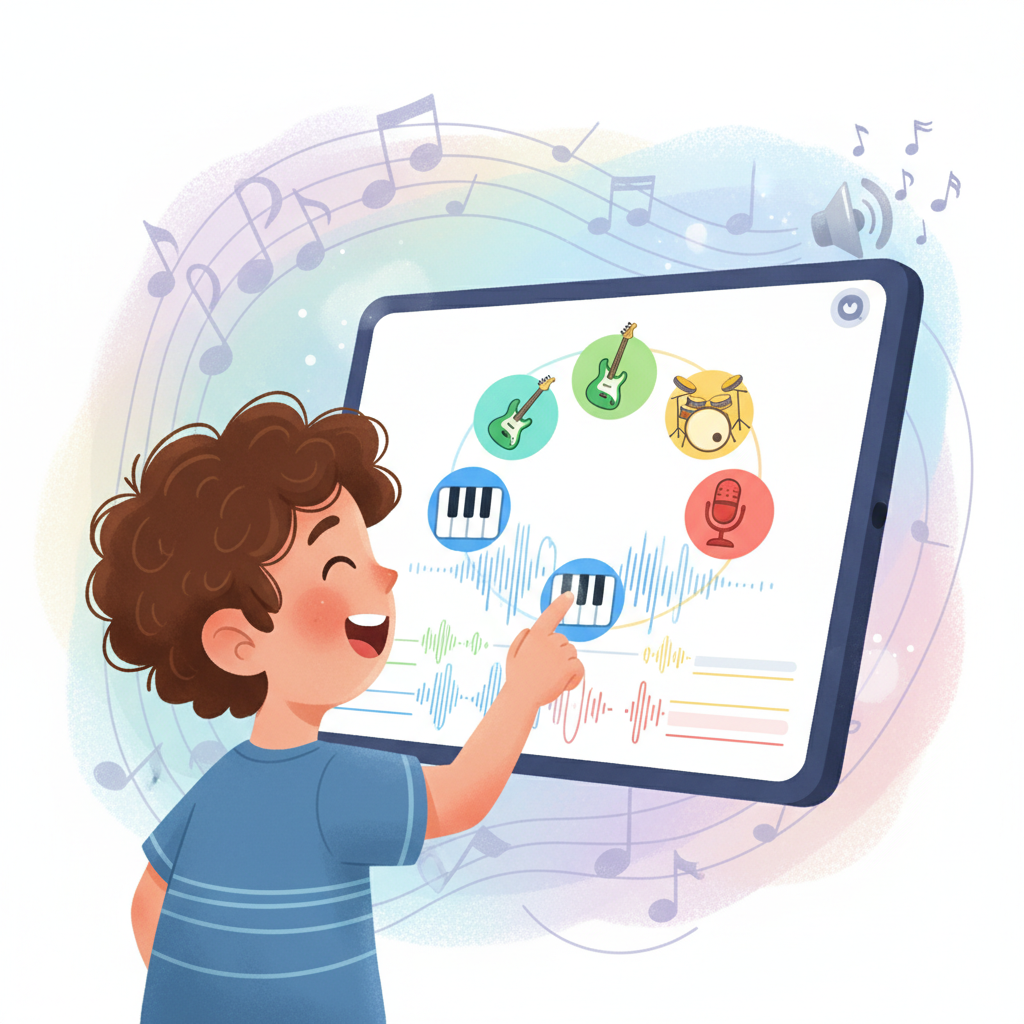
Putting It All Together: Your Digital Music Studio!
So, you have your computer (your workbench), your software (your special tools), your sounds (your building blocks), and you understand rhythm (the heartbeat) and melody (the tune).
Now, you get to be the architect of your own song! You can drag and drop drum loops to create a rhythm, add piano melodies, layer in guitar chords, and even record your own voice singing or saying funny words.
It's like making a giant musical sandwich! You choose all the ingredients (sounds), decide how many layers you want (different instruments playing), and arrange them just right so it tastes (or sounds) delicious!
The best part about creating digital music is that you can always change it! Don't like a sound? Swap it out! Want the song to be faster? Just click a button. It's an amazing way to explore sounds and be super creative without needing a whole orchestra in your room!
So next time you hear a song, think about how all those sounds, rhythms, and melodies might have been put together using a computer. And maybe, just maybe, you'll be inspired to start building your own digital music masterpiece!
Keep learning, free
Create a free Syllabax account to unlock practice questions and games for this topic.
Visual Learning Enhanced! 🚀
To help you master this topic, we use Advanced Syllabax AI to generate detailed diagrams and visual models.
Note on Visuals: The AI sometimes makes spelling errors in image labels. Please refer to the lesson text for the correct terminology.