Application Software Deep Dive
Watch this topic in 60 seconds
Free preview · Lesson 1
Understanding Application Software Deep Dive
Application Software Deep Dive: Your Digital Toolbox
Imagine your computer as a magical workshop, and the operating system (like Windows or macOS) is the sturdy workbench that holds everything together and keeps the power running. But what good is a workshop without tools? That's where Application Software comes in! These are the specific tools – like a hammer, screwdriver, paintbrush, or even a fancy drill – that you use to get specific jobs done.
What is Application Software?
At its core, Application Software (often just called "apps" for short) is any program or set of programs designed to help you perform specific tasks or activities. Unlike system software (which helps the computer run itself, like the operating system), application software is all about helping you, the user, accomplish something. Think of it this way: your car's engine is system software (it makes the car run), but the GPS navigation app, the radio, or the climate control are all application software (they help you get somewhere, listen to music, or stay comfortable).
The Many Flavors of Apps: A Digital Buffet
Just like a real toolbox has different tools for different jobs, your computer has various types of application software. Let's explore some of the most common categories:
1. Productivity Software: Getting Work Done
These are the apps that help you be efficient and create things for work, school, or personal projects. They're like your trusty pen, paper, calculator, and filing cabinet, but super-powered and digital!
- Word Processors (e.g., Microsoft Word, Google Docs): Imagine a typewriter that never runs out of ink, can correct your spelling, lets you rearrange paragraphs with a click, and create beautiful documents with images and fancy fonts. That's a word processor! It's for writing reports, essays, letters, and more.
- Spreadsheet Software (e.g., Microsoft Excel, Google Sheets): Think of a giant, smart ledger book. You can organize numbers, perform complex calculations automatically, create charts, and manage budgets or data lists. It's like a calculator that remembers everything and can predict the future (with formulas!).
- Presentation Software (e.g., Microsoft PowerPoint, Google Slides): This is your digital whiteboard and projector. It helps you create visually engaging slides to present ideas, reports, or lessons to an audience. It's like telling a story with pictures, bullet points, and sometimes even videos.
- Database Software (e.g., Microsoft Access, Google Forms): This is like a super-organized digital filing cabinet for vast amounts of information. Businesses use it to store customer details, product inventories, or student records. It helps you quickly find, sort, and manage data efficiently.
2. Creativity Software: Unleashing Your Inner Artist
These apps turn your computer into an art studio, recording studio, or film set. They're for anyone who wants to draw, design, edit photos, make music, or create videos.
- Graphics Software (e.g., Adobe Photoshop, GIMP, Paint 3D): Whether you want to draw a masterpiece, edit a photograph, design a logo, or create digital illustrations, these tools are your digital brushes, pencils, and erasers. They let you manipulate images with incredible precision.
- Video Editing Software (e.g., Adobe Premiere Pro, DaVinci Resolve, iMovie): Ever wanted to make your own movie or YouTube video? These apps let you cut, trim, add music, special effects, and titles to video clips. It's like being a film director and editor all rolled into one!
- Audio Editing Software (e.g., Audacity, GarageBand): For aspiring musicians, podcasters, or anyone who wants to clean up a voice recording, these tools are your digital soundboards and mixers. You can record, cut, mix, and apply effects to audio files.
3. Communication Software: Staying Connected
In our connected world, these apps are essential for talking to people across the street or across the globe. They're like a super-fast postal service, phone, and video conference room all in one.
- Email Clients (e.g., Microsoft Outlook, Gmail in a browser): These allow you to send and receive digital messages, often with attachments like documents or photos. It's your personal digital post office box.
- Messaging Apps (e.g., WhatsApp, Telegram, Discord): For instant communication, these apps allow you to send text messages, share pictures, and even make audio or video calls over the internet. It's like sending super-fast, free text messages to anyone, anywhere.
- Video Conferencing Software (e.g., Zoom, Google Meet, Microsoft Teams): When you need to see and hear people face-to-face from a distance, these apps create virtual meeting rooms. It's like a phone call, but everyone is in the same digital room with video!
4. Entertainment Software: Fun and Games
Sometimes, you just want to relax and have fun, and application software has you covered!
- Games: From simple puzzle games to complex virtual worlds, video games are a massive category of application software designed purely for entertainment. They turn your computer into an interactive playground.
- Media Players (e.g., VLC Media Player, Windows Media Player): These apps allow you to watch movies, listen to music, and view photos stored on your computer or streamed from the internet. They're like a universal remote for all your digital entertainment files.
5. Specialized and Business Software: Tools for Specific Industries
Beyond these common categories, there's a vast world of specialized application software built for very specific tasks and industries. These are like highly specialized tools you'd find in a professional's workshop:
- Computer-Aided Design (CAD) Software (e.g., AutoCAD): Used by architects and engineers to design buildings, car parts, and more in 2D and 3D.
- Accounting Software (e.g., QuickBooks): Helps businesses manage their finances, track expenses, and process payroll.
- Project Management Software (e.g., Trello, Asana): Helps teams plan, organize, and track the progress of projects.
No matter what you want to achieve with your computer, there's almost certainly an application software tool designed to help you do it!
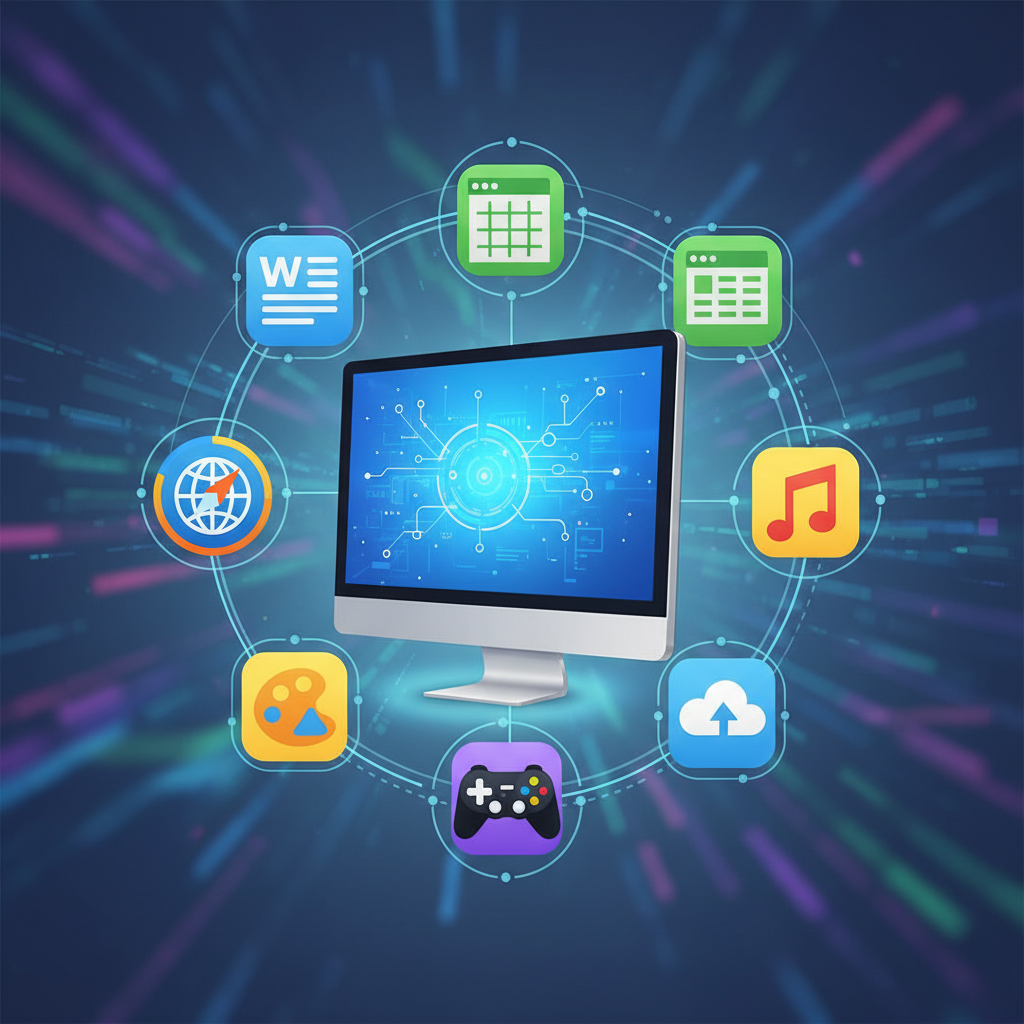
How Application Software Works with Your Computer
Remember our workshop analogy? The application software (your tools) needs the operating system (the workbench) to function. When you click on an app, the operating system helps load it into the computer's memory and gives it permission to use the hardware (like the screen, keyboard, and processor). The app then uses these resources to do its job, and when it needs to save something or print, it asks the operating system to handle those requests.
Getting and Keeping Your Apps Up-to-Date
Just like you might buy new tools or sharpen your old ones, application software needs to be installed and sometimes updated:
- Installation: This is like unpacking a new tool and setting it up in your workshop. It involves copying the program files onto your computer's hard drive and making them ready to run.
- Updates: Software developers regularly release updates to fix bugs, improve performance, add new features, or enhance security. It's like getting an upgrade for your tool – maybe it becomes faster, stronger, or can do new things!
Key Things to Consider About Apps
- User Interface (UI): This is how you interact with the software. A good UI is intuitive, easy to understand, and pleasant to use.
- Compatibility: Will the app work with your computer's operating system (e.g., Windows, macOS, Linux) and hardware?
- Security: Is the software from a trustworthy source? Does it have any known vulnerabilities? Always download apps from official stores or reputable websites.
- Cost: Many apps are free, some are one-time purchases, and others require a subscription (like renting the tool instead of buying it).
Understanding application software is key to getting the most out of your computer. It empowers you to create, communicate, learn, and entertain yourself in countless ways!
Keep learning, free
Create a free Syllabax account to unlock practice questions and games for this topic.
Visual Learning Enhanced! 🚀
To help you master this topic, we use Advanced Syllabax AI to generate detailed diagrams and visual models.
Note on Visuals: The AI sometimes makes spelling errors in image labels. Please refer to the lesson text for the correct terminology.