Files: What They Are
Watch this topic in 60 seconds
Free preview · Lesson 1
Understanding Files: What They Are
Files: What They Are (Foundational)
Hello, young explorers! Have you ever wondered where all your favorite games, your awesome drawings, the stories you write, or even your favorite songs live inside a computer or tablet? They all live in something super important called FILES!
What is a File? Imagine a Digital Box!
Think of a file like a special box or a folder where you keep one specific type of thing. For example, you might have a box just for your LEGO bricks, another box for your art supplies, and a folder for your homework papers.
On a computer, a file is a digital container that holds information. This information can be almost anything! It's like a tiny, invisible box that keeps all the pieces of one specific item together and organized.
What's Inside a File? All Kinds of Treasures!
Just like your toy box holds toys, a computer file holds digital 'treasures' called data. Data is simply information! Here are some examples of what can be inside different files:
- Your typed-up story for school.
- A picture you took with a camera or drew on the computer.
- Your favorite song that you listen to.
- A video of your pet playing.
- The instructions a computer needs to run your favorite game.
Giving Files Names: How We Find Them
Just like you have a name, and your toys have names, every file needs a name! This helps you and the computer know what's inside. For example, you might name a file MyDrawing.jpg or HomeworkStory.doc.
The Secret Code: File Extensions
After the file's name, you'll often see a dot (.) followed by a few letters. This is called a file extension. It's like a secret code or a label that tells the computer (and you!) what kind of information is inside the file and which program should open it.
Analogy: Imagine you have a bunch of lunchboxes. Some have a picture of a sandwich on them, others have a picture of an apple, and some have a picture of a cookie. These pictures are like file extensions! They tell you what kind of yummy treat is inside without even opening the box.
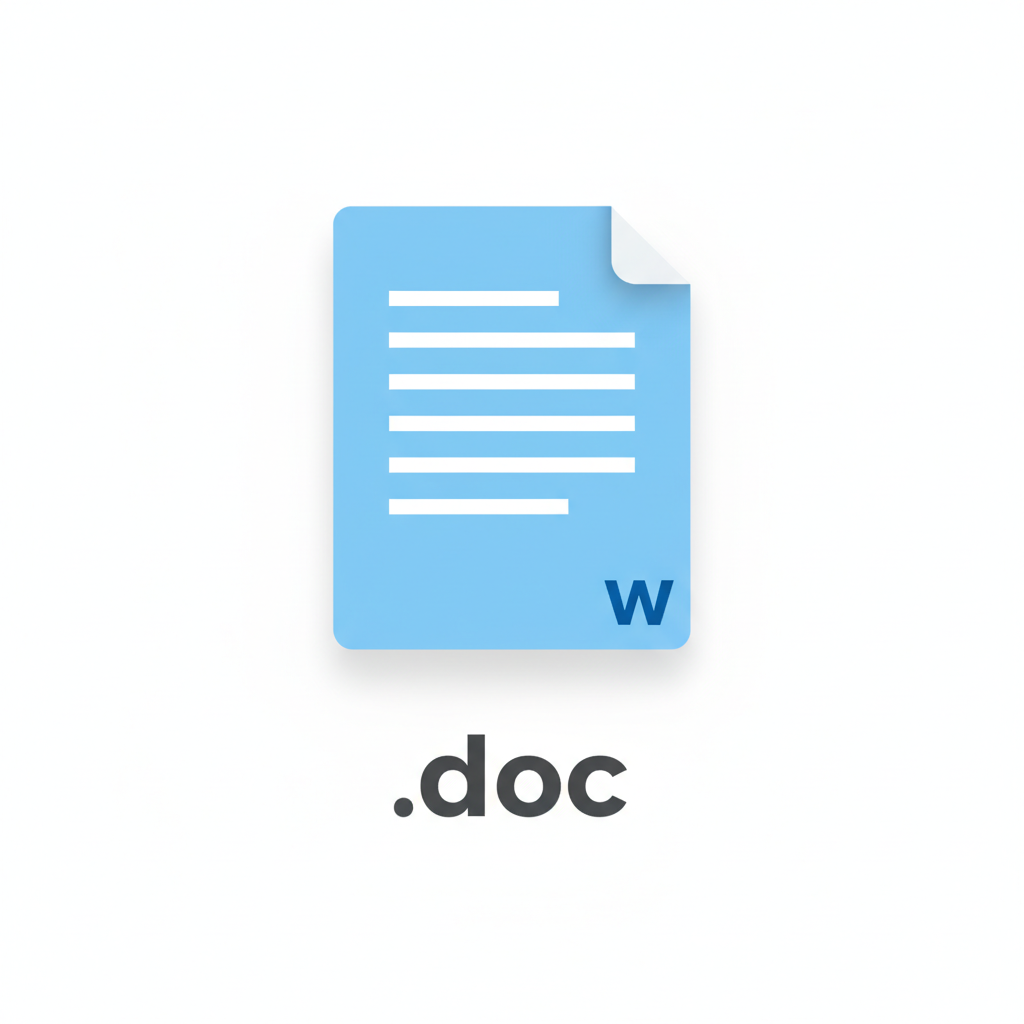
Different Types of Files (and Their Labels!):
Computers need to know what kind of file they're dealing with so they can open it correctly. Here are some common types of files and their extensions:
- Text Files (.txt, .doc, .docx): These files hold words and sentences. Think of them as digital notebooks or storybooks. Programs like Microsoft Word or Notepad open these.
- Image Files (.jpg, .png, .gif): These files hold pictures and photos. They are like digital photographs or drawings. Programs like Paint or a photo viewer open these.
- Audio Files (.mp3, .wav): These files hold sounds and music. They are like digital CDs or radio stations. Music players open these.
- Video Files (.mp4, .mov, .avi): These files hold movies and video clips. They are like digital DVDs. Video players open these.
- Program Files (.exe, .app): These are special files that contain instructions for the computer to run a game or an application. You 'run' these files to make something happen.
Analogy: Think of tools in a toolbox. You use a hammer to hit nails, a screwdriver to turn screws, and scissors to cut paper. You wouldn't use a hammer to cut paper! In the same way, the computer uses different 'tools' (programs) to open different 'jobs' (file types).
Where Do Files Live? Their Digital Homes!
Files need a place to live, just like you live in a house! On a computer, files are stored on special parts called storage devices. Here are some common places files live:
- Hard Drive: This is usually inside the computer, like a giant library or closet where almost all your files are kept safely.
- USB Drive (Flash Drive): This is a small stick you can plug into the computer. It's like a portable lunchbox for your files, letting you take them with you.
- Cloud Storage: This is when your files are saved on the internet! It's like a huge library up in the sky that you can access from almost any computer with an internet connection. Google Drive or Dropbox are examples.
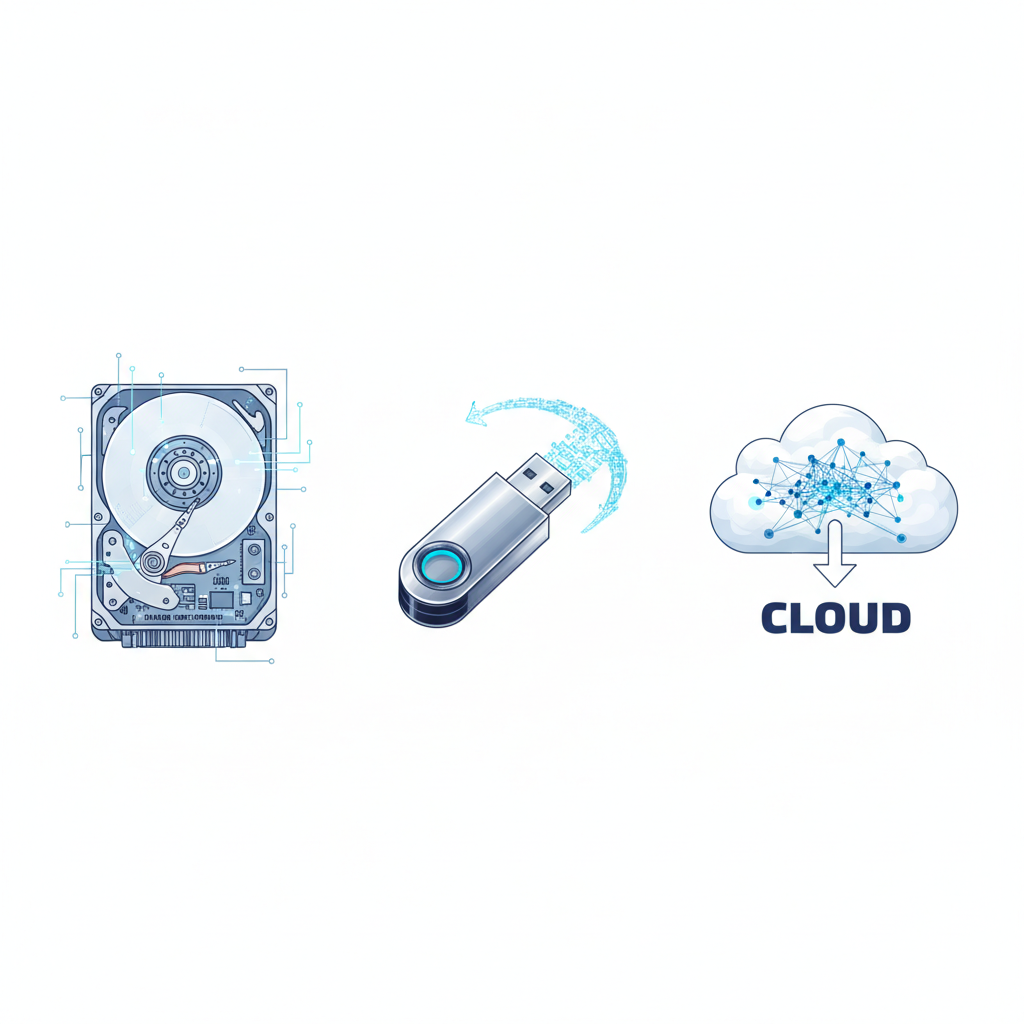 ⚠️ This picture may have spelling mistakes. Trust the words in the lesson.
Why Are Files Important?
Files are super important because they keep all your information organized and safe. Without files, your computer wouldn't know where to find your games, your pictures, or your homework! They help everything stay neat and tidy so you can find what you need quickly.
Summary
So, remember, files are like digital containers for information. They have names and special extensions to tell us what kind of data they hold and how to open them. They live in different storage places on your computer or even on the internet. Understanding files is the first step to becoming a computer wizard!
Keep learning, free
Create a free Syllabax account to unlock practice questions and games for this topic.
Visual Learning Enhanced! 🚀
To help you master this topic, we use Advanced Syllabax AI to generate detailed diagrams and visual models.
Note on Visuals: The AI sometimes makes spelling errors in image labels. Please refer to the lesson text for the correct terminology.