Folders: Organizing Files
Watch this topic in 60 seconds
Free preview · Lesson 1
Understanding Folders: Organizing Files
Folders: Your Digital Organizing Superpower!
Hey fourth graders! Have you ever looked for your favorite toy and couldn't find it? Or maybe you needed a specific crayon, but all your art supplies were mixed up in a big pile? It's frustrating, right? Well, computers have a similar problem, and we use something super helpful called folders to solve it!
What's a 'File' in Computer Language?
Imagine your backpack. Inside, you have lots of different things: a math worksheet, a drawing you made, a photo from your field trip, or maybe a story you wrote. Each of these separate items is like a file on a computer.
- A drawing you make on the computer? That's a picture file.
- A story you type? That's a document file.
- A song you listen to? That's an audio file.
- A video clip? That's a video file.
Just like you have different kinds of papers, your computer has different kinds of files. They are all digital pieces of information.
Introducing 'Folders': Your Digital Boxes and Bins!
Now, think about all those files (your papers, drawings, stories). If you just threw them all loose into your backpack, it would be a huge mess! You'd never find anything quickly. That's where folders come in!
A folder on a computer is like a special container. It's like a physical folder where you put papers, or a box where you store toys, or a drawer in your desk. Its job is to hold and organize your files.
Analogy Time!
- Imagine your bedroom. If all your clothes were in one giant pile on the floor, it would be impossible to find your favorite shirt! But if you have drawers for socks, shelves for shirts, and a closet for jackets, it's easy to find what you need. Computer folders work the same way for your digital stuff!
- Think of a library. Libraries have thousands of books (files!). But they're not all piled up. They're organized onto shelves (folders!) by topic, author, or type. This makes finding a specific book much easier.
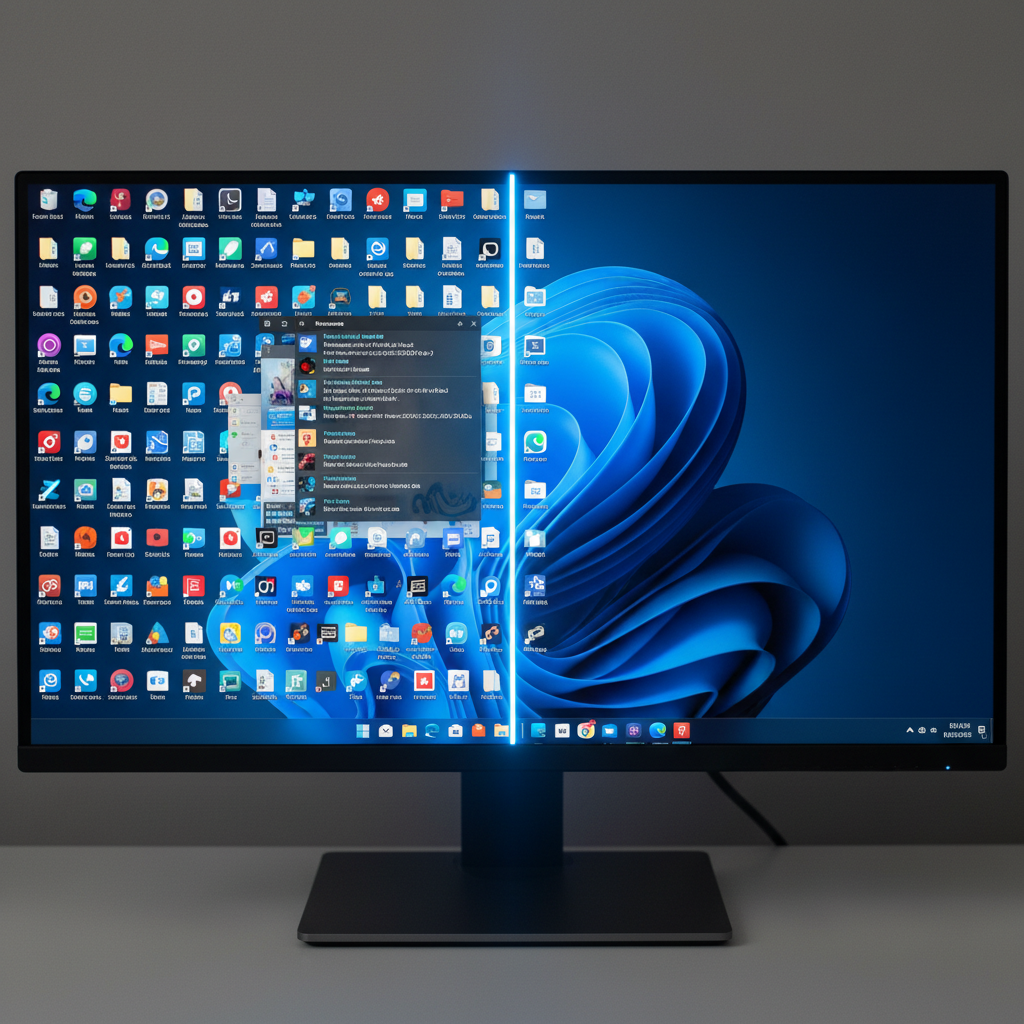 ⚠️ This picture may have spelling mistakes. Trust the words in the lesson.
Why Do We Need Folders? (The Superpower of Organization!)
Organizing your files into folders gives you a digital superpower: the power to find things fast!
- Find Things Easily: If you put all your school work in a folder called "School," and all your drawings in a folder called "Art Projects," you'll know exactly where to look when you need them. No more digging through hundreds of files!
- Keep Things Tidy: A messy computer is confusing. Folders help keep your digital space clean and easy to understand.
- Save Time: When you're organized, you spend less time searching and more time doing what you want to do!
How Do We Use Folders? (It's Easy!)
It's super simple to create and use folders:
- Make a New Folder: You usually right-click (or two-finger tap on a trackpad) in an empty space on your desktop or inside another folder, and then choose "New" and "Folder." This is like getting an empty box.
- Give it a Good Name: Once you have a new folder, you'll want to give it a name. Choose a name that helps you remember what's inside. For example, "My School Work," "Summer Vacation Photos," or "Cool Games." This is like putting a label on your box.
- Put Files Inside: To put a file into a folder, you can "drag and drop" it. Click on the file, hold your mouse button down, drag the file over the folder, and then let go of the mouse button. Poof! The file is now inside the folder, like putting a toy into its box.
Folders Within Folders (Like Drawers in a Drawer!)
You can even put folders inside other folders! This is called nesting. It's like having a big drawer for "School Supplies," and inside that drawer, you have smaller boxes for "Pencils," "Erasers," and "Notebooks."
- You could have a main folder called "School."
- Inside "School," you might have folders called "Math," "Science," "Reading," and "Art."
- And inside the "Math" folder, you might even have folders for "Homework," "Tests," and "Fun Math Games."
This kind of organization helps you get super specific and keep everything incredibly neat.
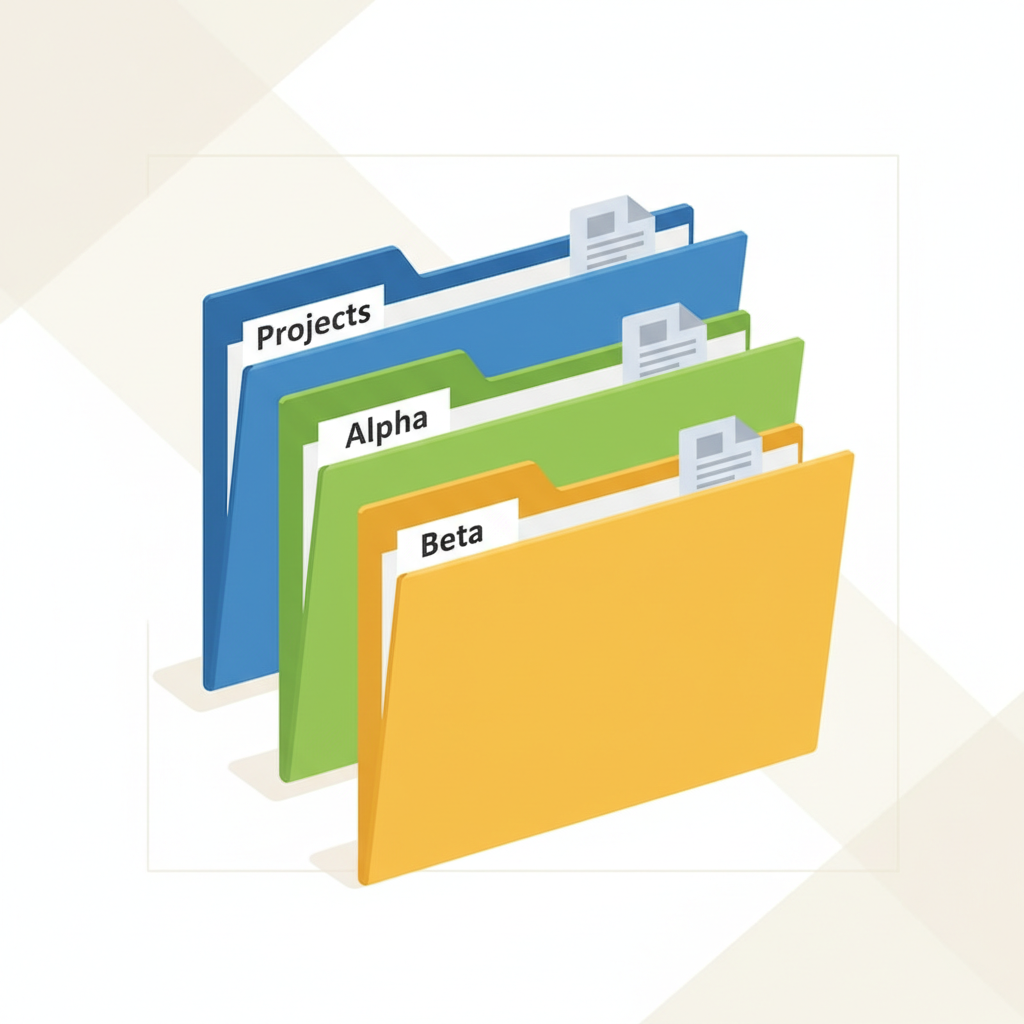
Let's Review Our Digital Superpower!
Folders are your best friends for keeping your computer files organized. They help you group similar items together, just like putting all your art supplies in one bin or all your socks in one drawer. By using folders and giving them clear names, you become an expert digital organizer, making your computer experience much smoother and more fun!
Keep learning, free
Create a free Syllabax account to unlock practice questions and games for this topic.
Visual Learning Enhanced! 🚀
To help you master this topic, we use Advanced Syllabax AI to generate detailed diagrams and visual models.
Note on Visuals: The AI sometimes makes spelling errors in image labels. Please refer to the lesson text for the correct terminology.