Making Characters Move (Coding)
Watch this topic in 60 seconds
Free preview · Lesson 1
Understanding Making Characters Move (Coding)
Making Characters Move: Your First Steps in Coding!
Welcome, young coders, to a super exciting adventure! Today, we're going to learn how to make characters come alive on the screen. Imagine you have a favorite toy robot or a superhero action figure. You can make them walk, jump, or even fly, right? In coding, we can do the same thing, but instead of pushing them with our hands, we use special instructions called code.
What is Coding?
Think of coding like giving a set of very specific instructions to a computer. It's like writing a recipe for the computer to follow. If you want to make a chocolate chip cookie, you need to tell someone exactly how much flour, how many chocolate chips, and in what order to mix everything. Coding is similar! We tell the computer, step-by-step, what we want our character to do. These steps are written in a special language that computers understand.
Meet Our Digital Friends: Characters!
In our coding world, a 'character' can be anything that moves or changes on the screen. It could be a little astronaut, a cute animal, a bouncing ball, or even a spaceship! These characters are like our digital actors, and we are the directors telling them what to do.
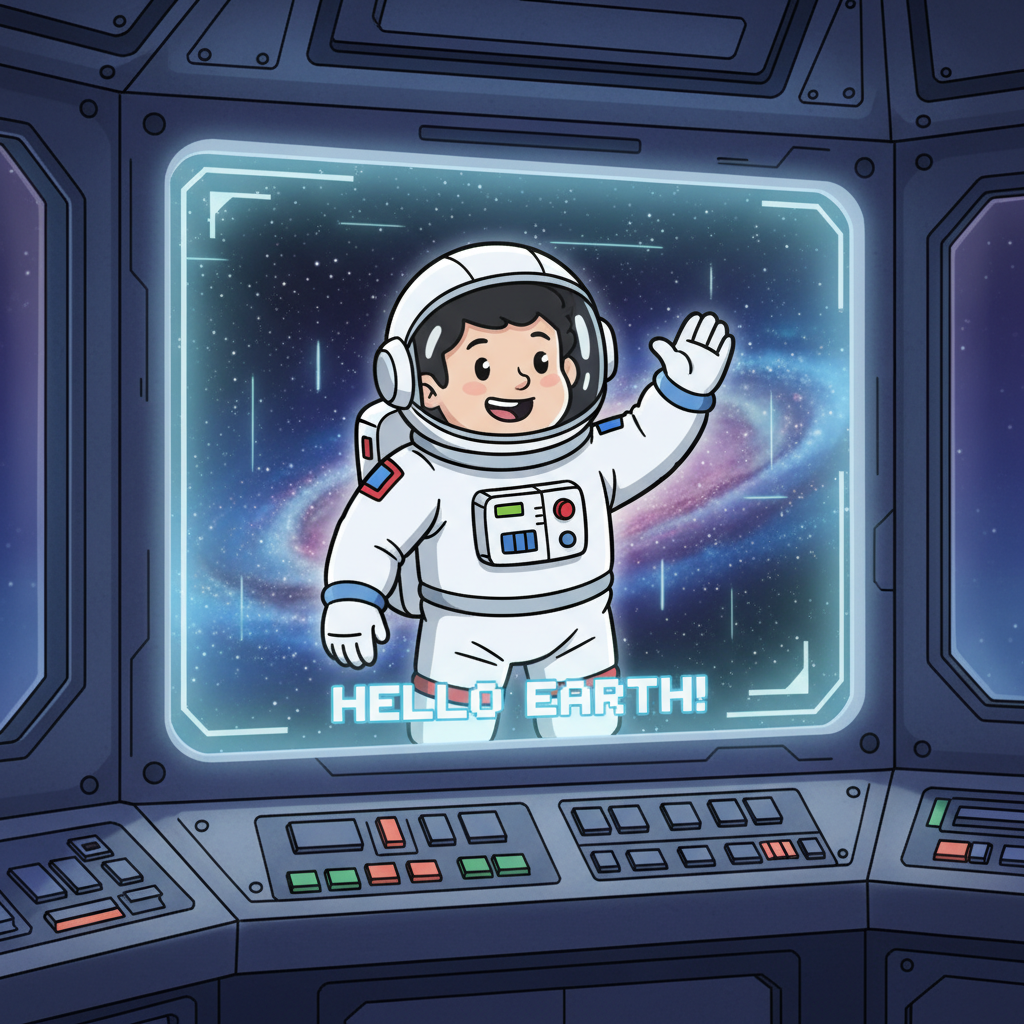
Just like you might tell your teddy bear to wave, we tell our digital characters to do things. But instead of saying "Wave, Teddy!", we write code!
Giving Instructions: Commands and Code Blocks
The instructions we give are called commands. These commands are the basic actions our characters can perform. For example, a command might be "move forward", "turn left", or "jump".
In many coding games or tools, we don't always type out every single command. Instead, we often use code blocks. Imagine these code blocks are like LEGO bricks. Each brick has a specific instruction. You can snap these blocks together in order to create a sequence of actions. This is called sequencing!
For instance, to make our astronaut walk forward and then wave, we might snap together a "move forward" block and then a "wave" block. The computer will read these blocks from top to bottom and make the character do exactly that!
See how the blocks are stacked? This tells the computer: First, do what's in the top block. Then, do what's in the next block, and so on. It's like a set of instructions laid out in order.
Moving Around: Directions and Steps
How do we tell our character *where* to go? We use directions! Just like you know left from right, up from down, our characters can understand these directions too. We might tell them to:
- Move Forward: The character takes a step in the direction it is currently facing.
- Move Backward: The character moves back.
- Turn Left: The character spins to its left.
- Turn Right: The character spins to its right.
Sometimes, we also need to tell the character *how far* to move. This is like telling a friend to take 'three steps forward' instead of just 'forward'. In coding, we might specify a number of steps. So, instead of just "move forward", we might say "move forward 5 steps".
Putting it All Together: Your First Program!
Let's imagine we want our astronaut to walk forward a little, then jump!
Our code might look like this (using our LEGO block idea):
- Block 1: Move Forward (let's say 3 steps)
- Block 2: Jump
When the computer runs this code, it will first make the astronaut move 3 steps forward. Then, immediately after, it will make the astronaut jump!
Coding is all about giving clear, step-by-step instructions. The more specific you are, the better your computer will understand what you want it to do. It's like being a super-powered choreographer for your digital characters!
Why is this Fun?
Making characters move is one of the most exciting parts of coding because you can see your ideas come to life instantly! You can create little stories, make games, or just experiment with making characters dance. The possibilities are endless!
So, get ready to experiment, have fun, and become a master of making digital characters move!
Keep learning, free
Create a free Syllabax account to unlock practice questions and games for this topic.
Visual Learning Enhanced! 🚀
To help you master this topic, we use Advanced Syllabax AI to generate detailed diagrams and visual models.
Note on Visuals: The AI sometimes makes spelling errors in image labels. Please refer to the lesson text for the correct terminology.