Learning Journey
Watch this topic in 60 seconds
Free preview · Lesson 1
Understanding What is the Internet?
What is the Internet? Your Global Digital Playground!
Have you ever wondered how you can watch a video from another country, chat with a friend who lives far away, or find out the answer to almost any question instantly? All of this magic happens thanks to something called the Internet!
Imagine a Giant, Invisible Spiderweb
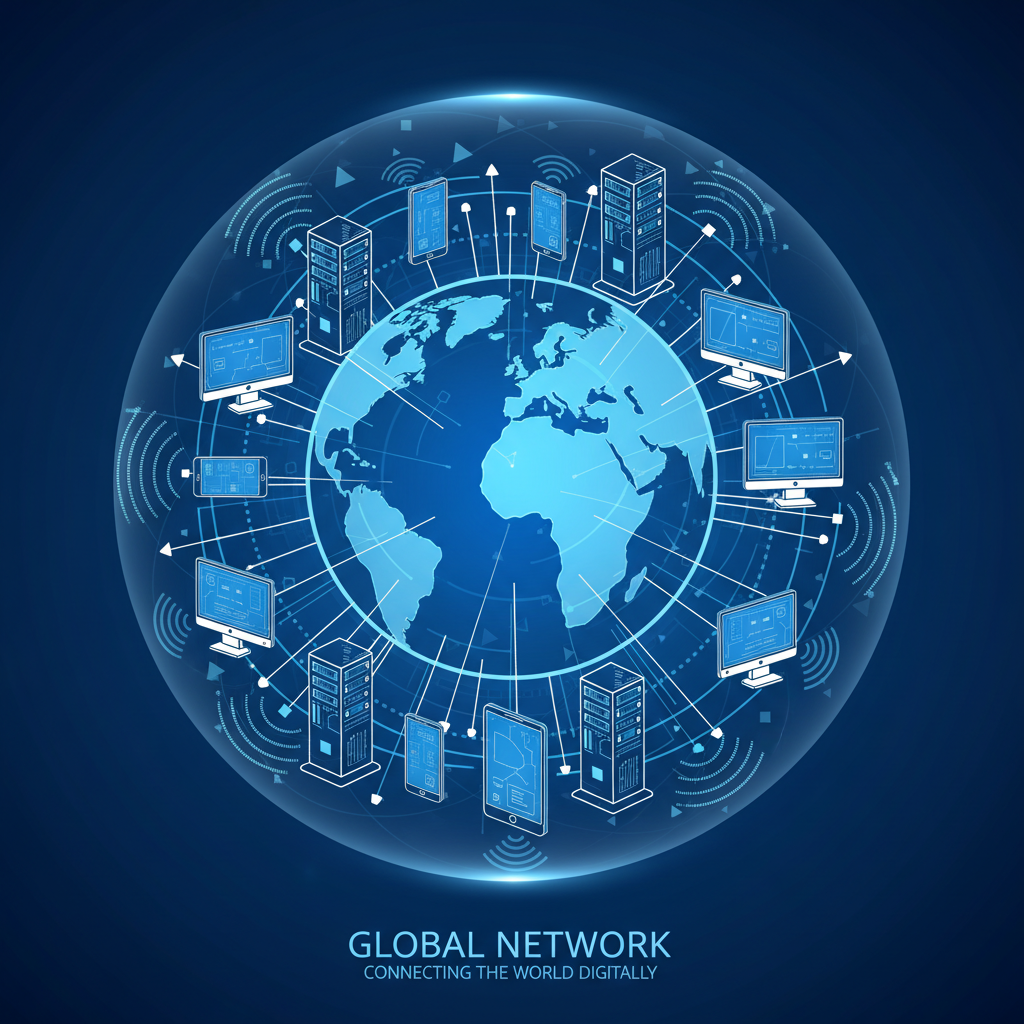
The easiest way to think about the Internet is to imagine a truly enormous, invisible spiderweb that stretches all over the world. But instead of spiders, this web connects billions of computers, smartphones, tablets, and other devices. When you go online, your device becomes a tiny part of this incredible, vast network.
Think of it like this:
- Analogy 1: The World's Biggest Library: The Internet is like a massive library, but instead of physical books, it holds billions of pages of information, videos, pictures, and sounds. You can find almost anything you want to learn or explore!
- Analogy 2: A Global Highway System: Data (information) travels across the Internet like cars on a super-highway system. These highways are made of special cables (like fiber optic cables, which are thin strands of glass that carry information using light!) and wireless signals.
What Does the Internet Do?
The Internet's main job is to let devices communicate and share information with each other, no matter how far apart they are. Here are the core ideas:
1. Connecting Devices
At its heart, the Internet connects devices. Your computer at home, a server in another city (a server is like a super-powerful computer that stores information and delivers it to other computers), your friend's phone, and even smart home devices are all potentially connected. This connection allows them to 'talk' to each other.
2. Sending and Receiving Information (Data)
When you click on a link, send a message, or watch a video, you're sending and receiving information, or data. This data is broken down into tiny pieces called 'packets' and sent across the Internet. Once they reach their destination, they are reassembled, just like putting together pieces of a puzzle!
- Analogy 3: Sending a Letter: When you send an email, it's a lot like sending a letter through a super-fast, digital postal service. Your email is the letter, the Internet is the postal service, and the recipient's email address is their house number.
- Analogy 4: Making a Phone Call: When you video chat with someone, it's like having a phone conversation, but you can also see each other! The Internet carries your voice and video signals back and forth in real-time.
How Does My Device Get Online? (Internet Access)
To join this massive digital party, your device needs a way to connect. This is called Internet Access. You usually get Internet access through an Internet Service Provider (ISP). ISPs are companies that provide the connection to the Internet for homes and businesses.
- Analogy 5: A Road Leading to the Highway: An ISP is like the company that builds the road from your house to the main highway system (the Internet). You pay them a fee to use their road.
Common ways to access the Internet include:
- Wi-Fi: Wireless internet connection, often used at home, school, or cafes. Your device connects to a router, which then connects to the Internet.
- Ethernet Cable: A physical cable that plugs directly into your computer for a very stable and fast connection.
- Mobile Data: Using your phone's cellular network (like 4G or 5G) to get online when Wi-Fi isn't available.
What Can You Do on the Internet? Endless Possibilities!
The Internet has changed the world and offers countless opportunities. Here are just a few:
- Learn: Look up information for homework, watch educational videos, explore new topics.
- Communicate: Send emails, instant messages, video chat with friends and family.
- Entertain Yourself: Watch movies, listen to music, play online games, read blogs.
- Shop: Buy clothes, books, groceries, and many other things from online stores.
- Share: Upload photos, create your own videos, write stories, and share them with others (with caution and parental guidance!).
Key Terms to Remember:
- Internet: A global network of interconnected computer networks.
- Data: Information, like text, images, videos, or sounds, that is sent and received over the Internet.
- ISP (Internet Service Provider): A company that gives you access to the Internet.
- Wi-Fi: A technology that allows devices to connect to the Internet wirelessly.
- Server: A powerful computer that stores and delivers information to other computers on the Internet.
In Conclusion
The Internet is an amazing, ever-growing network that connects people and information across the globe. It's a powerful tool for learning, communication, and entertainment. Understanding how it works is a vital skill in our modern, connected world. So next time you go online, remember you're tapping into a vast, invisible web of information and connections!
Keep learning, free
Create a free Syllabax account to unlock practice questions and games for this topic.
Visual Learning Enhanced! 🚀
To help you master this topic, we use Advanced Syllabax AI to generate detailed diagrams and visual models.
Note on Visuals: The AI sometimes makes spelling errors in image labels. Please refer to the lesson text for the correct terminology.