Repeating Actions: Coding Loops
Watch this topic in 60 seconds
Free preview · Lesson 1
Understanding Repeating Actions: Coding Loops
Repeating Actions: Coding Loops for 6th Graders!
Have you ever had to do the same thing over and over again? Like brushing your teeth every morning, tying your shoes every day, or taking steps when you walk? Imagine if you had to write down every single step for brushing your teeth, like: 'Pick up brush, put toothpaste, brush top front tooth, brush top back tooth, brush bottom front tooth, brush bottom back tooth...' It would be a super long list!
In coding, computers are really good at following instructions. But just like you wouldn't want to write a long list of the same instructions, programmers don't want to either. This is where loops come to the rescue!
What is a Loop?
Think of a loop as a special instruction you give to a computer that tells it: "Do this set of actions multiple times." It's like having a broken record player that plays the same part of a song again and again, but in coding, we do it on purpose!
Analogy: Making Sandwiches
Imagine you're making 10 sandwiches for a picnic. You wouldn't write down these instructions 10 separate times:
- Get two slices of bread
- Put cheese on one slice
- Put ham on the other slice
- Put the slices together
Instead, you'd probably just think: "Repeat 10 times: make one sandwich." That's exactly what a loop helps us do in coding!
Why Do We Need Loops?
- Saves Time: Instead of writing the same lines of code many times, you write them once inside a loop.
- Fewer Mistakes: If you only type the code once, there's less chance of making a typo or error compared to typing it 10 or 100 times.
- Makes Code Shorter & Cleaner: Your program becomes much easier to read and understand.
- More Efficient: Computers can process loops very quickly, making your programs run smoothly.
Two Big Ideas for Loops (Simplified!)
In coding, there are different kinds of loops, but for now, let's think about two main ways a loop knows when to stop:
1. "Counted Loops" (Repeating a Specific Number of Times)
This type of loop is used when you know exactly how many times you want to repeat something. It's like saying, "Do this action X number of times."
- Analogy: Taking Steps
If I tell you to "Take 5 giant steps forward," you know exactly when to stop. You'll count 1, 2, 3, 4, 5 steps, and then you're done. - Coding Example (Imagine a Robot):
                Repeat 4 times:
                    Move forward 1 step

                    Turn right 90 degrees
What would this robot draw? A square! Because it repeats moving and turning 4 times, making all four sides.
2. "Conditional Loops" (Repeating Until Something Happens)
This type of loop is used when you want to keep repeating an action until a certain condition becomes true (or false). You don't know exactly how many times it will run beforehand, but you know what needs to happen to make it stop.
- Analogy: Drinking Water
You might keep drinking water until you're no longer thirsty. You don't know if it will take 1 sip or 10 sips, but your condition for stopping is "not thirsty." - Coding Example (Imagine a Game Character):
                Repeat until "hits a wall":

                    Move forward 1 step
Your game character will keep moving forward, step by step, until its path is blocked by a wall.
The Parts of a Loop
Every loop, no matter what kind, usually has two main parts:
- The Loop Body: This is the set of instructions or actions that get repeated. It's like the "make one sandwich" part of our sandwich analogy.
- The Condition or Counter: This is what tells the loop when to start, when to stop, or how many times to run. For counted loops, it's the number (e.g., "10 times"). For conditional loops, it's the rule (e.g., "until the robot cleans all rooms").
Loops are fundamental to programming, meaning they are one of the most basic and important tools you'll use. They allow us to create amazing games, apps, and websites without having to type endless lines of repetitive code.
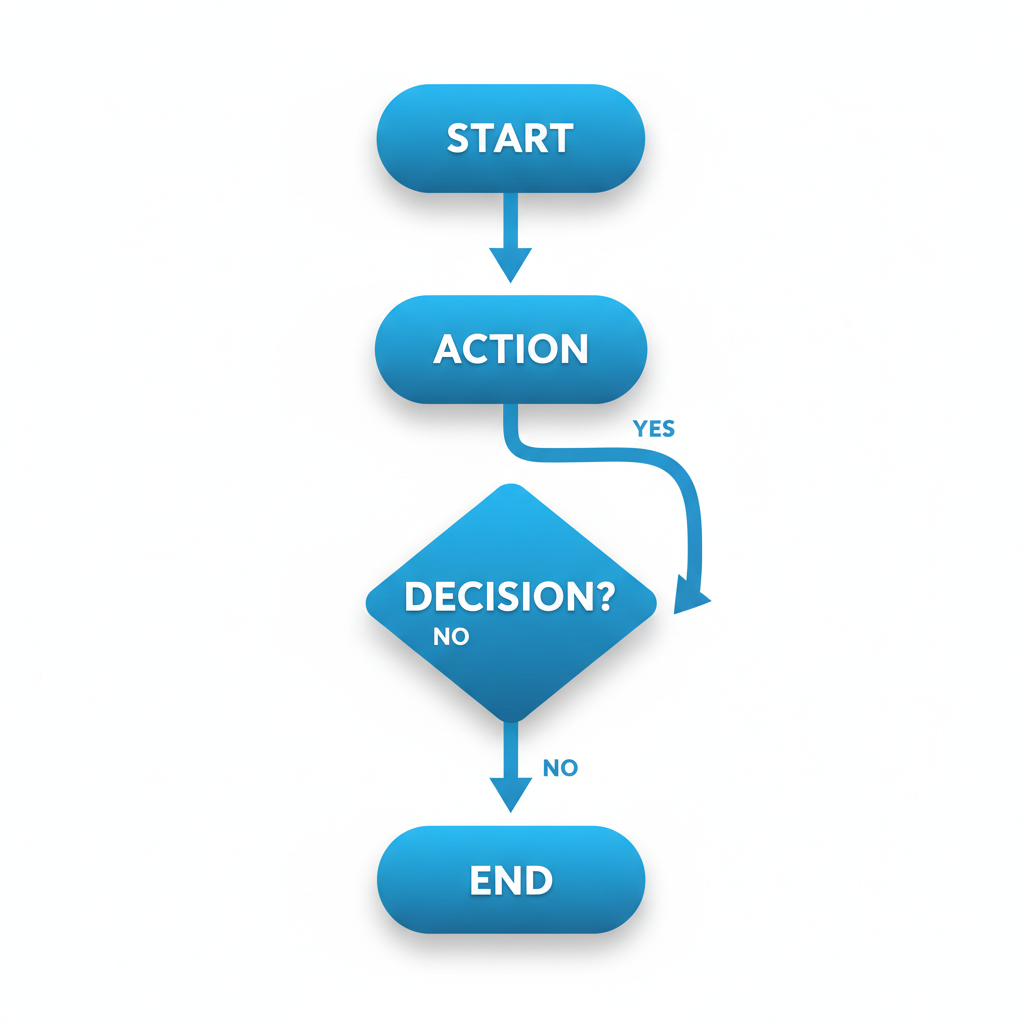 ⚠️ This picture may have spelling mistakes. Trust the words in the lesson.
Summary
Loops are powerful tools that let computers repeat actions efficiently. Whether you know exactly how many times you want something to happen (like counting steps) or you want something to continue until a condition is met (like drinking until you're not thirsty), loops make your code shorter, clearer, and much smarter!
Keep learning, free
Create a free Syllabax account to unlock practice questions and games for this topic.
Visual Learning Enhanced! 🚀
To help you master this topic, we use Advanced Syllabax AI to generate detailed diagrams and visual models.
Note on Visuals: The AI sometimes makes spelling errors in image labels. Please refer to the lesson text for the correct terminology.