Debugging Your Code
Watch this topic in 60 seconds
Free preview · Lesson 1
Understanding Debugging Your Code
Debugging Your Code: Becoming a Code Detective!
Hello, future coders! Have you ever built something really cool, like a LEGO castle, and then realized one of the towers kept falling over? Or maybe you were trying to make a delicious sandwich, but you put the cheese on the outside of the bread by mistake? In the world of computer programming, these little mistakes happen all the time! We call them 'bugs', and fixing them is called 'debugging'.
What is a 'Bug' in Code?
Imagine you're playing a video game, and suddenly your character starts floating through walls or gets stuck in a strange position. That's a bug! In programming, a bug is simply an error or a mistake in your code that makes your program not work the way you want it to, or sometimes, not work at all.
Think of it like a tiny, annoying insect that snuck into your computer program and is messing things up. The word 'bug' actually comes from a true story! Back in the early days of computers, a moth flew into a huge computer and caused problems. When they found the moth, they 'debugged' the machine by removing the actual bug!
Why Do We Get Bugs?
Bugs are super common, even for expert programmers. Why? Because writing code is like giving very precise instructions to a computer. Computers are very smart, but they are also very literal. If you tell them to do something even slightly wrong, they will do exactly what you said, not what you *meant*.
- Typos: Just like misspelling a word in a sentence. The computer might not understand a command if it's spelled incorrectly.
- Forgetting a Rule: Every programming language has rules (like grammar rules in English). If you forget a colon, a comma, or a parenthesis, the computer gets confused.
- Wrong Order: Sometimes you tell the computer to do things in the wrong order, like trying to put on your shoes before your socks!
- Logic Errors: This is when your code runs, but it doesn't do what you expected. Maybe you wanted to add two numbers, but you accidentally told the computer to subtract them.
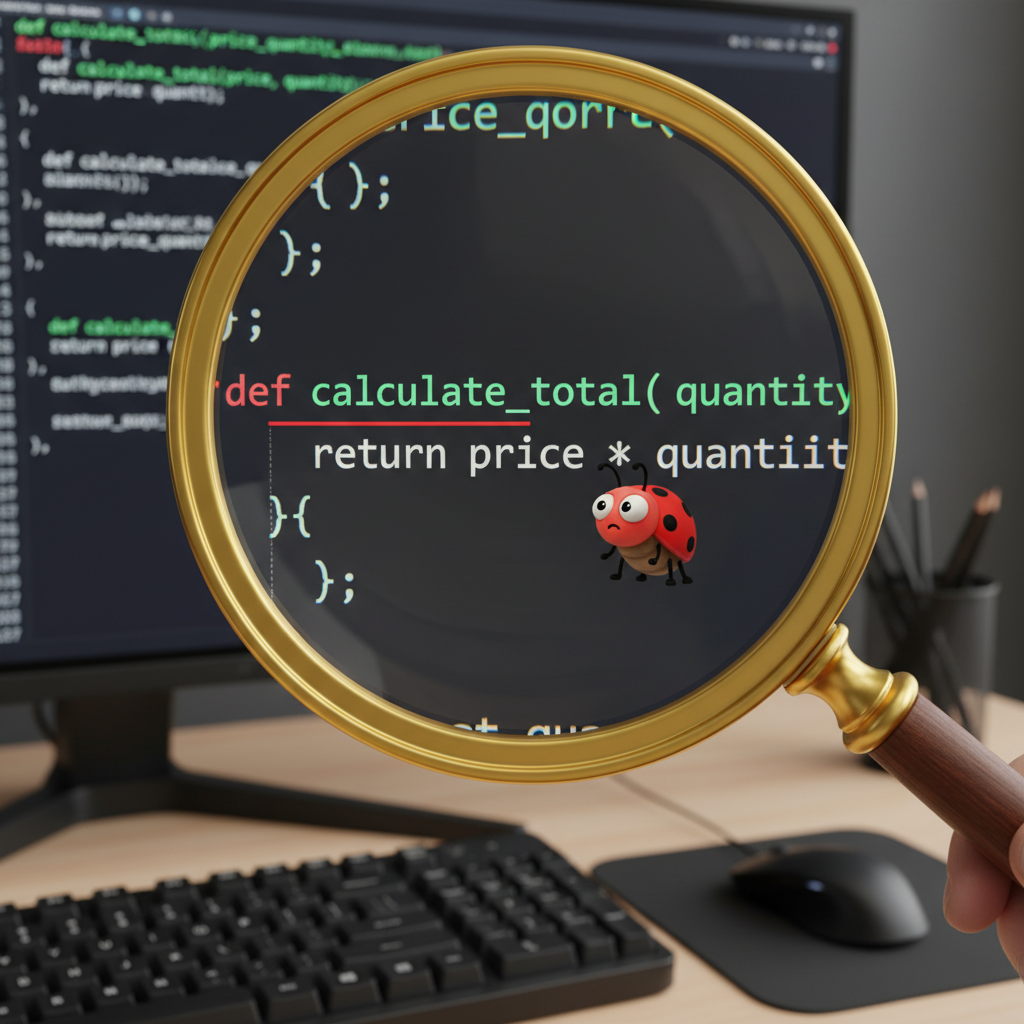 ⚠️ This picture may have spelling mistakes. Trust the words in the lesson.
Your Secret Weapon: The Debugging Process!
Debugging isn't just randomly changing things. It's a special skill, like being a detective! You have to follow clues to find the problem. Here are the steps a code detective takes:
Step 1: Understand the Problem (What's Going Wrong?)
Before you can fix something, you need to know what's broken. Is your game character not jumping? Is your calculator giving the wrong answers? Write down exactly what you expect to happen and what is actually happening. This is like saying, "My toy car isn't moving when I press the button!"
Step 2: Find the Bug (Where is the Mistake?)
Now you become a real detective. Look closely at your code. Start from where the problem seems to begin. If your car isn't moving, you wouldn't check the steering wheel first, right? You'd check the battery, then the motor, then the wheels. In code, read your instructions line by line, or block by block, looking for anything that doesn't look right or doesn't follow the rules.
- Read Error Messages: Sometimes the computer tells you exactly what line the problem is on! It might say something like "Syntax Error on line 15". That's a huge clue!
- Check Small Parts: If your whole program is a mess, try to test just a small section of it. Does that small part work?
Step 3: Fix the Bug (Make the Change!)
Once you've found the mistake, it's time to fix it! If you found a typo, correct the spelling. If you forgot a rule, add the missing piece. If your logic was wrong, change the command. This is like replacing the dead batteries in your toy car.
Step 4: Test it Again (Did it Work?)
This is a super important step! After you make a fix, you MUST run your program again to see if the bug is gone. Sometimes, fixing one bug can accidentally create a new one (we call those 'regression bugs'!). So, always test thoroughly. Did your toy car start moving? Great! Now, does it move forward, backward, and turn correctly?
Debugging Superpowers: Tips from the Pros!
- Stay Calm: It's easy to get frustrated, but bugs are normal. Take a deep breath!
- Explain Your Code to a Friend (or a Rubber Duck!): Seriously! Sometimes just explaining what your code is supposed to do, line by line, helps you spot your own mistakes. It's called 'rubber duck debugging'.
- Take a Break: If you're stuck, step away from the computer for a few minutes. A fresh mind can often see things you missed.
- Use 'Print' Statements (or 'Say' Blocks): You can tell your program to print messages or display values at different points. This helps you see what the computer is 'thinking' and where things might be going wrong. For example, if you expect a number to be 10, but it prints 5, you know the problem is before that print statement.
- Change One Thing at a Time: Don't try to fix five things at once. Change one thing, then test it. If it works, great! If not, undo it and try something else.
Debugging is a fundamental skill in programming. Every programmer spends a lot of time debugging. The more you practice finding and fixing bugs, the better you'll become at it. Soon, you'll be a master code detective!
Keep learning, free
Create a free Syllabax account to unlock practice questions and games for this topic.
Visual Learning Enhanced! 🚀
To help you master this topic, we use Advanced Syllabax AI to generate detailed diagrams and visual models.
Note on Visuals: The AI sometimes makes spelling errors in image labels. Please refer to the lesson text for the correct terminology.