Paragraph Writing (Intro)
Watch this topic in 60 seconds
Free preview · Lesson 1
Paragraph Writing (Intro) (Foundational)
Paragraph Writing (Intro) (Foundational)
Hey there, young writers! Welcome to the wonderful world of paragraph writing! A paragraph is like a little building block for stories and reports. Let's learn how to make them!
What is a Paragraph?
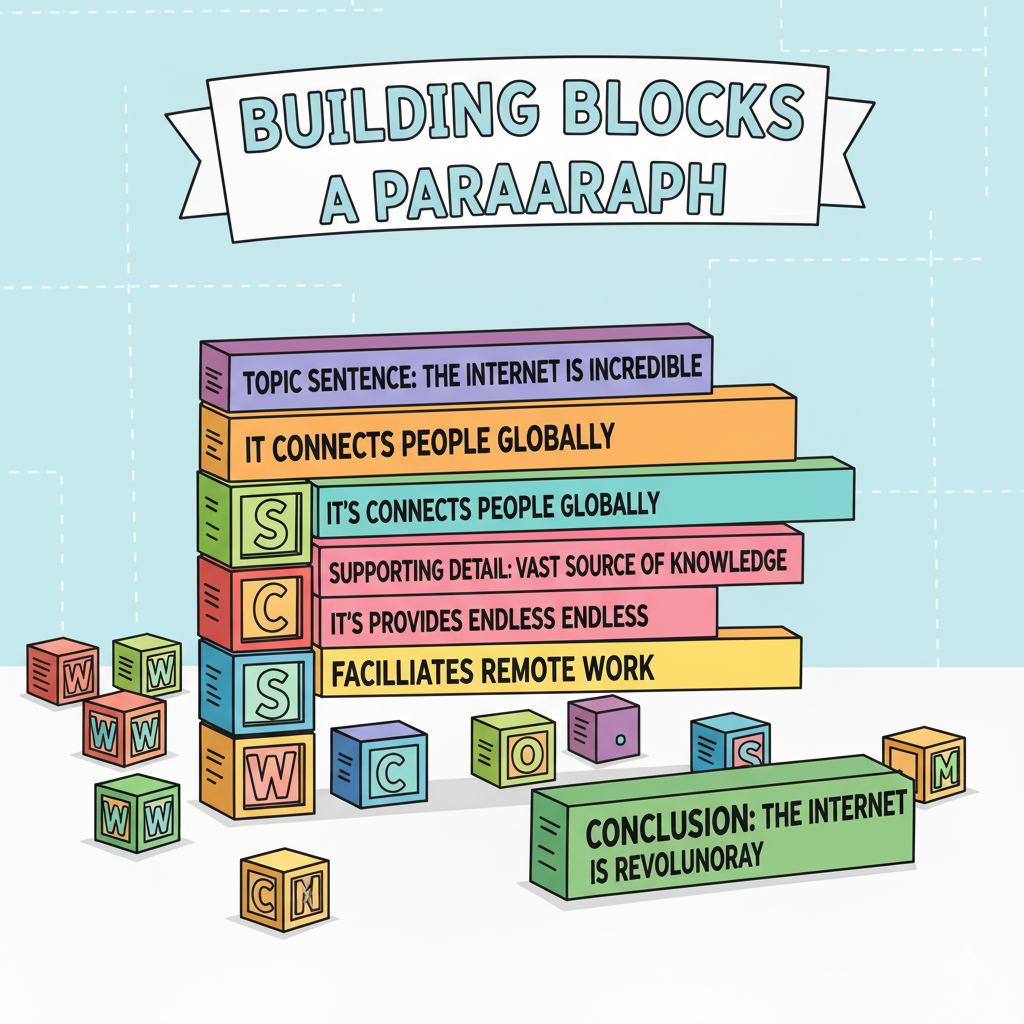
A paragraph is a group of sentences that all talk about one main idea. Think of it like this:
- Main Idea: What the whole paragraph is about. It's the most important thing you want to say.
- Sentences: These are the smaller parts that give more details and information about the main idea.
 ⚠️ This picture may have spelling mistakes. Trust the words in the lesson.The Three Parts of a Paragraph
Every good paragraph has three important parts:
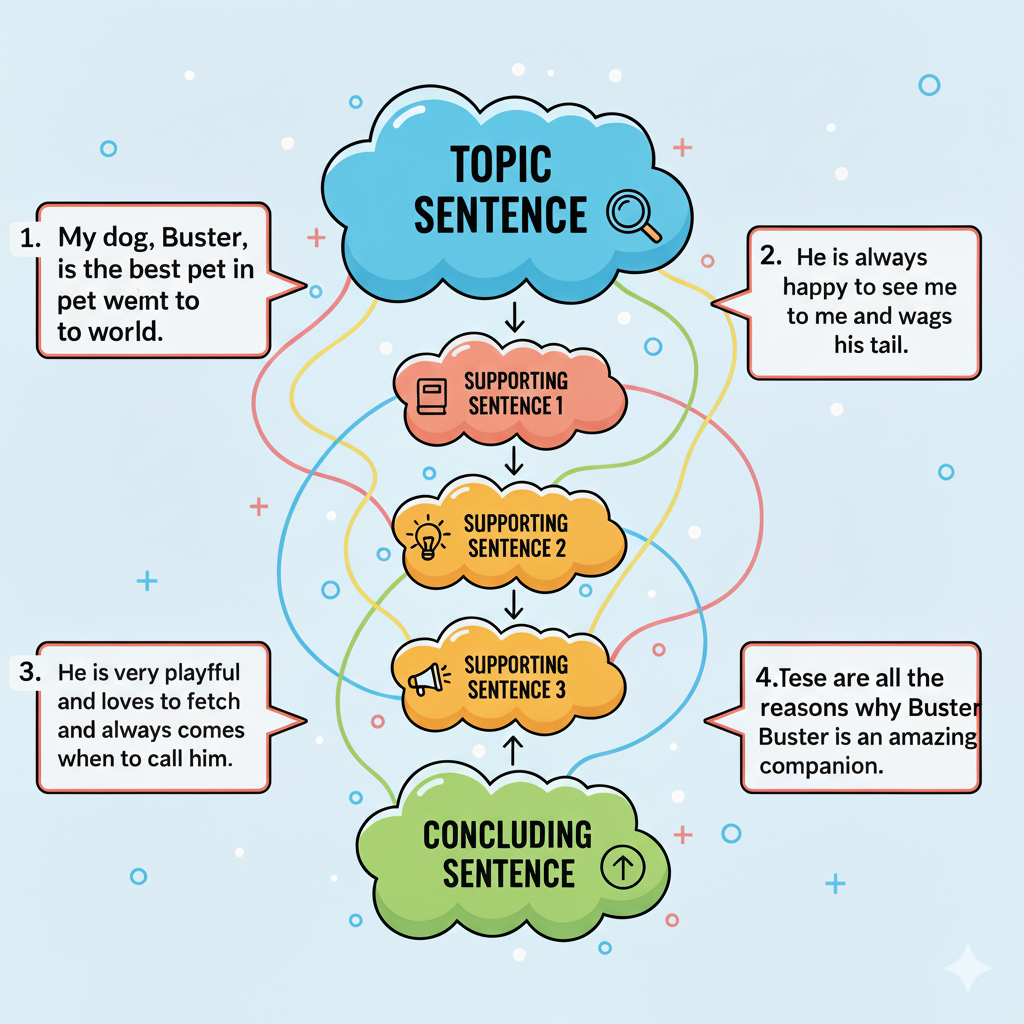
- Topic Sentence: This sentence tells the reader what the paragraph is going to be about. It's usually the first sentence. Think of it as the signpost telling you where you are going!
- Supporting Sentences: These sentences give more details about the topic sentence. They add information, examples, and explanations. Think of them as the directions showing you how to get there!
- Concluding Sentence: This sentence wraps up the paragraph. It reminds the reader what the paragraph was about. Think of it as the landmark that tells you that you have arrived!
 ⚠️ This picture may have spelling mistakes. Trust the words in the lesson.Example Paragraph
Here's an example of a simple paragraph:
Topic Sentence: My favorite animal is the giraffe.
Supporting Sentences: Giraffes are very tall and have long necks. They eat leaves from the tops of trees. They have brown spots all over their bodies. Giraffes live in Africa.
Concluding Sentence: That is why I think giraffes are so cool!
See how all the sentences talk about the giraffe? That's what makes it a good paragraph!
Keep learning, free
Create a free Syllabax account to unlock the other 1 lesson, practice questions and games.
Visual Learning Enhanced! 🚀
To help you master this topic, we use Advanced Syllabax AI to generate detailed diagrams and visual models.
Note on Visuals: The AI sometimes makes spelling errors in image labels. Please refer to the lesson text for the correct terminology.